


 Home
HomeOpper AI



Helps TikTok sellers, brands, MCNs, and TAPs discover winning products and find creators.

HelpLook is an AI-powered all-in-one knowledge base tool that helps businesses quickly build knowledge bases, help centers, and...

Your AI Workspace

302.AI is an enterprise-grade AI resource platform with pay-as-you-go pricing, API access to a full range of AI models, and ready-to-use online applications.

剧火AI — AI Screenwriter + Director, a One-Person Short Drama Studio In one sentence, what is it?
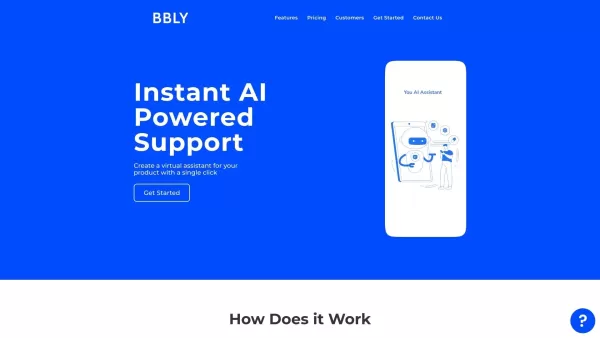
What is Bubbly?BubblyAI is a comprehensive platform that transforms data analysis for businesses. By leveraging advanced AI algorithms, it automates extracting actionable insights from complex datasets, empowering users to make confident, data-driven
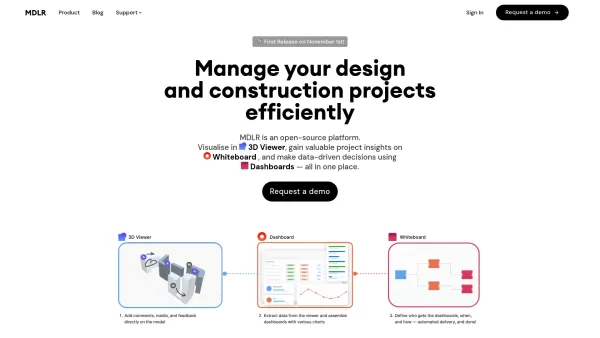
Ever wondered how to make your project management in the AEC industry not just easier, but downright exciting? Let me introduce you to MDLR, an AI-driven platform that's changing the game for architects, engineers, and construction professionals. It's lik
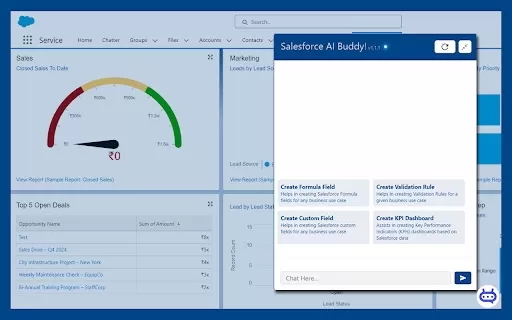
Ever wished you had a trusty sidekick to tackle those pesky Salesforce tasks? Enter Salesforce AI Buddy, the Chrome extension that's like having a tech-savvy friend by your side. This nifty tool is a game-changer for anyone diving into the world of Salesf
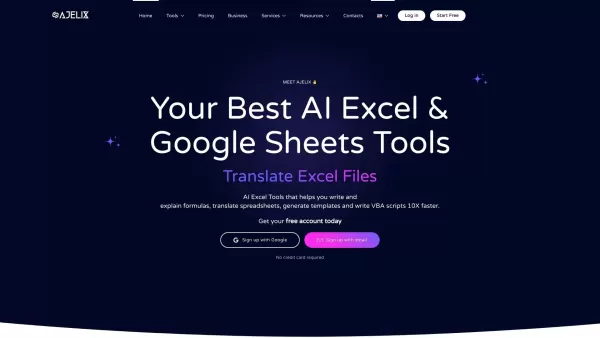
What is Ajelix AI Excel Tools?Ajelix provides intelligent, AI-powered tools designed to automate processes within Excel and Google Sheets, simplifying data analytics, visualization, and business intelligence for professionals and teams. Empower your
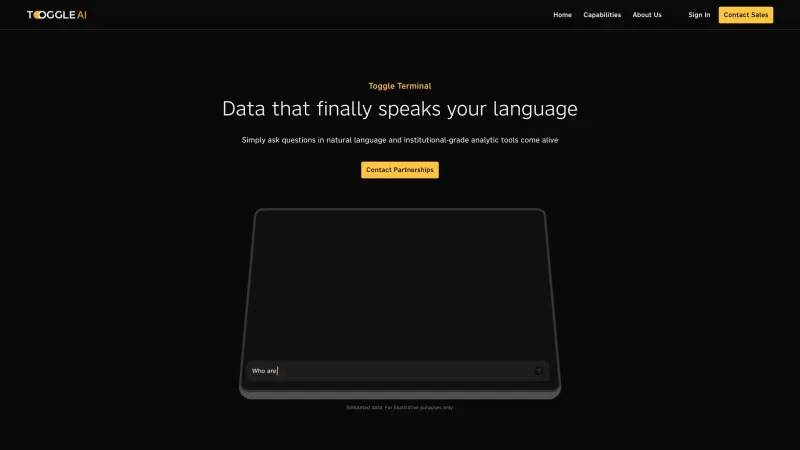
Toggle AI, or Toggle Terminal, is a game-changer in the world of data analytics. It's like having a conversation with your data, where you can ask questions in plain English and get insightful answers without needing to be a coding wizard or a spreadsheet
Opper AI Product Information
What is Opper AI?
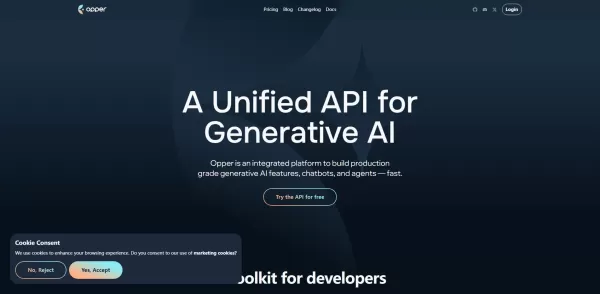
Opper AI revolutionizes revenue team operations by using artificial intelligence to continuously analyze CRM data, such as pipeline stages, opportunity metrics, and sales activities. It automatically creates forecasts, flags at-risk deals with predictive scoring, and tracks quota progress. Users can ask questions such as, "Which deals are most likely to close this quarter?" or "Show me forecast variance by region" through a conversational chat interface. The AI agent proactively alerts teams via Slack or email about slowing pipeline momentum or unexpected forecast changes. It also provides customizable dashboards and trend analysis, helping teams uncover hidden revenue potential, allocate resources efficiently, and minimize time spent on manual reporting.
Who will use Opper AI?
- Sales Leaders and VPs
- Revenue Operations (RevOps) Teams
- Sales Managers
- Business Analysts
- CRM Administrators
How to use Opper AI?
- Step 1: Connect Opper to your CRM platform (e.g., Salesforce, HubSpot)
- Step 2: Grant necessary data access and permissions
- Step 3: Customize your reporting preferences and alert thresholds
- Step 4: Ask Opper questions directly via the web dashboard or integrated Slack channel
- Step 5: Review automatically generated forecasts, trend analyses, and risk alerts
- Step 6: Share key insights with your team via email or Slack
- Step 7: Continuously refine dashboards and adjust alerts based on team feedback
Platform
- Web-based platform
Opper AI's Core Features & Benefits
The Core Features
- Real-time pipeline health monitoring
- AI-driven revenue forecasting
- Predictive deal risk scoring
- Natural language query interface
- Proactive Slack & email alerts
- Customizable dashboards and reports
- Trend analysis and forecast variance tracking
- Seamless CRM data integration
The Benefits
- Improved forecast accuracy
- Significant reduction in manual reporting time
- Early identification of at-risk deals
- Data-driven decision-making support
- Enhanced cross-team collaboration
- Faster deal closure cycles
Opper AI's Main Use Cases & Applications
- Quarterly sales forecasting and variance analysis
- Identifying high-risk deals for proactive management
- Monitoring pipeline velocity by region, product, or team
- Generating on-demand revenue performance reports
- Sharing real-time insights within team communication channels
Opper AI's Pros & Cons
The Pros
Integrates with 100+ AI models, enabling flexible and advanced workflow automation.
Built-in quality control processes with feedback loops to continuously enhance output.
Comprehensive observability tools for quick debugging, compliance, and issue resolution.
Support for custom knowledge bases to add relevant context to AI tasks.
APIs and SDKs for easily building AI assistants, agents, and complex workflows.
Centralized billing for simplified usage tracking and account management.
The Cons
Detailed pricing information is not prominently displayed on the main website.
No clear links to dedicated mobile or desktop apps on official app stores.
New users may face a learning curve due to multi-model support and complex workflows.
Opper AI's Pricing
Free plan available | Yes |
|---|---|
Free trial details | |
Pricing model | Freemium |
Credit card required | No |
Starting price | $0.5 USD |
Lifetime plan available | No |
Billing frequency | Pay-as-you-go |
Details of Pricing Plan
Free
$0 USD
- Access to 50+ AI models
- Experiment with AI capabilities
- Community-based support
Utility
$0.5 USD
- Priority inference and higher rate limits
- Pay for actual usage via automatic charges
- Email support included
For the latest pricing, please visit: https://opper.ai/sign-up/free
FAQs of Opper AI
What CRMs does Opper integrate with?
Opper integrates with leading CRM platforms including Salesforce, HubSpot, Microsoft Dynamics, and others via secure APIs.
How does Opper ensure data security?
Opper employs encryption for data at rest and in transit, maintains SOC 2 compliance, and only accesses data with explicit user consent.
Can I customize the forecast model?
Yes, you can modify forecasting parameters, define custom deal stages, and set your own risk-scoring thresholds.
How do I ask questions to Opper?
Use the natural language chat in the web application or send queries directly in your connected Slack workspace.
Does Opper support historical trend analysis?
Yes, Opper analyzes historical performance data to identify trends and project future outcomes.
Can I get alerts in real time?
Yes, Opper sends real-time notifications via Slack and email when key metrics shift or potential risks are identified.
Is there a mobile app?
Opper is currently accessible via web browser and Slack, featuring mobile-optimized interfaces but no standalone mobile app.
What pricing plans are available?
Opper offers tiered subscription plans based on user count and data volume; please contact sales for specific details.
How do I onboard my team?
Invite team members to your Opper workspace, configure CRM connections, and manage roles and permissions via the admin portal.
What support options are available?
Support includes email, live chat, and dedicated customer success managers for enterprise-level accounts.
Opper AI Company Information
Opper AI Screenshot

2026 Latest Best AI Quiz Builder Platforms for Teachers, Tutors, and Cohort-Based Learning Programs! XIX.AI has curated a top-rated list of powerful game-changing tools that go through real-world tests to deliver accurate rankings. These must-try platforms help boost writing efficiency, streamline content creation, and simplify quiz design across all learning scenarios. Explore now to discover your perfect tool for unlocking your AI edge in teaching!
 13 tools
 xix.ai

2026 Latest Best AI Pull Request Review Tools for GitHub Teams are here on XIX.AI! This top-rated curated list showcases powerful game-changing solutions that streamline refactoring, bug fixing, and security gap detection across all team workflows. Enjoy a free vs paid comparison along with real-world tests and detailed rankings to help you find the perfect tool that boosts productivity significantly. Explore now to unlock your AI edge!
12 tools
xix.ai

2026 Latest Best Top-rated AI Text to Speech Tools for Natural Voiceovers are here on XIX.AI! This curated list features powerful, game-changing options that deliver crystal-clear voices for every use case, backed by real-world tests and weekly updated rankings. Get a free vs paid comparison to find the must-try solution that boosts your productivity instantly. Explore now to Unlock your AI edge!
11 tools
xix.ai

2026 Latest Best Manga AI Background Generators Ranked Top-Rated! This curated collection showcases powerful game-changing tools perfect for creating high-quality chapter backgrounds, book covers, and promotional art. Every option has undergone rigorous real-world tests to ensure reliability. Get a free vs paid comparison along with detailed insights. Explore now to discover your perfect tool and unlock your AI edge in manga creation.
6 tools
xix.ai

2026 Latest Best Top-rated AI Object Removal Editors for portraits travel product shots! XIX.AI curates a powerful game-changing collection regularly updated with weekly rankings. These tools offer real-world tests to help you quickly remove unwanted elements, boost content quality, and save tons of time without compromising results. Must-try for anyone aiming to unlock their AI creation edge. Explore now!
10 tools
xix.ai

2026 Latest Best Top-rated AI Text to Speech Tools for Online Courses are curated by XIX.AI based on rigorous real-world tests and weekly updated rankings. These powerful tools help creators deliver crystal-clear audio content effortlessly, boosting writing efficiency and streamlining course production. Check out the free vs paid comparison to find your perfect fit. Explore now to unlock your AI edge in online education.
10 tools
xix.ai


