


 Home
HomeNotesboard
AI Note-Taking Tool for Audio, Web, Files



Helps TikTok sellers, brands, MCNs, and TAPs discover winning products and find creators.

HelpLook is an AI-powered all-in-one knowledge base tool that helps businesses quickly build knowledge bases, help centers, and...

Your AI Workspace

302.AI is an enterprise-grade AI resource platform with pay-as-you-go pricing, API access to a full range of AI models, and ready-to-use online applications.

剧火AI — AI Screenwriter + Director, a One-Person Short Drama Studio In one sentence, what is it?
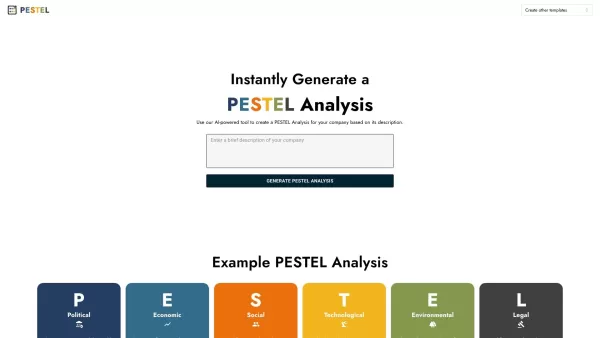
Imagine you're a business owner or strategist looking to get a comprehensive view of your industry's landscape. That's where the AI PESTEL Analysis Generator comes into play. It's an innovative online tool that harnesses the power of artificial intelligen

What is SciSpace?SciSpace is your go-to AI-powered buddy for diving into the world of scientific research papers. It's like having a super-smart assistant that helps you not just read but really understand and analyze those dense academic texts. With SciSpace, you can highlight bits of text, ask que
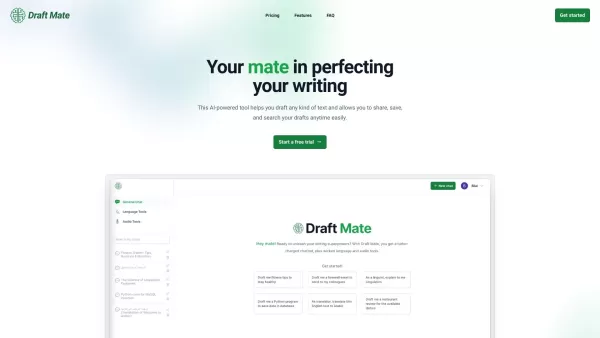
Introducing DraftMate: The Ultimate Writing Companion Picture this: you're sitting at your desk, staring at a blank screen, trying to craft the perfect email, blog post, or even a chapter for your novel. Sounds familiar? Well, DraftMate is here to make yo
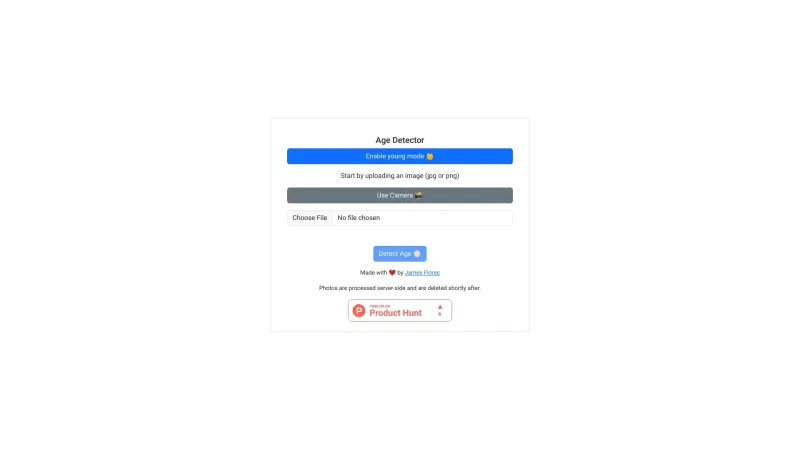
Ever wondered how old you look to an AI? Enter Age Detector, a fun tool that uses artificial intelligence to guess your age from just a photo. It's all about self-perception and a bit of playful curiosity. Who wouldn't want to see if they look younger or older than they feel?How to Use Age Detector?
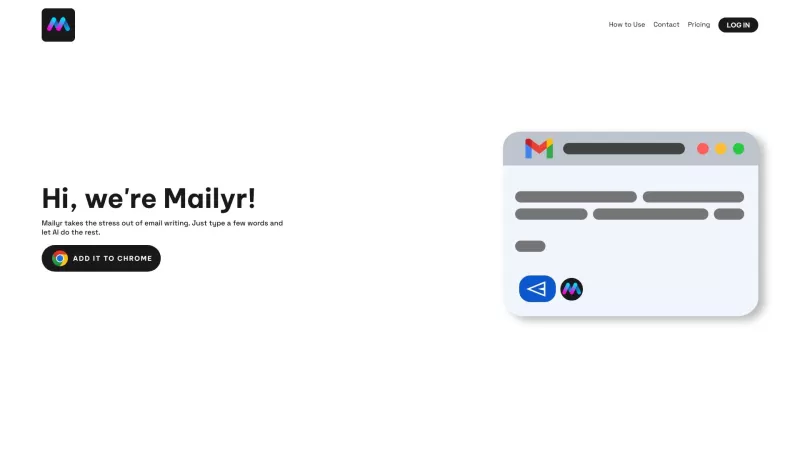
Discover Mailyr: Your AI-Powered Email AssistantEver found yourself staring at a blank email, wondering how to start? Well, Mailyr's got your back! This nifty tool harnesses the power of AI to help you craft emails with barely any effort on your part.How to Get Started with Mailyr?Getting started wi
Notesboard Product Information
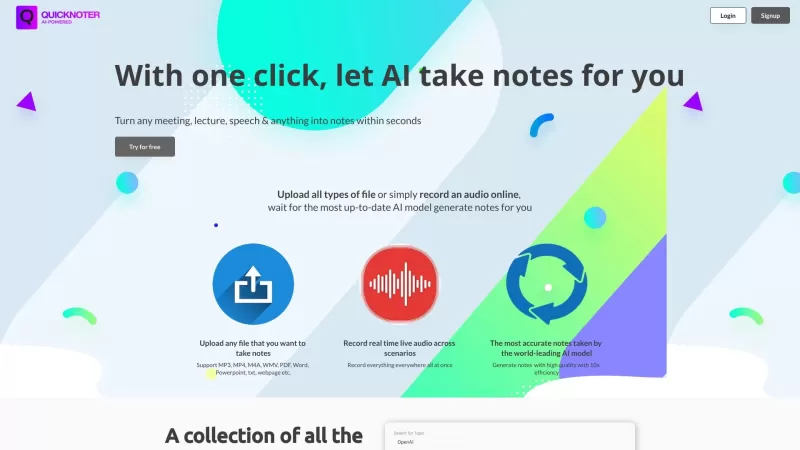
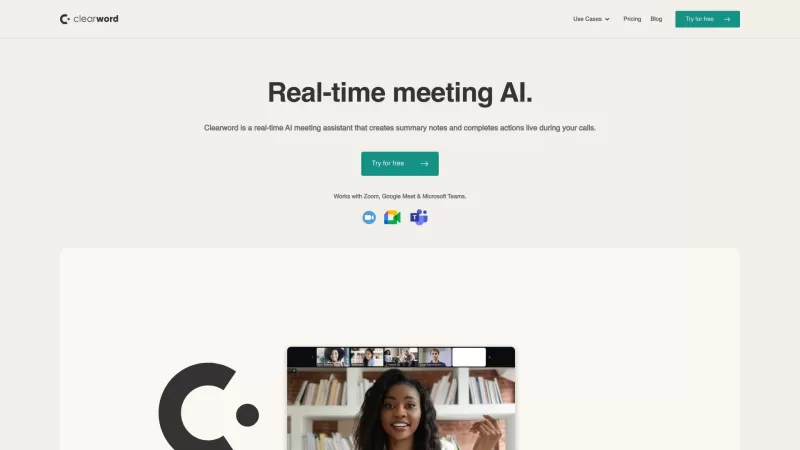
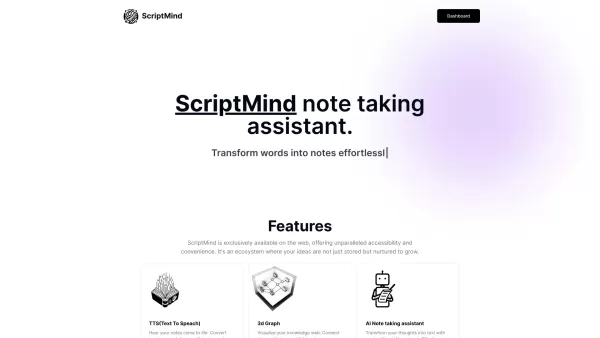
Ever wished you had a personal assistant to take notes for you? Meet Notesboard—an online tool that's like having a smart friend powered by GPT and other AI models. It's designed to save you heaps of time by quickly getting to the heart of the matter, whether you're dealing with audio, webpages, or local files.
How to Use Notesboard?
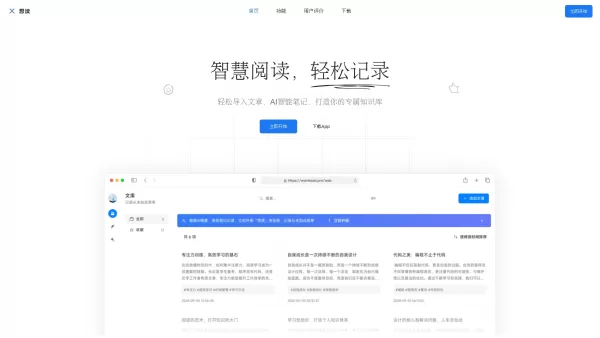
Using Notesboard is a breeze. Just upload whatever you need analyzed—be it an audio file, a webpage, or something from your local drive. The AI then gets to work, sifting through the content to pull out the key points. Once it's done, you've got yourself a neatly organized knowledge base where you can search and access your notes whenever you need them. It's like having your own personal library, but without the hassle of actual books.
Notesboard's Core Features
Notesboard isn't just another note-taking app. It's got some serious smarts:
- Note-taking for audio, webpage, and local files: Whether you're in a lecture, browsing the web, or going through files on your computer, Notesboard's got you covered.
- AI-powered analysis and extraction of key points: Forget about wading through endless content. The AI does the heavy lifting, pulling out what's important so you don't have to.
- User-friendly knowledge base for easy searching and access: Your notes are organized in a way that makes them easy to find and use. It's like having a search engine just for your notes.
Notesboard's Use Cases
You might be wondering, "Where can I use Notesboard?" Well, the possibilities are pretty much endless:
- Lectures and presentations: No more scribbling frantically. Let Notesboard capture the key points while you focus on understanding the material.
- Meetings and conferences: Ever left a meeting and realized you missed something important? Notesboard ensures you never miss a beat.
- Web research and article summarization: Tired of reading through long articles? Let Notesboard do the summarizing for you.
- Documentation and research papers: Whether you're a student or a professional, Notesboard can help you manage your research and documentation with ease.
FAQ from Notesboard
- What types of files does Notesboard support?
- Notesboard supports audio files, webpages, and local files, making it versatile for various needs.
- Is my data secure on Notesboard?
- Absolutely, Notesboard takes data security seriously, ensuring your information is safe and confidential.
- Can I collaborate with others using Notesboard?
- Yes, you can share and collaborate on notes with others, making it perfect for team projects or group studies.
- Is there a limit on the number of notes I can create?
- There's no limit on the number of notes you can create, so go ahead and take notes to your heart's content.
- Can I access my notes offline?
- Yes, you can access your notes offline, which is handy for when you're on the go without an internet connection.
Notesboard Screenshot


2026 Latest Best Manga AI Background Generators Ranked Top-Rated! This curated collection showcases powerful game-changing tools perfect for creating high-quality chapter backgrounds, book covers, and promotional art. Every option has undergone rigorous real-world tests to ensure reliability. Get a free vs paid comparison along with detailed insights. Explore now to discover your perfect tool and unlock your AI edge in manga creation.
 6 tools
 xix.ai

2026 Latest Best Top-rated AI Object Removal Editors for portraits travel product shots! XIX.AI curates a powerful game-changing collection regularly updated with weekly rankings. These tools offer real-world tests to help you quickly remove unwanted elements, boost content quality, and save tons of time without compromising results. Must-try for anyone aiming to unlock their AI creation edge. Explore now!
10 tools
xix.ai

2026 Latest Best Top-rated AI Text to Speech Tools for Online Courses are curated by XIX.AI based on rigorous real-world tests and weekly updated rankings. These powerful tools help creators deliver crystal-clear audio content effortlessly, boosting writing efficiency and streamlining course production. Check out the free vs paid comparison to find your perfect fit. Explore now to unlock your AI edge in online education.
10 tools
xix.ai

2026 Latest Best Top-Rated AI Blog Title Tools for Higher Click Through Rates! XIX.AI has carefully curated a powerful, game-changing collection of top tools that go through rigorous real-world tests. You’ll find a free vs paid comparison, weekly updated rankings, and detailed insights to help you boost your blog’s traffic efficiently. Must-try options are highlighted to help you unlock your AI edge. Explore now!
10 tools
xix.ai

2026 Latest Best Top-rated AI Task Routing Tools for Support Workflows! XIX.AI has curated a highly powerful game-changing collection of must-try solutions, all undergoing rigorous real-world tests and updated weekly. These tools streamline workflows, boost productivity, and help teams deliver faster, more efficient support. Explore now to discover your perfect tool and unlock your AI edge!
17 tools
xix.ai

2026 Latest Best Top-Rated AI Citation and Paper Summary Tools Curated by XIX.AI. Get powerful game-changing solutions for quick content creation, improved writing efficiency, and boosting productivity. We offer a free vs paid comparison along with real-world tests and weekly updated rankings to help you find the must-try tool that fits your needs perfectly. Explore now to Unlock your AI edge.
10 tools
xix.ai


Notesboard is a lifesaver for meetings! 📝 The AI summaries are so spot-on, it's like having a secretary who never misses a detail. Only wish it could handle my messy handwriting in scanned notes too 😅 Definitely worth the premium upgrade!
Notesboard is a game-changer! It’s like having a super-smart buddy who nails note-taking every time. I used it for a meeting, and it summarized everything perfectly—saved me hours! 😍 Only wish it had offline mode for spotty Wi-Fi days.


