


 Home
HomeNotation
Markdown to Notion Publishing Tool



Helps TikTok sellers, brands, MCNs, and TAPs discover winning products and find creators.

HelpLook is an AI-powered all-in-one knowledge base tool that helps businesses quickly build knowledge bases, help centers, and...

Your AI Workspace

302.AI is an enterprise-grade AI resource platform with pay-as-you-go pricing, API access to a full range of AI models, and ready-to-use online applications.

剧火AI — AI Screenwriter + Director, a One-Person Short Drama Studio In one sentence, what is it?

What is GPTSave? GPTSave, a Chrome extension, enables users to store ChatGPT conversations externally. It boosts engagement by exporting chats as images, allowing easy downloading and sharing of AI in
Ever found yourself in a meeting, scribbling away furiously, trying to catch every important point? Well, let me introduce you to Superpowered—an AI notetaker that's changing the game. This isn't just any AI tool; it's like having a super-efficient, silen
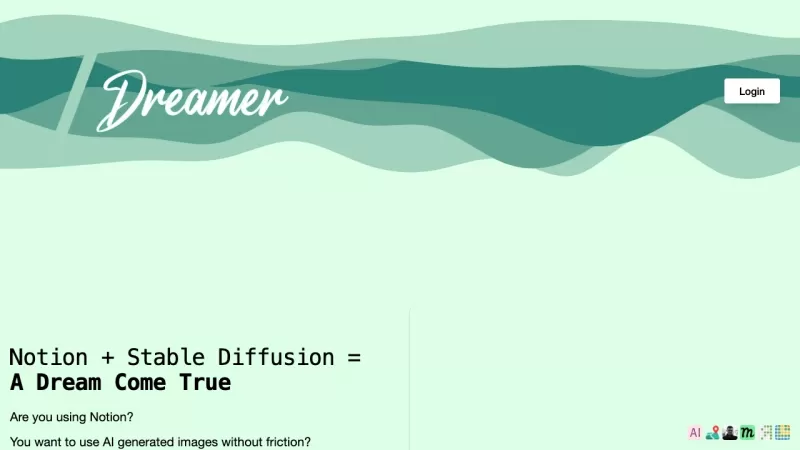
Ever wondered how you can jazz up your Notion pages with stunning visuals without leaving the platform? Enter AI generated images with Stable Diffusion for Notion—a nifty tool that lets you create eye-catching images directly within your Notion workspace.
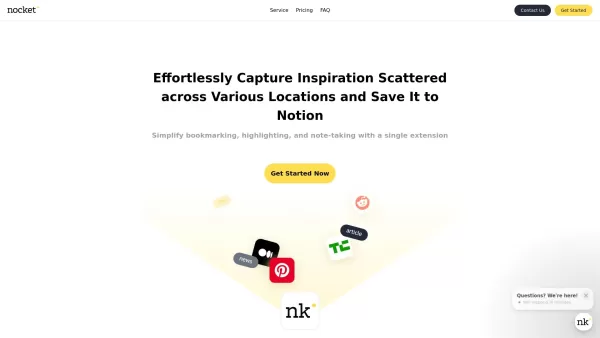
What is Nocket?Nocket.io is a user-friendly browser extension that transforms how you interact with web content. It enables you to bookmark pages, highlight text, and take notes right in your browser. You can easily save your discoveries to Notion, a
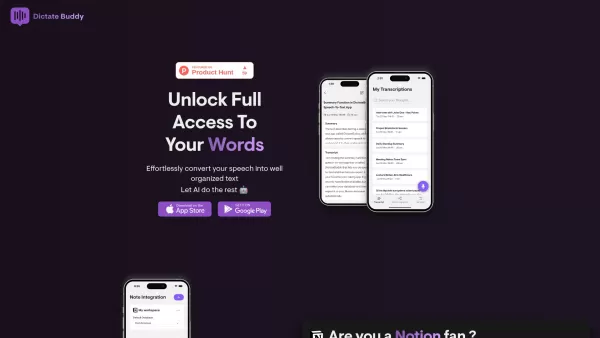
What is Dictate Buddy?Think of Dictate Buddy as your ultimate sidekick for turning spoken words into perfectly organized digital notes. Built with Whisper AI technology, it’s designed to deliver super-accurate transcriptions while keeping things simp
Notation Product Information
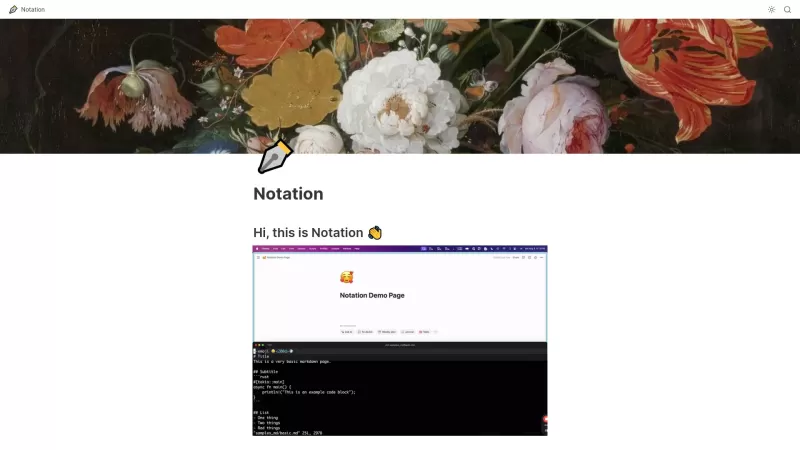
If you're an engineer looking to streamline your documentation process, Notation is your new best friend. Think of it as a bridge between the simplicity of markdown and the organizational power of Notion. It's like having a personal assistant that takes your markdown notes and turns them into beautifully organized Notion pages, making code documentation management a breeze.
How to Use Notation?
Getting started with Notation is as easy as pie. First, you'll want to write your documentation in markdown—yep, the same format you probably use for README files. Next, head over to Notion and create a new page where you want your docs to live. Now, the fun part: grab your Notion API key (don't worry, it's not as scary as it sounds). Once you've got that, you'll need to configure Notation with your key and any other settings you fancy. Finally, run Notation, and voila! Your markdown docs are now published in Notion, ready for the world—or your team—to see.
Notation's Core Features
Markdown Writing for Documentation
With Notation, you can write your documentation in markdown, which is super intuitive and familiar for most developers. It's like writing an email but for your code.
Integration with Notion for Publishing
The real magic happens when you hit publish. Notation takes your markdown and seamlessly integrates it into Notion, making your documentation not just readable but also beautifully organized.
Built-in AI Search and Formatting
Ever tried finding a needle in a haystack? Notation's built-in AI search makes finding what you need in your documentation as easy as finding a pizza place on a Friday night. Plus, it helps format your docs to look sharp and professional.
Easily Searchable Documentation Structure
No more endless scrolling through pages of text. Notation structures your documentation in a way that's not only easy to navigate but also a joy to use.
Notation's Use Cases
Publish Engineering Documentation as a Public Website or Internal Notion Page
Whether you want to share your engineering prowess with the world or keep things in-house, Notation lets you publish your documentation as a public website or an internal Notion page. It's like having your cake and eating it too.
Utilize Notion's AI Features for Enhanced Documentation Search
Notion's AI isn't just for show. With Notation, you can tap into these features to make your documentation search even more powerful. It's like having a super-smart assistant that knows exactly where everything is.
FAQ from Notation
- What markdown features do you support?
- Notation supports a wide range of markdown features, from basic formatting to advanced elements like tables and code blocks. It's like having a Swiss Army knife for your documentation needs.
- How do I configure Notation?
- Configuring Notation is a snap. Just grab your Notion API key, set up your preferences, and you're good to go. It's like setting up a new phone—easy and quick.
Notation Screenshot

2026 Latest Best Top-rated AI Object Removal Editors for portraits travel product shots! XIX.AI curates a powerful game-changing collection regularly updated with weekly rankings. These tools offer real-world tests to help you quickly remove unwanted elements, boost content quality, and save tons of time without compromising results. Must-try for anyone aiming to unlock their AI creation edge. Explore now!
 10 tools
 xix.ai

2026 Latest Best Top-rated AI Text to Speech Tools for Online Courses are curated by XIX.AI based on rigorous real-world tests and weekly updated rankings. These powerful tools help creators deliver crystal-clear audio content effortlessly, boosting writing efficiency and streamlining course production. Check out the free vs paid comparison to find your perfect fit. Explore now to unlock your AI edge in online education.
10 tools
xix.ai

2026 Latest Best Top-Rated AI Blog Title Tools for Higher Click Through Rates! XIX.AI has carefully curated a powerful, game-changing collection of top tools that go through rigorous real-world tests. You’ll find a free vs paid comparison, weekly updated rankings, and detailed insights to help you boost your blog’s traffic efficiently. Must-try options are highlighted to help you unlock your AI edge. Explore now!
10 tools
xix.ai

2026 Latest Best Top-rated AI Task Routing Tools for Support Workflows! XIX.AI has curated a highly powerful game-changing collection of must-try solutions, all undergoing rigorous real-world tests and updated weekly. These tools streamline workflows, boost productivity, and help teams deliver faster, more efficient support. Explore now to discover your perfect tool and unlock your AI edge!
17 tools
xix.ai

2026 Latest Best Top-Rated AI Citation and Paper Summary Tools Curated by XIX.AI. Get powerful game-changing solutions for quick content creation, improved writing efficiency, and boosting productivity. We offer a free vs paid comparison along with real-world tests and weekly updated rankings to help you find the must-try tool that fits your needs perfectly. Explore now to Unlock your AI edge.
10 tools
xix.ai

2026 Latest Best Top-Rated AI Productivity Tools for Daily Work! XIX.AI has curated a powerful, game-changing selection based on rigorous weekly updated rankings and real-world tests. You’ll find must-try options that boost writing efficiency, streamline content creation, and help you overcome daily work challenges. Get a free vs paid comparison to find the perfect fit for your needs. Explore now to unlock your AI edge!
9 tools
xix.ai


Just tried Notation and wow - it's the missing link between markdown speed and Notion's structure! ⚡️ Finally can document without switching between 10 apps. Though the learning curve is a bit steep, the time saved is totally worth it. Pro tip: watch their tutorial videos first!


