


 Home
HomeNavamAI - Enhance your craft with AI



Helps TikTok sellers, brands, MCNs, and TAPs discover winning products and find creators.

HelpLook is an AI-powered all-in-one knowledge base tool that helps businesses quickly build knowledge bases, help centers, and...

Your AI Workspace

302.AI is an enterprise-grade AI resource platform with pay-as-you-go pricing, API access to a full range of AI models, and ready-to-use online applications.

剧火AI — AI Screenwriter + Director, a One-Person Short Drama Studio In one sentence, what is it?
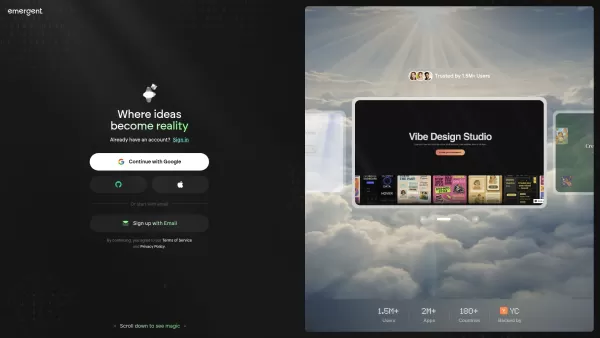
What is Emergent? Emergent is an AI-powered platform for no-code development, allowing users to turn ideas into production-ready web apps, mobile platforms, and custom software through simple conversation—no coding required.How to use Emergent? You c
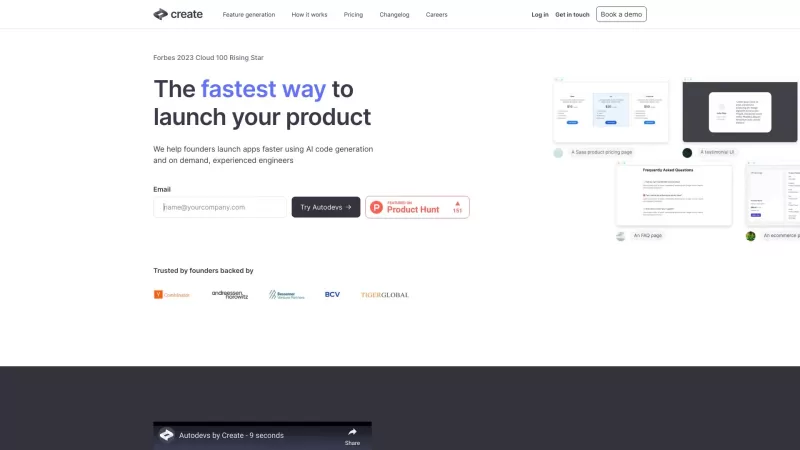
Ever wondered how to bring your app ideas to life quickly and efficiently? Enter Create, a game-changer in the world of app development. With Create, you're not just dreaming; you're turning those dreams into reality with the help of AI-powered autodevs and a team of experienced human developers. Im
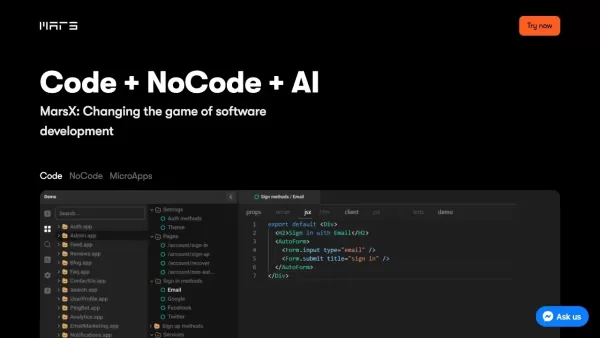
What is MarsX?MarsX is an all-in-one development platform that simplifies the creation of web and mobile applications. By merging AI, NoCode, and ProCode capabilities, it enables users to build sophisticated applications with minimal coding. The plat
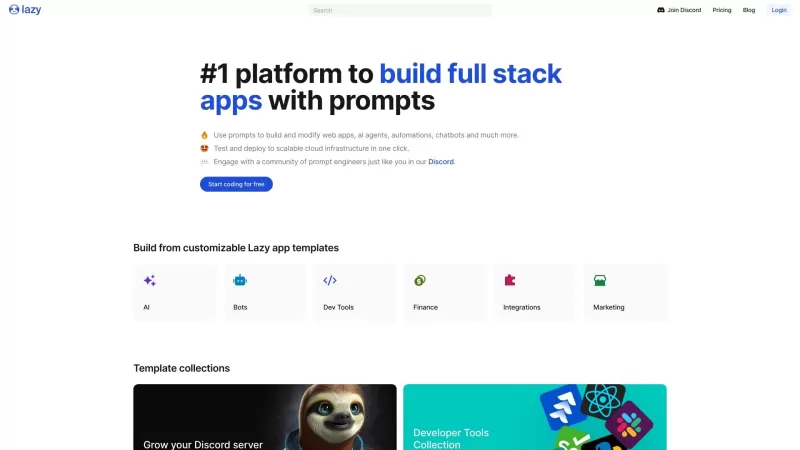
Ever heard of Lazy AI? It's the game-changer you've been waiting for if you're into no-code solutions. This platform is all about making application creation a breeze, no matter your skill level. With a fantastic library of pre-configured workflows, Lazy
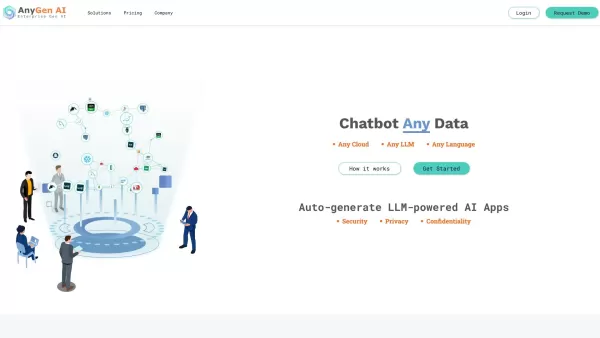
Ever wondered how you could transform your enterprise data into something truly powerful? That's where AnyGen AI comes into play. It's not just another tool; it's a full-fledged Generative AI App Lifecycle platform that's ready to unlock the potential hid
NavamAI - Enhance your craft with AI Product Information
What is NavamAI?
NavamAI is a potent AI tool designed to supercharge productivity. It integrates directly into your terminal, delivering a personal, swift, and high-quality AI experience. By supporting 15 large language models across 7 providers, it empowers users to build situational applications and automate workflows within Markdown environments, VS Code, Obsidian, and GitHub. NavamAI streamlines complex tasks like web app development, content scraping, and insight generation through straightforward commands, allowing users to optimize their processes without intricate setup or deep coding expertise. Its adaptable nature and rich user interface make it an essential asset for anyone aiming to boost their productivity and efficiency.
Who should use NavamAI?
- Productivity enthusiasts
- Developers
- Data analysts
- Content creators
- Educators
- Researchers
How to get started with NavamAI
- Step 1: Install NavamAI via pip.
- Step 2: Initialize NavamAI in your chosen folder.
- Step 3: Use `navamai id` to check the active provider and model.
- Step 4: Prompt the model with the `ask` command.
- Step 5: Tailor commands and workflows using the configuration file.
- Step 6: Enhance your projects with commands like `refer`, `image`, and `run`.
Platform
- Web
- macOS
- Windows
- Linux
- Chrome
NavamAI Core Features & Benefits
Key Features
- Personal AI assistant
- Access to 15 LLMs and 7 providers
- Deep integration with Markdown, VS Code, Obsidian, and GitHub
- Automated content creation
- On-demand situational app generation
- No-code setup required
Key Benefits
- Boosts productivity
- Simplifies workflow management
- Reduces configuration time
- Customizable command structure
- Enhances project efficiency
- Enables smooth application creation
Main Applications & Use Cases
- Workflow automation
- Content creation
- Code generation
- Data scraping
- Educational resource development
- Research support
NavamAI Advantages and Limitations
Advantages
Offers 15 LLMs across 7 providers for extensive model selection
Integrates smoothly with leading markdown editors including Obsidian and VS Code
Enables no-code generation of situational web apps
Features a rich command-line interface to boost productivity without switching applications
Provides customizable and extensible configurations for power users
Supports local models for offline use and enhanced data privacy
Limitations
Specific pricing information is not detailed outside the main website
Open-source status or a public GitHub repository is not clearly indicated
May present a learning curve for those new to command-line tools
Availability on mobile platforms or app stores is not specified
Frequently Asked Questions
What is NavamAI?
NavamAI is a personal AI assistant that enhances productivity by integrating with popular tools like Markdown, VS Code, Obsidian, and GitHub to streamline your workflow.
What platforms does NavamAI support?
NavamAI is compatible with Web, Windows, Linux, macOS, and Chrome platforms.
How do I install NavamAI?
Install NavamAI by running the command `pip install navamai`.
What are the main features of NavamAI?
Key features include a personal AI assistant, support for 15 LLMs and 7 providers, integration with popular development tools, automated content creation, and a no-code setup process.
Can I generate web apps with NavamAI?
Absolutely, NavamAI lets you quickly generate custom web applications on demand using simple commands.
Is coding knowledge required to use NavamAI?
No, NavamAI is designed to be accessible with simple commands and configurations, requiring no extensive coding knowledge.
How can I customize NavamAI commands?
Commands can be customized by editing the configuration file to align with your specific workflow requirements.
Is NavamAI suitable for content creators?
Yes, NavamAI aids content creators by automating content generation and optimizing their creative workflow.
Who are the target users of NavamAI?
NavamAI is ideal for productivity enthusiasts, developers, data analysts, content creators, educators, and researchers.
How do I start generating content with NavamAI?
Begin by initializing NavamAI in your target folder, verifying the active provider and model, and then using the 'ask' command to engage the AI model.
Company Information
- NavamAI
- https://www.navamai.com
NavamAI - Enhance your craft with AI Screenshot



2026 Latest Best Top-rated AI SERP Analysis Tools for Search Strategy are curated by XIX.AI through rigorous real-world tests and weekly updated rankings. These powerful tools help you unlock hidden optimization opportunities, boost content performance, and gain a competitive edge in search. Discover your perfect tool to elevate your search strategy today. Explore now!
 13 tools
 xix.ai

2026 Latest Best Top-rated AI Anomaly Detection Tools for KPI Monitoring in SaaS and Ecommerce teams! XIX.AI has curated a powerful, game-changing collection based on rigorous real-world tests and weekly updated rankings. You’ll find detailed free vs paid comparison insights to help you identify the must-try solution that boosts productivity and unlocks your AI edge. Explore now!
10 tools
xix.ai

2026 Latest Best Top-Rated AI Outline Generators for Long-Form SEO Articles, meticulously curated by XIX.AI. These powerful tools offer game-changing assistance in creating high-quality content quickly, boosting writing efficiency significantly. Get a free vs paid comparison along with real-world tests and detailed rankings to help you find the must-try option that suits your needs. Explore now to unlock your AI edge.
8 tools
xix.ai

2026 Latest Best AI Study Tools for Homework and Exam Prep! XIX.AI curates a top-rated list of powerful, game-changing tools that help students boost productivity, streamline homework completion, and ace exams through real-world tests. Get a free vs paid comparison, detailed rankings, and must-try options to unlock your AI edge. Explore now!
10 tools
xix.ai

2026 Latest Best AI Vocal Demo Tools for Songwriters, Hook Creators, and Multi-Language Content Teams! XIX.AI has curated a top-rated list of powerful game-changing tools that go through rigorous real-world tests. You’ll find detailed free vs paid comparison data, comprehensive rankings, and must-try options to help you boost writing efficiency and unlock your creative potential. Explore now to discover your perfect tool for all your content needs!
9 tools
xix.ai

2026 Latest Best Top-rated AI Competitive Research Tools for Small Businesses! XIX.AI has curated a highly powerful game-changing collection, updated weekly with rigorous real-world tests and detailed rankings. You can find a comprehensive free vs paid comparison to help you identify the must-try tools that boost your productivity and give you a competitive edge. Explore now to discover your perfect tool!
9 tools
xix.ai


