


 Home
HomemyReach Web Clipper



Helps TikTok sellers, brands, MCNs, and TAPs discover winning products and find creators.

HelpLook is an AI-powered all-in-one knowledge base tool that helps businesses quickly build knowledge bases, help centers, and...

Your AI Workspace

302.AI is an enterprise-grade AI resource platform with pay-as-you-go pricing, API access to a full range of AI models, and ready-to-use online applications.

剧火AI — AI Screenwriter + Director, a One-Person Short Drama Studio In one sentence, what is it?
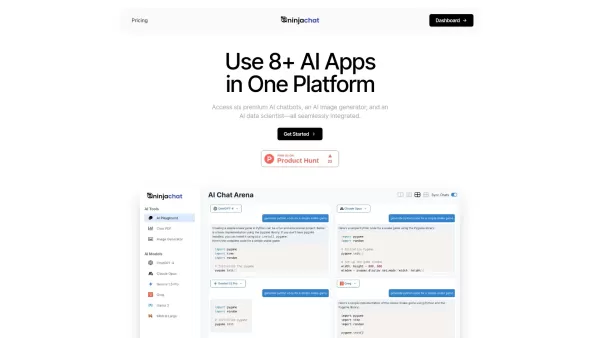
What is NinjaChat AI?NinjaChat is a comprehensive AI assistant that combines multiple AI capabilities into one unified platform. Users can interact with advanced models such as GPT-4 and Claude 3, analyze PDF documents, create images, and communicate
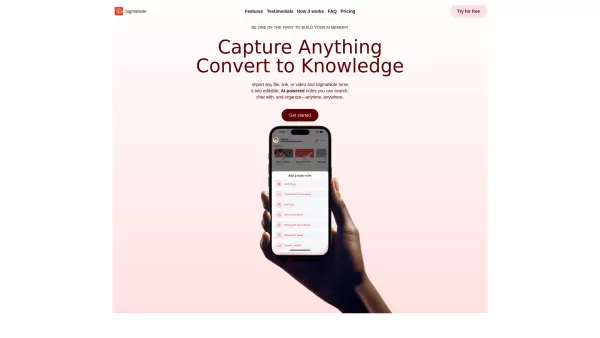
What is SigmaNote? SigmaNote is more than just another productivity tool—it’s your personal "second brain." Powered by AI, SigmaNote takes anything from PDFs to URLs, even videos, and turns it into smart, editable notes. Think of it as your ultimate knowl
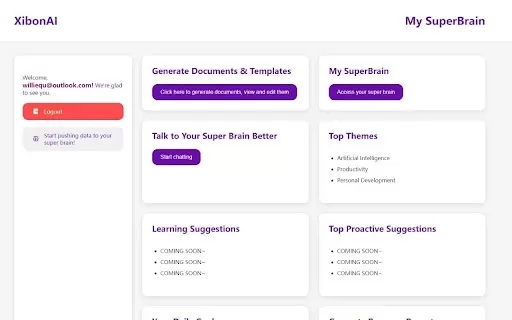
What is Xibon AI? Xibon AI's SuperBrain is an AI-powered tool that boosts productivity and learning by serving as your personal 'SecondBrain/SuperBrain.' It automatically captures, organizes, and summarizes important information as you browse the web
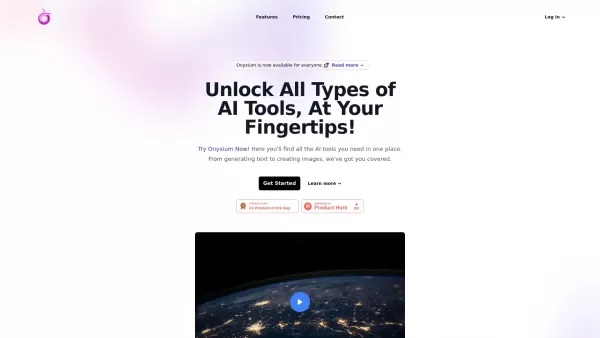
What is Onyxium AI?Onyxium AI is a comprehensive all-in-one platform providing a wide array of AI tools designed for diverse applications. Its capabilities include text generation, image recognition, and speech analysis. Users can navigate a straight
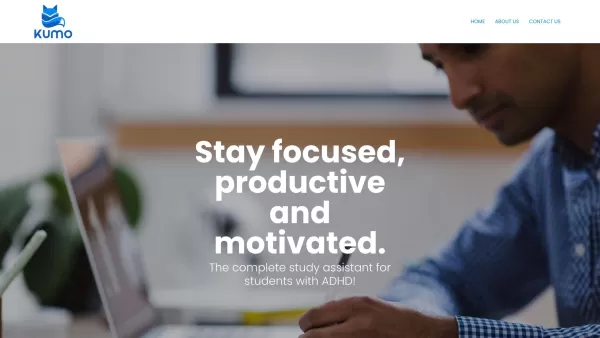
Ever wondered how students with ADHD can level up their study game? Enter Kumo Study, a revolutionary tool designed specifically to help these students thrive in their academic journey. It's not just another study app; it's a tailored experience that blen
myReach Web Clipper Product Information
What is myReach Web Clipper?
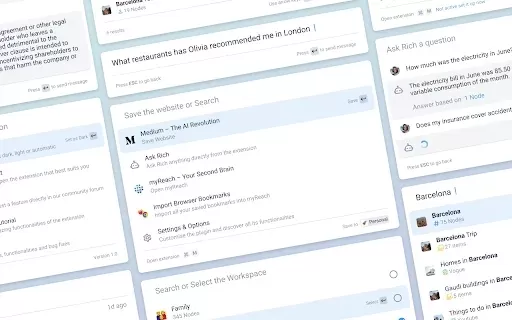
myReach Web Clipper is a cutting-edge browser extension designed to transform how you save and access online information. With a single click, you can clip web pages, text, images, and more. It integrates seamlessly with your browser, leveraging AI to intelligently organize and summarize your saved content. Whether you are a researcher, student, or professional, this tool provides effortless access to all your important information in one secure place.
Who uses myReach Web Clipper?
- Students
- Researchers
- Professionals
- Content Creators
How to use myReach Web Clipper?
- Step 1: Install the myReach Web Clipper browser extension from the Chrome Web Store.
- Step 2: Navigate to the web page or content you wish to save.
- Step 3: Click the myReach extension icon in your browser.
- Step 4: Choose the type of content to clip — text, image, or full page.
- Step 5: Add tags or notes to keep your clipped content organized.
- Step 6: Save the clipped content to your myReach account for easy access later.
Platform
- web
- chrome
myReach Web Clipper's Core Features & Benefits
Core Features
- Save web pages with a single click
- AI-powered content summaries
- Organize and tag information
Benefits
- Boosts productivity
- Streamlines information retrieval
- Keeps vital data secure in one location
Main Use Cases & Applications
- Research projects
- Content creation
- Collecting study resources
FAQs of myReach Web Clipper
How do I install the myReach Web Clipper?
You can install it directly from the Chrome Web Store.
What types of content can I save?
You can save web pages, text, and images.
Is my data secure?
Yes, myReach stores all your clipped information securely.
Can I access my clipped content later?
Yes, all clipped content is saved to your myReach account for easy access anytime.
Does it work on mobile devices?
Currently, it is primarily designed for use on Chrome browsers.
Do I need an account to use the extension?
Yes, you need to create an account to save and manage your content.
Can I tag my clips for better organization?
Yes, you can add tags to categorize and organize your saved content.
What is the purpose of AI integration?
The AI integration helps summarize and organize information efficiently.
Is there a limit to how much I can clip?
No, there is no limit — you can clip as much content as you need.
Can I share my clipped content?
Yes, you can easily share your clips with others.
myReach Web Clipper Company Information
Website:
https://myreach.ioCompany Name:
myReachSupport Email:
NAFacebook:
NAX(Twitter):
NAYouTube:
NAInstagram:
NATiktok:
NALinkedIn:
NA
myReach Web Clipper Screenshot


2026 Latest Best Top-rated AI Text to Speech Tools for Online Courses are curated by XIX.AI based on rigorous real-world tests and weekly updated rankings. These powerful tools help creators deliver crystal-clear audio content effortlessly, boosting writing efficiency and streamlining course production. Check out the free vs paid comparison to find your perfect fit. Explore now to unlock your AI edge in online education.
 10 tools
 xix.ai

2026 Latest Best Top-Rated AI Blog Title Tools for Higher Click Through Rates! XIX.AI has carefully curated a powerful, game-changing collection of top tools that go through rigorous real-world tests. You’ll find a free vs paid comparison, weekly updated rankings, and detailed insights to help you boost your blog’s traffic efficiently. Must-try options are highlighted to help you unlock your AI edge. Explore now!
10 tools
xix.ai

2026 Latest Best Top-rated AI Task Routing Tools for Support Workflows! XIX.AI has curated a highly powerful game-changing collection of must-try solutions, all undergoing rigorous real-world tests and updated weekly. These tools streamline workflows, boost productivity, and help teams deliver faster, more efficient support. Explore now to discover your perfect tool and unlock your AI edge!
17 tools
xix.ai

2026 Latest Best Top-Rated AI Citation and Paper Summary Tools Curated by XIX.AI. Get powerful game-changing solutions for quick content creation, improved writing efficiency, and boosting productivity. We offer a free vs paid comparison along with real-world tests and weekly updated rankings to help you find the must-try tool that fits your needs perfectly. Explore now to Unlock your AI edge.
10 tools
xix.ai

2026 Latest Best Top-Rated AI Productivity Tools for Daily Work! XIX.AI has curated a powerful, game-changing selection based on rigorous weekly updated rankings and real-world tests. You’ll find must-try options that boost writing efficiency, streamline content creation, and help you overcome daily work challenges. Get a free vs paid comparison to find the perfect fit for your needs. Explore now to unlock your AI edge!
9 tools
xix.ai

2026 Latest Best Top-Rated AI Systematic Review Tools for Research Screening are here on XIX.AI! This curated collection includes powerful, game-changing solutions that go through rigorous real-world tests to deliver accurate results. We also offer a free vs paid comparison along with weekly updated rankings to help you find the must-try option that boosts your research efficiency significantly. Explore now to unlock your AI edge in academic work!
11 tools
xix.ai


