


 Home
HomeMyPaste
MyPaste: Share Code with Smart Language Detection



Helps TikTok sellers, brands, MCNs, and TAPs discover winning products and find creators.

HelpLook is an AI-powered all-in-one knowledge base tool that helps businesses quickly build knowledge bases, help centers, and...

Your AI Workspace

302.AI is an enterprise-grade AI resource platform with pay-as-you-go pricing, API access to a full range of AI models, and ready-to-use online applications.

剧火AI — AI Screenwriter + Director, a One-Person Short Drama Studio In one sentence, what is it?

Tencent Hunyuan-Large, huh? It's like the Swiss Army knife of AI models developed by the tech giants at Tencent. This beast of an open-source MoE model doesn't just do one thing; it's got a transformer architecture that's been juiced up to handle everythi
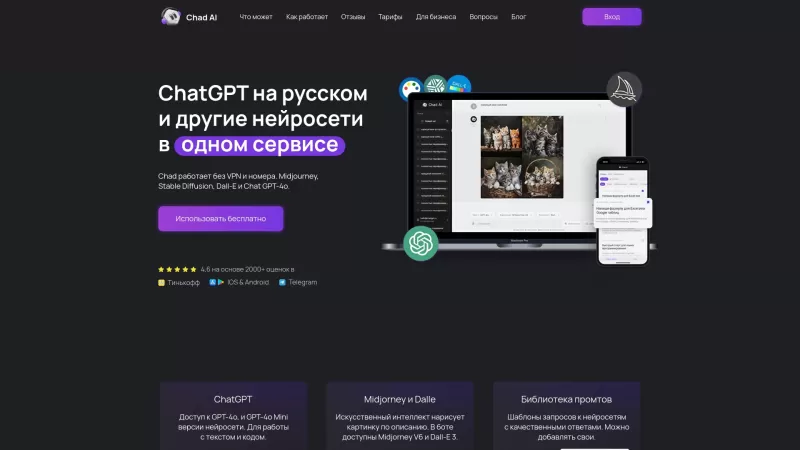
Ever stumbled upon Chad AI and wondered what it's all about? Well, let me break it down for you. Chad AI is essentially a cool AI chatbot that's powered by the same tech behind ChatGPT, but with a twist—it's tailored for Russian speakers. Whether you're l

Ever wondered what EwolveAI is all about? Well, let me break it down for you. EwolveAI isn't just another AI tool; it's your all-in-one AI solution that's here to revolutionize the way you handle content. Whether you're a writer, a marketer, or just someo
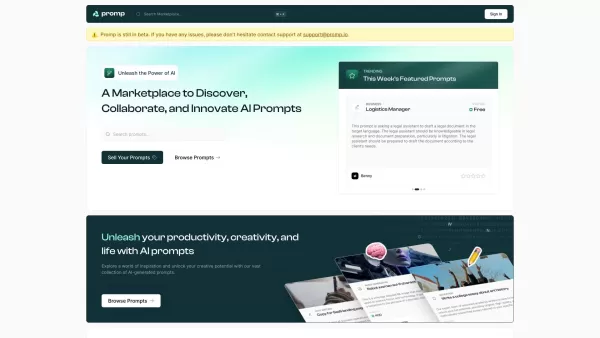
Ever stumbled upon a tool that just clicks with your creative needs? That's what Promp is all about—a bustling marketplace where you can dive into the world of AI-powered prompts. Whether you're looking to buy or sell, Promp has you covered, starting
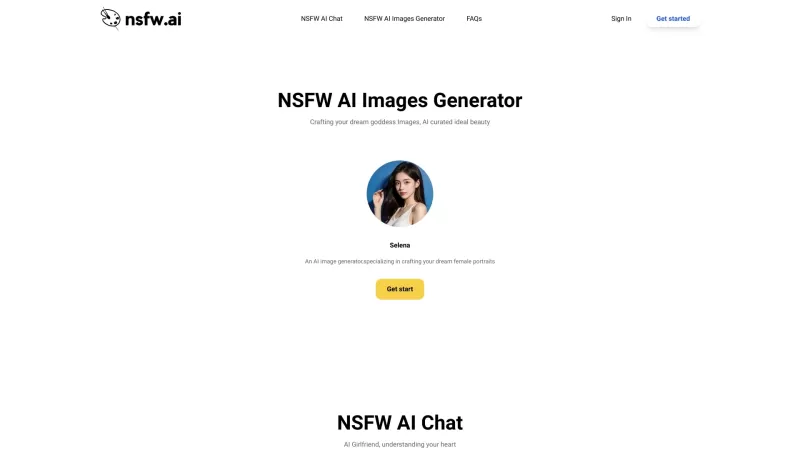
DesireForge is more than just a platform; it's like having an AI girlfriend who's always there to lend an ear and spark your creativity. It uses cutting-edge text generation technology to offer emotional support and inspire you to create heartfelt textual
MyPaste Product Information
What is MyPaste?
MyPaste is a contemporary and intelligent paste service that simplifies code sharing for developers. It leverages smart programming language detection to make sharing quick, straightforward, and hassle-free. You can share code snippets instantly without worrying about configuration or formatting, enabling smoother and more productive collaboration.
Who will use MyPaste?
- Developers
- Programmers
- Software Engineers
- Coding Students
- Project Managers
How to use MyPaste?
- Step 1: Go to the MyPaste website at https://www.mypaste.dev.
- Step 2: Click on the 'Create New Paste' button.
- Step 3: Paste your code into the text box provided.
- Step 4: Optionally, select the programming language for your snippet.
- Step 5: Click 'Save' to create a unique, shareable link.
- Step 6: Send the link to anyone you wish to collaborate with.
Platform
- Web
MyPaste's Core Features & Benefits
The Core Features
- Instant code sharing
- Smart programming language auto-detection
- Zero setup required
- Easy-to-share code links
The Benefits
- Boosts productivity
- Enables seamless teamwork
- Saves valuable time
- Makes code easier to read and understand
MyPaste's Main Use Cases & Applications
- Exchanging code snippets with team members
- Posting code examples on forums and community sites
- Collaborating on software development projects
- Teaching and learning in coding classes
MyPaste's Pros & Cons
The Pros
Enables direct paste uploads from the command line
Customizable expiration settings for pastes
Features syntax highlighting for numerous programming languages
The Cons
Lacks built-in AI capabilities
No dedicated mobile app or clear presence on app stores
Minimal details available regarding advanced tools or platform integrations
MyPaste's Pricing
Has free plan | No |
|---|---|
Free trial details | |
Pricing model | |
Is credit card required | No |
Paid from | |
Has lifetime plan | No |
Billing frequency |
For the most current pricing information, please visit: https://mypaste.dev
FAQs of MyPaste
What is MyPaste?
MyPaste is a modern pastebin service designed for fast and effortless code sharing, featuring intelligent language detection.
How do I create a new paste?
Navigate to the MyPaste website, click 'Create New Paste', insert your code, and hit the 'Save' button.
Is MyPaste free to use?
Yes, MyPaste offers free usage for sharing code snippets.
Does MyPaste support multiple programming languages?
Yes, MyPaste automatically recognizes and supports a wide variety of programming languages.
Can I share my paste with others?
Absolutely. Once saved, you can generate a link and share it with anyone.
Do I need to create an account to use MyPaste?
No account is necessary to create, save, or share pastes on MyPaste.
Can I edit a paste after saving it?
Editing a paste after saving is not currently supported. You'll need to create a new paste.
Is there a limit to the length of code I can paste?
While there is no strict limit, extremely large pastes may impact performance.
How secure is MyPaste for sharing sensitive code?
MyPaste follows standard web security protocols, but users should exercise caution when sharing confidential code.
Can I delete a paste once it’s created?
At this time, MyPaste does not provide a way to delete a paste after creation.
MyPaste Company Information
Website:
https://www.mypaste.devCompany Name:
MyPasteSupport Email:
Facebook:
NAX(Twitter):
NAYouTube:
NAInstagram:
NATiktok:
NALinkedIn:
NA
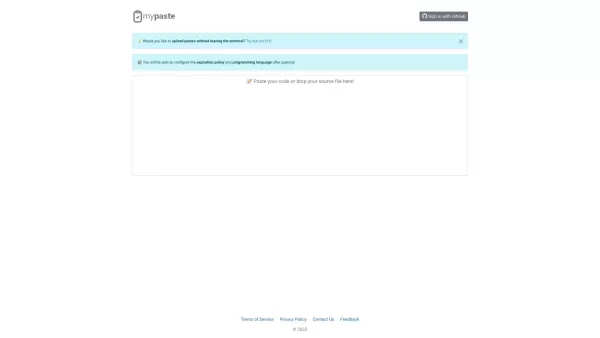
MyPaste Screenshot

2026 Latest Best Top-Rated AI Code Review Tools for Safer Pull Requests are here on XIX.AI. This curated list features powerful, game-changing solutions that help developers catch bugs early through rigorous real-world tests and accurate rankings. It includes a free vs paid comparison to help you choose the perfect fit for your workflow. Explore now to Unlock your AI edge in coding efficiency.
 12 tools
 xix.ai
Discover the 2026 best AI code reviewers on XIX.AI. Our curated list features top-rated, game-changing tools for automating clean code compliance and refactoring legacy repo files. Compare free vs paid options with real-world tests and weekly updated rankings. Unlock your AI edge today.
10 tools
xix.ai


