


 Home
HomeMotionik



Helps TikTok sellers, brands, MCNs, and TAPs discover winning products and find creators.

HelpLook is an AI-powered all-in-one knowledge base tool that helps businesses quickly build knowledge bases, help centers, and...

Your AI Workspace

302.AI is an enterprise-grade AI resource platform with pay-as-you-go pricing, API access to a full range of AI models, and ready-to-use online applications.

剧火AI — AI Screenwriter + Director, a One-Person Short Drama Studio In one sentence, what is it?
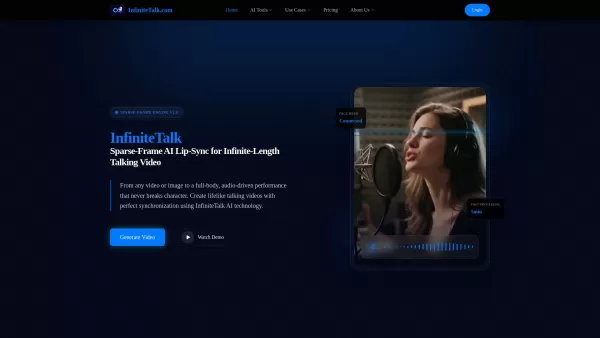
What is InfiniteTalk? InfiniteTalk is a cutting-edge AI Lip-Sync Talking Video Generator that produces realistic talking videos with flawless lip synchronization. It uses Sparse-Frame AI technology to turn any image or video into audio-driven perform
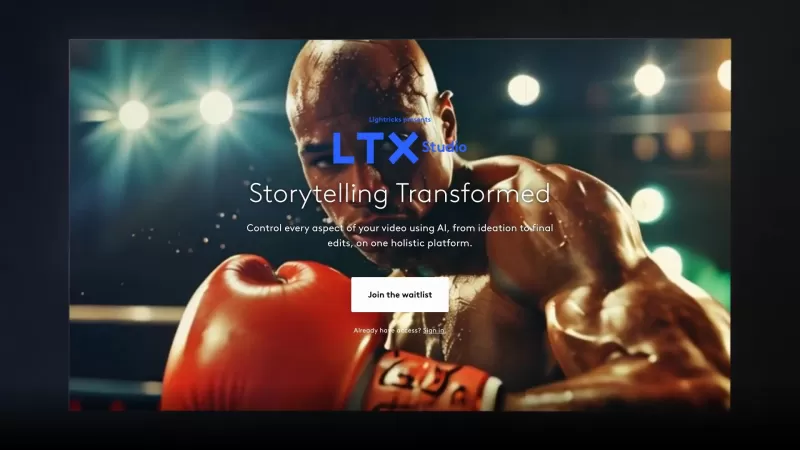
Ever wondered what LTX Studio is all about? Well, let me break it down for you. LTX Studio is this incredible, AI-powered platform designed for creators, marketers, filmmakers, and studios. It's like having a filmmaking genie at your fingertips, allowing
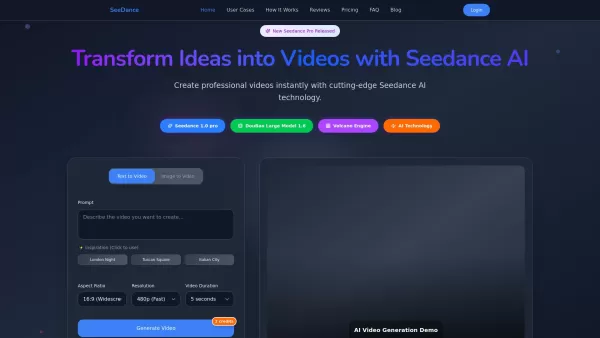
What is Seedance Pro? Seedance Pro AI is an advanced AI video creation tool that supports text-to-video and image-to-video functionalities. It empowers users to craft high-quality videos from text pro
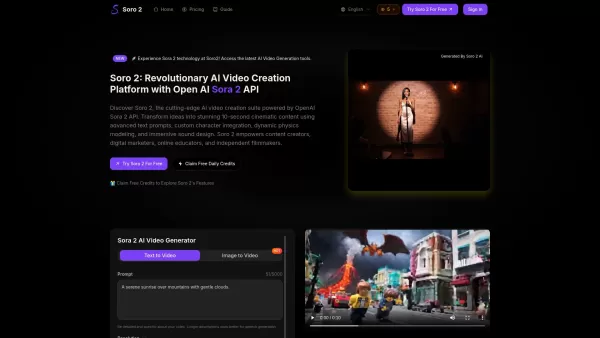
What is Soro2? Soro2 is a state-of-the-art AI video creation platform, powered by the OpenAI Sora 2 API. It helps users turn their ideas into breathtaking 20-second cinematic videos. By using advanced text prompts, custom character integration, dynam
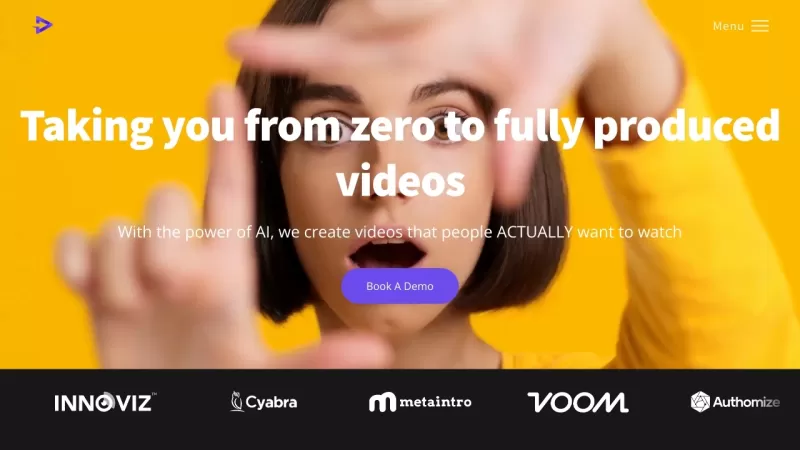
Ever wondered how to ramp up your video production game without the usual hassle? Enter Shuffll, the revolutionary platform that's changing the game with its AI-powered magic. It's like having a personal video production team at your fingertips, ready to
Motionik Product Information
What is Motionik?
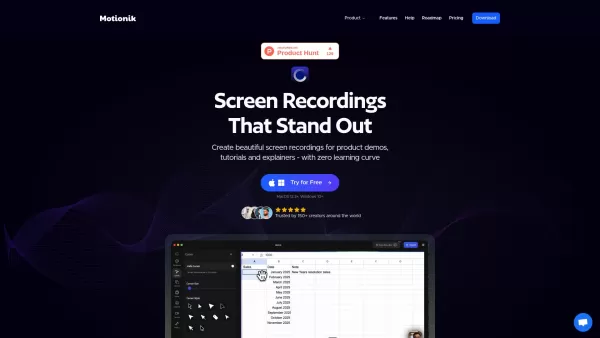
Motionik is an all-in-one screen recording and video editing tool that helps you create compelling product demonstrations, tutorials, and explainer videos. It automatically zooms in and follows your cursor, and lets you customize backgrounds—so your recordings look professional without manual adjustments. By combining recording, auto-zoom, and editing in a single platform, Motionik lets you produce polished videos in minutes, eliminating the need for multiple apps. It works on Windows and macOS, and includes overlays, audio tracks, text, images, content masks, highlights, cursor customization, webcam and audio recording, iPhone/iPad screen capture, appearance settings, trimming tools, and multiple export formats. AI features also help generate transcripts and reduce background noise.
How to use Motionik?
To get started with Motionik, record your screen (full screen, a specific window, or a selected area), along with your webcam and microphone. Then, use the integrated editor to refine your video: apply automatic or manual zoom, change cursor styles and click effects, trim clips, add motion blur, include audio tracks and images, apply masks and highlights, and adjust the appearance with backgrounds, shadows, and rounded corners. Finally, export the video in your preferred format.
Motionik's Core Features
Auto Zoom with smart cursor tracking
Built-in editor for recording and editing in one tool
Customizable backgrounds and appearance
Webcam & Audio Recording
Mobile Recording for iPhone & iPad screens
Motionik's Use Cases
Creating engaging product demos
Producing informative tutorials
Developing clear explainer videos
Making promotional videos
FAQ from Motionik
How Motionik works?
Motionik simplifies video creation by integrating recording and editing into a single tool. Its user-friendly interface and built-in editor let you polish videos without switching between applications.
Does Motionik ensure user privacy?
Motionik’s Privacy Policy is accessible via the link in the website footer.
Can I move my License to another device?
Each pricing plan indicates how many personal devices you can use with one license (such as 1 or 3 devices). However, the content does not specify whether licenses can be transferred between devices.
Motionik Support Email & Customer service contact & Refund contact etc.
For customer support, email Motionik at: [email protected] . For additional contact options, visit the contact us page(mailto:[email protected])
Motionik Company
Motionik Company name: Motionik .
Motionik Linkedin
Motionik Linkedin Profile: https://www.linkedin.com/company/motionikhq
Motionik Twitter
Motionik Twitter Profile: https://x.com/motionikhq
Motionik Screenshot

2026 Latest Best Top-rated AI Object Removal Editors for portraits travel product shots! XIX.AI curates a powerful game-changing collection regularly updated with weekly rankings. These tools offer real-world tests to help you quickly remove unwanted elements, boost content quality, and save tons of time without compromising results. Must-try for anyone aiming to unlock their AI creation edge. Explore now!
 10 tools
 xix.ai

2026 Latest Best Top-rated AI Text to Speech Tools for Online Courses are curated by XIX.AI based on rigorous real-world tests and weekly updated rankings. These powerful tools help creators deliver crystal-clear audio content effortlessly, boosting writing efficiency and streamlining course production. Check out the free vs paid comparison to find your perfect fit. Explore now to unlock your AI edge in online education.
10 tools
xix.ai

2026 Latest Best Top-Rated AI Blog Title Tools for Higher Click Through Rates! XIX.AI has carefully curated a powerful, game-changing collection of top tools that go through rigorous real-world tests. You’ll find a free vs paid comparison, weekly updated rankings, and detailed insights to help you boost your blog’s traffic efficiently. Must-try options are highlighted to help you unlock your AI edge. Explore now!
10 tools
xix.ai

2026 Latest Best Top-rated AI Task Routing Tools for Support Workflows! XIX.AI has curated a highly powerful game-changing collection of must-try solutions, all undergoing rigorous real-world tests and updated weekly. These tools streamline workflows, boost productivity, and help teams deliver faster, more efficient support. Explore now to discover your perfect tool and unlock your AI edge!
17 tools
xix.ai

2026 Latest Best Top-Rated AI Citation and Paper Summary Tools Curated by XIX.AI. Get powerful game-changing solutions for quick content creation, improved writing efficiency, and boosting productivity. We offer a free vs paid comparison along with real-world tests and weekly updated rankings to help you find the must-try tool that fits your needs perfectly. Explore now to Unlock your AI edge.
10 tools
xix.ai

2026 Latest Best Top-Rated AI Productivity Tools for Daily Work! XIX.AI has curated a powerful, game-changing selection based on rigorous weekly updated rankings and real-world tests. You’ll find must-try options that boost writing efficiency, streamline content creation, and help you overcome daily work challenges. Get a free vs paid comparison to find the perfect fit for your needs. Explore now to unlock your AI edge!
9 tools
xix.ai


