


 Home
HomeMimicBrush AI
AI Image Editing Using Reference Images - Bulk Processing Tool



Helps TikTok sellers, brands, MCNs, and TAPs discover winning products and find creators.

HelpLook is an AI-powered all-in-one knowledge base tool that helps businesses quickly build knowledge bases, help centers, and...

Your AI Workspace

302.AI is an enterprise-grade AI resource platform with pay-as-you-go pricing, API access to a full range of AI models, and ready-to-use online applications.

剧火AI — AI Screenwriter + Director, a One-Person Short Drama Studio In one sentence, what is it?
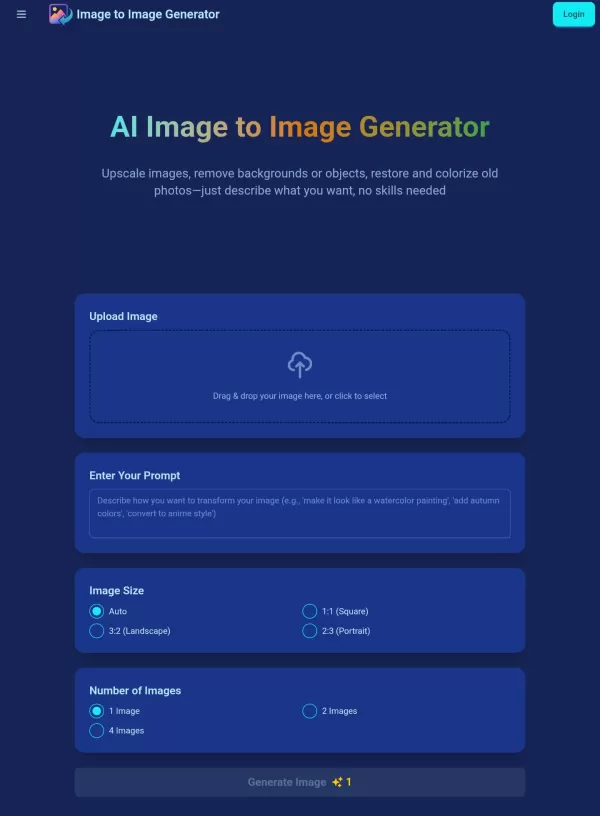
What is AI Image to Image Generator?An AI Image to Image Generator revolutionizes digital photo editing by transforming existing pictures according to text instructions. This intelligent tool empowers users to enhance resolution, eliminate distractin
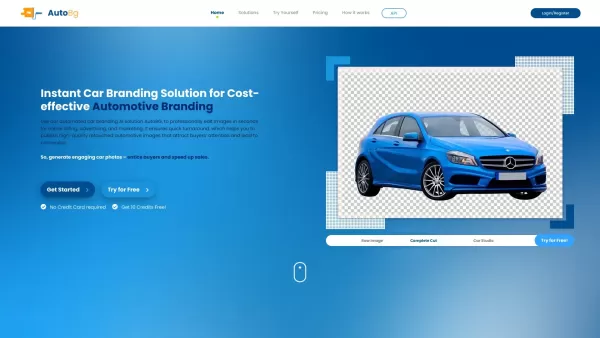
Introducing AutoBG: The Ultimate Car Branding Solution Picture this: you’ve got a stunning car image, but it needs that extra touch to make it pop. Enter AutoBG, your instant car branding savior. This cutting-edge tool uses AI to transform your car photos into professional-grade visuals in seconds.
What is Aluo AI? Aluo AI is an AI-powered image editing platform built for e-commerce sellers. It uses cutting-edge AI technology to generate professional product visuals in just 30 seconds, slashing design expenses (down to 1/50th of conventional co
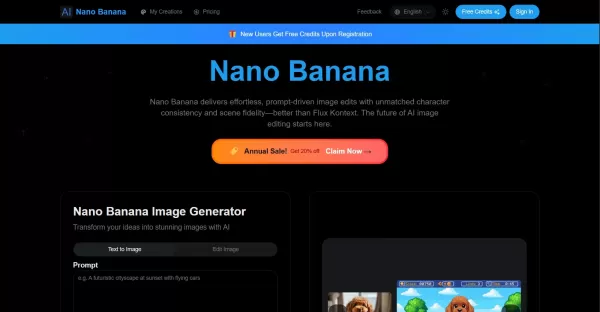
What is nano-banana.io?Nano Banana is an advanced AI image editor powered by natural language. It enables users to transform images while preserving character consistency and scene integrity, blend multiple pictures into one, and fine-tune elements l
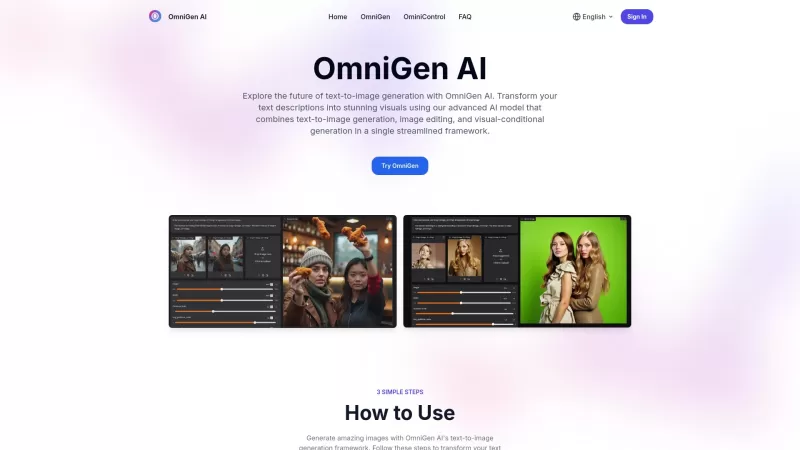
Ever wondered what OmniGen AI is all about? Well, let me break it down for you. OmniGen AI isn't just another run-of-the-mill tool; it's a powerhouse for turning your text prompts into breathtaking visuals. Imagine being able to conjure up stunning images
MimicBrush AI Product Information
Introducing MimicBrush AI: Effortless Image Editing with AI-Powered Precision
Picture this—you’re working on a project, and you stumble upon an image style or texture that you absolutely adore. Wouldn’t it be amazing if you could effortlessly bring that vibe into your own photos? Enter MimicBrush AI, your go-to tool for seamless image editing. This cutting-edge platform leverages advanced AI technology to mimic elements from reference images, giving you high-quality, realistic modifications with minimal effort.
Whether you’re a seasoned pro or someone who just dabbles in photo editing, MimicBrush makes it easy to elevate your images. No more hours spent fiddling with tools—you simply select the area you want to modify, upload your reference image, and let the AI do its magic. The result? Stunning edits that feel like they were crafted by hand, but completed in seconds.
How Does MimicBrush Work?
Using MimicBrush is as straightforward as it gets. Here’s a quick breakdown of how it works:
Select Your Editing Area: Choose the part of the image you want to transform. Maybe it’s a piece of clothing, a background, or even a single object.
Upload a Reference Image: Find an image that contains the style or texture you’re aiming for. Whether it’s a fabric pattern, a lighting effect, or a color scheme, MimicBrush will use it as inspiration.
Watch the Transformation Happen: Hit the button, and voilà! The AI processes the image, applying the desired changes to your selected area. It’s like having a personal stylist for your photos.
MimicBrush AI: Key Features That Set It Apart
Imitative Editing: MimicBrush excels at creating realistic transformations by imitating the details from your reference image.
Automated Processing: Say goodbye to manual tweaking. MimicBrush handles the heavy lifting, leaving you free to focus on creativity.
Localized Modifications: Need to edit just one small section of your image? No problem. MimicBrush lets you target specific areas with pinpoint accuracy.
Texture Transfer: Preserve the original shape of objects while adding new textures or patterns. It’s like giving your photos a makeover without losing their essence.
Post-Processing Refinement: Once the initial edit is complete, you can further enhance the image quality. This step ensures your final output looks polished and professional.
Real-Life Applications of MimicBrush AI
From hobbyists to professionals, MimicBrush caters to a wide range of users. Here are just a few ways you can put it to good use:
Transform Specific Parts of Images: Want to change the style of a shirt in a photo without redoing the entire outfit? MimicBrush has got you covered.
Enhance Image Quality: Even if you’re not a Photoshop expert, MimicBrush simplifies the process of improving your photos.
Apply Textures Seamlessly: Add intricate textures or patterns to your images with ease, whether you’re designing a poster or editing a family portrait.
Frequently Asked Questions About MimicBrush AI
- Can MimicBrush handle various image styles?
- Absolutely! MimicBrush supports a broad range of styles, making it versatile for different projects.
- Is MimicBrush suitable for all types of image edits?
- While it’s great for most edits, some complex transformations might require additional steps.
- How realistic are the edits with MimicBrush?
- The results are incredibly realistic, thanks to its advanced AI algorithms.
- Can MimicBrush be used for detailed modifications?
- Yes, it’s designed to handle both broad changes and fine-tuned details.
- Is MimicBrush easy to use for beginners?
- Definitely! Its intuitive interface ensures even novices can master it quickly.
- Can MimicBrush support texture transfer?
- Of course! Texture transfer is one of its standout features.
- Can MimicBrush handle post-processing refinement?
- Absolutely. You can refine your edits after the initial transformation.
- Is MimicBrush compatible with various devices?
- Yes, it works across multiple platforms, ensuring flexibility for all users.
Need Help? Reach Out to MimicBrush Support
If you ever run into issues or have questions, MimicBrush offers excellent customer support. For assistance, reach out via their support email: [[email protected]]. Alternatively, visit their Contact Us page for more options.
About MimicBrush AI
MimicBrush AI is more than just a tool—it’s a game-changer for anyone looking to enhance their images effortlessly. With its powerful AI capabilities and user-friendly design, it’s no wonder MimicBrush is becoming a favorite among creatives worldwide.
So why wait? Give MimicBrush a try today and see how it can transform your photography and design projects!
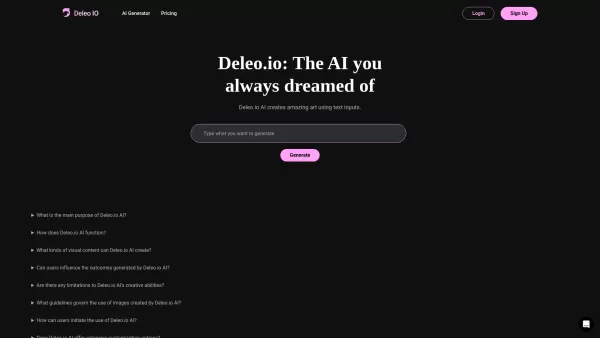
MimicBrush AI Screenshot

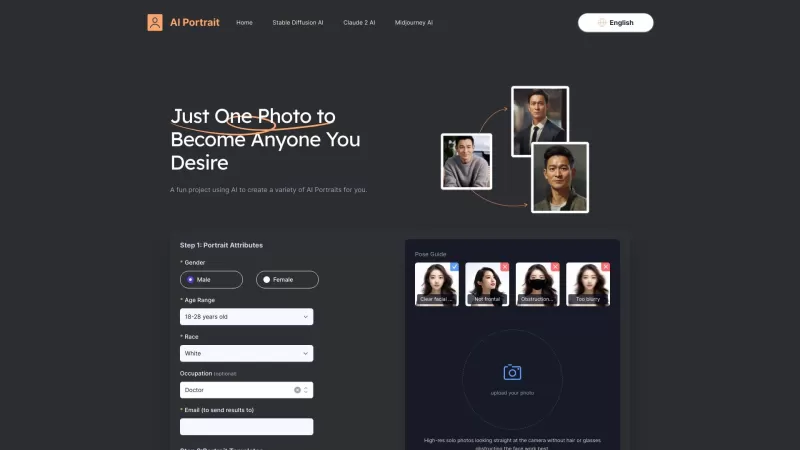
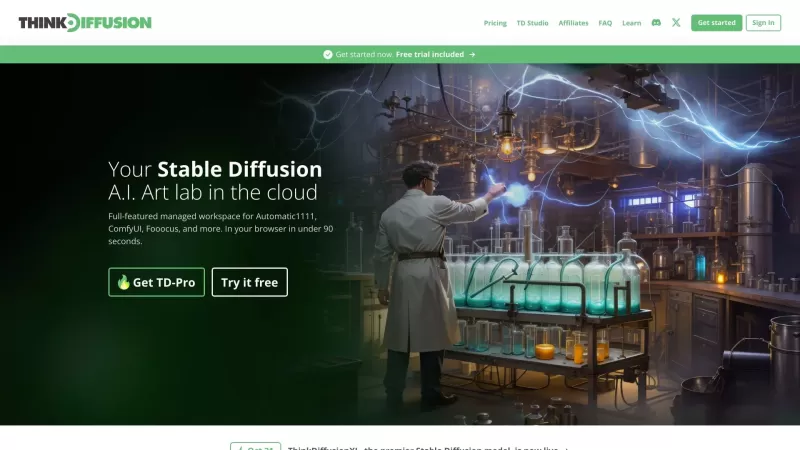
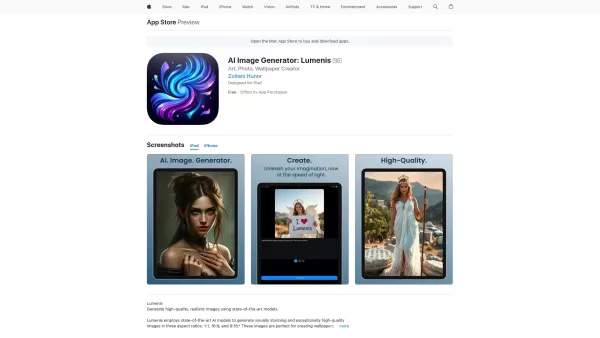
Discover the 2026 best AI batch image editors for Amazon sellers. Our top-rated, curated list compares free vs paid tools for fast cropping, resizing, and adding shadows. Save hours with powerful, game-changing automation. Explore your perfect tool now on XIX.AI.
 10 tools
 xix.ai


