


 Home
HomeMicrosoft Text-to-Speech Downloader
Text-to-speech audio synthesis with 1 click



Helps TikTok sellers, brands, MCNs, and TAPs discover winning products and find creators.

HelpLook is an AI-powered all-in-one knowledge base tool that helps businesses quickly build knowledge bases, help centers, and...

Your AI Workspace

302.AI is an enterprise-grade AI resource platform with pay-as-you-go pricing, API access to a full range of AI models, and ready-to-use online applications.

剧火AI — AI Screenwriter + Director, a One-Person Short Drama Studio In one sentence, what is it?
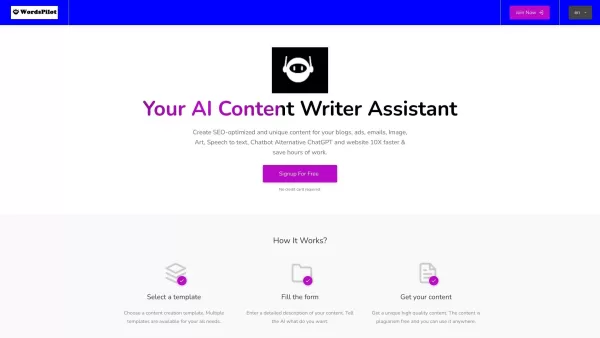
Ever wondered how you can streamline your content creation process with a touch of AI magic? Enter Wordspilot AI, a powerhouse of a platform that's changing the game for businesses and marketers. It's not just another tool; it's your new best friend in th
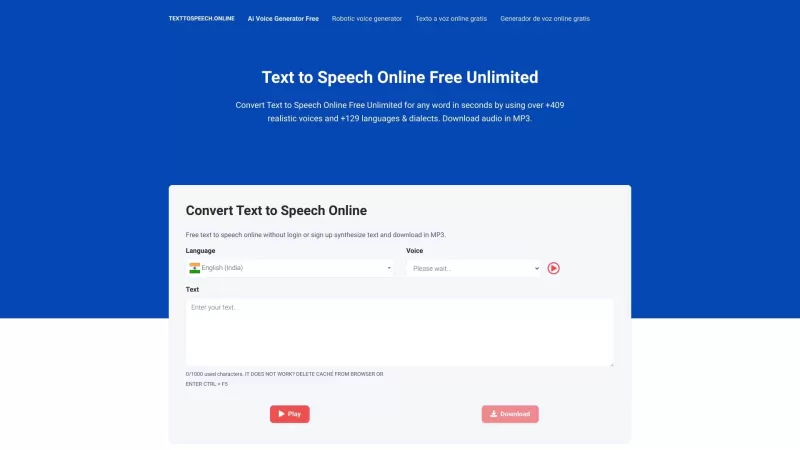
Text to Speech Online is more than just a tool; it's a gateway to transforming written words into lifelike audio. Ever needed to hear your text come to life? This platform offers over 409 voices, each with its unique charm, spanning 129 languages and dial
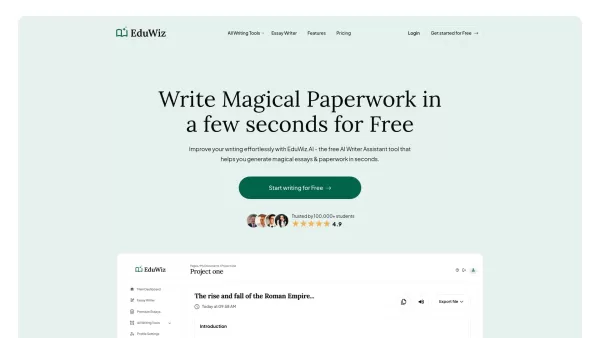
EduWiz.AI is more than just a tool—it’s your personal writing genie, designed to make crafting essays, reports, speeches, and other content a breeze. This free AI-powered assistant is perfect for students, professionals, and anyone looking to streamline t
Microsoft Text-to-Speech Downloader Product Information
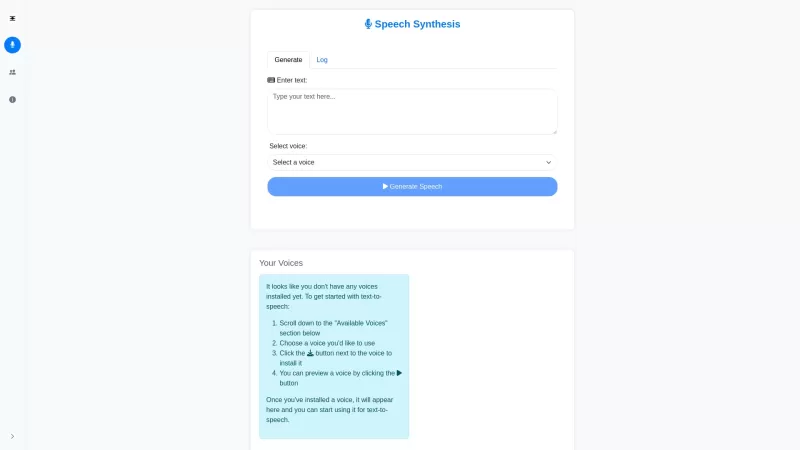
Ever wondered how you can bring your written words to life with a voice that sounds just like a real person? That's where the Microsoft Text-to-Speech Downloader comes into play. It's a nifty tool that lets you transform your text into natural-sounding speech, and with just one click, you can either play it or download it. It's like having a personal narrator for all your text-based content!
Using the Microsoft Text-to-Speech Downloader is a breeze. Just pop in your text, pick the voice and language that tickle your fancy, and hit that 'Download' button. Boom! You've got yourself an audio file that's ready to go. It's that simple, and it's perfect for anyone looking to add a voice to their words without the hassle.
Core Features of Microsoft Text-to-Speech Downloader
- Transform your text into speech that sounds as natural as a human voice.
- Download your audio file with just one click—quick and easy!
Use Cases for Microsoft Text-to-Speech Downloader
- Turn those lengthy text articles into audio you can listen to on the go.
- Give life to captions and dialogues, making your content more engaging.
FAQ from Microsoft Text-to-Speech Downloader
- Do I need to have technical knowledge or familiarity with Microsoft Azure Cloud Service to use this tool?
- Nope, you don't need to be a tech wizard. The tool is designed to be user-friendly and accessible for everyone.
- How accurate is the synthesized audio compared to the original text?
- The audio is highly accurate, designed to reflect the text as closely as possible. You'll be surprised at how well it captures the nuances of your writing!
- How do I cancel my subscription if I no longer need the service?
- Just head over to your account settings and follow the prompts to cancel your subscription. It's straightforward and hassle-free.
Need help or have questions? The Microsoft Text-to-Speech Downloader team is just an email away at [email protected]. They're ready to assist with any customer service needs, including refunds.
Curious about the cost? Check out the pricing details over at Microsoft Text-to-Speech Downloader Pricing. You might just find a plan that fits your needs perfectly!
Microsoft Text-to-Speech Downloader Screenshot

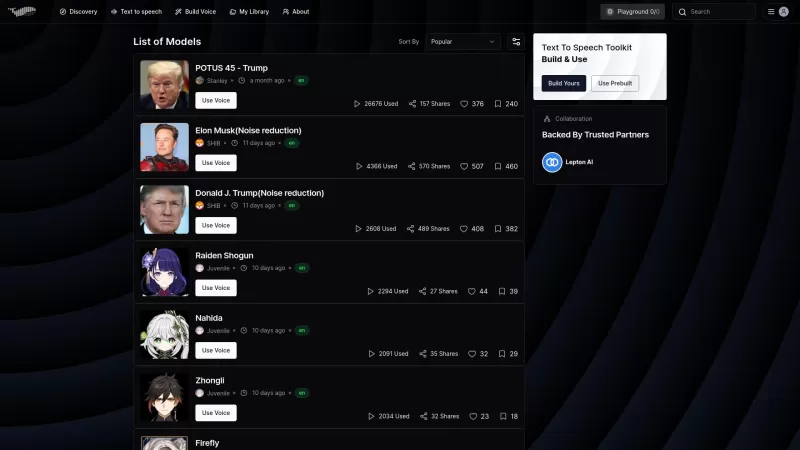
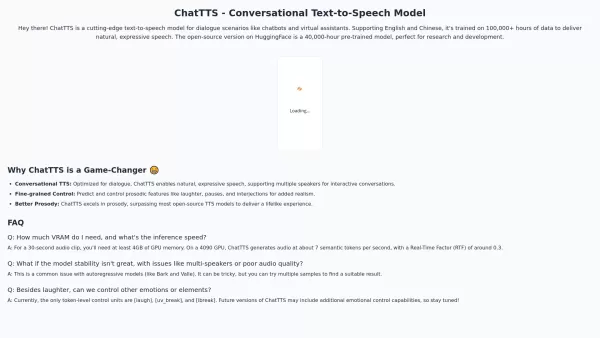

2026 Latest Best Top-rated AI Text to Speech Tools for Online Courses are curated by XIX.AI based on rigorous real-world tests and weekly updated rankings. These powerful tools help creators deliver crystal-clear audio content effortlessly, boosting writing efficiency and streamlining course production. Check out the free vs paid comparison to find your perfect fit. Explore now to unlock your AI edge in online education.
 10 tools
 xix.ai
2026 Latest Best Top-rated AI Narration Platforms for Audiobooks: discover powerful, game-changing tools that help you produce clear, high-quality long-form audio effortlessly. Our curated list includes a free vs paid comparison along with real-world tests to guide your decision. XIX.AI stands out as a must-try option among these top choices. Explore now to find the perfect platform for your audiobook projects and unlock your AI edge.
14 tools
xix.ai
Discover the 2026 best AI voice generators for TikTok & Reels. Our curated, top-rated list features powerful, game-changing tools to create engaging, emotion-driven content fast. Get weekly updated rankings, free vs paid comparisons, and real-world tests. Unlock your AI edge with XIX.AI.
10 tools
xix.ai
Discover the 2026 best AI text-to-speech tools for audiobooks at XIX.AI. Our top-rated, curated list features powerful solutions for mastering multi-character narratives and emotional depth. Compare free vs paid options with real-world tests. Unlock your storytelling edge today.
10 tools
xix.ai
Discover the 2026 best AI podcast generators at XIX.AI. Our curated list features top-rated, game-changing tools that effortlessly turn your blog articles into high-quality, conversational audio. Compare free vs paid options with real-world tests and weekly updated rankings. Unlock your audio creation edge today!
10 tools
xix.ai
Discover the 2026 best AI multimodal companions for total immersion. Our curated, weekly updated rankings feature top-rated, game-changing tools that integrate voice, image, and text to boost your creativity and productivity. Explore free vs paid comparisons and real-world tests at XIX.AI. Find your perfect match today!
10 tools
xix.ai


Just tried this and it's surprisingly good! The voice quality is so much better than some other free TTS tools I've used 🎧 I downloaded a couple of test files for my YouTube intro and it worked perfectly. Kinda wish there were more voice options though. Anyone else using this for content creation?


