


 Home
HomeMicrosoft Designer for Web



Helps TikTok sellers, brands, MCNs, and TAPs discover winning products and find creators.

HelpLook is an AI-powered all-in-one knowledge base tool that helps businesses quickly build knowledge bases, help centers, and...

Your AI Workspace

302.AI is an enterprise-grade AI resource platform with pay-as-you-go pricing, API access to a full range of AI models, and ready-to-use online applications.

剧火AI — AI Screenwriter + Director, a One-Person Short Drama Studio In one sentence, what is it?

Ever wanted to give your videos a quirky twist or a professional touch? Look no further than KreadoAI Video Face Swap! This nifty tool is a game-changer for anyone looking to seamlessly replace faces in videos. What's even better? It's absolutely free and
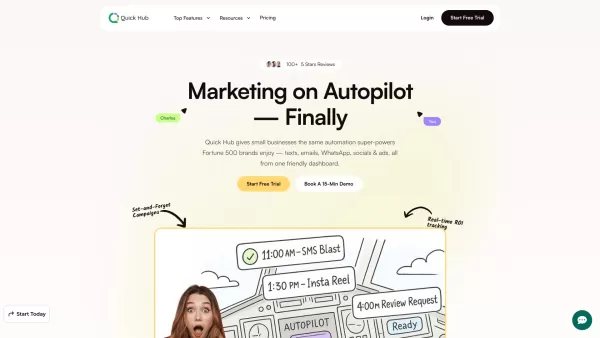
What is Quick Hub? Quick Hub empowers small business owners and marketing teams by automating their marketing with AI-driven social media, customer engagement, and promotional workflows. It provides small businesses with the same advanced automation

What is Comment Generator?Comment Generator is an innovative AI tool that crafts authentic and compelling comments for Instagram and Threads. This Chrome extension uses sophisticated algorithms to automate comment writing, saving you time while prese
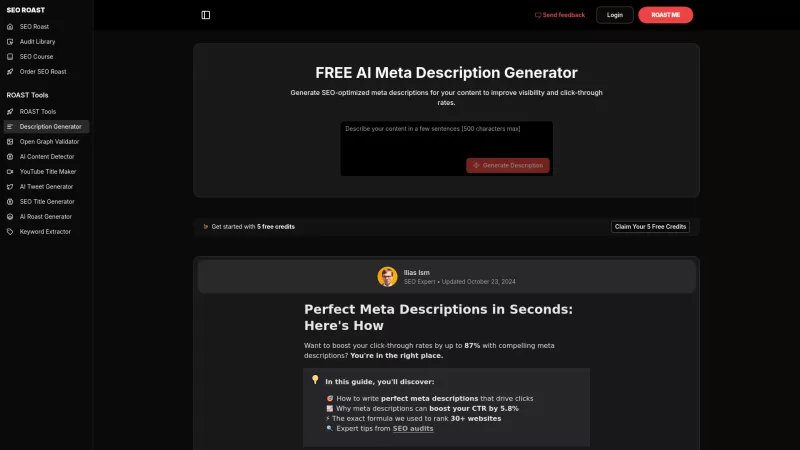
Ever find yourself staring blankly at that meta description field, wondering how to make it pop? Well, let me introduce you to the FREE AI Meta Description Generator by ROAST Tools. It's like having a personal SEO guru who crafts those perfect little snippets for your webpages. And the best part? It
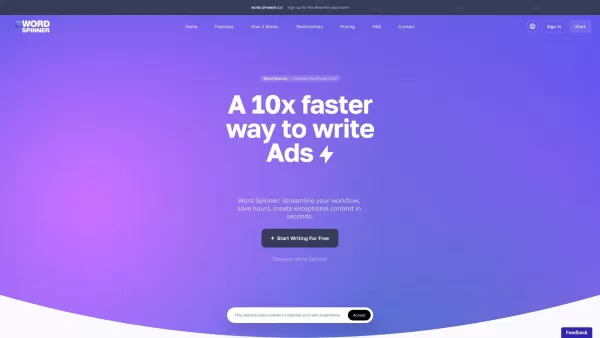
Ever found yourself staring at a blank screen, struggling to churn out content for your blog, ads, or emails? Enter Word Spinner, your new best friend in the world of content creation. This isn't just any tool; it's an all-in-one AI writing platform desig
Microsoft Designer for Web Product Information
What is Microsoft Designer for Web?
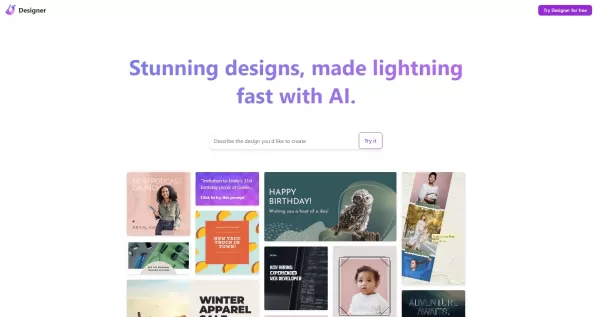
Microsoft Designer is an innovative AI-powered graphic design application. It empowers users to craft visually striking designs for social media posts, digital invitations, and a variety of online graphics. Utilizing advanced AI technologies such as DALL·E 3, the tool assists in effortlessly generating unique and personalized designs. It integrates smoothly with Microsoft's ecosystem, including Copilot, Bing, and Edge, offering a versatile solution for producing professional content quickly and with ease.
Who will use Microsoft Designer for Web?
- Social Media Managers
- Graphic Designers
- Small Business Owners
- Content Creators
- Marketing Professionals
How to use the Microsoft Designer for Web?
- Step 1: Visit the Microsoft Designer website.
- Step 2: Sign in using your Microsoft account.
- Step 3: Choose the type of graphic you wish to create, such as a social media post or invitation.
- Step 4: Describe your design idea or upload your own images.
- Step 5: Customize your design using the AI-generated suggestions.
- Step 6: Finalize your creation.
- Step 7: Save, download, or share your completed graphic.
Platform
- Web
Microsoft Designer for Web's Core Features & Benefits
The Core Features
- AI-powered design suggestions
- Image editing tools
- Social media integration
- Customizable layouts
- Integration with Microsoft tools
The Benefits
- Saves time with AI-driven automation
- Produces professional-quality graphics
- Intuitive for all skill levels
- Boosts creative potential
- Seamlessly fits into existing workflows
Microsoft Designer for Web's Main Use Cases & Applications
- Creating social media content
- Designing invitations and announcements
- Making digital postcards
- Generating website banners and headers
- Producing marketing and promotional materials
FAQs of Microsoft Designer for Web
What is Microsoft Designer?
Microsoft Designer is a cloud-based, AI-powered graphic design application for creating a wide range of digital graphics rapidly.
Is Microsoft Designer free to use?
A free version is offered with certain limitations; access to the full suite of features is included with a Microsoft 365 subscription.
Do I need design experience to use Microsoft Designer?
No prior design experience is necessary. Microsoft Designer is built to be accessible for users at all skill levels.
What platforms is Microsoft Designer available on?
Microsoft Designer is primarily available as a web application.
Can I import my own images into Microsoft Designer?
Yes, you can upload and incorporate your personal images into your designs.
How do the AI-generated suggestions work?
The AI analyzes your text prompts or uploaded images to provide relevant design suggestions, which you can then adapt and refine.
Is Microsoft Designer integrated with other Microsoft tools?
Yes, it works in tandem with other Microsoft services like Copilot, Bing, and the Edge browser.
Can I share my designs directly to social media?
Yes, the app allows for direct sharing to multiple social media platforms.
What kind of graphics can I create with Microsoft Designer?
You can create social media graphics, invitations, digital postcards, website banners, and various marketing materials.
What are some alternatives to Microsoft Designer?
Popular alternatives include Canva, Adobe Express, Crello, Piktochart, and Visme.
Microsoft Designer for Web Company Information
- Company Name: Microsoft
- Official Creative Tool: Bing Image Creator
Microsoft Designer for Web Screenshot


2026 Latest Best Top-rated AI Object Removal Editors for portraits travel product shots! XIX.AI curates a powerful game-changing collection regularly updated with weekly rankings. These tools offer real-world tests to help you quickly remove unwanted elements, boost content quality, and save tons of time without compromising results. Must-try for anyone aiming to unlock their AI creation edge. Explore now!
 10 tools
 xix.ai

2026 Latest Best Top-rated AI Text to Speech Tools for Online Courses are curated by XIX.AI based on rigorous real-world tests and weekly updated rankings. These powerful tools help creators deliver crystal-clear audio content effortlessly, boosting writing efficiency and streamlining course production. Check out the free vs paid comparison to find your perfect fit. Explore now to unlock your AI edge in online education.
10 tools
xix.ai

2026 Latest Best Top-Rated AI Blog Title Tools for Higher Click Through Rates! XIX.AI has carefully curated a powerful, game-changing collection of top tools that go through rigorous real-world tests. You’ll find a free vs paid comparison, weekly updated rankings, and detailed insights to help you boost your blog’s traffic efficiently. Must-try options are highlighted to help you unlock your AI edge. Explore now!
10 tools
xix.ai

2026 Latest Best Top-rated AI Task Routing Tools for Support Workflows! XIX.AI has curated a highly powerful game-changing collection of must-try solutions, all undergoing rigorous real-world tests and updated weekly. These tools streamline workflows, boost productivity, and help teams deliver faster, more efficient support. Explore now to discover your perfect tool and unlock your AI edge!
17 tools
xix.ai

2026 Latest Best Top-Rated AI Citation and Paper Summary Tools Curated by XIX.AI. Get powerful game-changing solutions for quick content creation, improved writing efficiency, and boosting productivity. We offer a free vs paid comparison along with real-world tests and weekly updated rankings to help you find the must-try tool that fits your needs perfectly. Explore now to Unlock your AI edge.
10 tools
xix.ai

2026 Latest Best Top-Rated AI Productivity Tools for Daily Work! XIX.AI has curated a powerful, game-changing selection based on rigorous weekly updated rankings and real-world tests. You’ll find must-try options that boost writing efficiency, streamline content creation, and help you overcome daily work challenges. Get a free vs paid comparison to find the perfect fit for your needs. Explore now to unlock your AI edge!
9 tools
xix.ai


