


 Home
HomeMemorr.AI
AI Memory Desktop App: Mac/Windows



Helps TikTok sellers, brands, MCNs, and TAPs discover winning products and find creators.

HelpLook is an AI-powered all-in-one knowledge base tool that helps businesses quickly build knowledge bases, help centers, and...

Your AI Workspace

302.AI is an enterprise-grade AI resource platform with pay-as-you-go pricing, API access to a full range of AI models, and ready-to-use online applications.

剧火AI — AI Screenwriter + Director, a One-Person Short Drama Studio In one sentence, what is it?

Ever wished for a trusty sidekick to help you navigate the digital world with ease? Enter Sider, your personal AI companion designed to seamlessly blend into your daily routine. Starting off as a handy Chrome/Edge extension, Sider transforms your browsing
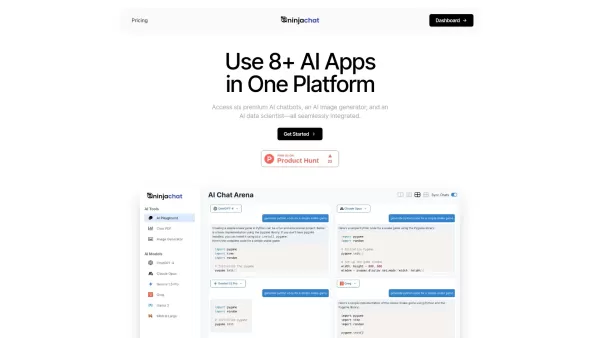
What is NinjaChat AI?NinjaChat is a comprehensive AI assistant that combines multiple AI capabilities into one unified platform. Users can interact with advanced models such as GPT-4 and Claude 3, analyze PDF documents, create images, and communicate
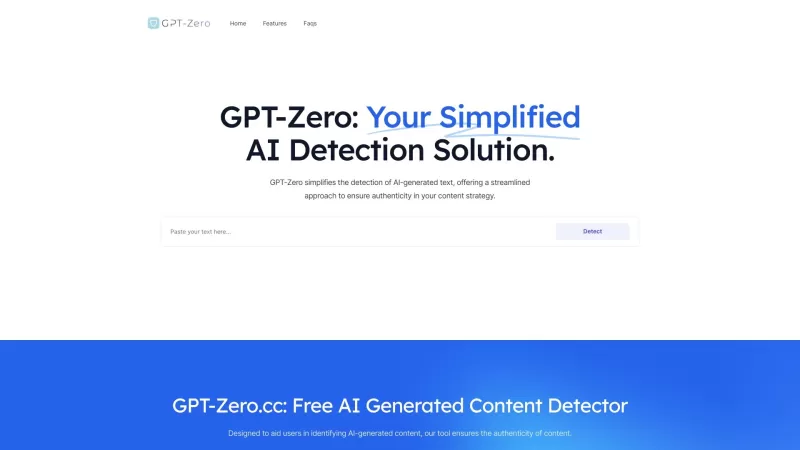
Ever found yourself wondering if that slick article or clever comment was penned by a human or churned out by an AI? Enter GPT-Zero.cc, your go-to free tool for sniffing out AI-generated content from the likes of ChatGPT, GPT-4, and beyond. It's like havi
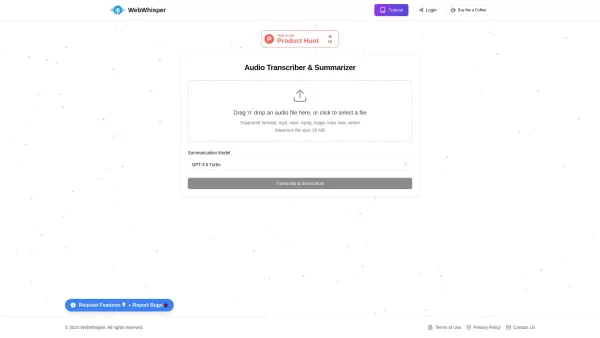
Ever found yourself wishing you could magically turn audio into text? Well, let me introduce you to WebWhisper, your new best friend in the world of audio transcription and summarization. This nifty online tool harnesses the power of cutting-edge AI
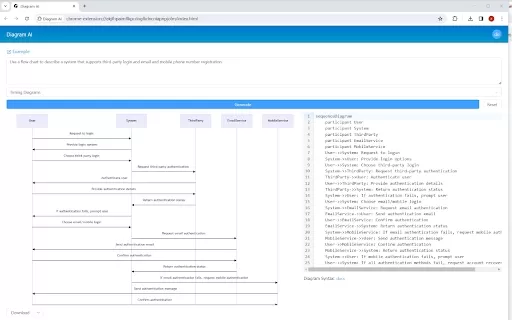
Ever wished you could magically turn your thoughts into diagrams with just a few words? Well, that's exactly what the Diagram AI Chrome extension does, and it's like having a personal artist powered by the genius of GPT4. This nifty tool lets you transfor
Memorr.AI Product Information
What is Memorr.AI?
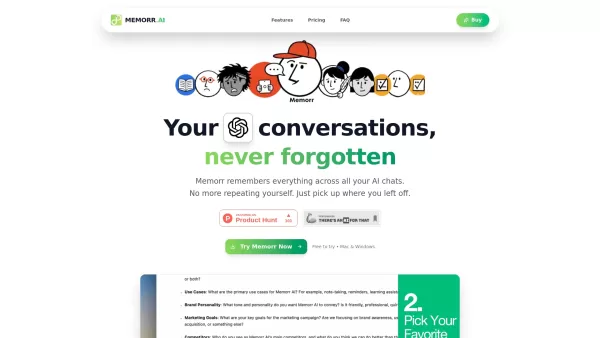
Memorr.AI is a desktop application for both Mac and Windows that addresses the challenge of losing context during extended AI dialogues. It enables users to interact with various AI models such as GPT-4, Claude, Gemini, and Perplexity, offering intelligent memory management via a visual memory canvas. The app features a one-time payment for a lifetime license, targeting savings of 40-60% versus subscription services like ChatGPT Plus. It prioritizes privacy by keeping all conversations stored locally on the user's device and permits the use of personal API keys for complete control over expenses and data.
How to use Memorr.AI?
Memorr.AI employs a split-screen layout, dedicating 30% to chat and 70% to a visual memory canvas. While conversing with AI, users can generate, modify, and arrange memory nodes on this canvas. These memories supply context to your discussions, allowing the AI to retain crucial details across different sessions. Users can also branch conversations to investigate alternative directions without abandoning the original dialogue and seamlessly switch between various AI models.
Memorr.AI's Core Features
Intelligent memory management
Visual Memory Canvas for context organization
Compatibility with multiple AI providers (GPT, Claude, Gemini, Perplexity)
Local conversation storage ensuring privacy and security
Bring Your Own API Keys (BYOK)
Split-Screen Interface (30% chat, 70% canvas)
Conversation branching for efficient exploration
Export chats in JSON or Markdown format
Memorr.AI's Use Cases
Developers managing intricate projects over extended periods, monitoring decisions and bug resolutions.
Writers & Creators refining content strategy, preserving brand voice and stylistic guidelines.
Marketers analyzing campaign results and tracking insights across several months.
Entrepreneurs guiding startups from conception to market entry, documenting pivots and user input.
Students studying complex disciplines throughout academic terms, retaining concepts and study progress.
Product Managers releasing features over multiple quarters, overseeing user stories and development timelines.
FAQ from Memorr.AI
What is Memorr AI?
Memorr AI is a desktop application for Mac and Windows that resolves context loss in extensive AI conversations. It features a visual memory canvas to structure and preserve context across multiple AI chat sessions with models including GPT, Claude, Gemini, and Perplexity.
Where are my conversations stored?
All your conversations, memories, and data are stored locally on your computer. Memorr does not transmit your chat content to external servers, guaranteeing total privacy and security. You have the option to export your data at any time as JSON or Markdown files.
Can I use Memorr on multiple devices?
Yes! Your lifetime license permits Memorr usage on up to 2 devices (Mac or Windows). You can reassign devices whenever needed via your account settings.
Memorr.AI Support Email & Customer service contact & Refund contact etc.
For customer support, contact Memorr.AI at: [email protected] . For additional contact options, visit the contact us page(https://www.memorr.ai/contact)
Memorr.AI Company
Memorr.AI Company name: Memorr.AI .
To learn more about Memorr.AI, visit the about us page(https://www.memorr.ai/).
Memorr.AI Screenshot



2026 Latest Best Top-rated AI Text to Speech Tools for Online Courses are curated by XIX.AI based on rigorous real-world tests and weekly updated rankings. These powerful tools help creators deliver crystal-clear audio content effortlessly, boosting writing efficiency and streamlining course production. Check out the free vs paid comparison to find your perfect fit. Explore now to unlock your AI edge in online education.
 10 tools
 xix.ai

2026 Latest Best Top-Rated AI Blog Title Tools for Higher Click Through Rates! XIX.AI has carefully curated a powerful, game-changing collection of top tools that go through rigorous real-world tests. You’ll find a free vs paid comparison, weekly updated rankings, and detailed insights to help you boost your blog’s traffic efficiently. Must-try options are highlighted to help you unlock your AI edge. Explore now!
10 tools
xix.ai

2026 Latest Best Top-rated AI Task Routing Tools for Support Workflows! XIX.AI has curated a highly powerful game-changing collection of must-try solutions, all undergoing rigorous real-world tests and updated weekly. These tools streamline workflows, boost productivity, and help teams deliver faster, more efficient support. Explore now to discover your perfect tool and unlock your AI edge!
17 tools
xix.ai

2026 Latest Best Top-Rated AI Citation and Paper Summary Tools Curated by XIX.AI. Get powerful game-changing solutions for quick content creation, improved writing efficiency, and boosting productivity. We offer a free vs paid comparison along with real-world tests and weekly updated rankings to help you find the must-try tool that fits your needs perfectly. Explore now to Unlock your AI edge.
10 tools
xix.ai

2026 Latest Best Top-Rated AI Productivity Tools for Daily Work! XIX.AI has curated a powerful, game-changing selection based on rigorous weekly updated rankings and real-world tests. You’ll find must-try options that boost writing efficiency, streamline content creation, and help you overcome daily work challenges. Get a free vs paid comparison to find the perfect fit for your needs. Explore now to unlock your AI edge!
9 tools
xix.ai

2026 Latest Best Top-Rated AI Systematic Review Tools for Research Screening are here on XIX.AI! This curated collection includes powerful, game-changing solutions that go through rigorous real-world tests to deliver accurate results. We also offer a free vs paid comparison along with weekly updated rankings to help you find the must-try option that boosts your research efficiency significantly. Explore now to unlock your AI edge in academic work!
11 tools
xix.ai


