


 Home
HomeMemFlow
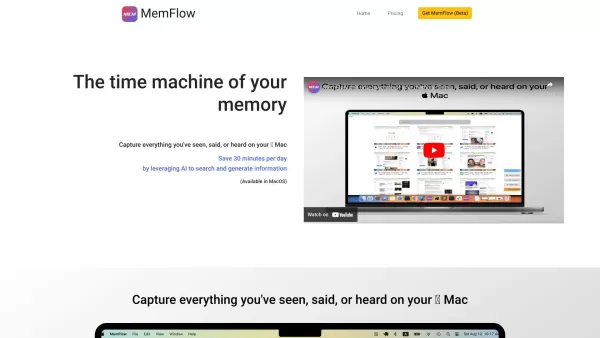
Your memory assistant on  Mac.



Helps TikTok sellers, brands, MCNs, and TAPs discover winning products and find creators.

HelpLook is an AI-powered all-in-one knowledge base tool that helps businesses quickly build knowledge bases, help centers, and...

Your AI Workspace

302.AI is an enterprise-grade AI resource platform with pay-as-you-go pricing, API access to a full range of AI models, and ready-to-use online applications.

剧火AI — AI Screenwriter + Director, a One-Person Short Drama Studio In one sentence, what is it?

UniScribe is more than just a tool—it's a game-changer for anyone dealing with audio and video content. It's the go-to platform for transforming your spoken words into written text, and it does so with incredible efficiency. Whether you're working with audio files or videos, or even just a YouTube U
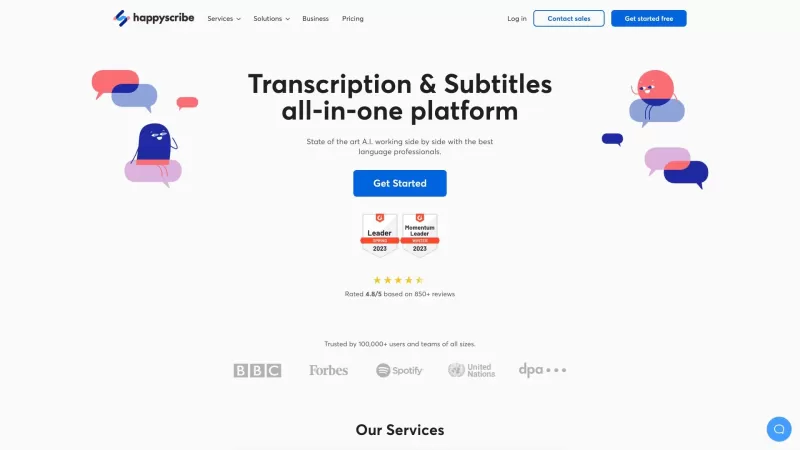
Discover the magic of Happy Scribe, your go-to service for turning audio into text with stunning accuracy across multiple languages and formats. Whether you're dealing with podcasts, interviews, or video content, Happy Scribe has got you covered with both automatic and human transcription options.Ho
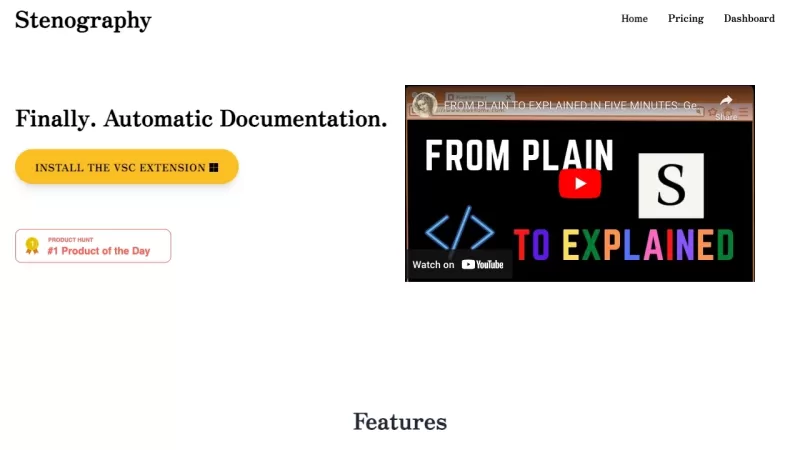
Ever wondered how those court reporters manage to capture every word with such speed and precision? Well, that's where the magic of stenography comes into play. It's a technique that transforms the spoken word into written text at lightning speed, and it'
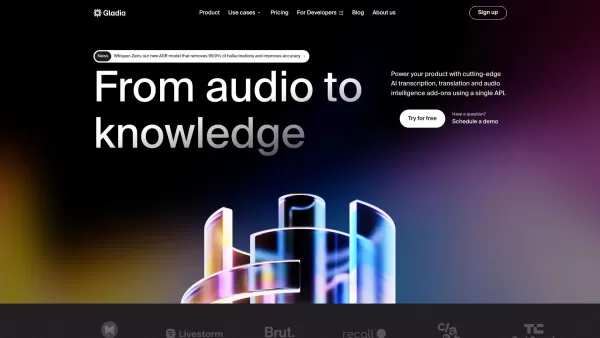
What is Gladia? Gladia offers an AI-driven Speech-to-Text API that delivers transcription, translation, and audio intelligence capabilities. It leverages an enhanced version of OpenAI's Whisper model for fast, precise, and scalable conversion of audi

Ever wondered how you could level up your language learning game? Say hello to Miraa AI, brought to you by Myoland! This innovative tool transforms any video into a bilingual learning experience, complete with subtitles, real-time translations, shadowing
MemFlow Product Information
Ever wished you could have a personal memory assistant that captures everything you do on your Mac? Well, say hello to MemFlow! It's like having a digital diary that not only records screenshots and sounds but also lets you dive back into your past with ease. MemFlow automatically captures your digital life in chronological order, so you can revisit any moment. And the best part? You can find what you're looking for with a simple semantic search.
How to Use MemFlow?
Using MemFlow is like having a superpower. It captures everything you see, say, or hear on your Mac. Imagine being able to play back your day like you're watching a movie. Need to transcribe or summarize a meeting? MemFlow does that too, seamlessly turning your interactions into actionable insights.
MemFlow's Core Features
Automatic Recording of Screenshots and Sounds
MemFlow quietly works in the background, capturing every screenshot and sound without you lifting a finger.
Semantic Search to Find Back Memory
Forget about scrolling through endless files. With MemFlow's semantic search, finding that one moment you need is as easy as typing a few keywords.
Playback of Recorded Memory
Relive your digital moments anytime. MemFlow lets you play back your recorded memories, just like watching a personal documentary.
Transcription and Summarization of Meetings
Meetings can be a blur, but MemFlow turns them into clear, concise summaries and transcripts, making sure you never miss a detail.
MemFlow's Use Cases
Efficient Search
Need to find a message, a piece of info, or some data across different platforms and apps? MemFlow's keyword or semantic search makes it a breeze.
Workday Overview
Get a quick summary of your day's work, perfect for standups or just to review your progress. MemFlow keeps you on top of your game.
Pre-Call Context
Before you jump on a call, MemFlow gives you the lowdown on your previous interactions with that contact. It's like having a cheat sheet for every conversation.
Meeting Recording
Forget about taking notes. MemFlow captures and indexes your meetings, so you can focus on the discussion, not on scribbling.
Replay & Reproduction
Ever needed to recreate a setup or track down a decision? With MemFlow, you can replay your interactions and see exactly what happened.
FAQ from MemFlow
- How do I install MemFlow?
- Installing MemFlow is a breeze. Just download it from our website and follow the on-screen instructions. You'll be up and running in no time!
- What devices and systems does MemFlow support?
- MemFlow is designed for Macs running macOS. It's your go-to memory assistant for all your Apple devices.
- What permissions do MemFlow need?
- MemFlow needs access to your screen and audio to capture everything accurately. Don't worry, we keep your data safe and secure.
- How does MemFlow protect my data and privacy?
- Your privacy is our top priority. MemFlow uses encryption and secure storage to ensure your memories are for your eyes only.
- How much CPU and memory resources does MemFlow take on my Mac/MacOS?
- MemFlow is designed to be light on resources. It runs efficiently in the background, so you won't even notice it's there.
- How much disk space does MemFlow take?
- The amount of disk space MemFlow uses depends on how much you capture. But don't worry, we've made it as efficient as possible to keep your storage free.
MemFlow Screenshot


2026 Latest Best Top-rated AI Object Removal Editors for portraits travel product shots! XIX.AI curates a powerful game-changing collection regularly updated with weekly rankings. These tools offer real-world tests to help you quickly remove unwanted elements, boost content quality, and save tons of time without compromising results. Must-try for anyone aiming to unlock their AI creation edge. Explore now!
 10 tools
 xix.ai

2026 Latest Best Top-rated AI Text to Speech Tools for Online Courses are curated by XIX.AI based on rigorous real-world tests and weekly updated rankings. These powerful tools help creators deliver crystal-clear audio content effortlessly, boosting writing efficiency and streamlining course production. Check out the free vs paid comparison to find your perfect fit. Explore now to unlock your AI edge in online education.
10 tools
xix.ai

2026 Latest Best Top-Rated AI Blog Title Tools for Higher Click Through Rates! XIX.AI has carefully curated a powerful, game-changing collection of top tools that go through rigorous real-world tests. You’ll find a free vs paid comparison, weekly updated rankings, and detailed insights to help you boost your blog’s traffic efficiently. Must-try options are highlighted to help you unlock your AI edge. Explore now!
10 tools
xix.ai

2026 Latest Best Top-rated AI Task Routing Tools for Support Workflows! XIX.AI has curated a highly powerful game-changing collection of must-try solutions, all undergoing rigorous real-world tests and updated weekly. These tools streamline workflows, boost productivity, and help teams deliver faster, more efficient support. Explore now to discover your perfect tool and unlock your AI edge!
17 tools
xix.ai

2026 Latest Best Top-Rated AI Citation and Paper Summary Tools Curated by XIX.AI. Get powerful game-changing solutions for quick content creation, improved writing efficiency, and boosting productivity. We offer a free vs paid comparison along with real-world tests and weekly updated rankings to help you find the must-try tool that fits your needs perfectly. Explore now to Unlock your AI edge.
10 tools
xix.ai

2026 Latest Best Top-Rated AI Productivity Tools for Daily Work! XIX.AI has curated a powerful, game-changing selection based on rigorous weekly updated rankings and real-world tests. You’ll find must-try options that boost writing efficiency, streamline content creation, and help you overcome daily work challenges. Get a free vs paid comparison to find the perfect fit for your needs. Explore now to unlock your AI edge!
9 tools
xix.ai


MemFlow sounds like a dream come true for anyone with a chaotic workflow! I love the idea of automatically capturing screenshots and audio — it's like having a digital clone of my memory. But I also worry a bit about privacy and storage space. Still, super excited to try it out! 🚀
MemFlow is a game-changer for my Mac workflow! 🖥️ It captures everything I do, from screenshots to audio, and the semantic search is super intuitive. It’s like having a time machine for my projects. Only downside? I’m worried about storage space with all those recordings. Still, highly recommend! 🙌
MemFlowはクールですが、キャプチャするデータが多すぎて圧倒されることがあります。再び瞬間を体験できるのは好きですが、時々多すぎる感じがします。もっとシンプルなインターフェースがあればいいのに?それでも、全てを追跡するのに便利です!🤔
O MemFlow é legal, mas pode ser um pouco esmagador com todos os dados que ele captura. Adoro como ele me permite reviver momentos, mas às vezes parece demais. Talvez uma interface mais simples ajudaria? Ainda assim, é bem útil para acompanhar tudo! 🤔
MemFlow는 멋지지만, 캡처하는 데이터가 너무 많아서 압도될 때가 있어요. 순간을 다시 경험할 수 있는 건 좋아요, 하지만 때때로 너무 많다고 느껴져요. 더 간단한 인터페이스가 있으면 좋겠어요? 그래도 모든 것을 추적하는 데 유용해요! 🤔


