


 Home
HomeMagiScan
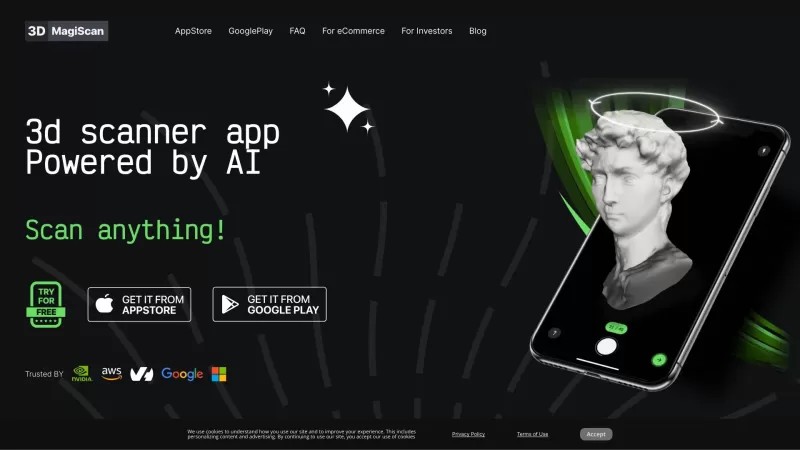
Turn anything into 3D with your smartphone.



Helps TikTok sellers, brands, MCNs, and TAPs discover winning products and find creators.

HelpLook is an AI-powered all-in-one knowledge base tool that helps businesses quickly build knowledge bases, help centers, and...

Your AI Workspace

302.AI is an enterprise-grade AI resource platform with pay-as-you-go pricing, API access to a full range of AI models, and ready-to-use online applications.

剧火AI — AI Screenwriter + Director, a One-Person Short Drama Studio In one sentence, what is it?
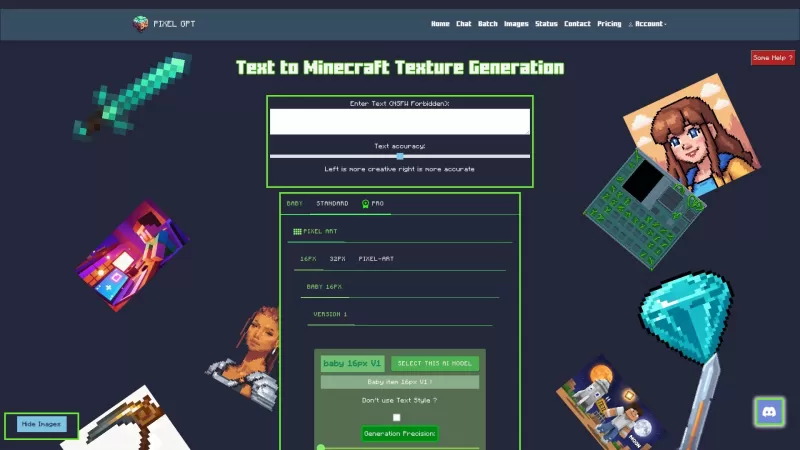
Ever wondered what AI MC Texture is all about? Well, it's a nifty tool that lets you conjure up Minecraft textures just by typing in what you want. It's like magic, but with code and pixels instead of wands and spells.How to Use AI MC Texture?Using AI MC
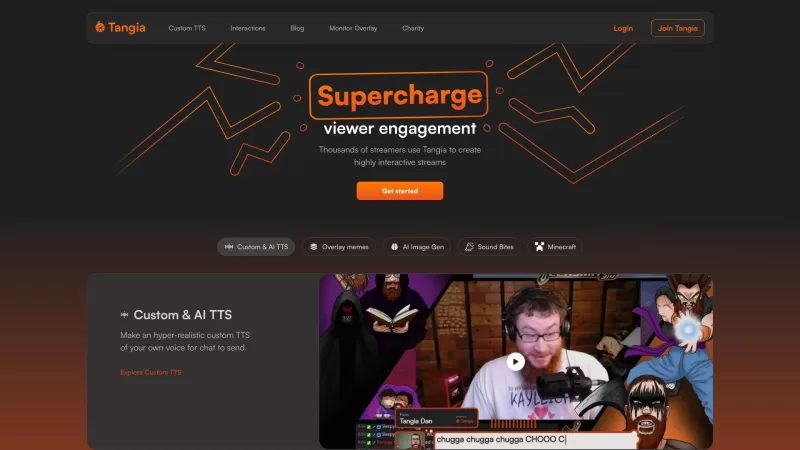
Ever wondered what Tangia is all about? Well, let me tell you—it's the ultimate tool to spice up your streaming experience! Whether you're on Twitch or YouTube, Tangia lets you supercharge your chat engagement, making your streams not just more fun, but downright interactive.How to Use Tangia?Gettin
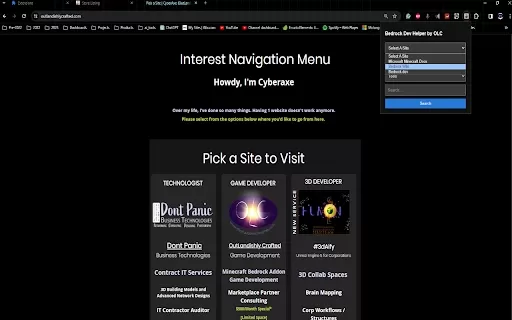
Ever found yourself knee-deep in Minecraft Bedrock development, wishing for a sidekick to make your life easier? Enter the OLC Bedrock Dev Helper AI Chrome extension—your new best friend in the world of coding. This nifty tool is designed to streamline yo
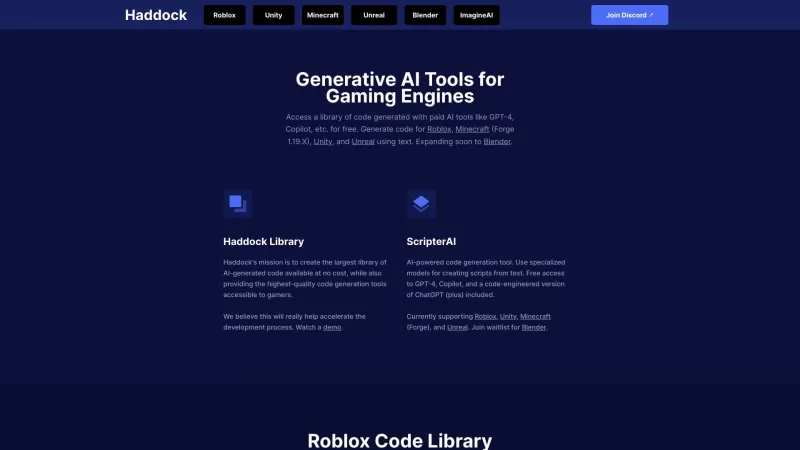
Ever wondered how to supercharge your game development process? Look no further than Haddock, a game-changer in the world of gaming engines with its suite of generative AI tools. Think of Haddock as your trusty sidekick, offering a vast library of code wh
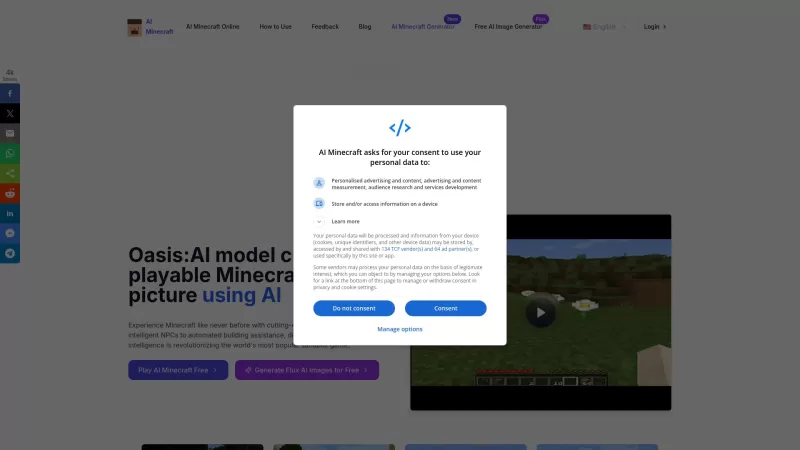
Oasis:AI, also known as AI Minecraft, is a game-changer for Minecraft enthusiasts. It's not just another mod; it's an AI-enhanced version that transforms your Minecraft experience into something truly unique. Imagine stepping into worlds that are crafted
MagiScan Product Information
Ever wished you could transform the world around you into digital masterpieces? Well, that's where MagiScan comes into play. This nifty AI-powered app is your ticket to turning everyday objects into stunning 3D models with just the swipe of your smartphone.
How to Use MagiScan?
Getting started with MagiScan is as easy as pie. First, head over to your app store—whether you're rocking an iOS or an Android device—and download the app. Once it's installed, fire it up and point your camera at the object you're eager to immortalize in 3D. The app will guide you through capturing the object from various angles, so don't rush it; take your time to get it right. After you've circled around your subject like a pro photographer, MagiScan will work its magic and voila! You'll have a 3D model ready to export in a format that suits your needs.
MagiScan's Core Features
AI-driven 3D Scanning
The heart of MagiScan is its AI-driven technology, which does the heavy lifting to create detailed 3D models from your scans. It's like having a digital artist in your pocket!
Multiple Export Format Choices
Flexibility is key, and MagiScan delivers by allowing you to export your models in various formats. Whether you need them for professional use or just for fun, there's a format for every occasion.
Integration with NVIDIA Omniverse
If you're into the world of digital creation, you'll love how MagiScan integrates seamlessly with NVIDIA Omniverse. It's a game-changer for anyone looking to bring their 3D models into a collaborative virtual space.
Integration with Minecraft as Block Structures
For the gamers out there, MagiScan isn't just about scanning—it's about playing too. Convert your scans into block structures and enhance your Minecraft worlds with real-world objects. How cool is that?
MagiScan's Use Cases
Creating 3D Models for E-commerce Product Visualization
Imagine showcasing your products in 3D on your e-commerce site. MagiScan makes it possible, offering customers a more immersive shopping experience that can boost your sales.
Digitizing Real-world Objects for Virtual Reality Experiences
Want to bring the physical world into your virtual reality adventures? MagiScan lets you digitize objects to create more realistic and engaging VR experiences.
Enhancing Game Environments in Minecraft with Custom Block Structures
Minecraft fans, rejoice! With MagiScan, you can scan objects and turn them into custom blocks, adding a personal touch to your game worlds that'll make your friends jealous.
FAQ from MagiScan
- What devices are compatible with MagiScan?
- MagiScan supports both iOS and Android devices, so you can use it no matter which team you're on.
- What export formats are available?
- You've got options! MagiScan allows you to export in formats like OBJ, STL, and more, catering to various needs and software compatibility.
- Can I use MagiScan for commercial purposes?
- Absolutely! Whether you're a business or an individual, MagiScan's 3D models are perfect for commercial use, from product visualization to marketing materials.
- How accurate are the 3D models generated by MagiScan?
- The accuracy of MagiScan's models is impressive, thanks to its AI technology. While results can vary based on the object and scanning conditions, you can expect high-quality, detailed models that meet professional standards.
MagiScan Screenshot


2026 Latest Best Top-rated AI Object Removal Editors for portraits travel product shots! XIX.AI curates a powerful game-changing collection regularly updated with weekly rankings. These tools offer real-world tests to help you quickly remove unwanted elements, boost content quality, and save tons of time without compromising results. Must-try for anyone aiming to unlock their AI creation edge. Explore now!
 10 tools
 xix.ai

2026 Latest Best Top-rated AI Text to Speech Tools for Online Courses are curated by XIX.AI based on rigorous real-world tests and weekly updated rankings. These powerful tools help creators deliver crystal-clear audio content effortlessly, boosting writing efficiency and streamlining course production. Check out the free vs paid comparison to find your perfect fit. Explore now to unlock your AI edge in online education.
10 tools
xix.ai

2026 Latest Best Top-Rated AI Blog Title Tools for Higher Click Through Rates! XIX.AI has carefully curated a powerful, game-changing collection of top tools that go through rigorous real-world tests. You’ll find a free vs paid comparison, weekly updated rankings, and detailed insights to help you boost your blog’s traffic efficiently. Must-try options are highlighted to help you unlock your AI edge. Explore now!
10 tools
xix.ai

2026 Latest Best Top-rated AI Task Routing Tools for Support Workflows! XIX.AI has curated a highly powerful game-changing collection of must-try solutions, all undergoing rigorous real-world tests and updated weekly. These tools streamline workflows, boost productivity, and help teams deliver faster, more efficient support. Explore now to discover your perfect tool and unlock your AI edge!
17 tools
xix.ai

2026 Latest Best Top-Rated AI Citation and Paper Summary Tools Curated by XIX.AI. Get powerful game-changing solutions for quick content creation, improved writing efficiency, and boosting productivity. We offer a free vs paid comparison along with real-world tests and weekly updated rankings to help you find the must-try tool that fits your needs perfectly. Explore now to Unlock your AI edge.
10 tools
xix.ai

2026 Latest Best Top-Rated AI Productivity Tools for Daily Work! XIX.AI has curated a powerful, game-changing selection based on rigorous weekly updated rankings and real-world tests. You’ll find must-try options that boost writing efficiency, streamline content creation, and help you overcome daily work challenges. Get a free vs paid comparison to find the perfect fit for your needs. Explore now to unlock your AI edge!
9 tools
xix.ai


MagiScan is super cool! 😎 Scanned my old sneakers and got a dope 3D model in minutes. Easy to use, but sometimes it glitches on shiny stuff. Still, totally worth it for quick 3D creations!
¡MagiScan es impresionante! Convertí mi taza de café en un modelo 3D en segundos. Es muy fácil de usar, pero a veces los detalles no son perfectos. Aún así, es imprescindible para los amantes del arte digital. ¡Pruébalo! 😎
MagiScan is mind-blowing! I turned my coffee mug into a 3D model in seconds! It's so easy to use, but sometimes the details aren't perfect. Still, it's a must-have for anyone into digital art. Give it a try! 😎
MagiScan é incrível! Transformei minha caneca de café em um modelo 3D em segundos! É tão fácil de usar, mas às vezes os detalhes não são perfeitos. Ainda assim, é essencial para quem gosta de arte digital. Experimente! 😎
MagiScanは本当にすごい!コーヒーカップを3Dモデルに変換するのが一瞬でできました。使いやすいけど、細かい部分が完璧じゃない時もあります。それでもデジタルアート好きには必須です。試してみてください!😎


