


 Home
HomeMagicReply - Chrome Extension
AI Replies: Boost X & LinkedIn Engagement



Helps TikTok sellers, brands, MCNs, and TAPs discover winning products and find creators.

HelpLook is an AI-powered all-in-one knowledge base tool that helps businesses quickly build knowledge bases, help centers, and...

Your AI Workspace

302.AI is an enterprise-grade AI resource platform with pay-as-you-go pricing, API access to a full range of AI models, and ready-to-use online applications.

剧火AI — AI Screenwriter + Director, a One-Person Short Drama Studio In one sentence, what is it?

What is Comment Generator?Comment Generator is an innovative AI tool that crafts authentic and compelling comments for Instagram and Threads. This Chrome extension uses sophisticated algorithms to automate comment writing, saving you time while prese

What is Giststack? Giststack is an AI-driven platform that assists users, especially solopreneurs and marketers, in tackling the hurdles of social media content creation. It gathers content from your preferred websites and newsletters, spots trending
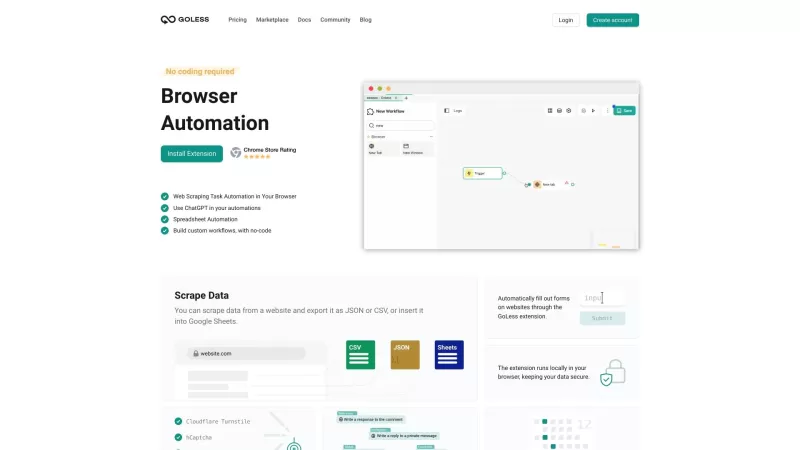
Goless is this nifty browser extension that's all about making your life easier by automating all sorts of stuff online. It's designed for those of us who want to boost our productivity without diving into the deep end of coding. With Goless, you can auto
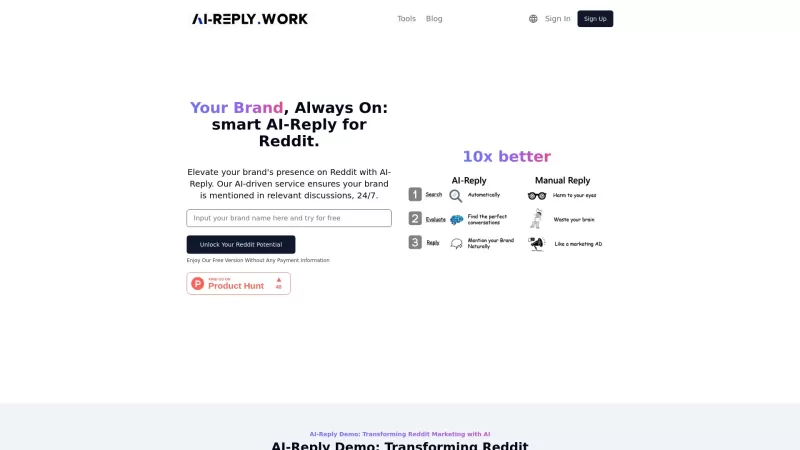
AI-Reply is an innovative tool that's all about boosting your brand's presence on Reddit. It uses artificial intelligence to dive into the Reddit universe and engage with your audience automatically. It's like having a tireless assistant who's always on t

Ever heard of PhantomFlow? It's this nifty AI-powered tool that's a game-changer for managing your social media. Seriously, it slashes your management time by a whopping 80% while beefing up your brand's presence across all the big social platforms. With
MagicReply - Chrome Extension Product Information
What is the MagicReply AI Chrome Extension?
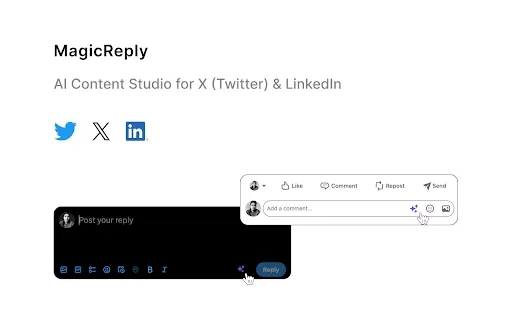
MagicReply helps users quickly create thoughtful responses to posts on X (formerly Twitter) and LinkedIn by using AI. It enhances user engagement and platform growth through AI-generated reply suggestions.
How to Use the MagicReply AI Chrome Extension
1. Purchase a subscription at magicreply.io. 2. Install the Chrome extension and refresh it. 3. Open the extension and insert your API key. 4. Visit Twitter or LinkedIn and click 'Reply' on any post. 5. Click the star icon to generate a reply.
Core Features of the MagicReply AI Chrome Extension
AI-Powered Reply Generation for X and LinkedIn
Use Cases for the MagicReply AI Chrome Extension
Generating engaging replies to posts on X and LinkedIn to boost visibility and interaction.
MagicReply FAQ
How does MagicReply work?
Is a subscription required to use MagicReply?
MagicReply - Chrome Extension Screenshot
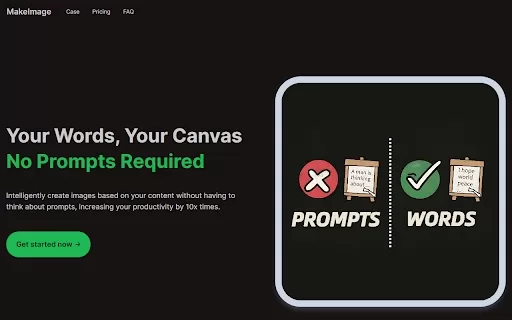
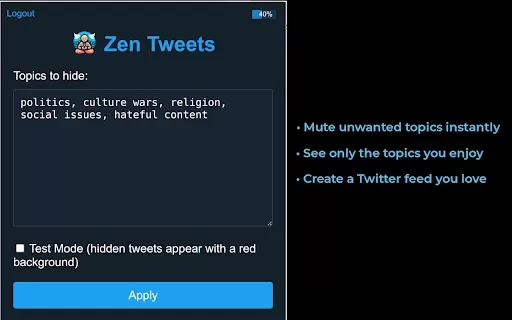
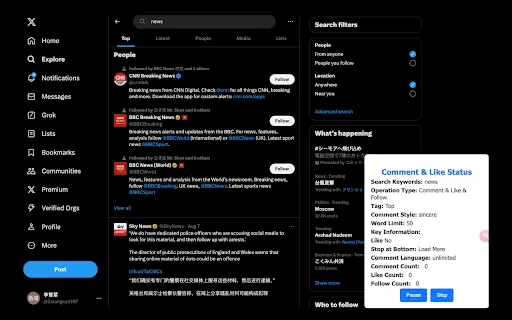
Discover the 2026 best AI comment reply tools for Instagram & Twitter. XIX.AI's curated list features top-rated, game-changing solutions to build follower loyalty with smart, authentic responses. Compare free vs paid options and unlock your community engagement edge. Explore now!
 10 tools
 xix.ai


