


 Home
HomeLINER AI
AI Research Tool: Find & Summarize Info Fast



Helps TikTok sellers, brands, MCNs, and TAPs discover winning products and find creators.

HelpLook is an AI-powered all-in-one knowledge base tool that helps businesses quickly build knowledge bases, help centers, and...

Your AI Workspace

302.AI is an enterprise-grade AI resource platform with pay-as-you-go pricing, API access to a full range of AI models, and ready-to-use online applications.

剧火AI — AI Screenwriter + Director, a One-Person Short Drama Studio In one sentence, what is it?
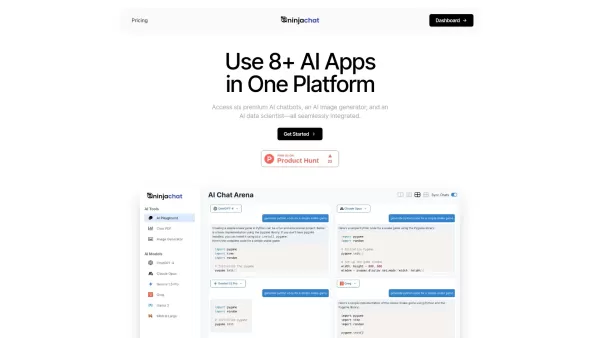
What is NinjaChat AI?NinjaChat is a comprehensive AI assistant that combines multiple AI capabilities into one unified platform. Users can interact with advanced models such as GPT-4 and Claude 3, analyze PDF documents, create images, and communicate

What is SigmaNote? SigmaNote is more than just another productivity tool—it’s your personal "second brain." Powered by AI, SigmaNote takes anything from PDFs to URLs, even videos, and turns it into smart, editable notes. Think of it as your ultimate knowl
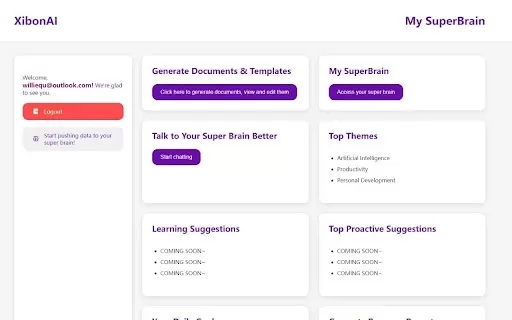
What is Xibon AI? Xibon AI's SuperBrain is an AI-powered tool that boosts productivity and learning by serving as your personal 'SecondBrain/SuperBrain.' It automatically captures, organizes, and summarizes important information as you browse the web
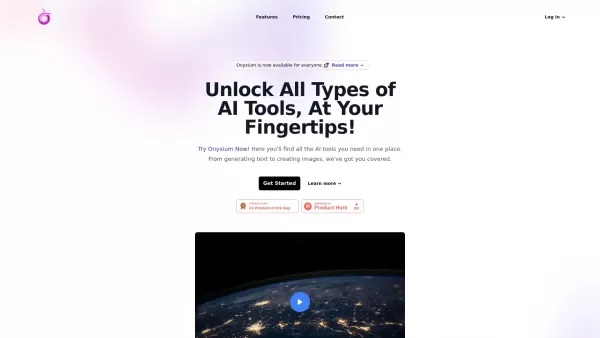
What is Onyxium AI?Onyxium AI is a comprehensive all-in-one platform providing a wide array of AI tools designed for diverse applications. Its capabilities include text generation, image recognition, and speech analysis. Users can navigate a straight

Ever wondered how students with ADHD can level up their study game? Enter Kumo Study, a revolutionary tool designed specifically to help these students thrive in their academic journey. It's not just another study app; it's a tailored experience that blen
LINER AI Product Information
What is LINER AI?
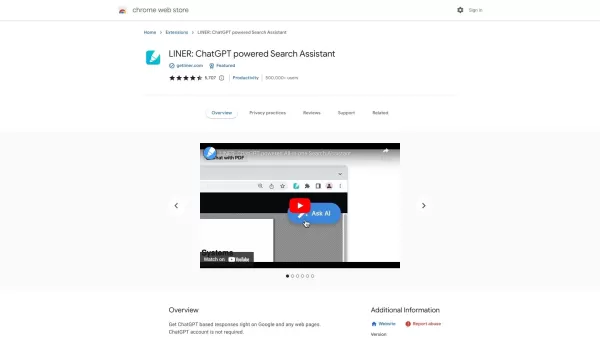
LINER AI is a smart tool that helps you learn faster by discovering, summarizing, and structuring information. It boosts your research efficiency with instant answers, real-time data, and trustworthy sources. With LINER, you can highlight and add notes to online content, summarize documents and webpages, and explore any subject in depth. It is especially useful for researchers, students, and professionals who handle large amounts of information and need a dependable way to simplify their work.
Who uses LINER AI?
- Researchers
- Students
- Professionals
- Content Creators
- Knowledge Workers
How do I use LINER AI?
- Step 1: Create a LINER account through their website.
- Step 2: Add the LINER extension to your browser or download the mobile app.
- Step 3: Begin highlighting and commenting on web pages.
- Step 4: Use LINER's AI to create summaries of documents and webpages.
- Step 5: Sort your highlights and summaries into custom folders.
- Step 6: Take advantage of AI-powered search to find information faster.
Platform
- Web
- iOS
- Android
- Chrome
LINER AI's Core Features & Benefits
The Core Features
- AI-Powered Search
- Document & Webpage Summarization
- Web Highlighting
- Commenting on Web Content
- Organizing Highlights
- Real-Time Information
- Trusted Sources
The Benefits
- Boosted Research Output
- Quick Information Access
- Reliable & Verified Sources
- Simplified Workflow
- Better Information Management
LINER AI's Main Use Cases & Applications
- Research Projects
- Academic Studies
- Content Creation
- Professional Growth
- Information Organization
LINER AI's Pros & Cons
The Pros
Delivers precise answers with inline source citations
Supports multiple languages for wider user reach
Provides workspace groups and activity logs for tidy research
Aims to improve research precision and thoroughness
The Cons
No open-source documentation is available
No direct links to mobile apps or browser extensions are provided
Few details are given on possible restrictions on the official website
LINER AI's Pricing
Free plan available | YES |
|---|---|
Free trial information | 14-day free trial for the Pro plan |
Pricing structure | Freemium |
Credit card required? | No |
Starting price | 15 USD |
Lifetime plan option | No |
Billing cycle | Annually |
Details of Pricing Plan
Free
0 USD
- Use Simple Search
- 3 Advanced Searches per day
- 3 Research Reports generated per month
- Ask 1 question daily with file upload (25MB max/file)
- Unlimited research history access
Pro
15 USD
- Unlimited Simple Search
- Unlimited Advanced Search
- 25 Research Reports generated monthly
- Ask 20 questions daily with files (5 files max/question, 100MB max/file)
- Full research history without limits
- Access to the newest top AI models
Max
30 USD
- Unlimited Simple Search
- Unlimited Advanced Search
- 200 Research Reports generated monthly
- Unlimited questions daily with files (20 files max/question, 200MB max/file)
- Complete access to your research history
- Full access to the latest leading AI models
For current pricing, visit: https://getliner.com/pricing
FAQs of LINER AI
Is there a free version of Liner?
Yes, Liner provides a free plan with core functionality.
What is the main purpose of Liner?
Liner uses AI to help you quickly find, summarize, and structure content.
Does Liner work on mobile devices?
Yes, Liner is supported on Android and iOS.
How do I summarize a webpage using Liner?
Install the Liner browser extension, go to the webpage, and select the summarize option.
Can I highlight PDFs in Liner?
Yes, Liner enables highlighting and commenting on PDF files.
What advantages does Liner offer?
Liner increases research efficiency, offers rapid information retrieval, and ensures dependable sources.
On which platforms is Liner available?
Liner works on the web, Android, iOS, and Chrome.
Is Liner a secure platform?
Yes, Liner has security protocols to protect user data and privacy.
How can I manage my highlights in Liner?
You can arrange your highlights into folders using Liner's interface.
Is Liner suitable for academic research?
Yes, Liner is well-suited for academic work with its summarizing and organizing tools.
LINER AI Company Information
LINER AI Screenshot
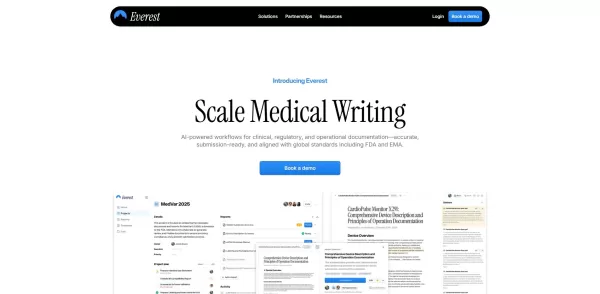
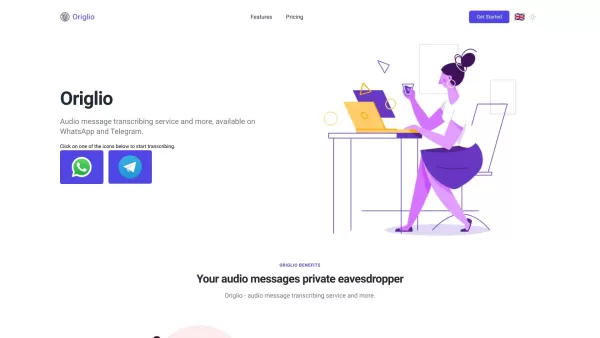
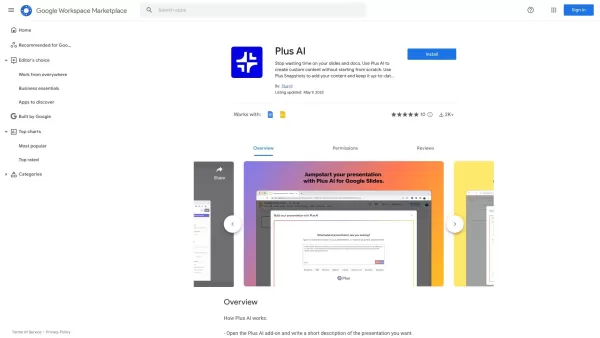


2026 Latest Best Top-rated AI Text to Speech Tools for Online Courses are curated by XIX.AI based on rigorous real-world tests and weekly updated rankings. These powerful tools help creators deliver crystal-clear audio content effortlessly, boosting writing efficiency and streamlining course production. Check out the free vs paid comparison to find your perfect fit. Explore now to unlock your AI edge in online education.
 10 tools
 xix.ai

2026 Latest Best Top-Rated AI Blog Title Tools for Higher Click Through Rates! XIX.AI has carefully curated a powerful, game-changing collection of top tools that go through rigorous real-world tests. You’ll find a free vs paid comparison, weekly updated rankings, and detailed insights to help you boost your blog’s traffic efficiently. Must-try options are highlighted to help you unlock your AI edge. Explore now!
10 tools
xix.ai

2026 Latest Best Top-rated AI Task Routing Tools for Support Workflows! XIX.AI has curated a highly powerful game-changing collection of must-try solutions, all undergoing rigorous real-world tests and updated weekly. These tools streamline workflows, boost productivity, and help teams deliver faster, more efficient support. Explore now to discover your perfect tool and unlock your AI edge!
17 tools
xix.ai

2026 Latest Best Top-Rated AI Citation and Paper Summary Tools Curated by XIX.AI. Get powerful game-changing solutions for quick content creation, improved writing efficiency, and boosting productivity. We offer a free vs paid comparison along with real-world tests and weekly updated rankings to help you find the must-try tool that fits your needs perfectly. Explore now to Unlock your AI edge.
10 tools
xix.ai

2026 Latest Best Top-Rated AI Productivity Tools for Daily Work! XIX.AI has curated a powerful, game-changing selection based on rigorous weekly updated rankings and real-world tests. You’ll find must-try options that boost writing efficiency, streamline content creation, and help you overcome daily work challenges. Get a free vs paid comparison to find the perfect fit for your needs. Explore now to unlock your AI edge!
9 tools
xix.ai

2026 Latest Best Top-Rated AI Systematic Review Tools for Research Screening are here on XIX.AI! This curated collection includes powerful, game-changing solutions that go through rigorous real-world tests to deliver accurate results. We also offer a free vs paid comparison along with weekly updated rankings to help you find the must-try option that boosts your research efficiency significantly. Explore now to unlock your AI edge in academic work!
11 tools
xix.ai


LINER AI is a lifesaver for research! I love how it instantly summarizes long articles and pulls out key info—saves me hours of reading. The real-time data feature is clutch for staying updated. Only wish it had better citation formatting, but overall a solid tool for students and professionals. 🚀


