


 Home
HomeLila



Helps TikTok sellers, brands, MCNs, and TAPs discover winning products and find creators.

HelpLook is an AI-powered all-in-one knowledge base tool that helps businesses quickly build knowledge bases, help centers, and...

Your AI Workspace

302.AI is an enterprise-grade AI resource platform with pay-as-you-go pricing, API access to a full range of AI models, and ready-to-use online applications.

剧火AI — AI Screenwriter + Director, a One-Person Short Drama Studio In one sentence, what is it?
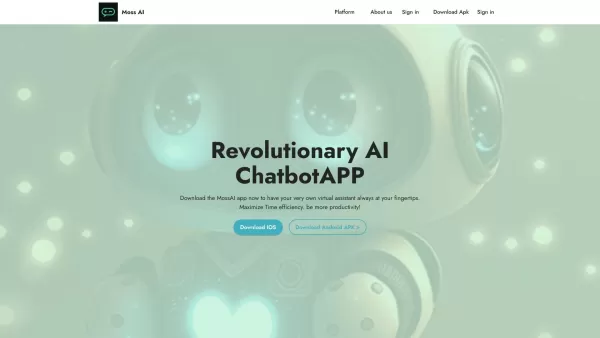
Ever wondered what it's like to have a super-smart friend in your pocket? Meet MossAI, the cutting-edge AI chatbot that's changing the game with its advanced chat technology. It's not just another app; it's like having a personal assistant that's always r
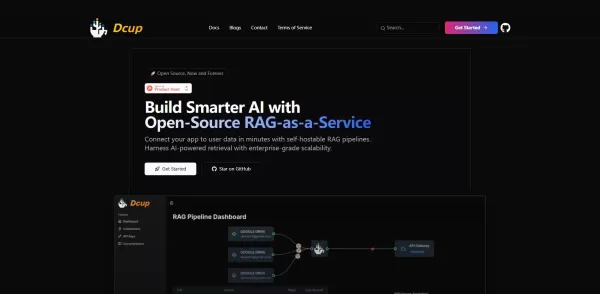
What is Dcup?Dcup is an advanced AI assistant built to streamline and optimize your daily workflows. It provides a suite of capabilities such as task automation, smart scheduling, and efficient data management. By leveraging cutting-edge AI technolog
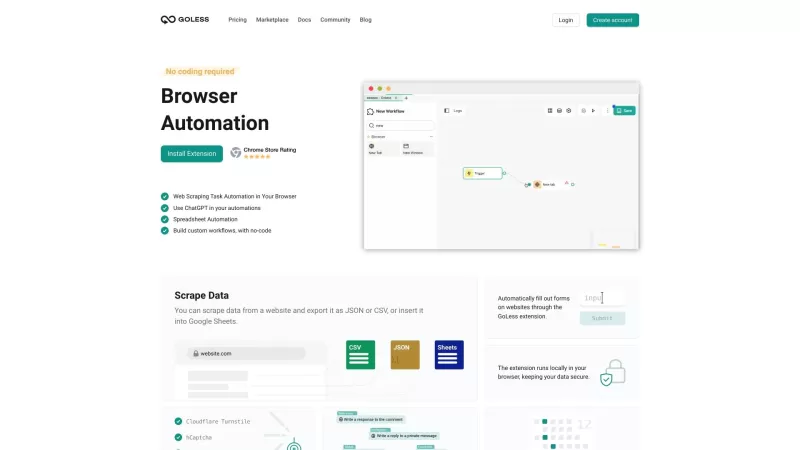
Goless is this nifty browser extension that's all about making your life easier by automating all sorts of stuff online. It's designed for those of us who want to boost our productivity without diving into the deep end of coding. With Goless, you can auto
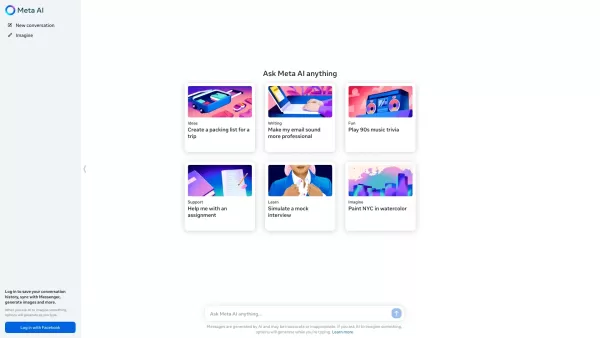
Ever wondered what Meta AI is all about? Well, let me break it down for you. Meta AI isn't just any AI; it's the kind of smart assistant you wish you had in your pocket. Powered by Meta's cutting-edge Llama large language model and the innovative Emu, this AI is ready to tackle your tasks, whip up s
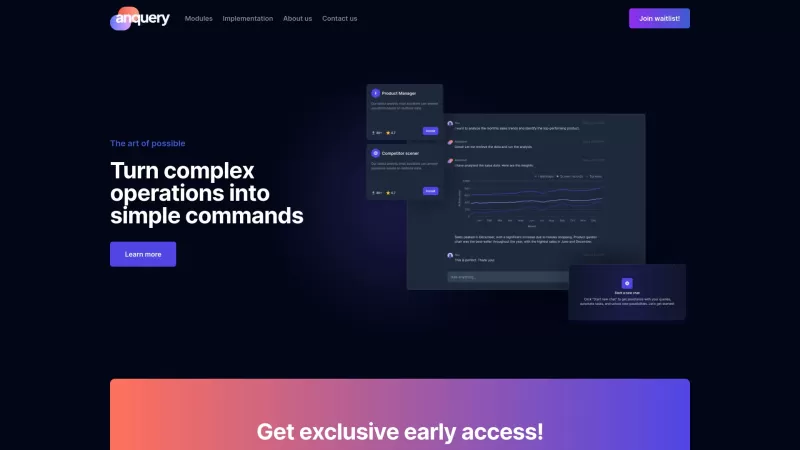
Ever wondered what anquery is all about? Well, let me break it down for you. anquery is this cool AI-powered tool that's like having a super-smart assistant for your business. You can ask it anything in plain English, and it'll dive into your company's sy
Lila Product Information
What is Lila?
Lila is a comprehensive AI agent framework designed for multi-step reasoning and autonomous task execution. Developers can create custom tools (APIs, databases, webhooks) and configure Lila to invoke them dynamically. It features memory modules to retain conversation history and facts, a planning component for sequencing sub-tasks, and chain-of-thought prompting for clear decision-making. The plugin system allows smooth integration of new functionalities, while built-in monitoring tracks agent activities and results. Its modular architecture simplifies integration into existing Python projects or deployment as a hosted service for real-time agent workflows.
Who will use Lila?
- AI developers
- Data scientists
- Research engineers
- Product managers
How to use the Lila?
- Step 1: Install Lila using pip: pip install lila-agent
- Step 2: Initialize a new agent project: lila init my_agent
- Step 3: Define your tools and APIs in tools.py using @tool decorators
- Step 4: Configure memory and planner settings in config.yaml
- Step 5: Write your agent logic in agent.py and import your custom tools
- Step 6: Run the agent: python agent.py
- Step 7: Monitor agent actions and results through the built-in logging system
Platform
- Web
- macOS
- Windows
- Linux
Lila's Core Features & Benefits
The Core Features
- Dynamic LLM orchestration and prompting
- Built-in memory management
- Custom tool and API integration
- Chain-of-thought reasoning
- Plugin-based extensibility
- Real-time monitoring and logging
The Benefits
- Accelerates agent development
- Modular and reusable components
- Transparent decision-making
- Easily extendable with plugins
- Open-source and community-driven
- Scalable for production deployment
Lila's Main Use Cases & Applications
- Autonomous customer support chatbots
- Multi-step data retrieval pipelines
- Automated document summarization agents
- Task scheduling and email automation systems
- Research assistants for data analysis
Lila's Pros & Cons
The Pros
No coding is required to create tests, encouraging broader team participation.
The self-healing AI attempts multiple strategies to complete test steps, enhancing reliability.
Native Playwright integration enables session persistence and superior browser control.
Supports local browser testing without needing external dependencies.
CI-ready for easy integration into established development pipelines.
Offers free unlimited users and test runs.
The Cons
Currently supports web application testing only, with no support for mobile or backend services.
Web apps must be publicly accessible; testing in private or pre-production environments needs extra configuration.
Limited details available on advanced AI capabilities beyond its self-healing heuristic methods.
Lila's Pricing
Has free plan | YES |
|---|---|
Free trial details | |
Pricing model | Free |
Is credit card required | No |
Paid from | 0 USD |
Has lifetime plan | No |
Billing frequency |
Details of Pricing Plan
Free
0 USD
- Unlimited users
- Unlimited test runs
For the latest prices, please visit: https://lila.dev
FAQs of Lila
What is Lila?
Lila is an open-source AI agent framework for building modular, customizable agents powered by LLMs.
How do I install Lila?
Install via pip with the command: pip install lila-agent.
Which programming language does Lila use?
Lila is built with Python and is optimized for Python-based projects.
How do I define custom tools?
Use the @tool decorator on Python functions within tools.py and register them in your agent's configuration.
Can I store conversation history?
Yes, Lila provides memory modules to persistently store and retrieve past conversations.
Is Lila suitable for production?
Yes, Lila includes monitoring, logging, and scalable deployment options suitable for production use.
How do I extend Lila with plugins?
Develop a plugin by implementing the required interface and register it in the configuration file.
Does Lila support non-OpenAI LLMs?
Yes, you can integrate any LLM by creating a compatible backend plugin.
Where can I find documentation?
Official documentation is available at https://lila.dev/docs.
Is there community support?
Yes, join the Lila Discord server or GitHub Discussions to connect with contributors and get support.
Lila Company Information
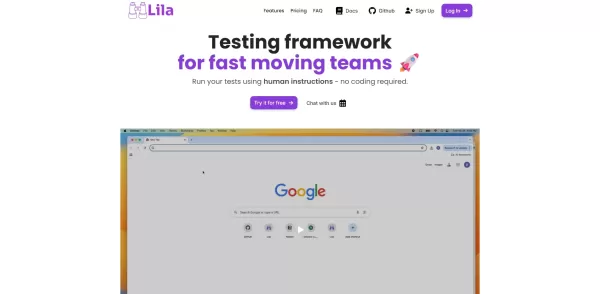
Lila Screenshot


2026 Latest Best AI Pull Request Review Tools for GitHub Teams are here on XIX.AI! This top-rated curated list showcases powerful game-changing solutions that streamline refactoring, bug fixing, and security gap detection across all team workflows. Enjoy a free vs paid comparison along with real-world tests and detailed rankings to help you find the perfect tool that boosts productivity significantly. Explore now to unlock your AI edge!
 12 tools
 xix.ai

2026 Latest Best Top-rated AI Text to Speech Tools for Natural Voiceovers are here on XIX.AI! This curated list features powerful, game-changing options that deliver crystal-clear voices for every use case, backed by real-world tests and weekly updated rankings. Get a free vs paid comparison to find the must-try solution that boosts your productivity instantly. Explore now to Unlock your AI edge!
11 tools
xix.ai

2026 Latest Best Manga AI Background Generators Ranked Top-Rated! This curated collection showcases powerful game-changing tools perfect for creating high-quality chapter backgrounds, book covers, and promotional art. Every option has undergone rigorous real-world tests to ensure reliability. Get a free vs paid comparison along with detailed insights. Explore now to discover your perfect tool and unlock your AI edge in manga creation.
6 tools
xix.ai

2026 Latest Best Top-rated AI Object Removal Editors for portraits travel product shots! XIX.AI curates a powerful game-changing collection regularly updated with weekly rankings. These tools offer real-world tests to help you quickly remove unwanted elements, boost content quality, and save tons of time without compromising results. Must-try for anyone aiming to unlock their AI creation edge. Explore now!
10 tools
xix.ai

2026 Latest Best Top-rated AI Text to Speech Tools for Online Courses are curated by XIX.AI based on rigorous real-world tests and weekly updated rankings. These powerful tools help creators deliver crystal-clear audio content effortlessly, boosting writing efficiency and streamlining course production. Check out the free vs paid comparison to find your perfect fit. Explore now to unlock your AI edge in online education.
10 tools
xix.ai

2026 Latest Best Top-Rated AI Blog Title Tools for Higher Click Through Rates! XIX.AI has carefully curated a powerful, game-changing collection of top tools that go through rigorous real-world tests. You’ll find a free vs paid comparison, weekly updated rankings, and detailed insights to help you boost your blog’s traffic efficiently. Must-try options are highlighted to help you unlock your AI edge. Explore now!
10 tools
xix.ai


