


 Home
HomeLaxis - Chrome Extension
AI meeting assistant for Google Meet



Helps TikTok sellers, brands, MCNs, and TAPs discover winning products and find creators.

HelpLook is an AI-powered all-in-one knowledge base tool that helps businesses quickly build knowledge bases, help centers, and...

Your AI Workspace

302.AI is an enterprise-grade AI resource platform with pay-as-you-go pricing, API access to a full range of AI models, and ready-to-use online applications.

剧火AI — AI Screenwriter + Director, a One-Person Short Drama Studio In one sentence, what is it?
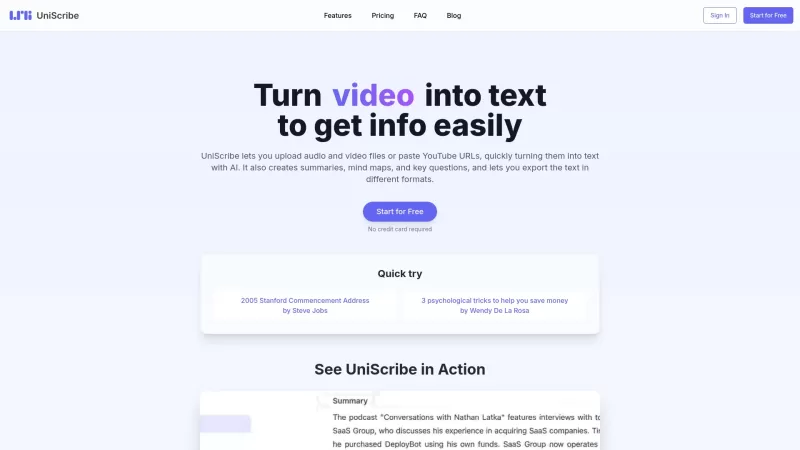
UniScribe is more than just a tool—it's a game-changer for anyone dealing with audio and video content. It's the go-to platform for transforming your spoken words into written text, and it does so with incredible efficiency. Whether you're working with audio files or videos, or even just a YouTube U
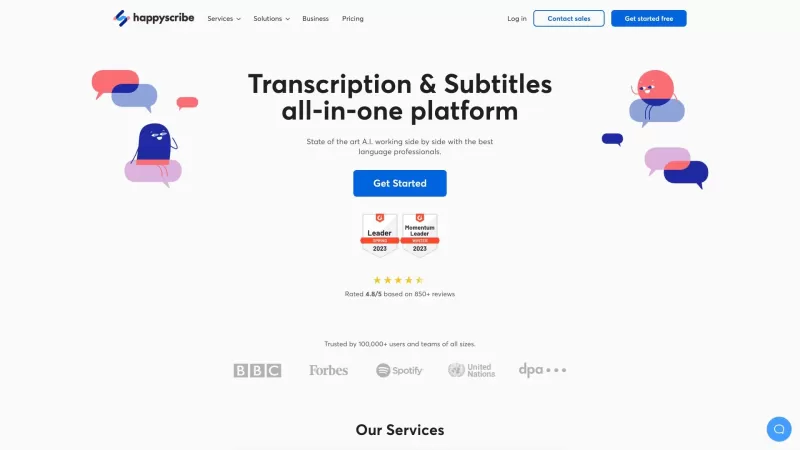
Discover the magic of Happy Scribe, your go-to service for turning audio into text with stunning accuracy across multiple languages and formats. Whether you're dealing with podcasts, interviews, or video content, Happy Scribe has got you covered with both automatic and human transcription options.Ho
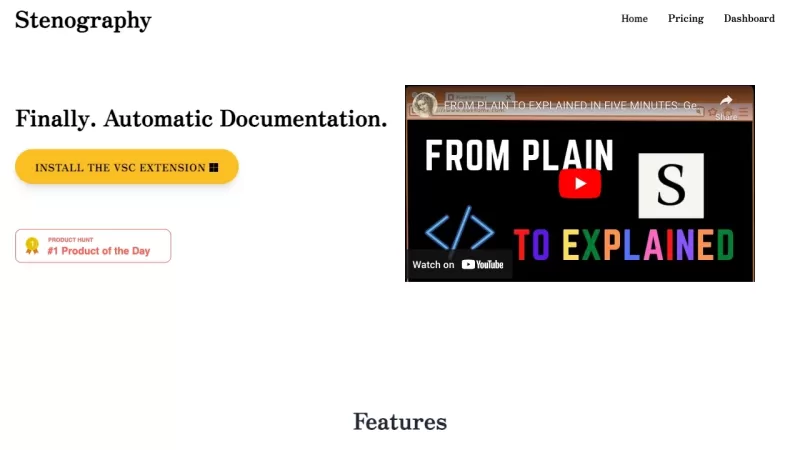
Ever wondered how those court reporters manage to capture every word with such speed and precision? Well, that's where the magic of stenography comes into play. It's a technique that transforms the spoken word into written text at lightning speed, and it'
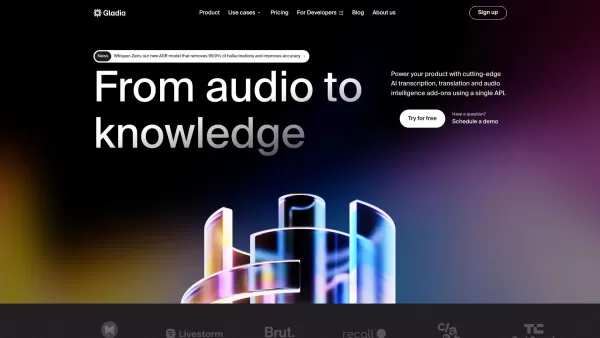
What is Gladia? Gladia offers an AI-driven Speech-to-Text API that delivers transcription, translation, and audio intelligence capabilities. It leverages an enhanced version of OpenAI's Whisper model for fast, precise, and scalable conversion of audi
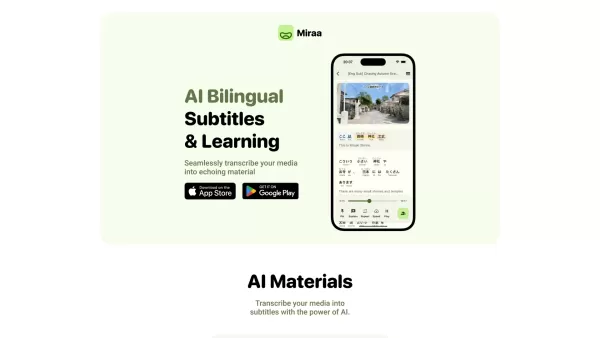
Ever wondered how you could level up your language learning game? Say hello to Miraa AI, brought to you by Myoland! This innovative tool transforms any video into a bilingual learning experience, complete with subtitles, real-time translations, shadowing
Laxis - Chrome Extension Product Information
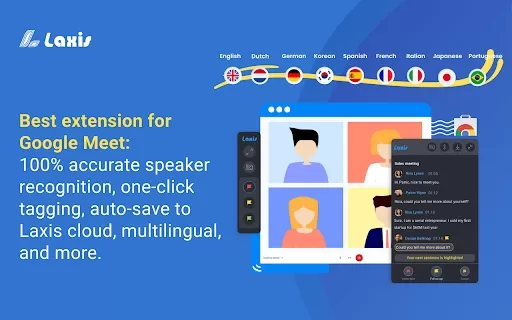
If you're constantly juggling meetings on Google Meet, you're going to love the Laxis AI Chrome extension. Think of it as your personal meeting guru, making your virtual gatherings not just bearable, but actually productive and insightful. It's like having a super-smart assistant right in your browser, ready to take notes and make sense of every word spoken.
How to Use the Laxis AI Chrome Extension?
Getting started with Laxis is as easy as pie. First, head over to the Chrome Web Store and install the Laxis extension. Once that's done, simply fire up Google Meet in your Chrome browser. Laxis will jump into action, automatically launching and enabling captions for you. Now, keep those captions rolling to get a real-time transcription of your meeting. It's like magic, but better!
But wait, there's more! Laxis isn't just about transcribing. It's got some cool tricks up its sleeve. You can use features like in-meeting highlighting to spotlight the juicy bits of your conversation, and auto-scrolling to keep up with the flow. When the meeting's over, you can download the transcripts in whatever file format tickles your fancy. And if you want to take it up a notch, sign up for a free account to auto-save your transcripts to the cloud and unlock even more advanced features.
Laxis AI Chrome Extension's Core Features
Real-time Transcription
Laxis captures every word spoken in your Google Meet, transcribing it in real-time. No more scrambling to take notes while trying to stay engaged in the conversation.
Speaker Recognition
Ever been in a meeting where you can't tell who's speaking? Laxis solves that by identifying each speaker, so you know exactly who said what.
Tagging Feature
With Laxis, you can tag important parts of the meeting. It's like bookmarking the moments that matter, making it easy to revisit key points later.
Auto-saving to Cloud
Forget about losing your transcripts. Laxis auto-saves everything to the cloud, ensuring your meeting notes are safe and accessible whenever you need them.
Laxis AI Chrome Extension's Use Cases
Record Google Meet Transcripts
Need a record of your meetings? Laxis has you covered, providing detailed transcripts you can refer back to anytime.
Highlight Important Parts of Meetings
Meetings can be long and tedious, but with Laxis, you can quickly highlight the important bits, making it easier to focus on what really matters.
Search Across Conversations
Missed something important in a past meeting? No worries! Laxis lets you search through your conversation history, so you can find exactly what you need in a snap.
FAQ from Laxis
- Which languages are supported by Laxis?
Laxis - Chrome Extension Screenshot
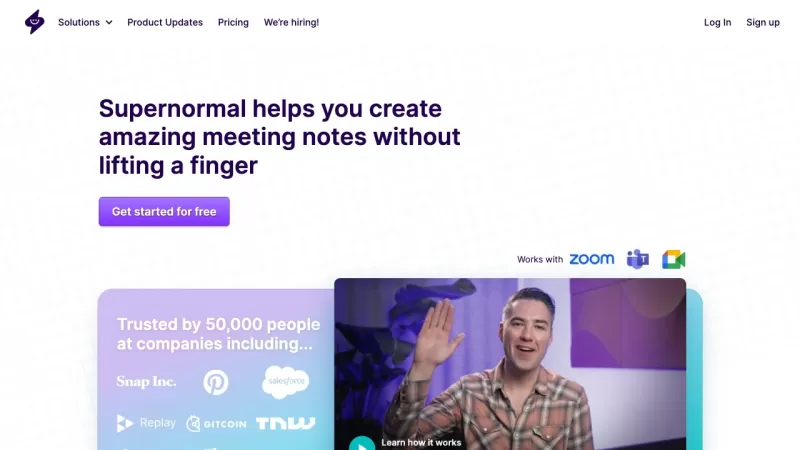
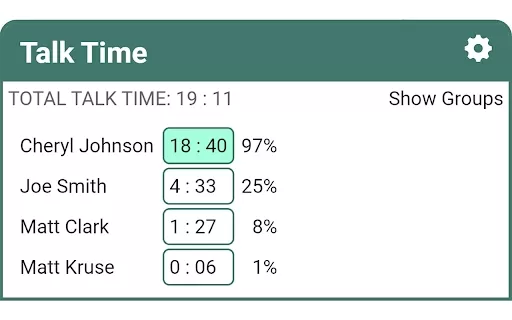
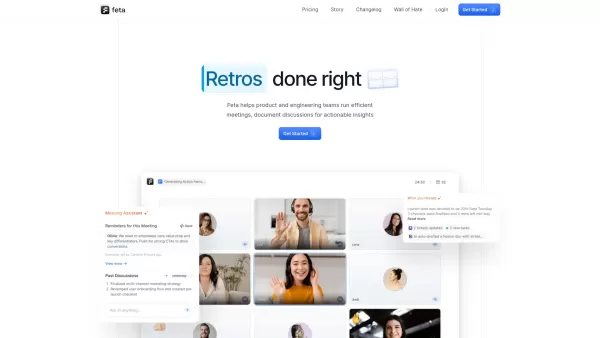
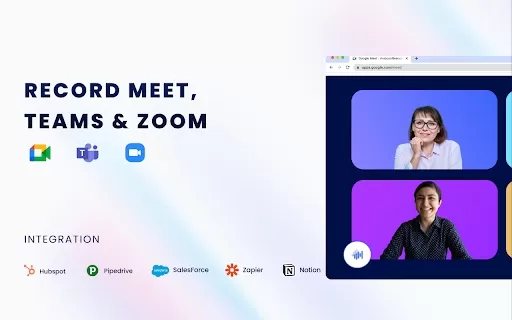

Discover the 2026 best AI meeting assistants for Google Meet. Our top-rated, curated list features powerful tools that automatically generate action items and mind maps, saving you hours. Compare free vs paid options with real-world tests and weekly updated rankings. Find your perfect productivity boost at XIX.AI. Explore now!
 10 tools
 xix.ai

2026 Latest: Discover the best AI meeting assistants to transform your video calls. Our curated list compares top-rated tools for Zoom, Google Meet & Teams, highlighting key features, free vs paid options, and real-world performance. Find your perfect productivity boost with weekly updated rankings and expert insights from XIX.AI. Unlock smarter meetings today!
10 tools
xix.ai


Laxis has been a total game-changer for my Google Meet sessions! It's like having a personal assistant who never misses a detail. The summaries are spot-on and the insights are actually useful - no more wasting time trying to remember what was said. Only wish I'd found this sooner! 🤯 #MeetingHack


