


 Home
HomeKeylight AI
AI-Powered Document Search Assistant



Helps TikTok sellers, brands, MCNs, and TAPs discover winning products and find creators.

HelpLook is an AI-powered all-in-one knowledge base tool that helps businesses quickly build knowledge bases, help centers, and...

Your AI Workspace

302.AI is an enterprise-grade AI resource platform with pay-as-you-go pricing, API access to a full range of AI models, and ready-to-use online applications.

剧火AI — AI Screenwriter + Director, a One-Person Short Drama Studio In one sentence, what is it?
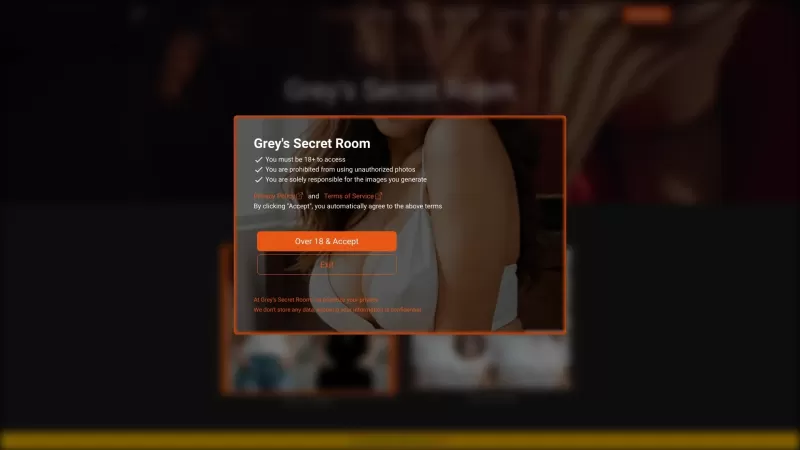
Ever wondered what it's like to try on a whole new wardrobe without leaving your room? Grey's Secret Room brings that fantasy to life with its cutting-edge AI technology. This innovative platform allows you to experiment with different styles and even swa
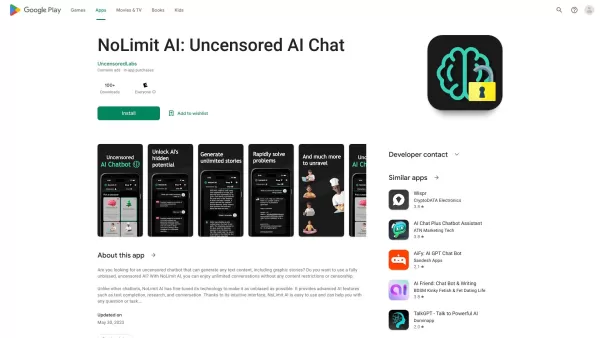
If you're looking for a chat experience that breaks the mold, let me introduce you to NoLimit IA—an app that promises to keep the conversation flowing without any boundaries. Think of it as your go-to place for engaging in unfiltered chats with AI ch
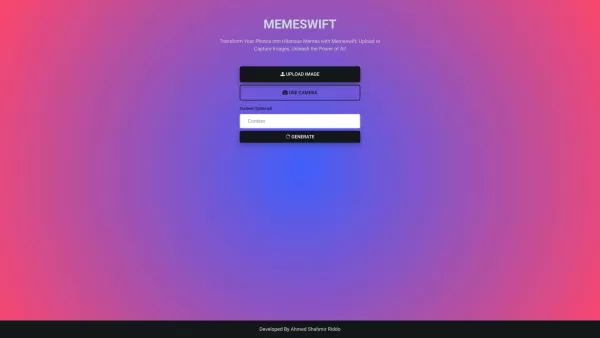
MemeSwift is like the Swiss Army knife of humor—it’s an AI-powered meme generator designed to turn your photos into laugh-out-loud-worthy memes. Whether you’re looking to poke fun at yourself or your friends, this tool makes it easy to craft something fun
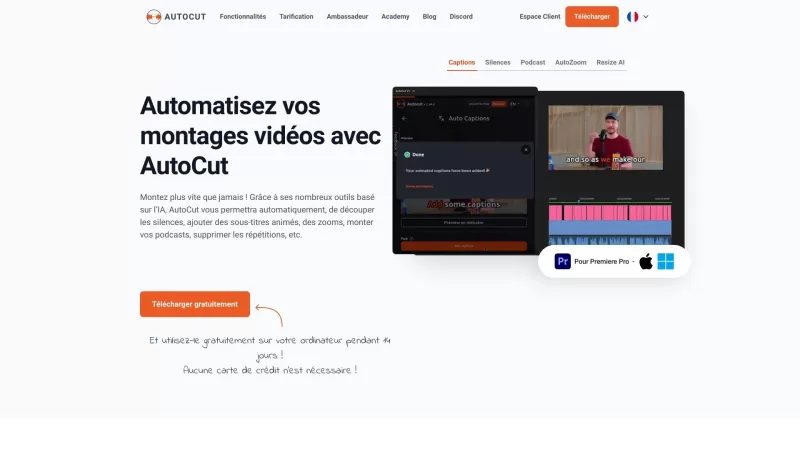
Ever wished you had a magic wand for video editing? Meet AutoCut, the Premiere Pro plugin that's like your very own AI editing assistant. It does everything from adding those snazzy animated subtitles to cutting out those awkward silences. Whether you're
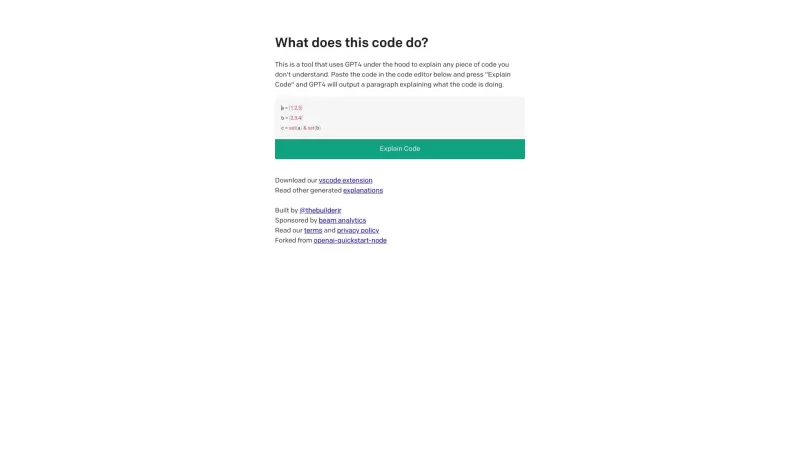
Ever found yourself staring at a piece of code, scratching your head and wondering, "What on earth does this do?" Well, that's where Code Explain comes in—your trusty AI-powered sidekick that's here to make sense of any code that's got you puzzled. It's l
Keylight AI Product Information
What is Keylight AI?
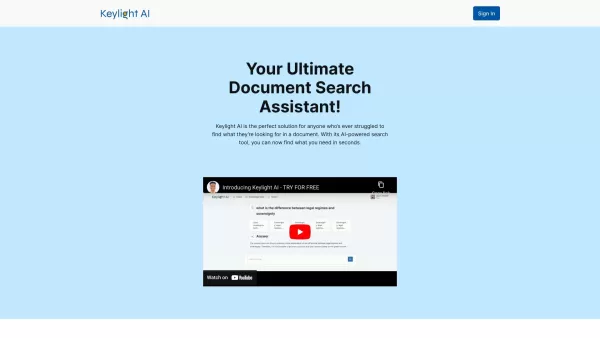
Picture this: You’ve got a mountain of documents—contracts, research papers, reports—and you’re staring down the barrel of hours of manual searching just to find one tiny piece of information. Enter Keylight AI, your digital savior. This nifty little tool uses AI magic to sift through your files faster than you can say "keyword search." Whether you're dealing with legal briefs, academic papers, or marketing materials, Keylight AI ensures you don’t waste precious time chasing down details. Think of it as your personal librarian, but way cooler.
How to Use Keylight AI
Using Keylight AI is simpler than tying your shoelaces. First things first, sign up for free. Boom—you’re in. Next, upload your documents or point the tool to where they live (cloud storage, anyone?). Then, let the AI do its thing. Type in what you’re looking for, hit Enter, and voilà! It’ll dig through everything and deliver exactly what you need. No more skimming endless pages or squinting at fine print.
Keylight AI’s Core Features
Lightning-Fast Searches
Forget slow, clunky searches. Keylight AI scans through gigabytes of text in seconds. Need something specific? It'll zero in on it like a laser beam.
Precision Accuracy
This isn’t your average search engine. Keylight AI understands context, so it doesn’t just match words—it delivers meaningful results tailored to what you actually want.
User-Friendly Interface
Even your grandma could figure it out. The design is clean, intuitive, and accessible to everyone, no matter how tech-savvy you are.
Customizable Prompts
Want to tweak your search queries? Go ahead! Keylight AI lets you customize prompts to refine your results even further.
Secure and Confidential
Your data is safe with Keylight AI. They prioritize privacy, so you don’t have to stress about sensitive information getting into the wrong hands.
Keylight AI’s Use Cases
Ever wondered where Keylight AI really shines? Here’s a quick rundown:
- Lawyers: Finding specific case notes has never been easier. Save hours of manual research and focus on arguing your case.
- Researchers: Sifting through mountains of data is no longer a chore. Let the AI handle the grunt work while you dive deep into insights.
- Marketers: Tracking campaign mentions across different platforms becomes effortless. Stay on top of trends and adjust strategies in real-time.
FAQ from Keylight AI
- Can I analyze multiple documents at the same time?
- Absolutely! Upload as many files as you need, and Keylight AI will process them all simultaneously.
- Is this free?
- Yes! You can enjoy basic features for free, but premium plans are available if you want more advanced tools.
- Keylight AI isn’t working for me. What should I do?
- Reach out to support via [our contact page](/cdn-cgi/l/email-protection#25524049464a4840654e405c494c424d51444c0b464a48). They’re always happy to help.
- What is Keylight AI’s data privacy & security policy?
- We take security seriously. Your data is encrypted, and access is strictly controlled. Check out our full policy [here](/cdn-cgi/l/email-protection#25524049464a4840654e405c494c424d51444c0b464a48).
Support & Contact
Need help? We’ve got you covered. Drop us a line at [email protected], or visit our contact page.
Keylight AI Login
Already a user? Head over to Keylight AI Login to get started.
Keylight AI Sign Up
Not signed up yet? Visit Keylight AI Sign Up and join the revolution.
Follow Us on Twitter
Stay updated with the latest from Keylight AI! Follow us on Twitter.
Keylight AI Screenshot



2026 Latest Best Top-rated AI Object Removal Editors for portraits travel product shots! XIX.AI curates a powerful game-changing collection regularly updated with weekly rankings. These tools offer real-world tests to help you quickly remove unwanted elements, boost content quality, and save tons of time without compromising results. Must-try for anyone aiming to unlock their AI creation edge. Explore now!
 10 tools
 xix.ai

2026 Latest Best Top-rated AI Text to Speech Tools for Online Courses are curated by XIX.AI based on rigorous real-world tests and weekly updated rankings. These powerful tools help creators deliver crystal-clear audio content effortlessly, boosting writing efficiency and streamlining course production. Check out the free vs paid comparison to find your perfect fit. Explore now to unlock your AI edge in online education.
10 tools
xix.ai

2026 Latest Best Top-Rated AI Blog Title Tools for Higher Click Through Rates! XIX.AI has carefully curated a powerful, game-changing collection of top tools that go through rigorous real-world tests. You’ll find a free vs paid comparison, weekly updated rankings, and detailed insights to help you boost your blog’s traffic efficiently. Must-try options are highlighted to help you unlock your AI edge. Explore now!
10 tools
xix.ai

2026 Latest Best Top-rated AI Task Routing Tools for Support Workflows! XIX.AI has curated a highly powerful game-changing collection of must-try solutions, all undergoing rigorous real-world tests and updated weekly. These tools streamline workflows, boost productivity, and help teams deliver faster, more efficient support. Explore now to discover your perfect tool and unlock your AI edge!
17 tools
xix.ai

2026 Latest Best Top-Rated AI Citation and Paper Summary Tools Curated by XIX.AI. Get powerful game-changing solutions for quick content creation, improved writing efficiency, and boosting productivity. We offer a free vs paid comparison along with real-world tests and weekly updated rankings to help you find the must-try tool that fits your needs perfectly. Explore now to Unlock your AI edge.
10 tools
xix.ai

2026 Latest Best Top-Rated AI Productivity Tools for Daily Work! XIX.AI has curated a powerful, game-changing selection based on rigorous weekly updated rankings and real-world tests. You’ll find must-try options that boost writing efficiency, streamline content creation, and help you overcome daily work challenges. Get a free vs paid comparison to find the perfect fit for your needs. Explore now to unlock your AI edge!
9 tools
xix.ai


Наконец-то перестал часами рыться в документах! Keylight AI находит нужные пункты в контрактах за секунды. Хотя иногда немного путает синонимы, но в целом спасение для юриста 😅 Теперь могу пить кофе вместо того, чтобы листать сотни страниц.


