


 Home
HomeIris
AI Virtual Assistant Enhances Communication



Helps TikTok sellers, brands, MCNs, and TAPs discover winning products and find creators.

HelpLook is an AI-powered all-in-one knowledge base tool that helps businesses quickly build knowledge bases, help centers, and...

Your AI Workspace

302.AI is an enterprise-grade AI resource platform with pay-as-you-go pricing, API access to a full range of AI models, and ready-to-use online applications.

剧火AI — AI Screenwriter + Director, a One-Person Short Drama Studio In one sentence, what is it?

Ever wondered how to turn your jumbled thoughts and complex queries into something you can actually grasp? Enter The Visualizer, your new best friend in the world of learning and creativity. This nifty tool takes your written queries, URLs, and even PDFs,
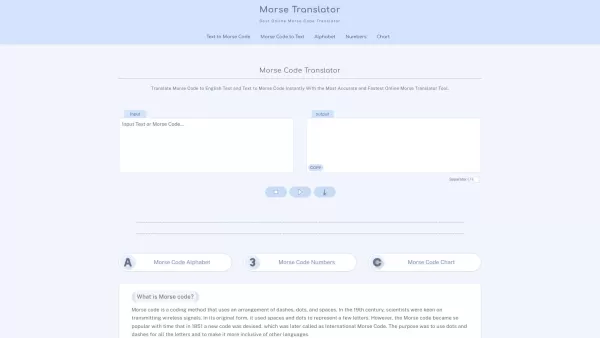
Morse code, that fascinating system of communication, uses a clever combination of dashes, dots, and spaces to represent letters, numbers, and symbols. It's been a staple in telegraphy, allowing messages to zip across wires with a rhythmic tap, tap, tap.

Ever find yourself staring at a blank screen, trying to craft the perfect email or nail that final paper? Enter Linguix, your new best friend in the world of writing. This free writing assistant isn't just another tool; it's like having a personal ed
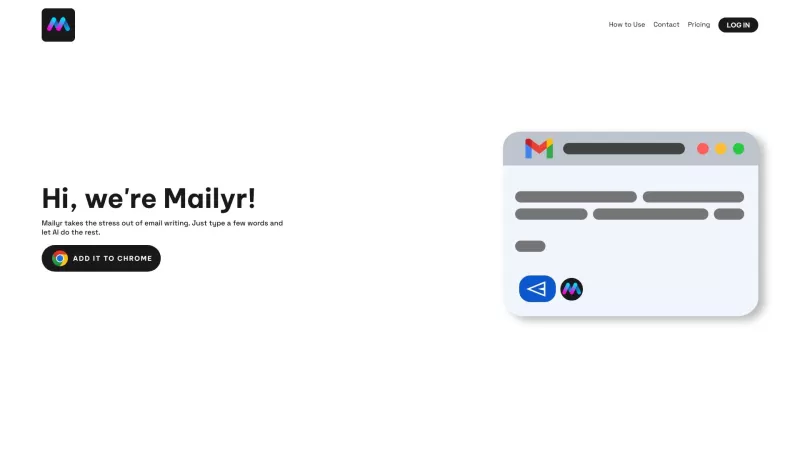
Discover Mailyr: Your AI-Powered Email AssistantEver found yourself staring at a blank email, wondering how to start? Well, Mailyr's got your back! This nifty tool harnesses the power of AI to help you craft emails with barely any effort on your part.How to Get Started with Mailyr?Getting started wi
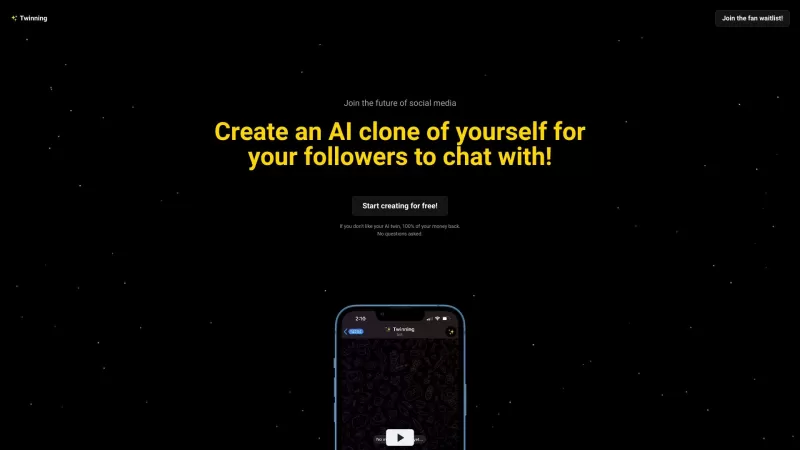
Ever wondered what it would be like to have a digital clone of yourself, chatting away with your fans while you kick back and relax? Well, Twinning is here to turn that dream into reality! It's a nifty platform designed for influencers who want to create
Iris Product Information
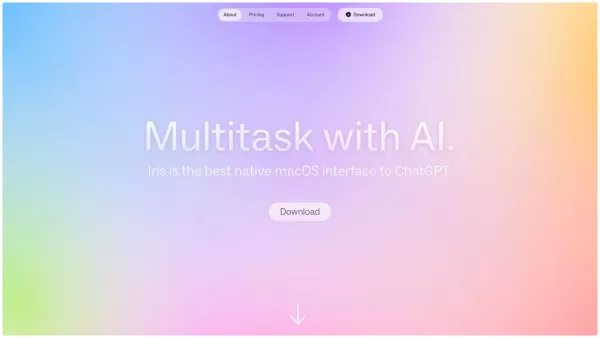
Iris isn't just your run-of-the-mill virtual assistant; it's an AI-powered sidekick that's always ready to lend a hand, no matter where you are. What sets Iris apart is its knack for seamless communication across various apps and its lightning-fast image sharing capabilities, making collaboration a breeze.
How to Get Started with Iris
Getting Iris up and running is a snap. Just download the app, give it a quick activation, and you're good to go. Once it's live, you can chat with Iris using simple swipe gestures. Fancy capturing your screen or using keyboard shortcuts? Iris has you covered. Plus, you can send messages without waiting for a full reply—talk about efficiency!
Iris's Key Features
Seamless Communication Across Apps
Iris doesn't play favorites—it works smoothly with all your apps, keeping your workflow as fluid as a river.
Quick Image Sharing
Need to share a snap? Iris makes it as easy as pie, perfect for those quick collaborative moments.
Gesture-Based Interaction
Swipe, tap, and you're interacting with Iris in a way that feels almost intuitive.
Fast Response Time
Iris is like that friend who always texts back instantly—quick and to the point.
Markdown and Code Support
Whether you're a coder or a content creator, Iris supports your Markdown and code needs, making it a versatile tool in your digital toolkit.
Ways to Use Iris
Collaboration and Remote Work
With Iris, remote teams can work together as if they were in the same room, thanks to its seamless communication and image-sharing features.
Quick Information Sharing
Need to get information across fast? Iris makes it as simple as sending a quick message or image.
Efficient Task Management
Iris keeps you on track, helping you manage tasks without breaking a sweat.
Productivity Enhancement
Who doesn't want to be more productive? Iris is like your personal productivity booster, keeping you focused and efficient.
FAQ from Iris
- What is Iris?
- Iris is an AI-powered virtual assistant designed for seamless communication and collaboration across multiple apps.
- What apps can Iris work with?
- Iris is compatible with a wide range of apps, ensuring you can use it wherever you need it.
- How fast is Iris's response time?
- Iris prides itself on its fast response time, ensuring you get the information you need without delay.
- Can I use keyboard shortcuts with Iris?
- Absolutely, Iris supports keyboard shortcuts for even quicker interaction.
- What kind of content can Iris display?
- Iris can display text, images, and supports Markdown and code, making it versatile for different content types.
For any queries or support, you can reach out to Iris at [email protected].
Iris is brought to you by Interface Studio. To learn more about what we do, visit our about us page.
Ready to log in to Iris? Here's the login link.
Curious about pricing? Check out our pricing page.
Stay updated with Iris on Twitter.
Iris Screenshot


2026 Latest Best Top-rated AI Object Removal Editors for portraits travel product shots! XIX.AI curates a powerful game-changing collection regularly updated with weekly rankings. These tools offer real-world tests to help you quickly remove unwanted elements, boost content quality, and save tons of time without compromising results. Must-try for anyone aiming to unlock their AI creation edge. Explore now!
 10 tools
 xix.ai

2026 Latest Best Top-rated AI Text to Speech Tools for Online Courses are curated by XIX.AI based on rigorous real-world tests and weekly updated rankings. These powerful tools help creators deliver crystal-clear audio content effortlessly, boosting writing efficiency and streamlining course production. Check out the free vs paid comparison to find your perfect fit. Explore now to unlock your AI edge in online education.
10 tools
xix.ai

2026 Latest Best Top-Rated AI Blog Title Tools for Higher Click Through Rates! XIX.AI has carefully curated a powerful, game-changing collection of top tools that go through rigorous real-world tests. You’ll find a free vs paid comparison, weekly updated rankings, and detailed insights to help you boost your blog’s traffic efficiently. Must-try options are highlighted to help you unlock your AI edge. Explore now!
10 tools
xix.ai

2026 Latest Best Top-rated AI Task Routing Tools for Support Workflows! XIX.AI has curated a highly powerful game-changing collection of must-try solutions, all undergoing rigorous real-world tests and updated weekly. These tools streamline workflows, boost productivity, and help teams deliver faster, more efficient support. Explore now to discover your perfect tool and unlock your AI edge!
17 tools
xix.ai

2026 Latest Best Top-Rated AI Citation and Paper Summary Tools Curated by XIX.AI. Get powerful game-changing solutions for quick content creation, improved writing efficiency, and boosting productivity. We offer a free vs paid comparison along with real-world tests and weekly updated rankings to help you find the must-try tool that fits your needs perfectly. Explore now to Unlock your AI edge.
10 tools
xix.ai

2026 Latest Best Top-Rated AI Productivity Tools for Daily Work! XIX.AI has curated a powerful, game-changing selection based on rigorous weekly updated rankings and real-world tests. You’ll find must-try options that boost writing efficiency, streamline content creation, and help you overcome daily work challenges. Get a free vs paid comparison to find the perfect fit for your needs. Explore now to unlock your AI edge!
9 tools
xix.ai


IrisってAIアシスタントだけど、他のアプリと連携できるのが最高だね!画像処理も速いし、仕事がすごく楽になった😊 でもたまに返信が遅くなる時があるから、そこだけ改善してほしいな
Iris is super handy! I love how it zips through apps and handles image tasks like a pro. Saved me tons of time planning my trip last week! 😎


