


 Home
HomeImgGen



Helps TikTok sellers, brands, MCNs, and TAPs discover winning products and find creators.

HelpLook is an AI-powered all-in-one knowledge base tool that helps businesses quickly build knowledge bases, help centers, and...

Your AI Workspace

302.AI is an enterprise-grade AI resource platform with pay-as-you-go pricing, API access to a full range of AI models, and ready-to-use online applications.

剧火AI — AI Screenwriter + Director, a One-Person Short Drama Studio In one sentence, what is it?
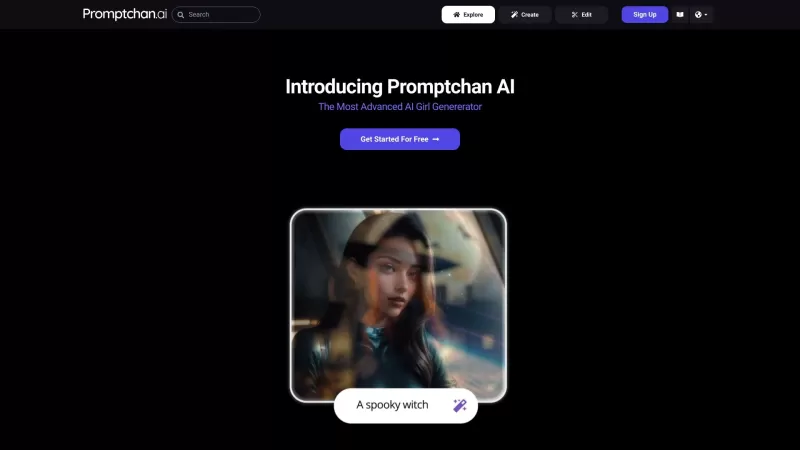
Ever stumbled upon Promptchan AI and wondered what it's all about? Well, let me break it down for you. Promptchan AI is your go-to spot for creating and diving into a world of AI-generated girl images and videos. Whether you're into Anime or prefer someth
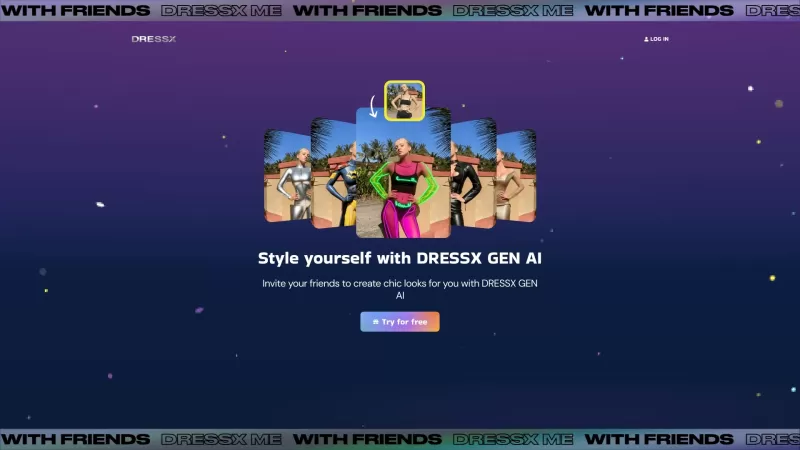
Ever wondered what it would be like to step into a world where fashion is just a click away? Well, DRESSX GEN AI is here to make that dream a reality. This nifty tool lets you upload a photo of yourself and, in a snap, you're digitally dressed in an outfi

What is AIShowX?AIShowX represents the next generation of creative tools - a comprehensive online platform powered by artificial intelligence that empowers anyone to produce professional-quality videos, images, and audio content with remarkable ease.
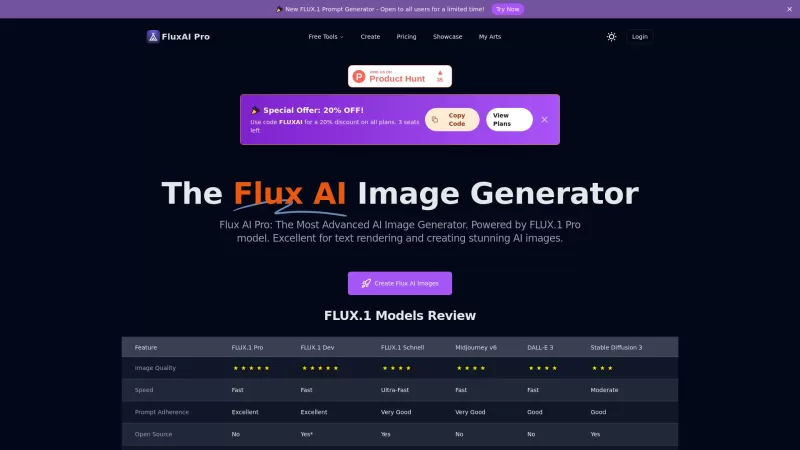
Flux AI Pro is an exciting platform that brings the magic of AI image generation right to your fingertips. It's powered by the innovative Flux.1 series of models, which are specifically crafted to transform your text prompts into stunning, high-quality im
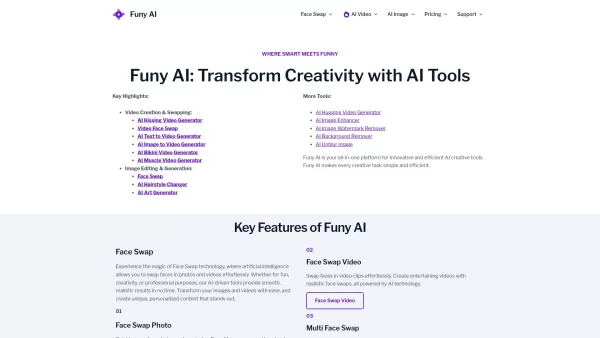
Welcome to the world of Funy AI—a playground for creators where imagination meets innovation. Whether you're looking to craft an AI kissing video, experiment with face swapping, or transform static images into dynamic stories, Funy AI has got you covered.
ImgGen Product Information
What Is ImgGen?
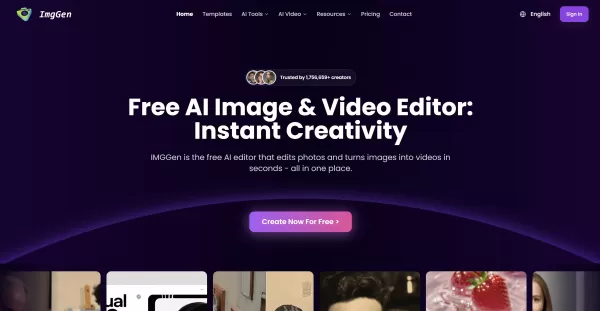
IMGGen offers a suite of AI-powered image and video editing tools that work directly in your web browser. You can upload photos or use text prompts to generate or transform images, remove backgrounds, erase objects, colorize and restore old photos, swap faces, create stylized Ghibli-inspired art, and animate images into short videos. The platform emphasizes speed, simplicity, and accessibility, providing free daily credits along with Pro/Team plans for higher-volume or advanced needs. This makes creative editing and content generation quick and easy, without downloads or heavy manual editing.
Who Uses ImgGen?
- Content creators and influencers
- Marketing teams and social media managers
- E-commerce owners and product photographers
- Freelance designers and illustrators
- Families restoring or animating memories
- Educators and students
- Game developers and concept artists
How to Use ImgGen
- Step 1: Open your browser and go to https://www.imggen.org.
- Step 2: Click "Create" or select a tool (text-to-image, background remover, face swap, image-to-video, etc.).
- Step 3: Upload an image or enter a text prompt, depending on the tool you chose.
- Step 4: Adjust settings (style, strength, area selection, prompts, resolution) and preview the result.
- Step 5: Apply edits, refine with available tools, then export or download your image or video.
- Step 6: Sign up or upgrade to Pro/Team if you need more credits, higher resolution, or priority processing.
Platform
- Web
ImgGen's Core Features and Benefits
The Core Features
- Text-to-image generation
- Image-to-image transformation
- Image-to-video animation
- Background removal and object erasing
- AI face swap and headshot generator
- Photo colorization and restoration
- Virtual try-on and style converters
- Templates and one-click presets
The Benefits
- Fast, browser-based workflow with no software installation
- Free tier for casual users plus paid plans for higher usage
- Wide variety of creative and corrective tools in one place
- User-friendly interface suitable for non-experts
- No watermark policy and privacy-focused temporary processing
ImgGen's Main Use Cases and Applications
- Create social media posts, reels, thumbnails, and influencer content
- Generate product images and remove backgrounds for e-commerce listings
- Restore and colorize old family photos and create animated memory videos
- Design avatars, headshots, and promotional visuals for marketing
- Prototype character art and environmental concepts for games and media
- Produce short animated clips and image-to-video stories for campaigns
ImgGen's Pros and Cons
The Pros
All-in-one suite that combines image and video AI tools
Accessible in-browser with no installation or steep learning curve
Free usage available and quick results
Supports a broad set of creative transformations (style, restoration, animation)
Simple interface ideal for fast content production
The Cons
Advanced controls may be limited compared to professional desktop editors
Quality and consistency can vary with complex prompts or images
Some features may require a paid plan for high-volume or high-resolution use
Web-only means dependent on internet and server availability
Face-swap and deep editing features carry potential ethical or privacy risks
ImgGen's Pricing
Free Plan Available | Yes |
|---|---|
Free Trial Details | 5 free credits for first-time users (no credit card required) |
Pricing Model | Freemium |
Credit Card Required | No |
Paid From | 7.3 USD |
Lifetime Plan Available | No |
Billing Frequency | Monthly |
Details of Pricing Plans
Free
0 USD
- 5 free credits for first-time users
- Downloads include watermark
- 1-day cloud storage
- Shared generation queue
- Partial features
- Commercial license and unrestricted usage rights
- Private generations
- High-quality lossless download
- Unlock all features
- Privacy mode
- Fast generation
Basic
7.3 USD
- 400 images per year
- 1,200 credits per year
- No watermark export
- Unlock all features
- Privacy mode
- Fast generation
- High-quality lossless download
- Commercial license and unrestricted usage rights
- 1 running job at a time
- Private generations
- 30-day cloud storage
Advanced
11.93 USD
- 3,600 images per year
- 10,800 credits per year
- No watermark export
- Unlock all features
- Privacy mode
- Fast generation
- High-quality lossless download
- Commercial license and unrestricted usage rights
- 2 running jobs at a time
- Private generations
- 365-day cloud storage
Flagship
31.6 USD
- 24,000 images per year
- 71,988 credits per year
- No watermark export
- Unlock all features
- Privacy mode
- Fast generation
- High-quality lossless download
- Commercial license and unrestricted usage rights
- 4 running jobs at a time
- Private generations
- Unlimited cloud storage
Discount:
Up to 67% off with annual billing (Basic 51%, Advanced and Flagship 67%)
For the latest prices, please visit: https://www.imggen.org/pricing
ImgGen FAQs
What is IMGGen and how does it work?
IMGGen is a browser-based AI image and video editor. Upload images or use text prompts, choose a tool, adjust settings, and download the result.
Do I need to pay or sign up to use IMGGen?
No signup is required for basic use. IMGGen offers free daily credits and optional Pro or Team paid plans for higher usage and features.
Can I remove objects or backgrounds from my photos?
Yes — IMGGen includes one-click background removal and object erasing tools to clean images quickly.
Can I convert a photo into a short video?
Yes. IMGGen provides image-to-video tools that animate photos into short clips suitable for social sharing and slideshows.
Will IMGGen add watermarks to my images?
IMGGen states it does not add watermarks to generated or edited images.
Are my images stored or shared after editing?
IMGGen indicates images are processed temporarily and not stored or shared; files are deleted after editing to protect privacy.
Can I create headshots or swap faces with IMGGen?
Yes — there are dedicated headshot generator and face swap tools for creating avatars and stylized portraits.
Does IMGGen support text-to-image generation?
Yes. You can generate images from text prompts using the text-to-image tool and then refine them with other editors.
Are there limits to how much I can use IMGGen for free?
There are free daily credits and limitations for the free tier; upgrading to Pro or Team removes many usage limits.
Is IMGGen suitable for professional photo editing?
IMGGen is great for fast edits, content creation, and prototyping; for highly specialized or precision-heavy professional workflows, traditional desktop tools may still be preferred.
ImgGen Company Information
- AIYONG TECHNOLOGY CO., LIMITED
- https://www.imggen.org
ImgGen Screenshot


2026 Latest Best AI Visual Style Reference Tools for Character Sheets, Moodboards, and Pitch Decks are here on XIX.AI! This curated top-rated list features powerful game-changing tools that go through rigorous real-world tests. You’ll find a free vs paid comparison, detailed rankings, and must-try options to help you boost creativity and streamline your workflow. Explore now to discover your perfect tool for boosting productivity!
 11 tools
 xix.ai

2026 Latest Best Top-rated AI SERP Analysis Tools for Search Strategy are curated by XIX.AI through rigorous real-world tests and weekly updated rankings. These powerful tools help you unlock hidden optimization opportunities, boost content performance, and gain a competitive edge in search. Discover your perfect tool to elevate your search strategy today. Explore now!
13 tools
xix.ai

2026 Latest Best Top-rated AI Anomaly Detection Tools for KPI Monitoring in SaaS and Ecommerce teams! XIX.AI has curated a powerful, game-changing collection based on rigorous real-world tests and weekly updated rankings. You’ll find detailed free vs paid comparison insights to help you identify the must-try solution that boosts productivity and unlocks your AI edge. Explore now!
10 tools
xix.ai

2026 Latest Best Top-Rated AI Outline Generators for Long-Form SEO Articles, meticulously curated by XIX.AI. These powerful tools offer game-changing assistance in creating high-quality content quickly, boosting writing efficiency significantly. Get a free vs paid comparison along with real-world tests and detailed rankings to help you find the must-try option that suits your needs. Explore now to unlock your AI edge.
8 tools
xix.ai

2026 Latest Best AI Study Tools for Homework and Exam Prep! XIX.AI curates a top-rated list of powerful, game-changing tools that help students boost productivity, streamline homework completion, and ace exams through real-world tests. Get a free vs paid comparison, detailed rankings, and must-try options to unlock your AI edge. Explore now!
10 tools
xix.ai

2026 Latest Best AI Vocal Demo Tools for Songwriters, Hook Creators, and Multi-Language Content Teams! XIX.AI has curated a top-rated list of powerful game-changing tools that go through rigorous real-world tests. You’ll find detailed free vs paid comparison data, comprehensive rankings, and must-try options to help you boost writing efficiency and unlock your creative potential. Explore now to discover your perfect tool for all your content needs!
9 tools
xix.ai


