


 Home
HomeImage Compressor AI



Helps TikTok sellers, brands, MCNs, and TAPs discover winning products and find creators.

HelpLook is an AI-powered all-in-one knowledge base tool that helps businesses quickly build knowledge bases, help centers, and...

Your AI Workspace

302.AI is an enterprise-grade AI resource platform with pay-as-you-go pricing, API access to a full range of AI models, and ready-to-use online applications.

剧火AI — AI Screenwriter + Director, a One-Person Short Drama Studio In one sentence, what is it?

What is a Website SEO Scanner?A Website SEO Scanner uses sophisticated algorithms to assess your website's SEO performance. It evaluates crucial elements like keyword usage, meta tags, link structure, and overall site architecture. Delivering easy-to
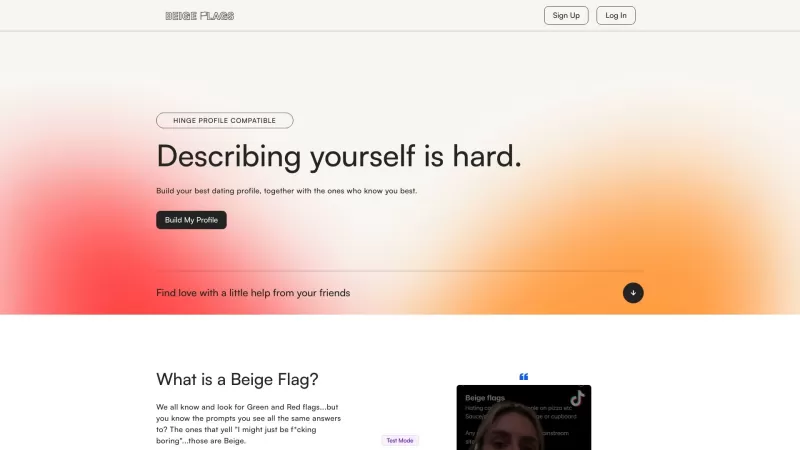
Ever wondered about the nuances of your online reputation? Well, let me introduce you to Beige Flags—a game-changer in the world of online presence management. It's not just another tool; it's a comprehensive platform designed to help you navigate the digital landscape with ease and precision. Gett
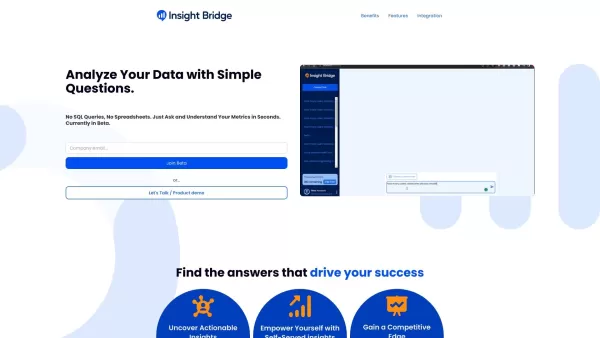
If you're diving into the world of data analytics, you've got to check out Insight Bridge. It's this nifty tool that pulls together data from Google Analytics, Klaviyo, and Meta, and then uses the power of GPT to give you insights just by asking questions
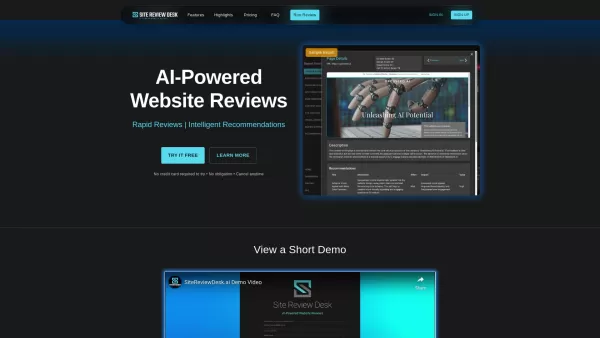
Introducing Site Review Desk Site Review Desk is more than just another website tool—it’s your personal digital health analyst. Powered by cutting-edge AI, it dives deep into your website’s performance, uncovering hidden gems and pointing out areas where you can really shine. Whether it’s tweaking y
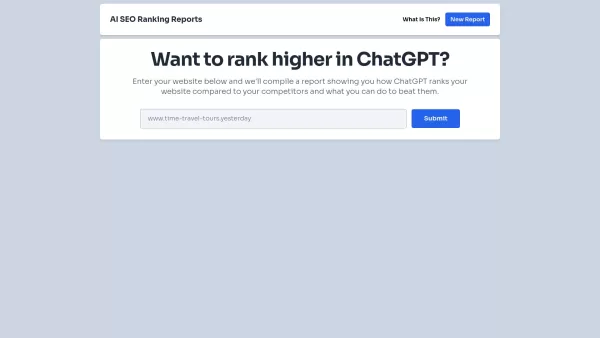
If you're diving into the world of SEO and looking to boost your website's performance, you might want to check out ChatGPT SEO Reports. This nifty platform offers a deep dive into how your website stacks up against the competition, giving you the lowdown on where you stand and what you can do to cl
Image Compressor AI Product Information
What is Image Compressor AI?
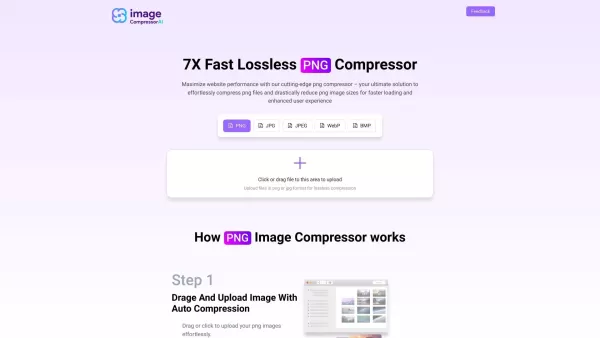
Image Compressor AI delivers a smart solution to shrink image files in formats like PNG, JPG, WEBP, and BMP. Its advanced AI technology compresses images effectively while preserving their original quality. This makes it perfect for website owners and digital marketers who want to speed up page loads and enhance user experience. The free, easy-to-use platform works quickly and efficiently, saving you time and bandwidth.
Who will use Image Compressor AI?
- Website Owners
- Digital Marketers
- Graphic Designers
- SEO Specialists
- Content Creators
- Photographers
How to use the Image Compressor AI?
- Step 1: Go to the Image Compressor AI website.
- Step 2: Upload the image you need to compress.
- Step 3: Choose your desired format (PNG, JPG, WEBP, BMP).
- Step 4: Press the 'Compress' button.
- Step 5: Download your new, smaller image file.
Platform
- Web
Image Compressor AI's Core Features & Benefits
The Core Features
- AI-Powered Compression
- Multiple Format Support: PNG, JPG, WEBP, BMP
- Quality Preservation
- Simple, Intuitive Interface
- Completely Free
The Benefits
- Boosts Page Loading Speed
- Improves UX & Site Performance
- Cuts Bandwidth Consumption
- Saves Storage Space
- Fast, Reliable Processing
Image Compressor AI's Main Use Cases & Applications
- Making websites load faster with optimized images
- Enhancing images for better SEO rankings
- Reducing file sizes for email attachments
- Boosting overall website performance
- Preparing images for social media posts
Image Compressor AI's Pros & Cons
The Pros
Features a simple, user-friendly interface for fast image compression.
Accepts image files up to 5MB in size.
Free to use with no charge for basic compression tasks.
Recommends professional, AI-driven tools for more advanced needs.
The Cons
Has a 5MB maximum file size limit per image.
Lacks advanced editing options or batch processing capabilities.
No details are available about open-source access or a GitHub repository.
Image Compressor AI's Pricing
Has free plan | YES |
|---|---|
Free trial details | |
Pricing model | Free |
Is credit card required | No |
Paid from | |
Has lifetime plan | No |
Billing frequency |
For the latest prices, please visit: https://imagecompressorai.com
FAQs of Image Compressor AI
Is Image Compressor AI free to use?
Yes, Image Compressor AI is entirely free to use.
Does Image Compressor AI support multiple image formats?
Yes, it supports PNG, JPG, WEBP, and BMP formats.
Will the image quality be retained after compression?
Yes, it uses advanced algorithms to ensure high image quality is maintained.
How can I use Image Compressor AI?
Just visit the website, upload your image, pick a format, and click 'Compress'.
Is there a limit to the number of images I can compress?
No, you can compress an unlimited number of images.
Do I need to create an account to use the tool?
No, an account is not required to use Image Compressor AI.
Can I compress images from my mobile device?
Yes, the web-based platform works perfectly on mobile devices.
How long does the compression process take?
The process is fast and usually completes within seconds.
Is my data secure when using Image Compressor AI?
Yes, your data is secure, and the tool does not store your images.
Can I download the compressed image after compression?
Yes, you can download the compressed image immediately after processing.
Image Compressor AI Company Information
Website:
https://imagecompressorai.comCompany Name:
Image Compressor AISupport Email:
NAFacebook:
NAX(Twitter):
NAYouTube:
NAInstagram:
NATiktok:
NALinkedIn:
NA
Image Compressor AI Screenshot


2026 Latest Best Top-rated AI Object Removal Editors for portraits travel product shots! XIX.AI curates a powerful game-changing collection regularly updated with weekly rankings. These tools offer real-world tests to help you quickly remove unwanted elements, boost content quality, and save tons of time without compromising results. Must-try for anyone aiming to unlock their AI creation edge. Explore now!
 10 tools
 xix.ai

2026 Latest Best Top-rated AI Text to Speech Tools for Online Courses are curated by XIX.AI based on rigorous real-world tests and weekly updated rankings. These powerful tools help creators deliver crystal-clear audio content effortlessly, boosting writing efficiency and streamlining course production. Check out the free vs paid comparison to find your perfect fit. Explore now to unlock your AI edge in online education.
10 tools
xix.ai

2026 Latest Best Top-Rated AI Blog Title Tools for Higher Click Through Rates! XIX.AI has carefully curated a powerful, game-changing collection of top tools that go through rigorous real-world tests. You’ll find a free vs paid comparison, weekly updated rankings, and detailed insights to help you boost your blog’s traffic efficiently. Must-try options are highlighted to help you unlock your AI edge. Explore now!
10 tools
xix.ai

2026 Latest Best Top-rated AI Task Routing Tools for Support Workflows! XIX.AI has curated a highly powerful game-changing collection of must-try solutions, all undergoing rigorous real-world tests and updated weekly. These tools streamline workflows, boost productivity, and help teams deliver faster, more efficient support. Explore now to discover your perfect tool and unlock your AI edge!
17 tools
xix.ai

2026 Latest Best Top-Rated AI Citation and Paper Summary Tools Curated by XIX.AI. Get powerful game-changing solutions for quick content creation, improved writing efficiency, and boosting productivity. We offer a free vs paid comparison along with real-world tests and weekly updated rankings to help you find the must-try tool that fits your needs perfectly. Explore now to Unlock your AI edge.
10 tools
xix.ai

2026 Latest Best Top-Rated AI Productivity Tools for Daily Work! XIX.AI has curated a powerful, game-changing selection based on rigorous weekly updated rankings and real-world tests. You’ll find must-try options that boost writing efficiency, streamline content creation, and help you overcome daily work challenges. Get a free vs paid comparison to find the perfect fit for your needs. Explore now to unlock your AI edge!
9 tools
xix.ai


