


 Home
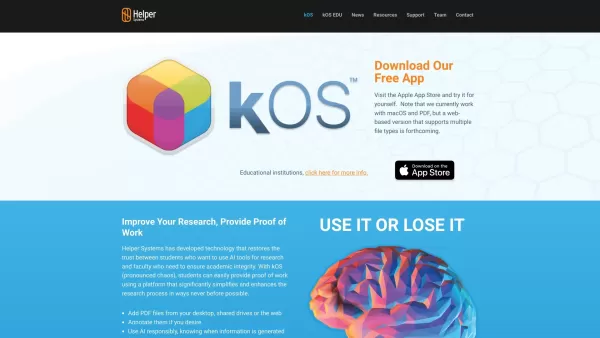
HomeHelper Systems: kOS



Helps TikTok sellers, brands, MCNs, and TAPs discover winning products and find creators.

HelpLook is an AI-powered all-in-one knowledge base tool that helps businesses quickly build knowledge bases, help centers, and...

Your AI Workspace

302.AI is an enterprise-grade AI resource platform with pay-as-you-go pricing, API access to a full range of AI models, and ready-to-use online applications.

剧火AI — AI Screenwriter + Director, a One-Person Short Drama Studio In one sentence, what is it?
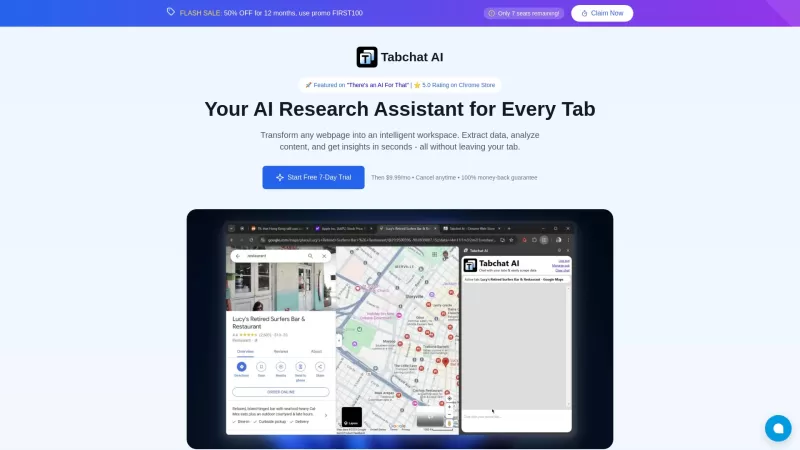
Ever found yourself juggling multiple tabs, wishing you could just talk to them to get the info you need? Well, Tabchat AI might just be your new best friend. It's a nifty Chrome extension that lets you chat with your active browsing tabs and even scrape
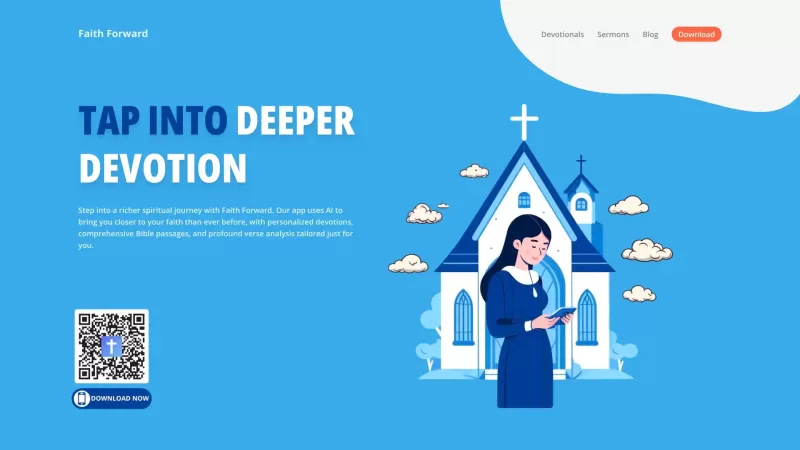
Faith Forward isn't just another app; it's a personal companion for anyone looking to deepen their Christian faith. It harnesses the power of AI to deliver a tailor-made spiritual experience. Whether you're craving custom devotionals, need a daily dose of
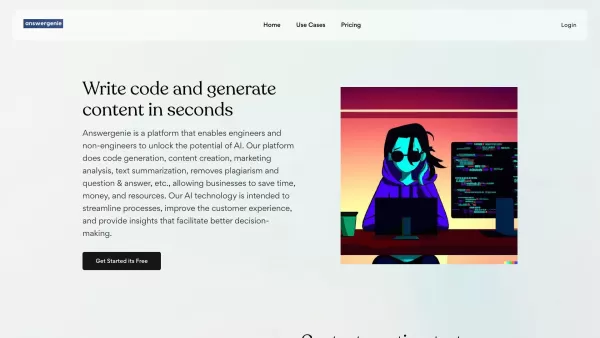
What is Answer Genie?AnswerGenie is an advanced AI-driven platform that delivers immediate, real-time answers to virtually any question you have. Available 24/7, it serves a diverse array of inquiries—from tech support and financial guidance to gener
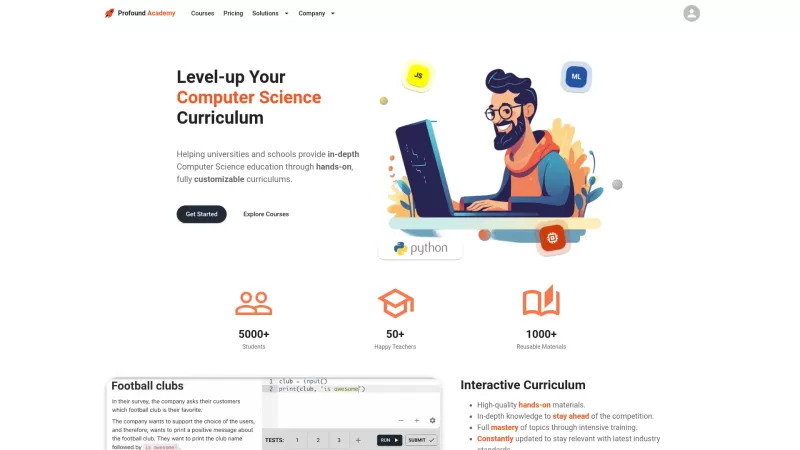
Ever wondered how to make Computer Science education not just informative but truly engaging? Enter Profound Academy, a game-changer in the world of educational platforms. It's not just another tool; it's a revolution designed to transform how schools and
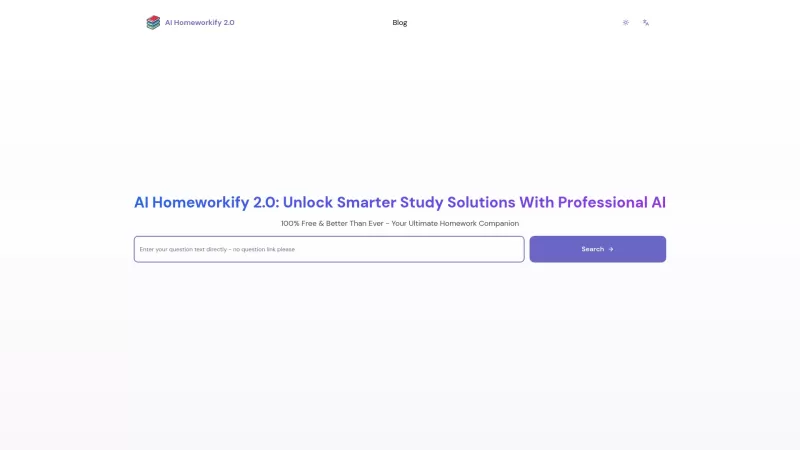
Ever stumbled upon a homework question that's got you scratching your head until the early hours? Well, let me introduce you to AI Homeworkify, your new late-night study buddy. This service is like a magic wand for students, offering instant, free homework help without even asking you to sign up. It
Helper Systems: kOS Product Information
What Is Helper Systems kOS?
Helper Systems' kOS (pronounced chaos) is an innovative research enhancement tool that restores trust between students using AI tools and faculty concerned with academic integrity. It enables seamless research and proof-of-work documentation. The platform leverages advanced features, including AI-augmented conversations with PDFs, pulling dates, compiling data, and providing key insights. This makes the research process streamlined and transparent, ensuring students can focus on content while maintaining detailed records of their work.
Who Uses Helper Systems kOS?
- Students
- Researchers
- Educators
- Academics
How to Use Helper Systems kOS
- Step 1: Go to the Helper Systems website.
- Step 2: Download and install the kOS app from the Mac App Store.
- Step 3: Open kOS and set up an account.
- Step 4: Start a new project and import your files.
- Step 5: Use the AI tools to analyze and extract key data from your documents.
- Step 6: Compile your research and create proof-of-work documentation.
- Step 7: Save and export your project for submission or further review.
Supported Platforms
- Web
- Mac
- Windows
Helper Systems kOS's Core Features and Benefits
Core Features
- AI-Augmented PDF Analysis
- Data Compilation
- Proof-of-Work Documentation
- Research Process Enhancement
Benefits
- Streamlined Research
- Enhanced Academic Integrity
- Detailed Record-Keeping
- User-Friendly Interface
Helper Systems kOS's Main Use Cases and Applications
- Academic Research
- Student Assignments
- Thesis and Dissertation Preparation
- Faculty Research Oversight
Helper Systems kOS's Pros and Cons
Pros
Supports ethical AI use by providing clear provenance between AI-generated content and research data.
Enables efficient PDF organization and exploration with innovative visualization methods.
Facilitates academic integrity through proof-of-work presentations.
Privacy-focused; works without an internet connection or servers.
A free version with substantial functionality is available.
Cons
Currently limited to macOS and PDF files only.
Lacks open-source availability.
No Android, Discord, Telegram, or Chrome extension presence has been noted.
Helper Systems kOS's Pricing
Free Plan Available | Yes |
|---|---|
Free Trial Details | Free six-month trial for premium features |
Pricing Model | Free Trial |
Is Credit Card Required | No |
Paid From | 9.99 USD |
Has Lifetime Plan | No |
Billing Frequency | Monthly |
Pricing Plan Details
Free Plan
0 USD
- Gather and index PDF documents in repositories called kBases.
- Explore content using a table of contents, page thumbnails, and a word cloud.
- Converse with the AI and ask any question within the general scope of the web.
- Generate a slide presentation from pages in a document playlist.
Premium Subscription
9.99 USD
- Ask the AI anything about any document, section, page, or excerpt.
- Read document summaries.
- Explore content using the Phrase Builder™.
- Discover words and phrases common across multiple documents.
- Highlight excerpts and annotate them with tags and comments.
- Create excerpts that span multiple pages.
- Search, edit, reorder, and share notes.
- Export presentations as video files.
- Edit document tables of contents.
- Embed linked documents within kBases.
- Export metadata to CSV files.
- Archive kBases as annotated PDFs.
- Customize application settings.
For the latest pricing, please visit: https://www.helpersystems.com
FAQs for Helper Systems kOS
What Is kOS?
kOS is a research enhancement tool by Helper Systems that supports proof-of-work and data compilation.
Who Can Use kOS?
kOS is designed primarily for students, researchers, educators, and academics.
What Platforms Support kOS?
kOS is available on web, Mac, and Windows platforms.
How Do I Get Started with kOS?
Visit the Helper Systems website to download the kOS app and create an account.
Can kOS Analyze PDFs?
Yes, kOS can perform AI-augmented analysis of PDF documents.
Does kOS Help with Academic Integrity?
Yes, it provides proof-of-work documentation to help ensure academic integrity.
Is Customer Support Available?
Yes, support is available via the Helper Systems website and support email.
Can kOS Be Used for Faculty Oversight?
Yes, faculty can use it to oversee research and ensure thorough documentation.
Are There Any Alternatives to kOS?
Yes, alternatives include Mendeley, Zotero, EndNote, and RefWorks.
What Are the Core Features of kOS?
Core features include AI-augmented PDF analysis, data compilation, proof-of-work documentation, and research process enhancement.
Helper Systems kOS Company Information
- Helper Systems
- https://www.helpersystems.com
- https://www.facebook.com/helpersystems
- https://twitter.com/HelperSystems
- https://www.youtube.com/@HelperSystemskOS
- https://www.instagram.com/helpersystems
- https://www.linkedin.com/company/helpersystems
Helper Systems: kOS Screenshot

2026 Latest Best AI Quiz Builder Platforms for Teachers, Tutors, and Cohort-Based Learning Programs! XIX.AI has curated a top-rated list of powerful game-changing tools that go through real-world tests to deliver accurate rankings. These must-try platforms help boost writing efficiency, streamline content creation, and simplify quiz design across all learning scenarios. Explore now to discover your perfect tool for unlocking your AI edge in teaching!
 13 tools
 xix.ai

2026 Latest Best AI Pull Request Review Tools for GitHub Teams are here on XIX.AI! This top-rated curated list showcases powerful game-changing solutions that streamline refactoring, bug fixing, and security gap detection across all team workflows. Enjoy a free vs paid comparison along with real-world tests and detailed rankings to help you find the perfect tool that boosts productivity significantly. Explore now to unlock your AI edge!
12 tools
xix.ai

2026 Latest Best Top-rated AI Text to Speech Tools for Natural Voiceovers are here on XIX.AI! This curated list features powerful, game-changing options that deliver crystal-clear voices for every use case, backed by real-world tests and weekly updated rankings. Get a free vs paid comparison to find the must-try solution that boosts your productivity instantly. Explore now to Unlock your AI edge!
11 tools
xix.ai

2026 Latest Best Manga AI Background Generators Ranked Top-Rated! This curated collection showcases powerful game-changing tools perfect for creating high-quality chapter backgrounds, book covers, and promotional art. Every option has undergone rigorous real-world tests to ensure reliability. Get a free vs paid comparison along with detailed insights. Explore now to discover your perfect tool and unlock your AI edge in manga creation.
6 tools
xix.ai

2026 Latest Best Top-rated AI Object Removal Editors for portraits travel product shots! XIX.AI curates a powerful game-changing collection regularly updated with weekly rankings. These tools offer real-world tests to help you quickly remove unwanted elements, boost content quality, and save tons of time without compromising results. Must-try for anyone aiming to unlock their AI creation edge. Explore now!
10 tools
xix.ai

2026 Latest Best Top-rated AI Text to Speech Tools for Online Courses are curated by XIX.AI based on rigorous real-world tests and weekly updated rankings. These powerful tools help creators deliver crystal-clear audio content effortlessly, boosting writing efficiency and streamlining course production. Check out the free vs paid comparison to find your perfect fit. Explore now to unlock your AI edge in online education.
10 tools
xix.ai


