


 Home
HomeGRID 2.0
GRID: Create Interactive Web Documents from Spreadsheets



Helps TikTok sellers, brands, MCNs, and TAPs discover winning products and find creators.

HelpLook is an AI-powered all-in-one knowledge base tool that helps businesses quickly build knowledge bases, help centers, and...

Your AI Workspace

302.AI is an enterprise-grade AI resource platform with pay-as-you-go pricing, API access to a full range of AI models, and ready-to-use online applications.

剧火AI — AI Screenwriter + Director, a One-Person Short Drama Studio In one sentence, what is it?
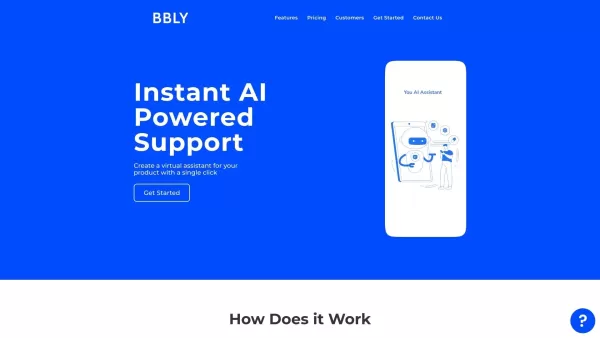
What is Bubbly?BubblyAI is a comprehensive platform that transforms data analysis for businesses. By leveraging advanced AI algorithms, it automates extracting actionable insights from complex datasets, empowering users to make confident, data-driven
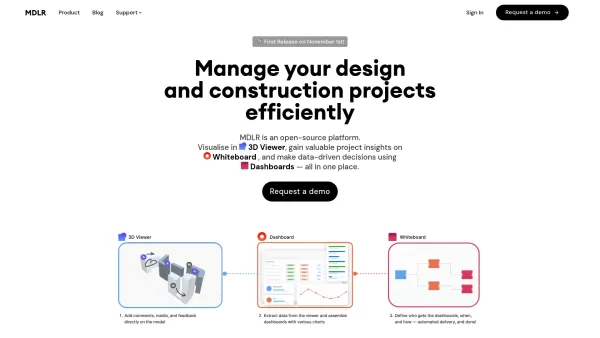
Ever wondered how to make your project management in the AEC industry not just easier, but downright exciting? Let me introduce you to MDLR, an AI-driven platform that's changing the game for architects, engineers, and construction professionals. It's lik
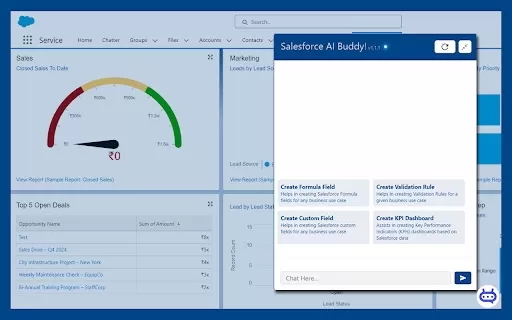
Ever wished you had a trusty sidekick to tackle those pesky Salesforce tasks? Enter Salesforce AI Buddy, the Chrome extension that's like having a tech-savvy friend by your side. This nifty tool is a game-changer for anyone diving into the world of Salesf
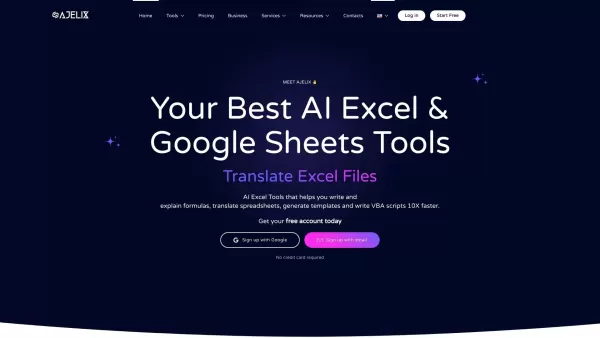
What is Ajelix AI Excel Tools?Ajelix provides intelligent, AI-powered tools designed to automate processes within Excel and Google Sheets, simplifying data analytics, visualization, and business intelligence for professionals and teams. Empower your
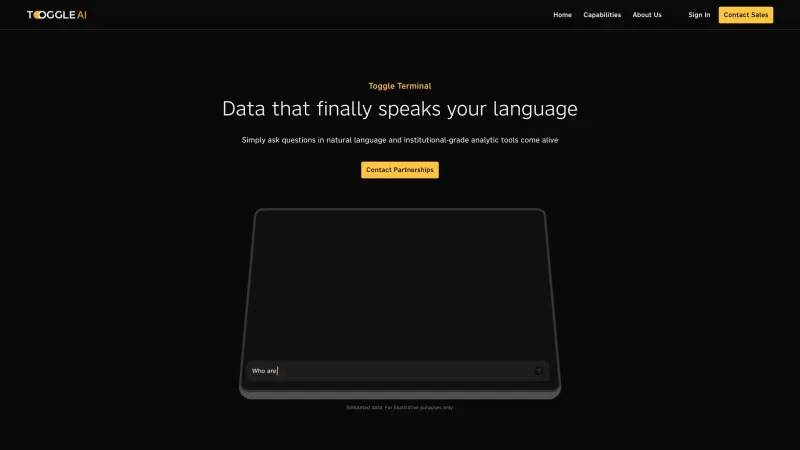
Toggle AI, or Toggle Terminal, is a game-changer in the world of data analytics. It's like having a conversation with your data, where you can ask questions in plain English and get insightful answers without needing to be a coding wizard or a spreadsheet
GRID 2.0 Product Information
What is GRID 2.0?
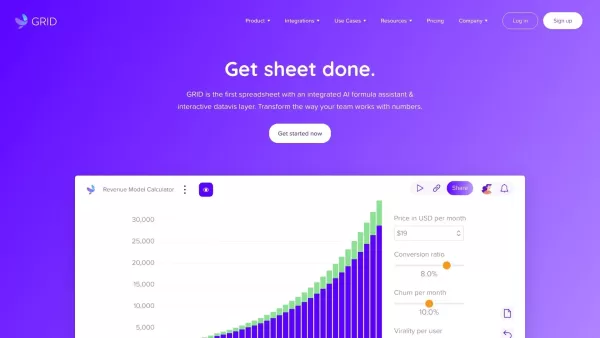
GRID is an innovative platform that seamlessly merges spreadsheets, documents, and presentations. It allows you to unify data from multiple sources, design interactive charts and dashboards, and distribute dynamic, web-ready documents. GRID empowers you to transform static spreadsheets into engaging, interactive data narratives for the web, making your information more compelling and accessible.
Who will use GRID 2.0?
- Data Analysts
- Financial Planners
- Marketing Professionals
- Educators and Trainers
- Small to Medium Business Owners
- Content Creators
How to use the GRID 2.0?
- Step 1: Create your GRID account.
- Step 2: Import your spreadsheet data into GRID.
- Step 3: Design and customize your interactive web document.
- Step 4: Incorporate visualizations and interactive features.
- Step 5: Publish your document to the web.
- Step 6: Share the live link with your audience.
Platform
- Web
GRID 2.0's Core Features & Benefits
The Core Features
- Spreadsheet Integration
- Interactive Document Creation
- Data Visualization Tools
- Real-time Collaboration
- Instant Web Publication
The Benefits
- Turn data into compelling stories
- Boost audience engagement with interactivity
- Simplify sharing of complex information
- Save time with ready-to-use templates
- Enhance team collaboration
GRID 2.0's Main Use Cases & Applications
- Interactive Reports & Dashboards
- Financial Models & Forecasts
- Data-Driven Presentations
- Marketing & Sales Tools
- Educational Resources
- Web-Based Calculators
GRID 2.0's Pros & Cons
The Pros
Features a powerful spreadsheet engine built for AI integration
Offers full compatibility with Excel and Google Sheets
Lets you interact with spreadsheets using natural language
Handles complex modeling, calculations, and in-depth analysis
Provides business users with accessible, low-code AI tools
The Cons
No clear open-source plan or offering
Pricing information is not transparently listed on a dedicated page
No dedicated mobile app or browser extensions identified
Limited public details on user community forums or support channels
FAQs of GRID 2.0
What is GRID?
GRID is a platform that converts your spreadsheets into interactive, web-based documents.
How can I sign up for GRID?
Visit the GRID website and click 'Get Started' to create your account.
What types of files can I import into GRID?
GRID supports popular spreadsheet formats, including Excel (.xlsx, .xls) and Google Sheets.
Is GRID suitable for team collaboration?
Yes, GRID features real-time collaboration tools for seamless teamwork.
Can I publish my GRID project on the web?
Absolutely. You can publish your interactive GRID documents directly to the web with a single click.
Do I need coding skills to use GRID?
No coding is required. GRID is built to be intuitive for users of all skill levels.
What kind of visualizations can I create in GRID?
You can build various visualizations like bar charts, line graphs, pie charts, and more.
Is there a free version of GRID?
Yes, GRID provides a free plan with essential features to get you started.
How can I share my GRID document?
Once published, simply share the unique URL of your document with anyone.
Does GRID provide templates?
Yes, GRID includes a library of professional templates to jumpstart your projects.
GRID 2.0 Company Information
Website:
https://grid.isCompany Name:
GRIDSupport Email:
NAFacebook:
NAX (Twitter):
NAYouTube:
NAInstagram:
NATikTok:
NALinkedIn:
NA
GRID 2.0 Screenshot


2026 Latest Best Manga AI Background Generators Ranked Top-Rated! This curated collection showcases powerful game-changing tools perfect for creating high-quality chapter backgrounds, book covers, and promotional art. Every option has undergone rigorous real-world tests to ensure reliability. Get a free vs paid comparison along with detailed insights. Explore now to discover your perfect tool and unlock your AI edge in manga creation.
 6 tools
 xix.ai

2026 Latest Best Top-rated AI Object Removal Editors for portraits travel product shots! XIX.AI curates a powerful game-changing collection regularly updated with weekly rankings. These tools offer real-world tests to help you quickly remove unwanted elements, boost content quality, and save tons of time without compromising results. Must-try for anyone aiming to unlock their AI creation edge. Explore now!
10 tools
xix.ai

2026 Latest Best Top-rated AI Text to Speech Tools for Online Courses are curated by XIX.AI based on rigorous real-world tests and weekly updated rankings. These powerful tools help creators deliver crystal-clear audio content effortlessly, boosting writing efficiency and streamlining course production. Check out the free vs paid comparison to find your perfect fit. Explore now to unlock your AI edge in online education.
10 tools
xix.ai

2026 Latest Best Top-Rated AI Blog Title Tools for Higher Click Through Rates! XIX.AI has carefully curated a powerful, game-changing collection of top tools that go through rigorous real-world tests. You’ll find a free vs paid comparison, weekly updated rankings, and detailed insights to help you boost your blog’s traffic efficiently. Must-try options are highlighted to help you unlock your AI edge. Explore now!
10 tools
xix.ai

2026 Latest Best Top-rated AI Task Routing Tools for Support Workflows! XIX.AI has curated a highly powerful game-changing collection of must-try solutions, all undergoing rigorous real-world tests and updated weekly. These tools streamline workflows, boost productivity, and help teams deliver faster, more efficient support. Explore now to discover your perfect tool and unlock your AI edge!
17 tools
xix.ai

2026 Latest Best Top-Rated AI Citation and Paper Summary Tools Curated by XIX.AI. Get powerful game-changing solutions for quick content creation, improved writing efficiency, and boosting productivity. We offer a free vs paid comparison along with real-world tests and weekly updated rankings to help you find the must-try tool that fits your needs perfectly. Explore now to Unlock your AI edge.
10 tools
xix.ai


