


 Home
HomeGrammarly for Chrome - Chrome Extension
Real-time writing suggestions for online writing.



Helps TikTok sellers, brands, MCNs, and TAPs discover winning products and find creators.

HelpLook is an AI-powered all-in-one knowledge base tool that helps businesses quickly build knowledge bases, help centers, and...

Your AI Workspace

302.AI is an enterprise-grade AI resource platform with pay-as-you-go pricing, API access to a full range of AI models, and ready-to-use online applications.

剧火AI — AI Screenwriter + Director, a One-Person Short Drama Studio In one sentence, what is it?

Ever wondered how to get a leg up in *Call of Duty: Mobile*? Well, redeem codes are your golden ticket to a whole bunch of in-game goodies. These codes can give you a sweet boost to your Weapon XP or Battle Pass XP, making it a breeze to level up your arsenal and unlock those coveted new weapons, at
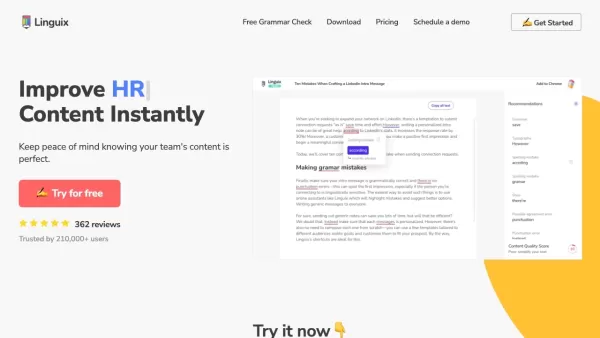
Ever find yourself staring at a blank screen, trying to craft the perfect email or nail that final paper? Enter Linguix, your new best friend in the world of writing. This free writing assistant isn't just another tool; it's like having a personal ed
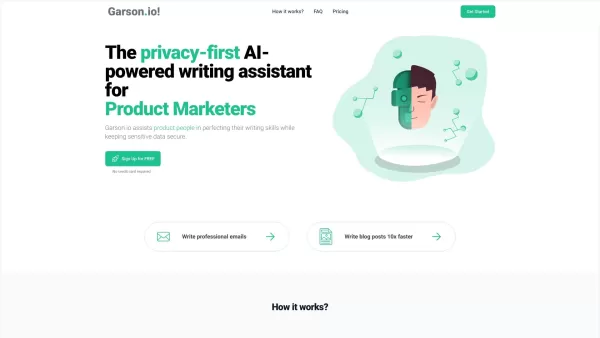
What is Garson.io? Garson.io offers a secure AI writing assistant specifically crafted for professionals who prioritize data privacy. This intelligent tool enhances your writing quality while maintaining strict confidentiality over sensitive informat

Riki AI is a game-changing tool designed to bring the power of ChatGPT directly into your workflow, no matter where you are or what you’re doing. Imagine having a personal assistant that helps you write, edit, summarize, translate, and even debug—all at t
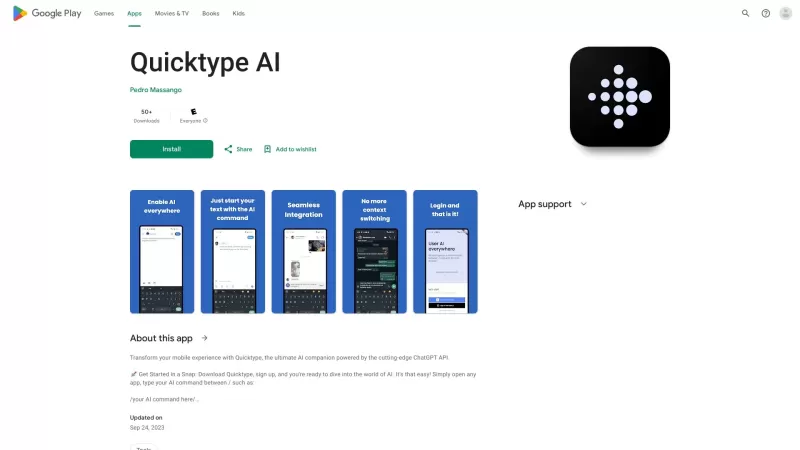
Ever found yourself juggling between different apps and tabs while trying to type something out? It's a real hassle, right? Well, let me introduce you to Elevate—an AI-powered tool designed to revolutionize your typing experience by cutting down on that annoying context switching. Imagine a world wh
Grammarly for Chrome - Chrome Extension Product Information
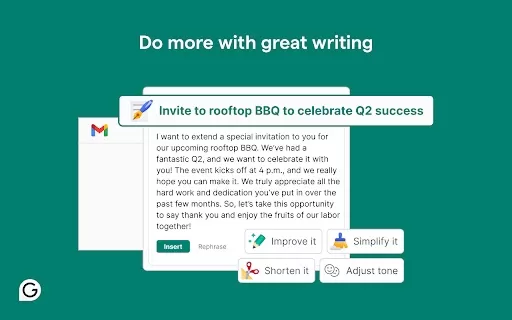
If you're looking to polish your writing on the fly, the Grammarly for Chrome AI extension is a game-changer. Imagine having a personal editor sitting on your shoulder, ready to swoop in and fix those pesky typos or awkward sentences. That's what Grammarly does for you, right in your browser.
How to Use Grammarly for Chrome AI Extension?
Getting started is a breeze. Just head over to the Chrome Web Store, find the Grammarly extension, and hit that install button. Once it's up and running, Grammarly will quietly analyze your writing wherever you type online—be it emails, social media posts, or even Google Docs. Whenever it spots something that could use a tweak, it'll underline it. A simple click on those suggestions, and voilà, your writing gets that much sharper. It's like having a mini writing workshop at your fingertips!
Grammarly for Chrome AI Extension's Core Features
- **Real-time Writing Suggestions**: As you type, Grammarly offers instant feedback, making sure you're on the right track. It's like having a real-time coach cheering you on.
- **Comprehensive Feedback**: From spelling and grammar to punctuation and style, Grammarly covers all bases. It's not just about fixing errors; it's about elevating your writing game.
- **Generative AI Capabilities**: Ever stuck on what to write? Grammarly's AI can generate instant drafts, giving you a starting point when the blank page feels too daunting.
Grammarly for Chrome AI Extension's Use Cases
- **Improving Writing in Emails**: Whether you're crafting a quick note or a formal request, Grammarly ensures your emails are professional and polished.
- **Enhancing Writing in Google Docs**: Collaborating on a project? Grammarly helps you maintain a high standard of writing, making your contributions stand out.
FAQ from Grammarly for Chrome
- What does Grammarly for Chrome offer?
- Grammarly for Chrome provides real-time writing suggestions, comprehensive feedback on spelling, grammar, punctuation, and style, as well as generative AI capabilities for instant drafts, making it an essential tool for anyone who writes online.
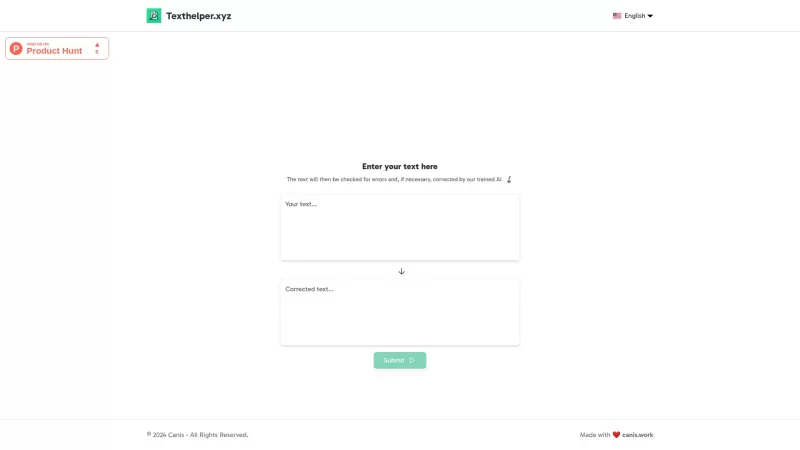
Grammarly for Chrome - Chrome Extension Screenshot



Discover the 2026 best AI novel planners for pantsers and plotters on XIX.AI. Our curated, top-rated tools help you structure masterplots and chapter beats with ease. Explore powerful, game-changing features for any writing style. Find your perfect planning partner and start your next masterpiece today!
 10 tools
 xix.ai
2026 Latest Guide: Discover the best AI tools for writing horror and fantasy novels. Our curated list features top-rated, game-changing tools to help you craft chilling horror scenes and build epic fantasy worlds. Compare free vs paid options based on real-world tests. Unlock your creative potential and start your novel-writing journey with XIX.AI's expert picks.
10 tools
xix.ai
Discover the 2026 best AI dialogue prompts for novelists at XIX.AI. Our curated, top-rated collection helps you craft authentic conversations and build high-tension scenes effortlessly. Boost your writing productivity with powerful, game-changing prompts. Explore weekly updated rankings and find your perfect creative tool today!
10 tools
xix.ai
Discover the 2026 best all-in-one AI toolkits for writing horror and fantasy novels. Our top-rated, curated list features powerful, game-changing tools to boost creativity, overcome writer's block, and craft compelling stories. Compare free vs paid options with weekly updated rankings. Explore now on XIX.AI.
10 tools
xix.ai

2026 Latest Best AI Tools for Horror & Fantasy Storytelling. Discover top-rated, curated tools to transform your ideas into captivating chapters. Compare free vs paid options, explore real-world tests, and unlock powerful features for world-building, character development, and immersive plot generation. Weekly updated rankings to fuel your creativity. Discover your perfect AI storytelling partner at XIX.AI.
10 tools
xix.ai
Discover the 2026 best AI story generator tools for fanfiction and character-driven narratives. XIX.AI features weekly updated, top-rated picks with free vs paid comparison. Break through creative blocks and craft compelling stories faster. Unlock your perfect writing companion today.
9 tools
xix.ai


Grammarly for Chrome is a lifesaver! 😍 It catches my typos and weird phrasing while I’m typing emails or posts. Sometimes it feels like having a super-smart friend who’s always got my back. Only downside? It can be a bit pushy with suggestions, but overall, it’s made my writing way sharper!
Grammarly for Chrome is a lifesaver! 😍 It catches my typos and awkward phrasing instantly, making my emails sound pro. Sometimes it’s too picky, but it’s like having a writing coach in my browser. Highly recommend!


