


 Home
HomeGPTrue or False
AI Detection Tool: GPT-2 & Text Analysis



Helps TikTok sellers, brands, MCNs, and TAPs discover winning products and find creators.

HelpLook is an AI-powered all-in-one knowledge base tool that helps businesses quickly build knowledge bases, help centers, and...

Your AI Workspace

302.AI is an enterprise-grade AI resource platform with pay-as-you-go pricing, API access to a full range of AI models, and ready-to-use online applications.

剧火AI — AI Screenwriter + Director, a One-Person Short Drama Studio In one sentence, what is it?
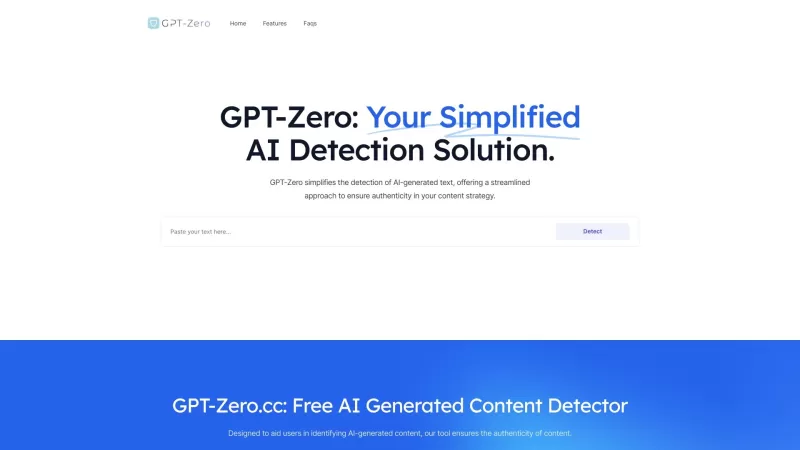
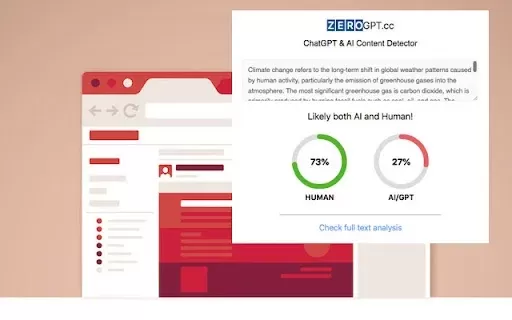
Ever found yourself wondering if that slick article or clever comment was penned by a human or churned out by an AI? Enter GPT-Zero.cc, your go-to free tool for sniffing out AI-generated content from the likes of ChatGPT, GPT-4, and beyond. It's like havi
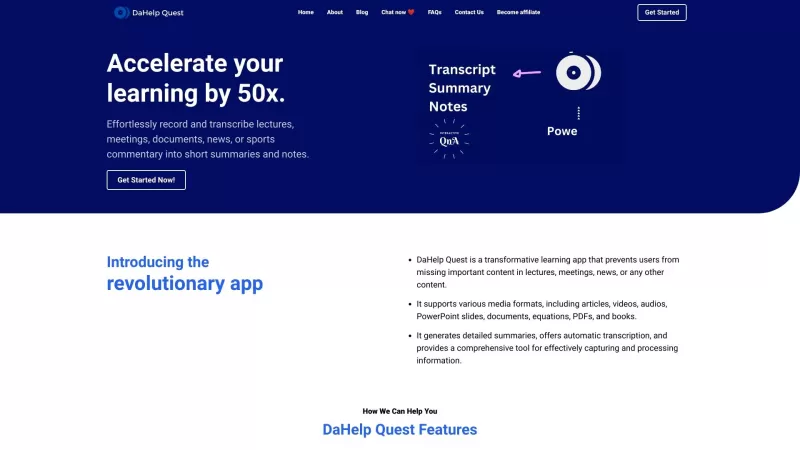
Ever felt overwhelmed by the sheer amount of information you need to process? Enter DaHelp Quest, a game-changer in the world of learning and knowledge management. This nifty app isn't just another tool; it's your personal assistant that helps you capture
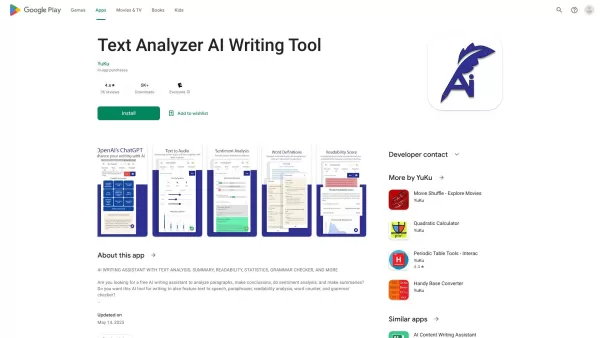
Ever wondered how you could dive deeper into the nuances of written content? Enter Text Analyzer, our sophisticated tool that's not just about reading text but truly understanding it. Powered by cutting-edge NLP and OpenAI tech, this app goes beyond the s
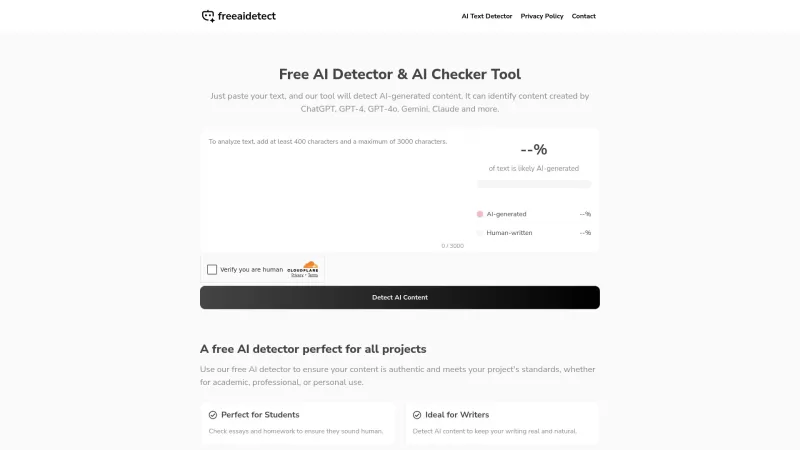
Ever wondered if that essay you're reading was crafted by a human or churned out by an AI? That's where the Free AI Detector & AI Checker Tool comes into play. It's your go-to gadget for sniffing out AI-generated content, ensuring the text you're dealing with is genuinely human-crafted. Whether you'
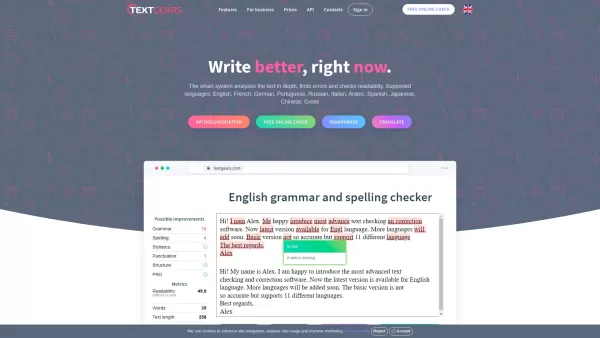
Ever stumbled upon a piece of writing and wished there was a quick fix for those pesky grammar and spelling errors? Enter TextGears, your go-to online tool that's here to make sure your text shines, no matter the language. From English to Spanish, French,
GPTrue or False Product Information
What is GPTrue or False?
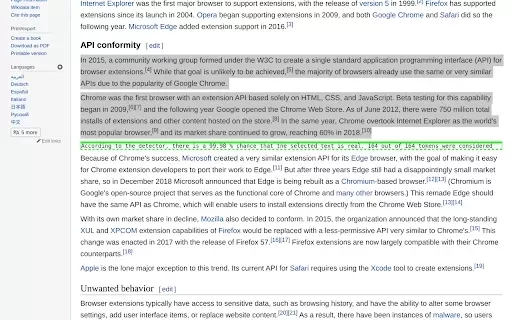
The GPTrue or False browser extension puts AI text detection right at your fingertips. Simply highlight any text snippet, and the tool will assess its linguistic features to provide a probability score indicating if it was AI-generated. This quick verification tool is perfect for journalists, content creators, and academics who need to rapidly gauge content authenticity. Its straightforward design makes distinguishing between human and AI writing effortless.
Who will use GPTrue or False?
- Writers
- Educators
- Researchers
- Journalists
- Content Creators
How to use the GPTrue or False?
- Step1: Install the GPTrue or False extension from the Chrome Web Store.
- Step2: Highlight the text you wish to analyze (at least 50 words).
- Step3: Click the GPTrue or False icon in your browser's toolbar.
- Step4: View the analysis results showing the likelihood of AI generation.
Platform
- Chrome
GPTrue or False's Core Features & Benefits
The Core Features
- AI-generated text detection
- Intuitive, user-friendly interface
- Rapid text analysis
The Benefits
- Streamlines content verification
- Accelerates research processes
- Supports academic honesty
GPTrue or False's Main Use Cases & Applications
- Reviewing student submissions
- Authenticating online articles
- Evaluating content originality
- Scrutinizing AI-generated social media content
FAQs of GPTrue or False
How does GPTrue or False work?
The tool scans your selected text for patterns and markers commonly found in content produced by AI.
Is there a word limit for the text?
Yes, the analysis requires a minimum text sample of 50 words.
Can it detect all AI-generated texts?
Its primary detection focus is on text from OpenAI's GPT-2 model.
Is it free to use?
Yes, it is a free extension available on the Chrome Web Store.
Who benefits from using this extension?
It is particularly useful for writers, educators, journalists, and researchers.
Does it store user data?
No, the extension does not retain or store any text you analyze.
Can it be used offline?
No, an active internet connection is necessary for processing.
Will it work on other browsers?
Currently, it is developed exclusively for the Chrome browser.
How accurate is the detection?
Accuracy is optimized for GPT-2 and may fluctuate depending on the input text.
How do I uninstall the extension?
You can remove it directly from your Chrome extensions management page.
GPTrue or False Company Information
GPTrue or False Screenshot
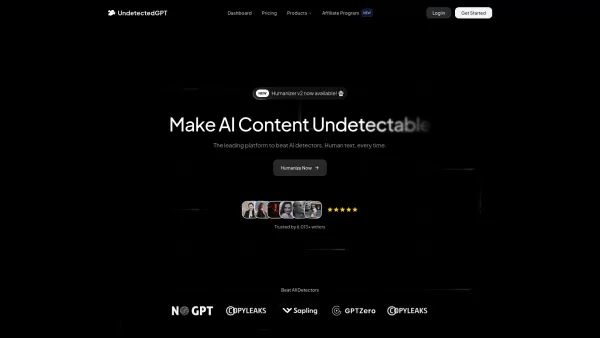
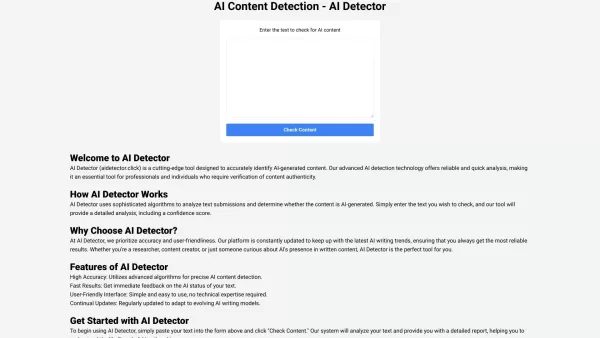
Discover the 2026 best AI literature analyzers for fast, deep insights into Shakespeare, poetry & classic novels. XIX.AI's curated top-rated tools help you decode themes, structure, and language with ease. Explore our weekly updated rankings and free vs paid comparisons to unlock your literary analysis edge.
 10 tools
 xix.ai


