


 Home
HomeFree AI Image Upscaling
Free AI Image Upscaler Enhance Photo Resolution



Helps TikTok sellers, brands, MCNs, and TAPs discover winning products and find creators.

HelpLook is an AI-powered all-in-one knowledge base tool that helps businesses quickly build knowledge bases, help centers, and...

Your AI Workspace

302.AI is an enterprise-grade AI resource platform with pay-as-you-go pricing, API access to a full range of AI models, and ready-to-use online applications.

剧火AI — AI Screenwriter + Director, a One-Person Short Drama Studio In one sentence, what is it?

What Is Watermark PhD?Watermark PhD is a sophisticated free online tool that specializes in removing watermarks and intelligently erasing backgrounds from images. It offers an intuitive platform that enables users to effortlessly eliminate any undesi
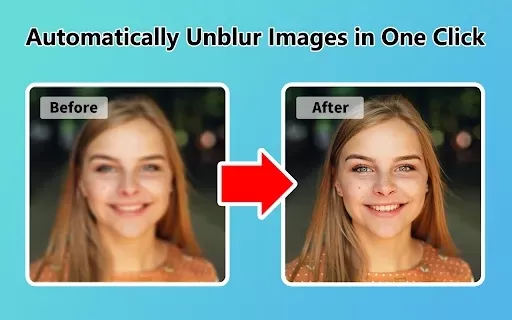
What is Unblur Image?Unblur Image is a smart Chrome extension that automatically sharpens blurry images. Leveraging advanced AI, it precisely identifies and corrects blurry sections in your photos, only enhancing the affected areas. Whether you're wo

What is Servant AI?Servant AI functions as your intelligent virtual assistant, integrating a wide array of tools and resources to simplify your daily tasks. Whether you're looking to erase backgrounds from photos, craft polished email signatures, or
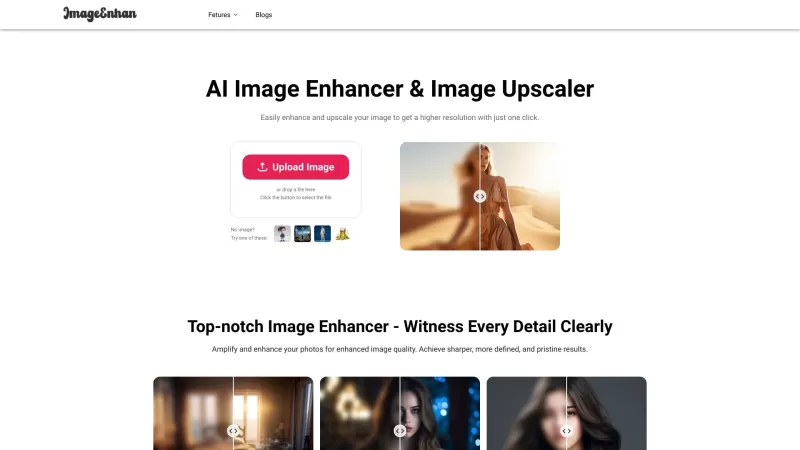
Ever wondered how you could turn those pixelated, blurry photos into crisp, high-resolution masterpieces? Enter the AI Image Enhancer, an online wizard that uses cutting-edge AI tech to breathe new life into your low-resolution images. Not only does it up
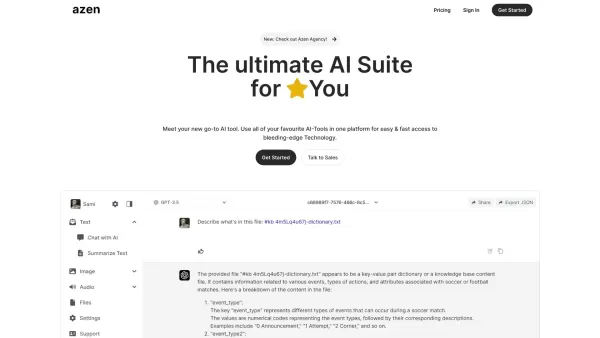
What is AI-Suite: Azen?Azen is an innovative application that combines powerful AI tools like GPT-4, DALL·E 2, and ElevenLabs into one intuitive platform. It enables users to harness cutting-edge AI technology for personal projects or professional ta
Free AI Image Upscaling Product Information
What is Free AI Image Upscaling?
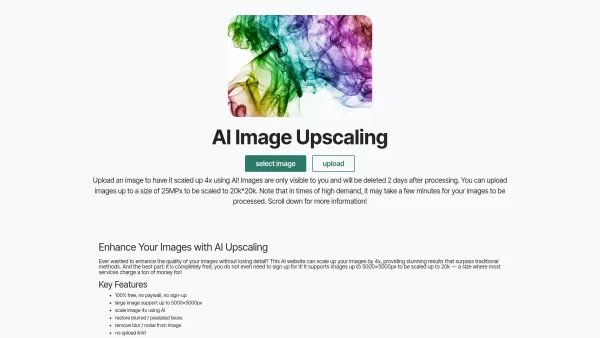
Transform your low-resolution images into stunning, high-quality visuals effortlessly with our AI upscaling tool. Leveraging sophisticated algorithms, it can enlarge your pictures by up to 400% while preserving crisp textures and fine details. Ideal for touching up personal snapshots or upgrading professional graphics, this tool delivers exceptional resolution with zero complexity. Just upload your image and see it sharpen and clarify, becoming perfectly suited for your projects or social media.
Who can benefit from using Free AI Image Upscaling?
- Photographers
- Graphic Designers
- Social Media Managers
- Content Creators
- Artists
- Marketers
How do I use the Free AI Image Upscaling tool?
- Step 1: Go to the image-upscaling.net website.
- Step 2: Upload the image you want to enhance.
- Step 3: Select your preferred enlargement percentage.
- Step 4: Click the 'Upscale' button to begin.
- Step 5: Download your newly enhanced image once processing finishes.
Platform
- Web
Free AI Image Upscaling's Core Features & Benefits
The Core Features
- Enlarge images by up to 400%
- No registration or sign-up needed
- Fast processing speeds
- Ensures high-quality output
The Benefits
- Simple, intuitive interface
- Completely free to use
- No watermarks added
- Works on any internet-connected device
Free AI Image Upscaling's Main Use Cases & Applications
- Enhancing personal photographs
- Upgrading images for professional portfolios
- Improving photo quality for social media posts
- Creating better visuals for marketing content
Free AI Image Upscaling's Pros & Cons
The Pros
Completely free with no paywalls or mandatory sign-up process
Can upscale images up to 16MPx, reaching resolutions as high as 16k by 16k
Offers a free API for easy integration into other services
Effectively improves the quality of blurry or pixelated faces
Supports batch upscaling and images with transparency
Features a straightforward, user-friendly interface
The Cons
Processing time may extend to several minutes, depending on image size and server load
Restored faces might not always perfectly resemble the original input
Service relies on user donations to maintain server operations
No publicly available open-source code or GitHub repository
Free AI Image Upscaling's Pricing
Has free plan | YES |
|---|---|
Free trial details | |
Pricing model | Free |
Is credit card required | No |
Paid from | |
Has lifetime plan | No |
Billing frequency |
For the latest pricing information, please visit: https://image-upscaling.net
FAQs of Free AI Image Upscaling
What types of images can be upscaled?
The tool supports various formats including JPEG, PNG, BMP, and others.
Do I need to create an account to use the tool?
No account is required; the tool is entirely free and accessible to everyone.
How quickly can I upscale my images?
The enhancement process is usually completed within a matter of seconds.
Will my upscaled images have watermarks?
No, your images will be delivered completely free of watermarks.
Can I upscale multiple images at once?
At this time, the tool processes a single image per upload.
Is there any cost associated with the tool?
No, it is 100% free with no hidden charges.
Can I use the tool on mobile devices?
Yes, it is fully compatible with web browsers on mobile phones and tablets.
Is the tool safe to use?
Yes, it adheres to strict privacy practices and does not retain your personal data.
Is there a file size limit for uploads?
Yes, a file size limit exists, though the specific cap depends on the platform's current capacity.
What quality can I expect after upscaling?
You can expect high-definition results that faithfully preserve your image's original details.
Free AI Image Upscaling Company Information
Website:
https://image-upscaling.net/Company Name:
Image UpscalingSupport Email:
Facebook:
NAX(Twitter):
NAYouTube:
NAInstagram:
NATiktok:
NALinkedIn:
NA
Free AI Image Upscaling Screenshot
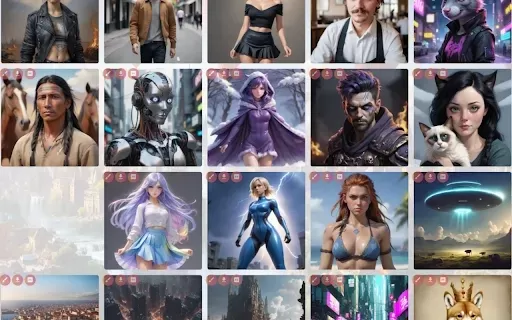
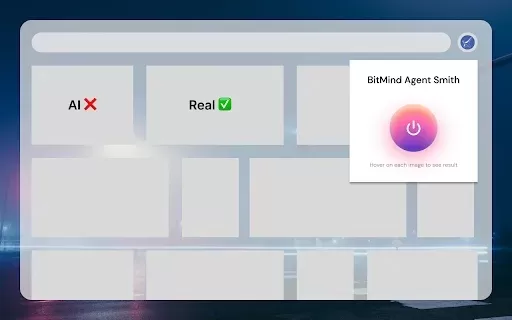
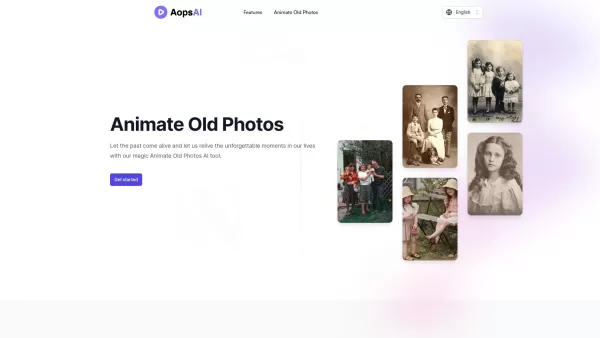
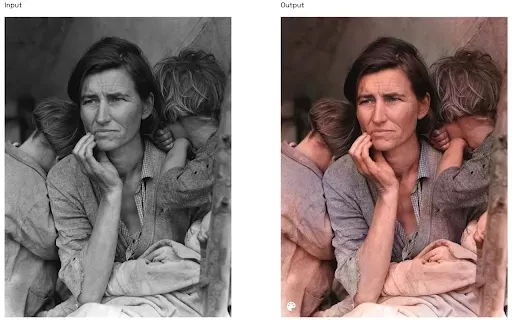
Discover the 2026 best AI composition fixers for panoramic landscapes. XIX.AI's curated list features top-rated, game-changing tools to uncrop and reframe photos. Compare free vs paid options with real-world tests. Unlock your perfect photo editing solution today.
 10 tools
 xix.ai
Discover the 2026 best AI photo enhancers at XIX.AI. Our curated rankings feature top-rated, game-changing tools to unblur, upscale low-res images to 4K instantly, and restore old photos. Compare free vs paid options with real-world tests. Find your perfect image enhancer and unlock stunning visuals today!
10 tools
xix.ai


Just tried this on some old vacation photos and wow, the details it recovered are insane! The sky looked like a blurry mess before, now I can see individual cloud layers. Kinda makes me wonder how much detail our phones actually lose when compressing images. Definitely bookmarking this for my photography projects! 🌄


