


 Home
HomeFix Subs: AI-Powered YouTube Subtitle
Fix Subs: AI YouTube Subtitle Correction Tool



Helps TikTok sellers, brands, MCNs, and TAPs discover winning products and find creators.

HelpLook is an AI-powered all-in-one knowledge base tool that helps businesses quickly build knowledge bases, help centers, and...

Your AI Workspace

302.AI is an enterprise-grade AI resource platform with pay-as-you-go pricing, API access to a full range of AI models, and ready-to-use online applications.

剧火AI — AI Screenwriter + Director, a One-Person Short Drama Studio In one sentence, what is it?
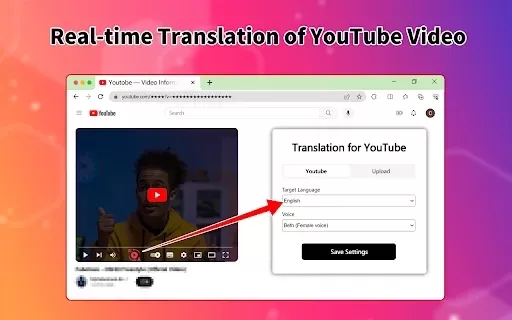
What is the Video Translator Online Extension?Video Translator is a versatile tool tailored for content creators, educators, and businesses. It leverages cutting-edge AI to translate video audio and subtitles into more than 100 languages, empowering
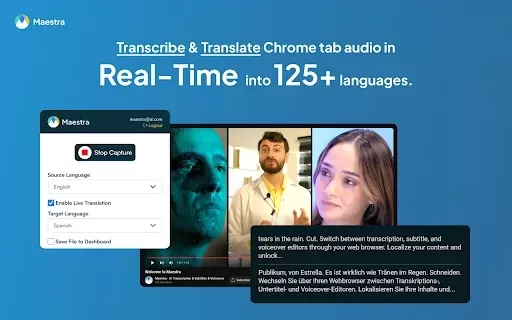
What is Maestra's Live Voice Translation & Transcription?The Maestra Chrome extension transcribes and translates audio from your browser into text in real-time, supporting over 125 languages. It boosts productivity and accessibility during online mee
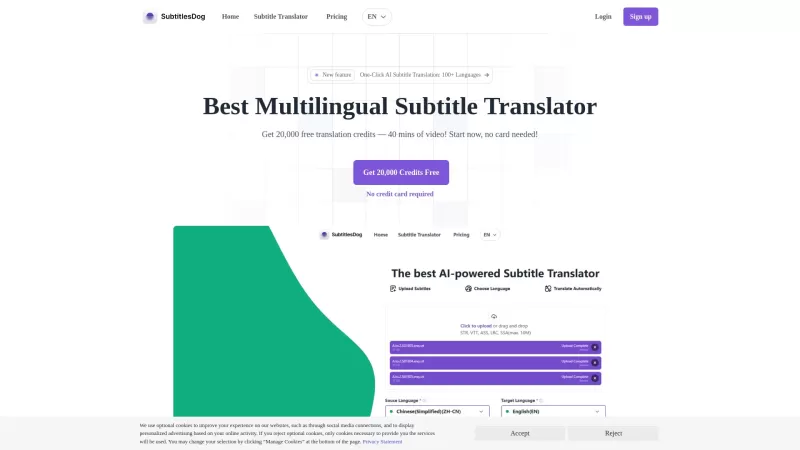
Ever stumbled upon a video that's just perfect, but it's in a language you don't understand? Enter SubtitlesDog, your new best friend for breaking down language barriers in video content. This AI-powered tool is like a linguistic wizard, whipping up high-quality translations across more than 100 lan
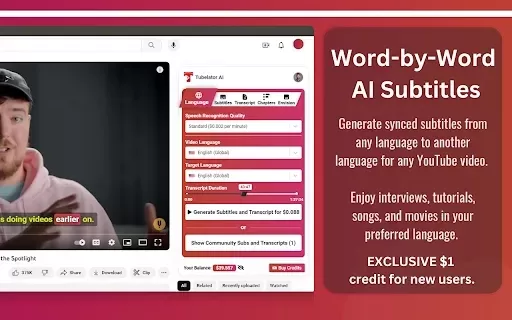
What is Tubelator: AI YouTube Subtitles and Chapters?Tubelator quickly and accurately transcribes YouTube videos, enabling users to create subtitles and chapters in numerous languages. Supporting 98 languages, it serves a worldwide audience. You can
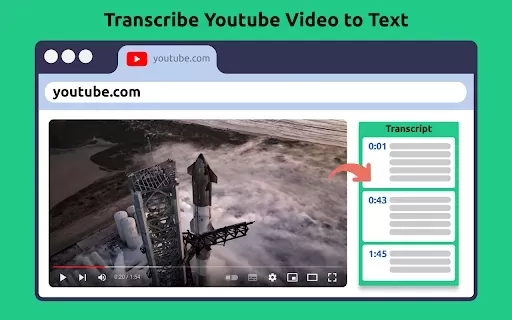
What Is Transcribe YouTube Video?This powerful Chrome extension allows you to seamlessly transcribe spoken content from any YouTube video. It adds a convenient 'Get Transcript' button beneath the video, enabling quick subtitle extraction. With featur
Fix Subs: AI-Powered YouTube Subtitle Product Information
What is Fix Subs: AI-Powered YouTube Subtitle Generator?
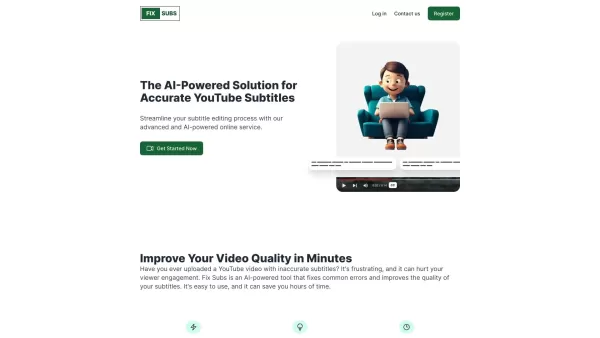
Fix Subs is an AI-powered subtitle service that perfects your YouTube captions. It automatically detects and fixes errors to improve subtitle accuracy and clarity, helping creators ensure their videos are easily understood by a global audience. With advanced AI technology, Fix Subs saves time and boosts viewer engagement by delivering polished and precise subtitles.
Who uses Fix Subs: AI-Powered YouTube Subtitle Generator?
- YouTube content creators
- Video producers
- Social media managers
- Educational content developers
- Digital marketing professionals
How to use Fix Subs: AI-Powered YouTube Subtitle Generator
- Step 1: Upload your YouTube video to Fix Subs.
- Step 2: Let the AI analyze and correct subtitles automatically.
- Step 3: Review and make manual adjustments as needed.
- Step 4: Download the enhanced subtitle file.
- Step 5: Upload the corrected subtitles to your YouTube video.
Platform
- Web
- iOS
- Android
Fix Subs: AI-Powered YouTube Subtitle Generator's Core Features & Benefits
The Core Features
- Automatic subtitle correction
- Real-time error detection
- Highly accurate results
- User-friendly interface
The Benefits
- Saves time
- Improves subtitle clarity
- Boosts viewer engagement
- Supports multiple languages
Fix Subs: AI-Powered YouTube Subtitle Generator's Main Use Cases & Applications
- Refining subtitles for educational videos
- Enhancing clarity in marketing content
- Adapting subtitles for international viewers
- Optimizing subtitles for accessibility
FAQs for Fix Subs: AI-Powered YouTube Subtitle Generator
What is Fix Subs?
Fix Subs is an AI-based subtitle enhancement tool that automatically corrects errors in YouTube captions.
How do I use Fix Subs?
Upload your video, allow the AI to correct the subtitles, review and adjust as necessary, then download the improved subtitle file.
Which platforms is Fix Subs available on?
Fix Subs offers web, Android, and iOS platforms.
Is Fix Subs easy to use?
Yes, Fix Subs is designed with an intuitive, user-friendly interface.
Can Fix Subs handle multiple languages?
Yes, Fix Subs provides support for multiple languages.
How accurate is Fix Subs?
Fix Subs uses sophisticated AI to ensure high accuracy when correcting subtitles.
Can I manually adjust the subtitles after using Fix Subs?
Yes, you can review and manually edit subtitles after processing.
Is there a mobile app for Fix Subs?
Yes, Fix Subs offers dedicated mobile apps for Android and iOS.
Does Fix Subs improve viewer engagement?
Yes, enhanced subtitle clarity helps increase audience engagement.
Is Fix Subs suitable for educational content?
Yes, Fix Subs is well-suited for improving subtitles in educational videos.
About Fix Subs: AI-Powered YouTube Subtitle Generator
- Website: fixsub.com
- Company Name: Fix Subs
- Support Email: NA
- Facebook: NA
- X(Twitter): NA
- YouTube: NA
- Instagram: NA
- TikTok: NA
- LinkedIn: NA
Fix Subs: AI-Powered YouTube Subtitle Screenshot
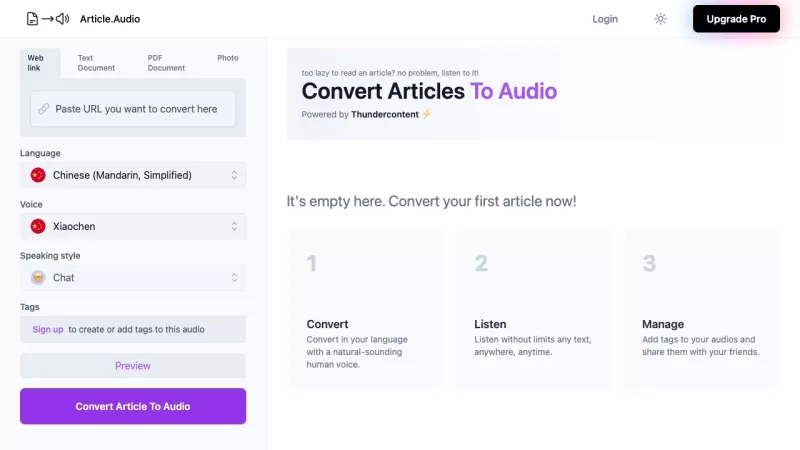
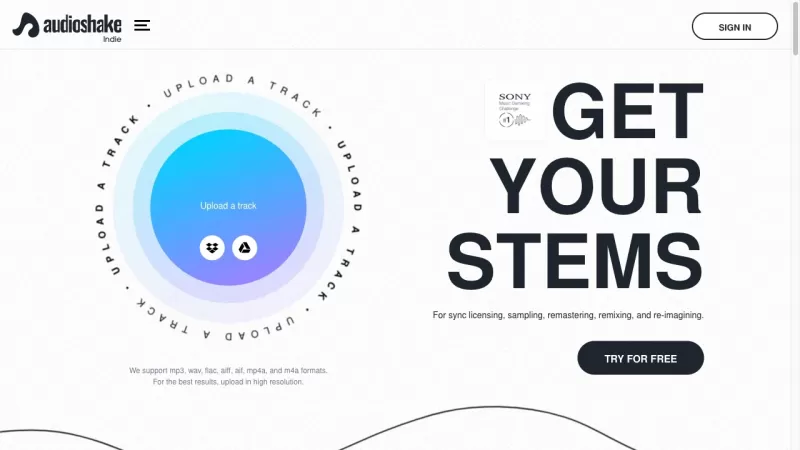

2026 Latest Best Top-rated AI Subtitle Tools for Multilingual Videos are here on XIX.AI! This curated list features powerful, game-changing options that go through real-world tests to deliver accurate subtitles in dozens of languages. Get a free vs paid comparison and see which tools suit your needs best. Explore now to unlock your AI edge!
 9 tools
 xix.ai


This tool is a lifesaver! My YouTube captions were always full of weird typos, but Fix Subs cleaned them up in seconds. The AI actually understands context, not just spell-checking. Highly recommend for any creator. 🎥✨


