


 Home
HomeFaceFusion
FaceSwapping Software: Local, Fast, Private



Helps TikTok sellers, brands, MCNs, and TAPs discover winning products and find creators.

HelpLook is an AI-powered all-in-one knowledge base tool that helps businesses quickly build knowledge bases, help centers, and...

Your AI Workspace

302.AI is an enterprise-grade AI resource platform with pay-as-you-go pricing, API access to a full range of AI models, and ready-to-use online applications.

剧火AI — AI Screenwriter + Director, a One-Person Short Drama Studio In one sentence, what is it?
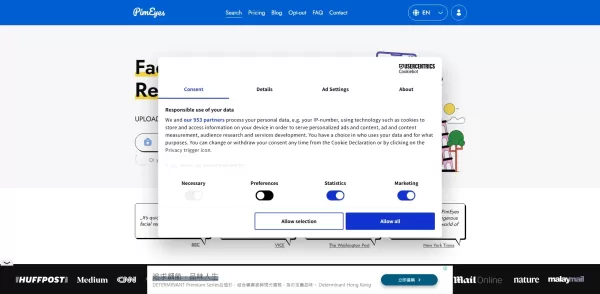
What is PimEyes?PimEyes is an innovative AI-powered online face search engine that helps you track where your images appear across the web. Whether you're managing your online privacy, protecting your digital identity, or simply curious, you can uplo
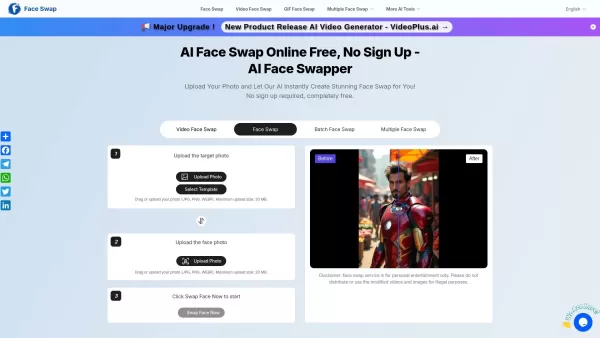
What is Free AI Face Swapper?Free AI Face Swapper is an online application that utilizes advanced artificial intelligence to seamlessly exchange faces in photos and videos. It is perfect for crafting amusing and realistic edits, morphing into a ficti

What is Lyvia AI?Lyvia is a powerful platform featuring an uncensored AI image generator and versatile face swap tools for both photos and videos. Accessible on your mobile, tablet, or computer, it’s designed to evolve with you through regular update
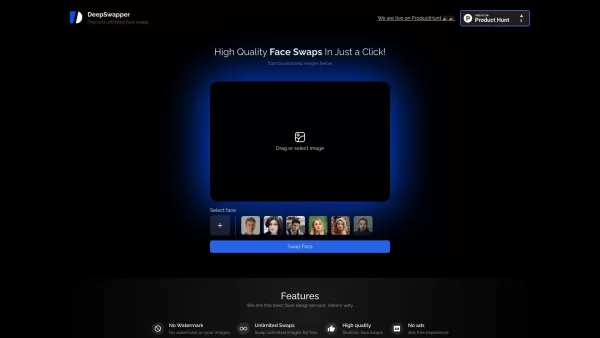
What is DeepSwapper?DeepSwapper is an innovative AI tool for swapping faces in photos and videos with ease. It utilizes advanced AI to produce high-quality, realistic results in seconds. Just upload your photo or video, and the AI handles the rest, e
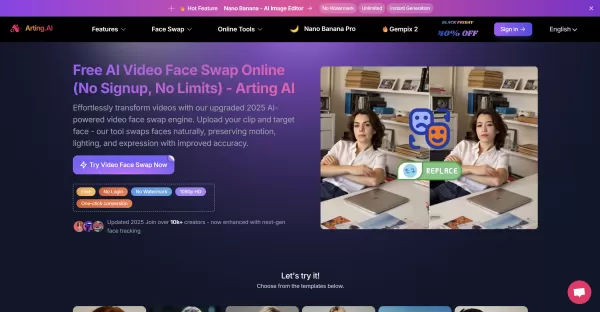
What is the Free Unlimited Video Face Swap?Arting AI's Video Face Swap is an AI-powered platform that realistically replaces faces in videos while maintaining motion, lighting, and expressions. Simply upload a video and a face photo to generate photo
FaceFusion Product Information
What is FaceFusion?
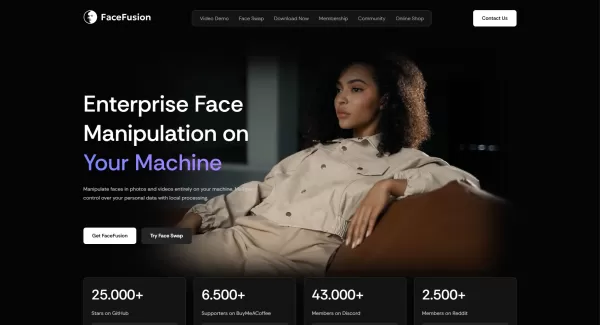
FaceFusion is a sophisticated AI face-swapping tool that runs entirely on your own computer. It lets you seamlessly replace faces in photos and videos, with all processing done locally. This eliminates cloud-based waiting times and keeps your data completely private. It leverages multi-GPU processing for fast, professional-grade results, offering frame-by-frame control and customizable settings. As open-source software, it's free to modify and extend. It includes several high-performance face fusion models—HyperSwap 1A, 1B, and 1C—tailored for different scenarios.
Who will use FaceFusion?
- AI Developers
- Digital Artists & Visual Creators
- Filmmakers & Video Editors
- Tech Enthusiasts & Hobbyists
- Privacy-Focused Individuals
How to use the FaceFusion?
- Step 1: For technical users: Clone and run the free, open-source software directly from our GitHub repository using the command line.
- Step 2: Select your preferred hardware accelerator (CPU or GPU) during the setup process.
- Step 3: Launch the application via the start menu or desktop shortcut—no need to manually activate environments.
- Step 4: Drag and drop your source and target images or videos into the HyperSwap models interface to initiate the face swap.
- Step 5: Fine-tune the result using advanced parameters for precise control over the face fusion.
- Step 6: Export or save your edited media directly to your device, with your privacy fully maintained.
Platform
- macOS
- Windows
- API
FaceFusion's Core Features & Benefits
The Core Features
- Local, offline face swapping for photos and videos
- Multi-GPU acceleration for professional-quality output
- Frame-level precision with advanced adjustable parameters
- Open-source and free from vendor lock-in
- Multiple dedicated HyperSwap models for face fusion
The Benefits
- Guaranteed privacy with zero data uploads
- Instant processing with no cloud queue delays
- Predictable, one-time cost with lifetime access
- Full freedom to customize and extend the open-source code
- Streamlined installation and user-friendly setup
FaceFusion's Main Use Cases & Applications
- Creating realistic face swaps in videos and images
- Film, television, and media production
- Generative art and visual effects (VFX)
- Privacy-safe face editing for social media content
- AI research and development in facial synthesis
FaceFusion's Pros & Cons
The Pros
Local processing ensures complete data privacy
Open-source platform enables full customization
High-quality outputs supported by multi-GPU processing
Straightforward installation and automated setup
Local processing is a fundamental privacy feature, not a limitation.
A user-friendly, paid installer is offered to simplify setup for non-technical users, providing a one-click alternative to manual installation.
The Cons
No mobile app or browser extension available
Paid installer cost may deter casual users
Steeper learning curve for advanced parameter adjustment
No cloud-based service or hosted applications
FaceFusion's Pricing
Has free plan | YES |
|---|---|
Free trial details | |
Pricing model | Open Source |
Is credit card required | No |
Paid from | |
Has lifetime plan | No |
Billing frequency |
FAQs of FaceFusion
Can FaceFusion be used without an internet connection?
Yes. FaceFusion performs all face-swapping operations locally on your computer, so an internet connection is not necessary for use.
Is FaceFusion open source?
Yes. The complete source code for FaceFusion is publicly available on GitHub under an open-source license.
What platforms does FaceFusion support?
FaceFusion is compatible with Windows, macOS, and also offers a web platform.
How much does FaceFusion cost?
It's important to clarify: the FaceFusion software is completely free and open-source. The one-time payment is solely for the optional automated installer, designed to ease setup for users unfamiliar with command-line tools. The free, open-source version requires no credit card.
What are HyperSwap models?
HyperSwap models are specialized AI models for face fusion, each optimized for specific conditions like occlusions, makeup, or challenging facial angles.
Does FaceFusion collect users' data?
No. FaceFusion guarantees absolute privacy by processing everything on your local machine, with no data transmission or collection.
Can I customize FaceFusion?
Yes. As an open-source platform, users are free to extend, integrate, and customize the software to fit their needs.
Is technical support available?
Yes. Support is provided through the FaceFusion Discord community and direct contact channels.
Are there subscription plans for FaceFusion?
No. FaceFusion requires only a single, one-time payment for lifetime access to the installer, though optional membership tiers for extra benefits are available.
How to install FaceFusion?
The installers handle dependency installation and setup automatically. Simply download the installer for your operating system and follow the on-screen instructions.
FaceFusion Company Information
- FaceFusion LLC
- https://facefusion.io
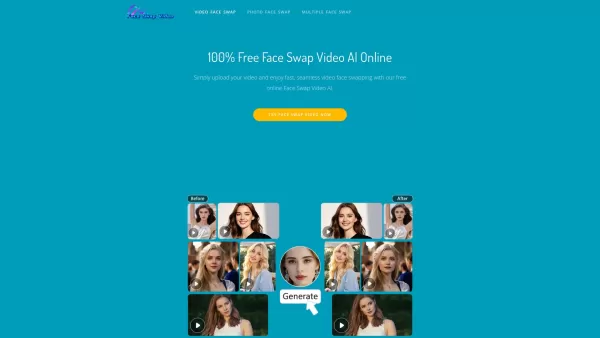
FaceFusion Screenshot

2026 Latest Best Top-rated AI Object Removal Editors for portraits travel product shots! XIX.AI curates a powerful game-changing collection regularly updated with weekly rankings. These tools offer real-world tests to help you quickly remove unwanted elements, boost content quality, and save tons of time without compromising results. Must-try for anyone aiming to unlock their AI creation edge. Explore now!
 10 tools
 xix.ai

2026 Latest Best Top-rated AI Text to Speech Tools for Online Courses are curated by XIX.AI based on rigorous real-world tests and weekly updated rankings. These powerful tools help creators deliver crystal-clear audio content effortlessly, boosting writing efficiency and streamlining course production. Check out the free vs paid comparison to find your perfect fit. Explore now to unlock your AI edge in online education.
10 tools
xix.ai

2026 Latest Best Top-Rated AI Blog Title Tools for Higher Click Through Rates! XIX.AI has carefully curated a powerful, game-changing collection of top tools that go through rigorous real-world tests. You’ll find a free vs paid comparison, weekly updated rankings, and detailed insights to help you boost your blog’s traffic efficiently. Must-try options are highlighted to help you unlock your AI edge. Explore now!
10 tools
xix.ai

2026 Latest Best Top-rated AI Task Routing Tools for Support Workflows! XIX.AI has curated a highly powerful game-changing collection of must-try solutions, all undergoing rigorous real-world tests and updated weekly. These tools streamline workflows, boost productivity, and help teams deliver faster, more efficient support. Explore now to discover your perfect tool and unlock your AI edge!
17 tools
xix.ai

2026 Latest Best Top-Rated AI Citation and Paper Summary Tools Curated by XIX.AI. Get powerful game-changing solutions for quick content creation, improved writing efficiency, and boosting productivity. We offer a free vs paid comparison along with real-world tests and weekly updated rankings to help you find the must-try tool that fits your needs perfectly. Explore now to Unlock your AI edge.
10 tools
xix.ai

2026 Latest Best Top-Rated AI Productivity Tools for Daily Work! XIX.AI has curated a powerful, game-changing selection based on rigorous weekly updated rankings and real-world tests. You’ll find must-try options that boost writing efficiency, streamline content creation, and help you overcome daily work challenges. Get a free vs paid comparison to find the perfect fit for your needs. Explore now to unlock your AI edge!
9 tools
xix.ai


