


 Home
HomeEmailWhiz for Gmail™
EmailWhiz: Gmail Automation & Lead Capture Tool



Helps TikTok sellers, brands, MCNs, and TAPs discover winning products and find creators.

HelpLook is an AI-powered all-in-one knowledge base tool that helps businesses quickly build knowledge bases, help centers, and...

Your AI Workspace

302.AI is an enterprise-grade AI resource platform with pay-as-you-go pricing, API access to a full range of AI models, and ready-to-use online applications.

剧火AI — AI Screenwriter + Director, a One-Person Short Drama Studio In one sentence, what is it?
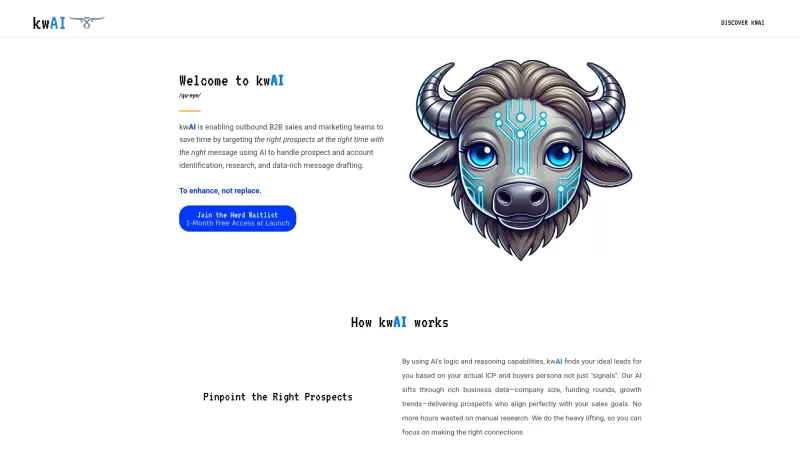
Ever wondered how to supercharge your B2B sales game? Enter kwAI, the AI-powered platform that's like having a secret weapon in your sales arsenal. It's all about cutting through the noise and getting straight to the good stuff—pre-qualified leads that ma
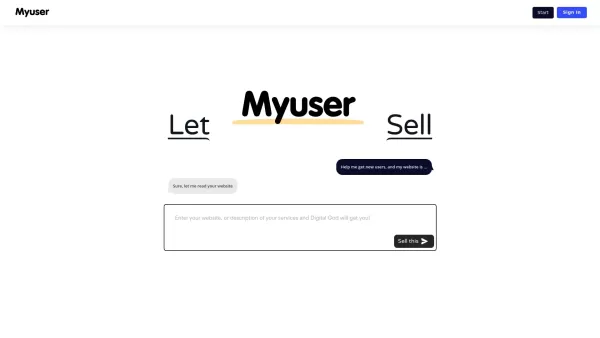
What is Digital God - Automate Sales, Get Users?Digital God is an AI-powered platform designed to help businesses streamline customer acquisition and automate key operations like marketing, sales calls, email outreach, and support. Primarily built fo
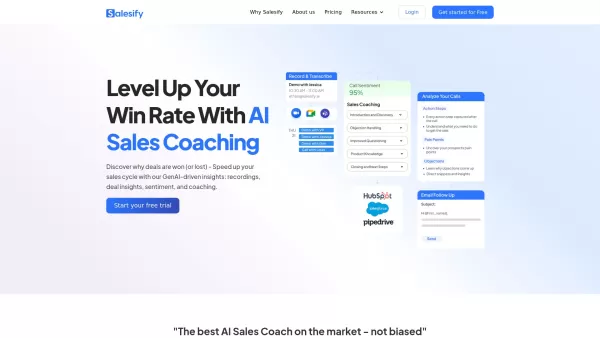
Ever wondered how you can supercharge your sales team's performance? Enter Salesify, the AI-powered sales coaching tool that's transforming how sales teams operate. It's like having a seasoned sales coach in your pocket, providing expert feedback on sales
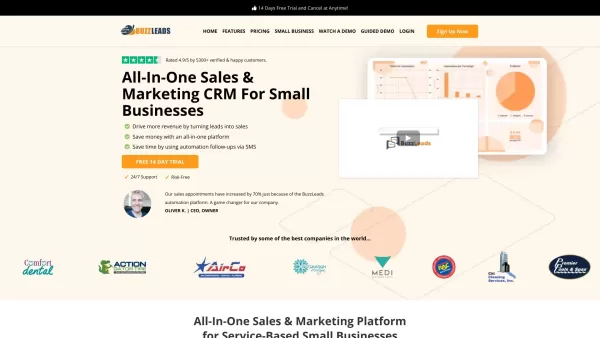
What is buzzleads.io?BuzzLeads is a comprehensive CRM platform built for small businesses to boost their sales and marketing performance. It provides powerful automation tools to simplify lead management, track customer relationships, and oversee you
Ever felt like your meetings could use a bit of a superpower? Enter Inkdrop, your new meeting sidekick. This nifty platform harnesses the magic of AI and ChatGPT to cut down your meeting time by a whopping 30%. It's like having a personal assistant who's
EmailWhiz for Gmail™ Product Information
What is EmailWhiz for Gmail™?
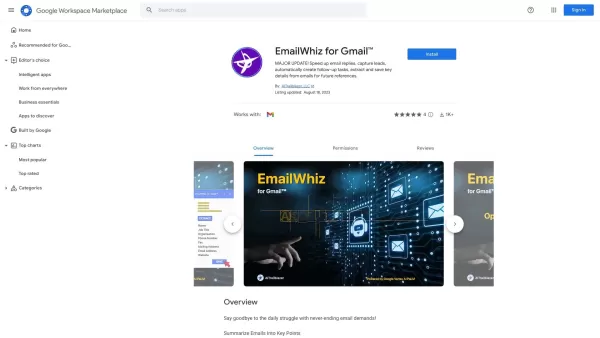
EmailWhiz for Gmail is a powerful add-on created to boost your email efficiency. It uses advanced technology to accelerate responses, automate follow-up tasks, and pull essential information from your emails. The user-friendly interface helps you manage communications more effectively, ensuring that critical messages are never missed. Ideal for small business owners and busy professionals, EmailWhiz offers the right tools to improve your email workflow and make smart decisions faster.
Who uses EmailWhiz for Gmail™?
- Small business owners
- Freelancers
- Sales professionals
- Customer support teams
- Busy professionals
How to use EmailWhiz for Gmail™?
- Step 1: Install EmailWhiz from the Google Workspace Marketplace.
- Step 2: Open Gmail and authorize the EmailWhiz add-on.
- Step 3: Set up your preferences for email summaries and follow-ups.
- Step 4: Begin using EmailWhiz to simplify your email workflow.
Platform
- Web
- Chrome
EmailWhiz for Gmail™'s Core Features & Benefits
The Core Features
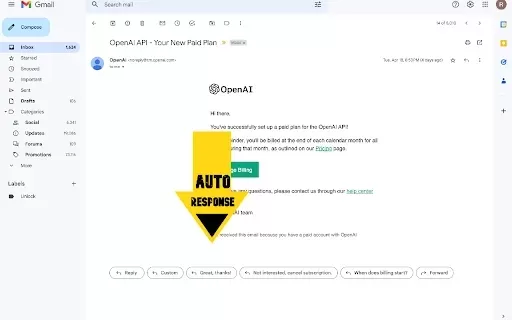
- Automated email replies
- Lead capture capabilities
- Follow-up task automation
- Essential information extraction from emails
The Benefits
- Higher email productivity
- Time-saving automation
- Better organization of email communication
- Enhanced customer engagement
EmailWhiz for Gmail™'s Main Use Cases & Applications
- Sales teams managing customer inquiries efficiently
- Customer support tracking follow-up tasks
- Freelancers quickly responding to clients
- Small businesses simplifying lead management
FAQs about EmailWhiz for Gmail™
What is EmailWhiz for Gmail?
EmailWhiz is a Gmail add-on that simplifies email management.
How does EmailWhiz improve productivity?
It automates replies and follow-ups, reducing time spent on email tasks.
Can I capture leads using EmailWhiz?
Yes, EmailWhiz includes lead capture features.
Is EmailWhiz easy to set up?
Yes, the installation is straightforward and easy to follow.
Does EmailWhiz work on mobile devices?
Currently, it is available as a web add-on for Gmail.
Are there any subscription fees?
Pricing information is available on the Google Workspace Marketplace.
What types of users benefit from EmailWhiz?
Freelancers, small business owners, sales teams, and busy professionals.
Can I customize the follow-up tasks?
Yes, you can adjust follow-up task settings based on your preferences.
Is EmailWhiz secure to use?
Yes, it adheres to Google’s security standards to keep your data safe.
Where can I find support for EmailWhiz?
Support details can be found via the Google Workspace Marketplace.
EmailWhiz for Gmail™ Company Information
Website:
https://chrome.google.comCompany Name:
GoogleSupport Email:
NAFacebook:
NAX(Twitter):
NAYouTube:
NAInstagram:
NATikTok:
NALinkedIn:
NA
EmailWhiz for Gmail™ Screenshot

2026 Latest Best Top-rated AI Text to Speech Tools for Natural Voiceovers are here on XIX.AI! This curated list features powerful, game-changing options that deliver crystal-clear voices for every use case, backed by real-world tests and weekly updated rankings. Get a free vs paid comparison to find the must-try solution that boosts your productivity instantly. Explore now to Unlock your AI edge!
 11 tools
 xix.ai

2026 Latest Best Manga AI Background Generators Ranked Top-Rated! This curated collection showcases powerful game-changing tools perfect for creating high-quality chapter backgrounds, book covers, and promotional art. Every option has undergone rigorous real-world tests to ensure reliability. Get a free vs paid comparison along with detailed insights. Explore now to discover your perfect tool and unlock your AI edge in manga creation.
6 tools
xix.ai

2026 Latest Best Top-rated AI Object Removal Editors for portraits travel product shots! XIX.AI curates a powerful game-changing collection regularly updated with weekly rankings. These tools offer real-world tests to help you quickly remove unwanted elements, boost content quality, and save tons of time without compromising results. Must-try for anyone aiming to unlock their AI creation edge. Explore now!
10 tools
xix.ai

2026 Latest Best Top-rated AI Text to Speech Tools for Online Courses are curated by XIX.AI based on rigorous real-world tests and weekly updated rankings. These powerful tools help creators deliver crystal-clear audio content effortlessly, boosting writing efficiency and streamlining course production. Check out the free vs paid comparison to find your perfect fit. Explore now to unlock your AI edge in online education.
10 tools
xix.ai

2026 Latest Best Top-Rated AI Blog Title Tools for Higher Click Through Rates! XIX.AI has carefully curated a powerful, game-changing collection of top tools that go through rigorous real-world tests. You’ll find a free vs paid comparison, weekly updated rankings, and detailed insights to help you boost your blog’s traffic efficiently. Must-try options are highlighted to help you unlock your AI edge. Explore now!
10 tools
xix.ai

2026 Latest Best Top-rated AI Task Routing Tools for Support Workflows! XIX.AI has curated a highly powerful game-changing collection of must-try solutions, all undergoing rigorous real-world tests and updated weekly. These tools streamline workflows, boost productivity, and help teams deliver faster, more efficient support. Explore now to discover your perfect tool and unlock your AI edge!
17 tools
xix.ai


