


 Home
HomeEditimg AI



Helps TikTok sellers, brands, MCNs, and TAPs discover winning products and find creators.

HelpLook is an AI-powered all-in-one knowledge base tool that helps businesses quickly build knowledge bases, help centers, and...

Your AI Workspace

302.AI is an enterprise-grade AI resource platform with pay-as-you-go pricing, API access to a full range of AI models, and ready-to-use online applications.

剧火AI — AI Screenwriter + Director, a One-Person Short Drama Studio In one sentence, what is it?

What is Deepfake Maker? Deepfake Maker is a comprehensive, browser-based AI tool for creating deepfakes, tailored for creators, marketers, and designers who need striking visuals without complicated software. It combines multiple AI capabilities: adv
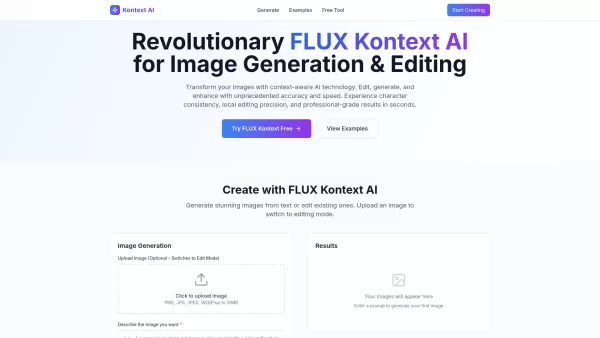
What is Kontext AI? Kontext AI is a cutting-edge, free image generation and editing tool powered by FLUX Kontext technology. It uses context-aware artificial intelligence to produce, alter, and improve images with remarkable speed and precision. The
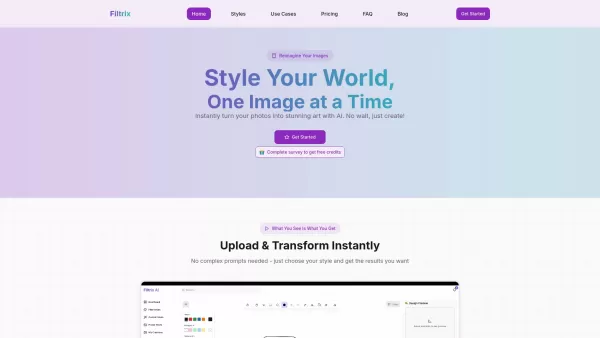
What is Filtrix AI? Filtrix AI is an intuitive AI image editor and generator that turns everyday photos into exceptional visual creations. It leverages artificial intelligence to manage the technical complexities, empowering users to concentrate on c

What is Nano Banana | Nanana AI? Nanana AI is the leading AI image generator and AI image editor on the market. It taps into the full potential of Google's revolutionary Nano Banana model to offer unmatched image creation and editing power. As an ear
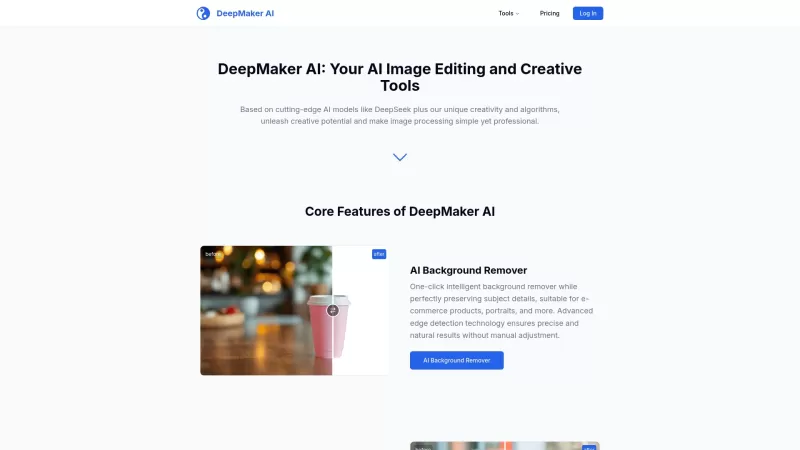
DeepMaker AI is your go-to platform for transforming your images and videos with the latest AI technology. From removing backgrounds to generating stunning tattoos, this service has it all. What sets DeepMaker AI apart is its pay-as-you-go model—no subscr
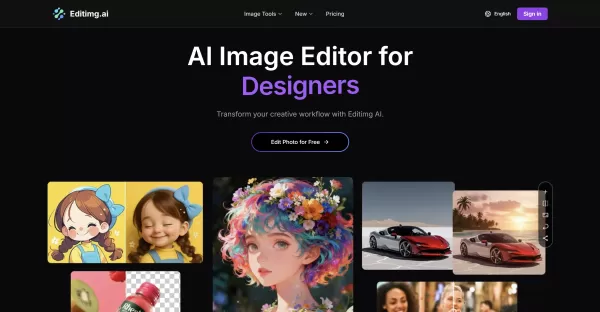
Editimg AI Product Information
What is Editimg AI?
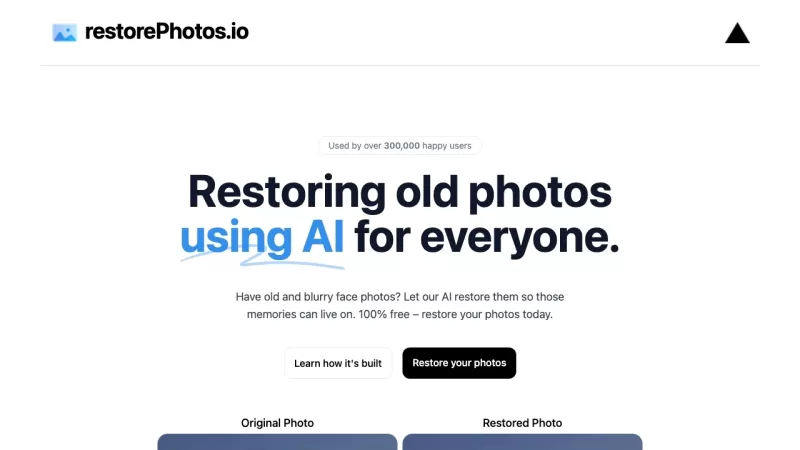
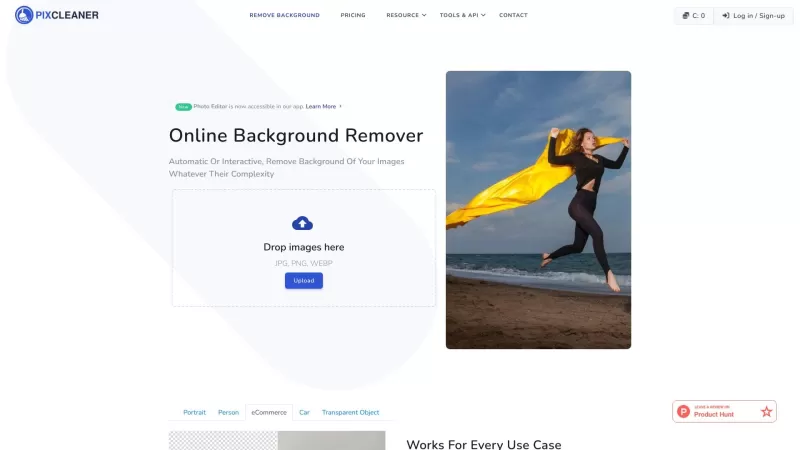
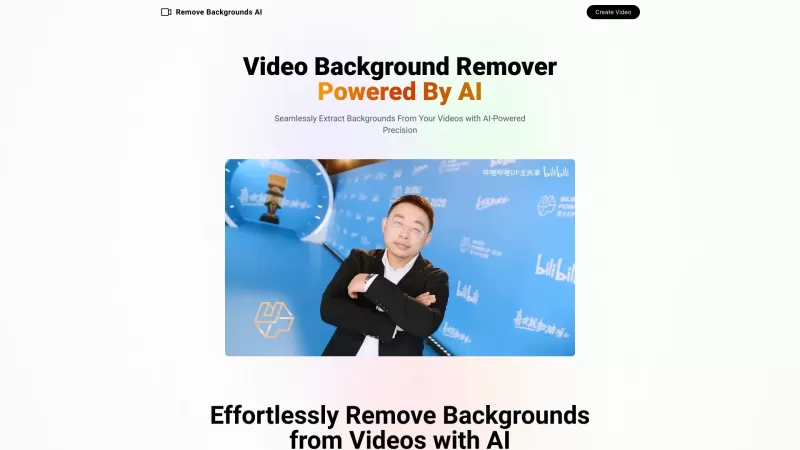
Editimg AI is a comprehensive online AI image editing platform that leverages advanced artificial intelligence to help you seamlessly edit, enhance, and generate images. It offers a wide array of features including AI-powered photo editing, background removal, image upscaling, style transfer, old photo restoration, text editing within images, and image creation from text prompts. By integrating multiple AI models for intelligent, context-aware manipulation, it serves both professional and creative projects.
Who uses Editimg AI?
- Graphic Designers
- Content Creators
- Photographers
- Marketing Professionals
- Social Media Managers
How to use Editimg AI
- Step 1: Upload your image in JPG, PNG, or WebP format from your device.
- Step 2: Utilize the powerful AI editing tools to enhance, retouch, or transform your image by selecting features or describing your desired changes.
- Step 3: Download your edited image in high resolution for sharing on social media or use in your projects.
Platform
- Web
Editimg AI's Core Features & Benefits
Core Features
- AI-Powered Image Editing & Enhancement
- AI Background Removal
- AI Image Generation from Text
- Image Upscaling up to 4K
- Style Transfer & Artistic Effects
- Old Photo Restoration
- AI Face Editing & Retouching
Key Benefits
- Access professional-grade editing tools online with ease
- Save time with automated, AI-driven workflows
- Unlock creative possibilities with a diverse toolkit
- No software installation required
- Multiple AI models integrated into a single platform
Main Use Cases & Applications
- Creating marketing and promotional graphics
- Restoring and enhancing historical photographs
- Designing unique artistic compositions
- Removing backgrounds for product photography
- Generating concept art and mockups
- Elevating the quality of social media content
Editimg AI's Pros & Cons
Pros
Comprehensive suite of AI tools for all your image editing needs
No installation needed; access directly through your web browser
Integrates multiple AI models for a variety of specialized tasks
User-friendly interface suitable for both professionals and beginners
Cons
No mention of dedicated mobile or desktop applications
The platform is not open source
Some features may be limited based on your subscription tier
Editimg AI Pricing
Has free plan | YES |
|---|---|
Free trial details | None |
Pricing model | Freemium |
Is credit card required | No |
Paid from | 9.99 USD |
Has lifetime plan | No |
Billing frequency | Monthly |
Pricing Plan Details
Free Plan
0 USD
- 10 Credits
- Up to 1 image
- 7-day history
- Private generations
- Faster generation speed
- All image models
- PNG download
- 4k image generation
- Commercial License
- Priority support
Basic
9.99 USD
- 950 credits per month
- Up to 95 images per month
- 30-day history
- Multiple image models (Nano banana, Seedream 4, Flux Kontext, Qwen Image Edit, 4o Image, Imagen 4, Ideogram 3)
- 20+ AI image editing tools
- 30+ AI image effects and filters
- JPG/PNG download
- 4k high-quality image generation
- Faster generation speed
- Private image generation
- No Watermark
- Commercial License
- Priority support
Pro
15.99 USD
- 3000 credits per month
- Up to 300 images per month
- 60-day history
- Multiple image models (Nano banana, Seedream 4, Flux Kontext, Qwen Image Edit, 4o Image, Imagen 4, Ideogram 3)
- 20+ AI image editing tools
- 30+ AI image effects and filters
- JPG/PNG download
- 4k high-quality image generation
- Faster generation speed
- Private image generation
- No Watermark
- Commercial License
- Priority support
Max
29.99 USD
- 6500 credits per month
- Up to 650 images per month
- 90-day history
- Multiple image models (Nano banana, Seedream 4, Flux Kontext, Qwen Image Edit, 4o Image, Imagen 4, Ideogram 3)
- 20+ AI image editing tools
- 30+ AI image effects and filters
- JPG/PNG download
- 4k high-quality image generation
- Faster generation speed
- Private image generation
- No Watermark
- Commercial License
- Priority support
Discount:
20% off with annual billing
For the latest pricing, please visit: https://editimg.ai/pricing
Editimg AI FAQs
What is Editimg AI?
Editimg AI is an advanced online AI image editor providing a suite of AI-powered tools to edit, enhance, and create images.
Is Editimg AI completely free to use?
Editimg AI offers free access to some tools, but advanced features may require a paid subscription.
How does Editimg AI ensure character consistency in edits?
Editimg AI utilizes state-of-the-art AI models designed to maintain consistency across edits, preserving the original image's integrity.
Can I easily change or replace backgrounds?
Yes, Editimg AI includes precise AI tools for background removal and replacement.
What kind of image styles can I apply with this AI image editor?
You can apply various styles, including style transfer effects, pixel art, anime, vintage film looks, and numerous artistic filters.
Can I edit multiple images simultaneously?
The current functionality is primarily designed for editing one image at a time.
Which file formats are supported?
Common formats like JPG, PNG, and WebP are supported.
Can I generate images from text descriptions?
Yes, the integrated AI image generator creates visuals from text descriptions.
Are there any mobile apps for Editimg AI?
There are no dedicated mobile apps mentioned; the platform is web-based.
How can I contact support?
Support is available via the contact page at https://editimg.ai/contact.
Editimg AI Company Information
Editimg AI Screenshot


2026 Latest Best Top-rated AI Object Removal Editors for portraits travel product shots! XIX.AI curates a powerful game-changing collection regularly updated with weekly rankings. These tools offer real-world tests to help you quickly remove unwanted elements, boost content quality, and save tons of time without compromising results. Must-try for anyone aiming to unlock their AI creation edge. Explore now!
 10 tools
 xix.ai

2026 Latest Best Top-rated AI Text to Speech Tools for Online Courses are curated by XIX.AI based on rigorous real-world tests and weekly updated rankings. These powerful tools help creators deliver crystal-clear audio content effortlessly, boosting writing efficiency and streamlining course production. Check out the free vs paid comparison to find your perfect fit. Explore now to unlock your AI edge in online education.
10 tools
xix.ai

2026 Latest Best Top-Rated AI Blog Title Tools for Higher Click Through Rates! XIX.AI has carefully curated a powerful, game-changing collection of top tools that go through rigorous real-world tests. You’ll find a free vs paid comparison, weekly updated rankings, and detailed insights to help you boost your blog’s traffic efficiently. Must-try options are highlighted to help you unlock your AI edge. Explore now!
10 tools
xix.ai

2026 Latest Best Top-rated AI Task Routing Tools for Support Workflows! XIX.AI has curated a highly powerful game-changing collection of must-try solutions, all undergoing rigorous real-world tests and updated weekly. These tools streamline workflows, boost productivity, and help teams deliver faster, more efficient support. Explore now to discover your perfect tool and unlock your AI edge!
17 tools
xix.ai

2026 Latest Best Top-Rated AI Citation and Paper Summary Tools Curated by XIX.AI. Get powerful game-changing solutions for quick content creation, improved writing efficiency, and boosting productivity. We offer a free vs paid comparison along with real-world tests and weekly updated rankings to help you find the must-try tool that fits your needs perfectly. Explore now to Unlock your AI edge.
10 tools
xix.ai

2026 Latest Best Top-Rated AI Productivity Tools for Daily Work! XIX.AI has curated a powerful, game-changing selection based on rigorous weekly updated rankings and real-world tests. You’ll find must-try options that boost writing efficiency, streamline content creation, and help you overcome daily work challenges. Get a free vs paid comparison to find the perfect fit for your needs. Explore now to unlock your AI edge!
9 tools
xix.ai


