


 Home
HomeDraftCheck
AI-Powered DraftCheck: Fix Formatting & Errors Fast



Helps TikTok sellers, brands, MCNs, and TAPs discover winning products and find creators.

HelpLook is an AI-powered all-in-one knowledge base tool that helps businesses quickly build knowledge bases, help centers, and...

Your AI Workspace

302.AI is an enterprise-grade AI resource platform with pay-as-you-go pricing, API access to a full range of AI models, and ready-to-use online applications.

剧火AI — AI Screenwriter + Director, a One-Person Short Drama Studio In one sentence, what is it?
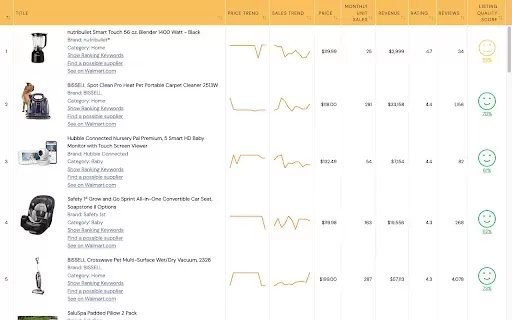
What is WallySmarter?WallySmarter is an all-in-one platform that empowers Walmart sellers to effortlessly analyze product performance, estimate sales, and conduct keyword research. By aggregating data from Walmart's vast inventory, this tool helps us

What is NOA?NOA Tech provides innovative technology solutions to enhance your business productivity. Utilizing advanced AI tools and custom automation, we identify operational bottlenecks, implement automation strategies, and empower your team to con
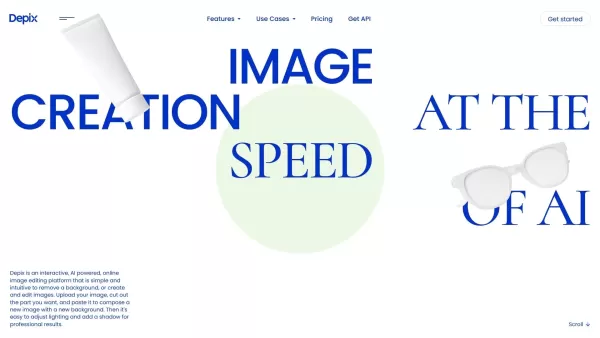
What is Depix AI?Depix AI is a cutting-edge, AI-powered platform that transforms automotive and product design. It offers sketching tools, AI-generated imagery, and HDRI visuals, enabling designers to quickly turn sketches into photorealistic images
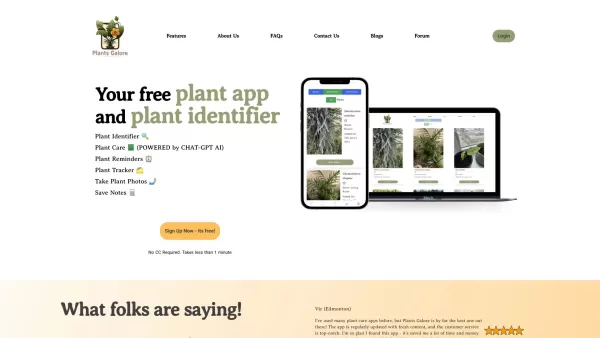
What is PlantsGalore AI Plant Assistant?Plants Galore is a comprehensive app crafted to assist plant lovers in identifying, monitoring, and nurturing their plants. It delivers detailed plant profiles, customized care advice, and growth tracking tools
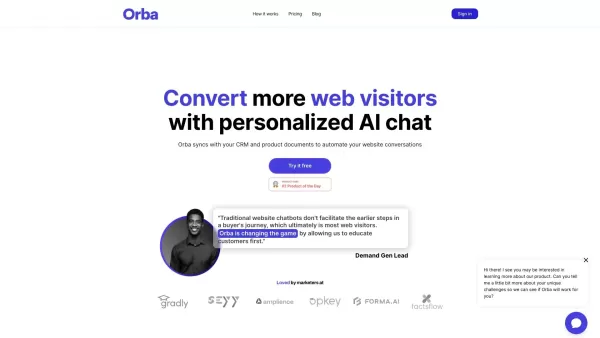
What is Orba?Orba is an AI-powered platform that personalizes interactions with your website visitors to enhance engagement and drive more conversions. It provides automated SDR outbound services, featuring an AI-driven website chatbot and personaliz
DraftCheck Product Information
What is DraftCheck?
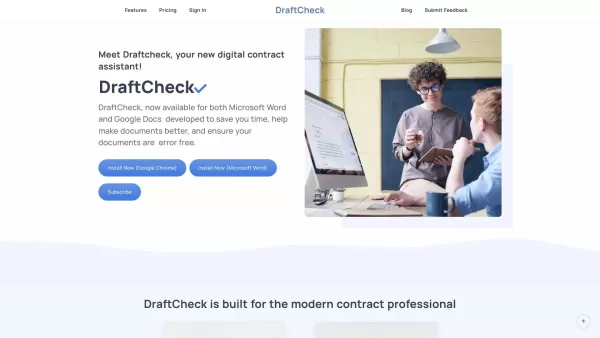
DraftCheck is an advanced AI-powered proofreading and document review tool that uses rules-based logic to identify and correct common drafting errors. Designed to highlight issues like formatting mistakes, cross-reference problems, term definitions, and inconsistencies, it makes drafting faster and more reliable. Ideal for legal experts, it streamlines the creation of high-quality, error-free documents. Available as a browser extension and a Microsoft Word add-in, DraftCheck turns meticulous proofreading into a quick, one-click task.
Who will use DraftCheck?
- Legal professionals
- Paralegals
- Writers
- Editors
- Document reviewers
How to use the DraftCheck?
- Step 1: Install the DraftCheck extension from the Chrome Web Store or the add-in for Microsoft Word.
- Step 2: Open your document in Microsoft Word or Google Docs.
- Step 3: Launch DraftCheck from the extension menu or Word add-in panel.
- Step 4: Click 'Check Document' to start the proofreading analysis.
- Step 5: Review and address any issues flagged by DraftCheck.
Platform
- Chrome
DraftCheck's Core Features & Benefits
The Core Features
- AI-powered error detection
- Rule-based logic for consistency checks
- Formatting error identification
- Cross-reference and term definition review
- One-click proofreading
The Benefits
- Improves document quality
- Saves time on proofreading
- Minimizes human error
- Streamlines the document review process
- Ensures consistency and accuracy
DraftCheck's Main Use Cases & Applications
- Legal document proofreading
- Contract review
- Academic paper editing
- Business report checking
- Content writing quality assurance
FAQs of DraftCheck
What is DraftCheck?
DraftCheck is a smart proofreading tool that uses AI and rules-based logic to find and fix drafting errors.
How do I install DraftCheck?
You can install DraftCheck as a Chrome browser extension or as an add-in for Microsoft Word.
Is there a free trial available?
Yes, DraftCheck provides a 30-day free trial.
What types of errors does DraftCheck detect?
DraftCheck detects formatting errors, cross-reference issues, term definitions, and inconsistencies.
Can DraftCheck be used in Google Docs?
Yes, the DraftCheck Chrome extension works with Google Docs.
What are the main benefits of using DraftCheck?
DraftCheck improves document quality, saves time, reduces human error, and ensures consistency.
Who can benefit from using DraftCheck?
Legal professionals, paralegals, writers, editors, and document reviewers will find DraftCheck beneficial.
Does DraftCheck work offline?
No, DraftCheck requires an active internet connection to analyze your documents.
How accurate is DraftCheck?
DraftCheck uses sophisticated AI and rules-based logic, ensuring highly accurate error detection.
Is customer support available for DraftCheck?
Yes, customer support is available. You can reach out via their support email.
DraftCheck Company Information
Website:
https://www.draftcheck.ioCompany Name:
DraftCheck.ioSupport Email:
Facebook:
NAX(Twitter):
NAYouTube:
NAInstagram:
NATiktok:
NALinkedIn:
https://www.linkedin.com/in/jeffreyneu
DraftCheck Screenshot

Discover the 2026 best AI formatting tools for research manuscripts. XIX.AI's curated list features top-rated, game-changing solutions that auto-format your work to target journal guidelines, saving you hours. Compare free vs paid options with our weekly updated rankings. Find your perfect tool and submit with confidence today!
 10 tools
 xix.ai


