


 Home
HomeDouble Check AI extension



Helps TikTok sellers, brands, MCNs, and TAPs discover winning products and find creators.

HelpLook is an AI-powered all-in-one knowledge base tool that helps businesses quickly build knowledge bases, help centers, and...

Your AI Workspace

302.AI is an enterprise-grade AI resource platform with pay-as-you-go pricing, API access to a full range of AI models, and ready-to-use online applications.

剧火AI — AI Screenwriter + Director, a One-Person Short Drama Studio In one sentence, what is it?

What is Originality?Originality.AI is an advanced AI-powered platform built to identify AI-generated text and detect plagiarism. It serves writers, publishers, and educators by verifying the authenticity and originality of content. The tool utilizes

What is Cheatoz?Cheatoz revolutionizes how you access information by integrating an advanced AI question solver directly into your Chrome browser. Simply highlight a query on any webpage, and Cheatoz instantly delivers an accurate answer in a conveni
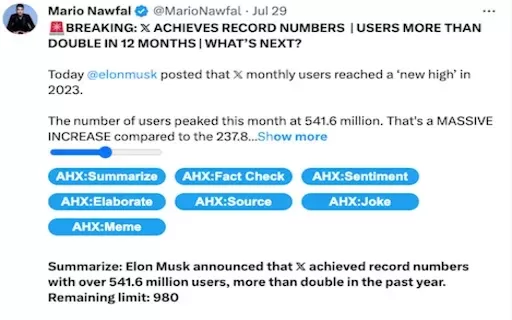
What is the AHX - Twitter/X AI Helper?AHX (Artificial Helper for X) is an AI-driven Chrome extension that enhances your Twitter experience. It allows you to quickly summarize long threads, verify facts, analyze sentiment, and create memes. By offerin
What is Trends for GPTs?Trends by Gapier delivers a free, real-time professional trends service tailored for GPT systems. This tool allows users to tap into current data and insights, ensuring their GPT applications stay aligned with evolving market
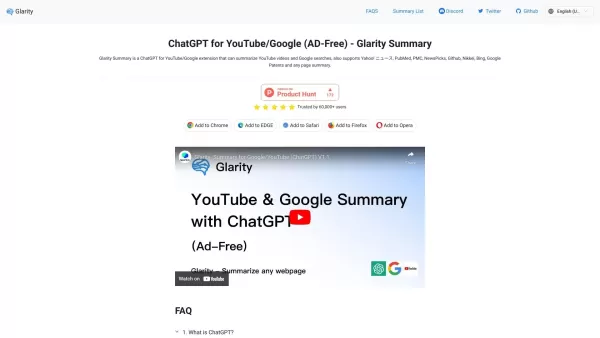
What is Glarity - Summarize Google and YouTube?Glarity is a smart AI tool that helps simplify your digital experience by generating summaries of content from different platforms such as YouTube, Google, and various websites. Using powerful language m
Double Check AI extension Product Information
What is the Double Check AI Extension?
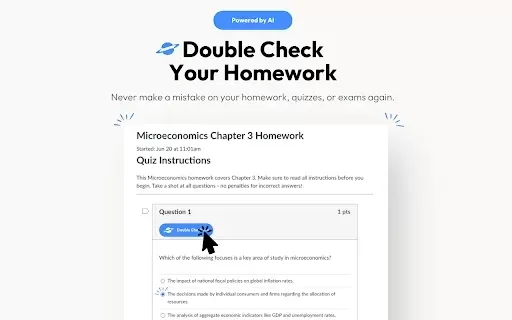
Double Check AI is a browser extension designed to help high school and college students with their studies. It verifies answers and provides detailed explanations for homework, quizzes, and tests. This tool works with popular Learning Management Systems (LMS) like Canvas, McGraw Hill, and Blackboard. Students can simply highlight or take a screenshot of a question to get instant verification, clear explanations, and constructive feedback, enhancing their overall learning process.
Who Uses the Double Check AI Extension?
- High school students
- College and university students
How to Use the Double Check AI Extension
- Step 1: Create an account on the Double Check AI website.
- Step 2: Select and purchase a subscription plan that fits your needs.
- Step 3: Download and install the extension from the Chrome Web Store.
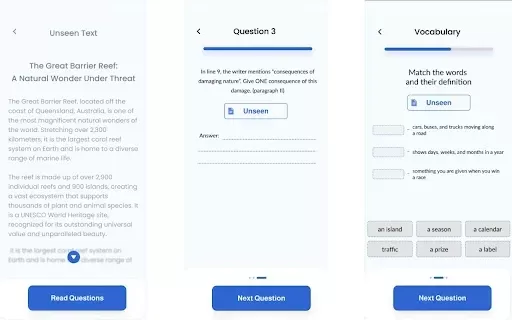
- Step 4: Highlight or screenshot any question from your learning materials.
- Step 5: Get instant answers and detailed explanations for verification and understanding.
Platform
- Chrome Browser
Double Check AI Extension: Core Features & Benefits
Core Features
- Answer Verification
- Multiple Platform Support
- Highlight Mode
- Screenshot Mode
- Detailed Explanations
- Instant Feedback
- User-Friendly Interface
Key Benefits
- Ensures the accuracy of your homework answers.
- Works seamlessly with various LMS platforms.
- Quickly verify and grasp complex questions.
- Receive immediate feedback to accelerate learning.
- Simple and intuitive interface for easy use.
Main Use Cases & Applications
- Verifying homework answers
- Preparing for quizzes and tests
- Strengthening academic comprehension
FAQs for Double Check AI Extension
What platforms are supported?
Currently, Double Check AI directly integrates with Canvas. Support for McGraw Hill Connect, Blackboard, and other platforms is planned for the future.
Can it solve any type of question?
It handles most problems across a wide range of subjects but may encounter difficulties with advanced mathematics and complex science questions.
Will my teacher know I'm using it?
No, using Double Check AI is completely undetectable by your teachers or school.
Is it more accurate than ChatGPT?
Yes, it leverages GPT-4, along with specialized fine-tuned models and a comprehensive database, offering greater accuracy than standard ChatGPT.
How is my data protected?
We employ advanced encryption protocols to secure your data during all transmissions.
How does the highlight mode function?
To use it, simply highlight the text of a question, and Double Check AI will automatically verify it.
What if I need help or have a question?
You can reach our support team at [email protected] or join our Discord server for real-time assistance.
Is a free trial offered?
Yes, we provide a 3-day free trial with no credit card required to sign up.
How does the screenshot mode work?
Take a screenshot of any question on your screen, and the extension will analyze and verify it for you.
Does it provide step-by-step explanations?
Absolutely. It delivers detailed, step-by-step explanations to help you learn from mistakes and master the concepts.
Double Check AI Extension Company Information
- Double Check AI
- https://chromewebstore.google.com/detail/double-check-ai/ciiaplbmocogjcakmllebilamknkfckg
Double Check AI extension Screenshot
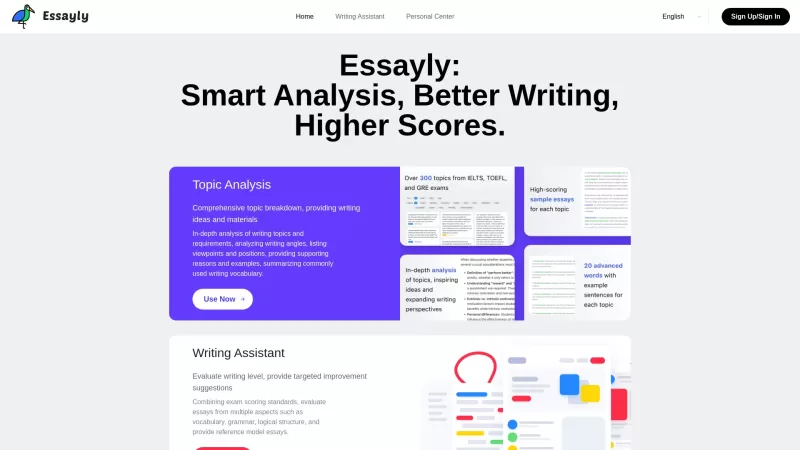
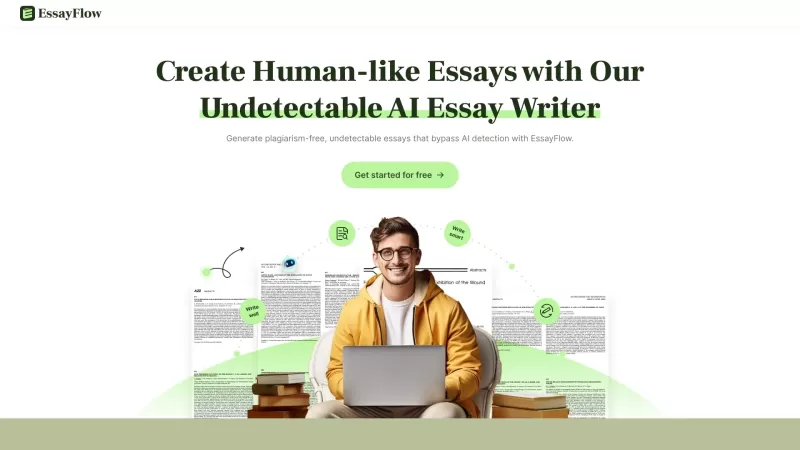
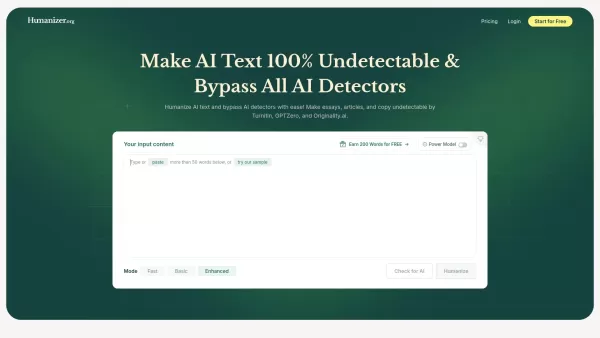

2026 Latest Best Top-Rated AI Prompt Libraries for optimizing all types of ChatGPT workflows. XIX.AI has curated a powerful, game-changing collection that goes through rigorous real-world tests to ensure top performance. You can find detailed free vs paid comparisons and expert rankings to help you choose the must-try tools that boost your productivity and unlock your AI edge. Explore now!
 11 tools
 xix.ai

2026 Latest Best AI Quiz Builder Platforms for Teachers, Tutors, and Cohort-Based Learning Programs! XIX.AI has curated a top-rated list of powerful game-changing tools that go through real-world tests to deliver accurate rankings. These must-try platforms help boost writing efficiency, streamline content creation, and simplify quiz design across all learning scenarios. Explore now to discover your perfect tool for unlocking your AI edge in teaching!
13 tools
xix.ai

2026 Latest Best AI Pull Request Review Tools for GitHub Teams are here on XIX.AI! This top-rated curated list showcases powerful game-changing solutions that streamline refactoring, bug fixing, and security gap detection across all team workflows. Enjoy a free vs paid comparison along with real-world tests and detailed rankings to help you find the perfect tool that boosts productivity significantly. Explore now to unlock your AI edge!
12 tools
xix.ai

2026 Latest Best Top-rated AI Text to Speech Tools for Natural Voiceovers are here on XIX.AI! This curated list features powerful, game-changing options that deliver crystal-clear voices for every use case, backed by real-world tests and weekly updated rankings. Get a free vs paid comparison to find the must-try solution that boosts your productivity instantly. Explore now to Unlock your AI edge!
11 tools
xix.ai

2026 Latest Best Manga AI Background Generators Ranked Top-Rated! This curated collection showcases powerful game-changing tools perfect for creating high-quality chapter backgrounds, book covers, and promotional art. Every option has undergone rigorous real-world tests to ensure reliability. Get a free vs paid comparison along with detailed insights. Explore now to discover your perfect tool and unlock your AI edge in manga creation.
6 tools
xix.ai

2026 Latest Best Top-rated AI Object Removal Editors for portraits travel product shots! XIX.AI curates a powerful game-changing collection regularly updated with weekly rankings. These tools offer real-world tests to help you quickly remove unwanted elements, boost content quality, and save tons of time without compromising results. Must-try for anyone aiming to unlock their AI creation edge. Explore now!
10 tools
xix.ai


I've been using this extension for weeks now, and it's honestly a lifesaver for my math homework! It checks my answers instantly and gives super clear step-by-step explanations, which helps me understand mistakes better. Only wish it could verify essays too, though 😅
Just tried this extension for my calculus homework and it's a game-changer! The explanations are actually helpful, not just answers. Kinda wish it could do my laundry too though 😂


