


 Home
Homedojo clip video editing



Helps TikTok sellers, brands, MCNs, and TAPs discover winning products and find creators.

HelpLook is an AI-powered all-in-one knowledge base tool that helps businesses quickly build knowledge bases, help centers, and...

Your AI Workspace

302.AI is an enterprise-grade AI resource platform with pay-as-you-go pricing, API access to a full range of AI models, and ready-to-use online applications.

剧火AI — AI Screenwriter + Director, a One-Person Short Drama Studio In one sentence, what is it?
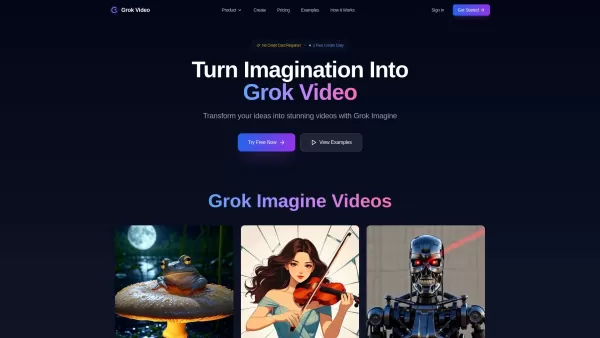
What is Grok Video AI? Grok Video AI revolutionizes content creation by transforming simple inputs into professional-quality videos. This cutting-edge platform leverages artificial intelligence to convert text descriptions and static images into dyn
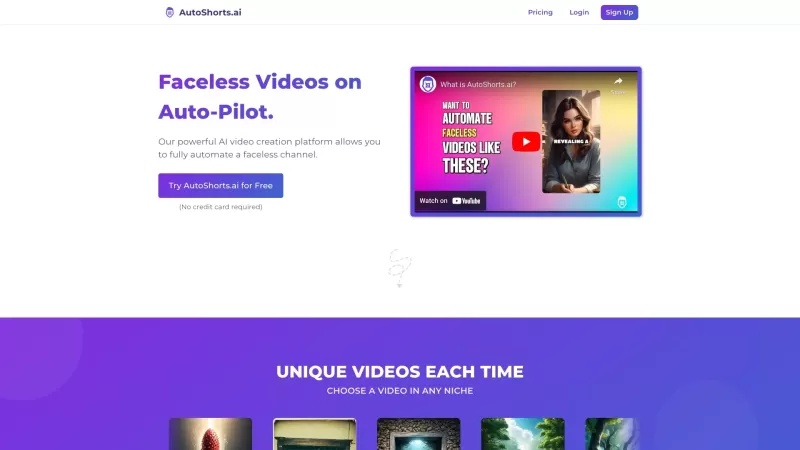
Ever wondered how to keep your TikTok game strong without lifting a finger? Enter AutoShorts.ai, the game-changer that automates the creation and posting of Faceless Videos on TikTok. Yes, you read that right—automated videos that you don't even have to c

What is Kling Video AI?Kling AI is a powerful text-to-video generator from Kuaishou, allowing users to create high-definition videos with just a few clicks. This sophisticated AI model produces videos of up to two minutes in length, delivering them i
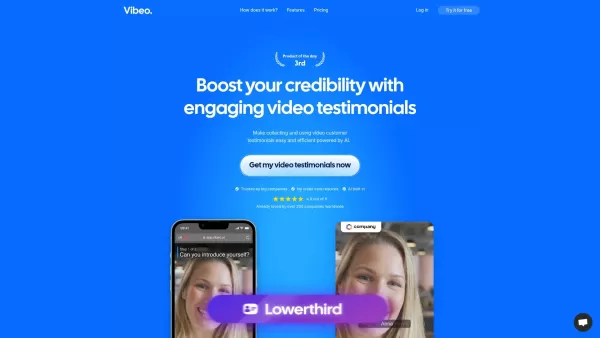
What is Vibeo?Vibeo.ai offers an intuitive platform for gathering video testimonials. It enables users to design custom campaigns, distribute submission links to customers for easy video recording, and leverage AI-powered tools to refine and polish t

What is Vexub? Vexub is an AI-powered video generator that instantly crafts high-quality videos from diverse inputs. It enables users to convert text, MP3 audio, MP4 videos, and SMS messages into enga
dojo clip video editing Product Information
What is DojoClip Video Editing?
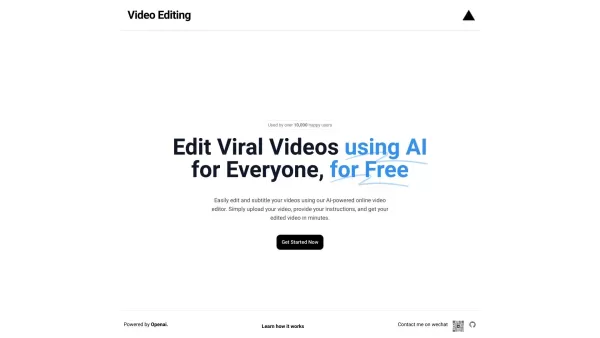
DojoClip is an advanced AI-powered online video editor that helps you create professional-quality videos effortlessly. From adding subtitles and making precise cuts to generating creative ideas, its AI tools streamline the entire editing process. Perfect for content creators, marketers, educators, and anyone who wants to produce polished videos without needing advanced technical skills.
Who Uses DojoClip Video Editing?
- Content Creators
- Marketers
- Educators
- Social Media Managers
- Small Business Owners
How to Use DojoClip Video Editing
- Step 1: Sign up or log in to your DojoClip account.
- Step 2: Upload your video footage to the platform.
- Step 3: Use the AI-powered tools to edit your video, generate subtitles, and brainstorm content ideas.
- Step 4: Preview your edits and make any final adjustments.
- Step 5: Export your finished video in the desired format and share it online.
Platform
- Web
DojoClip Video Editing: Core Features & Benefits
Core Features
- AI-powered video editing
- Automatic subtitle generation
- Content idea generation
- Intuitive, user-friendly interface
- High-quality video exports
Key Benefits
- Saves significant editing time
- Produces professional-grade content
- Improves accessibility with accurate subtitles
- Streamlines your content creation workflow
- Easy to learn and use for all skill levels
Main Use Cases & Applications
- YouTube video production
- Social media content creation
- Educational and tutorial videos
- Marketing and promotional materials
- Personal video projects
DojoClip Video Editing: Pros & Cons
Pros
AI-driven, accurate speech recognition and translation in over 50 languages
A fully-featured video editor with a timeline, effects, and 4K export capability
Secure local processing—your files are not uploaded to the cloud
Comprehensive free tools available with no sign-up or cost
Broadcast-grade subtitling with cultural context awareness
Cons
No information available regarding open-source access
No dedicated mobile app or browser extension currently offered
Detailed pricing information is not publicly listed
May have limitations for advanced users requiring cloud-based collaboration
FAQs About DojoClip Video Editing
What is DojoClip?
DojoClip is an AI-powered online video editor designed to simplify video editing and subtitle creation.
How do I use DojoClip?
Sign up or log in, upload your video, utilize the AI editing tools, preview your work, and export the final video.
What types of videos can I edit with DojoClip?
You can edit a wide variety of content, including YouTube videos, social media clips, educational content, and marketing materials.
Can DojoClip generate subtitles?
Yes, DojoClip features AI-powered automatic subtitle generation to make your videos more accessible.
Is DojoClip user-friendly?
Absolutely. DojoClip offers an intuitive interface that is easy for beginners to navigate.
What are the benefits of using DojoClip?
DojoClip saves you time, enhances video quality, streamlines your workflow, and is accessible to editors of all experience levels.
Can I use DojoClip for free?
Specific details on pricing and free tier availability can be found on the official DojoClip website.
What formats does DojoClip support for exporting videos?
DojoClip supports exporting in various popular video formats.
Do I need technical skills to use DojoClip?
No. DojoClip is built to be user-friendly with an intuitive interface, requiring no advanced technical knowledge.
What platforms are compatible with DojoClip?
DojoClip is a web-based platform, accessible through modern browsers.
DojoClip Video Editing Company Information
dojo clip video editing Screenshot


2026 Latest Best AI Vocal Demo Tools for Songwriters, Hook Creators, and Multi-Language Content Teams! XIX.AI has curated a top-rated list of powerful game-changing tools that go through rigorous real-world tests. You’ll find detailed free vs paid comparison data, comprehensive rankings, and must-try options to help you boost writing efficiency and unlock your creative potential. Explore now to discover your perfect tool for all your content needs!
 9 tools
 xix.ai

2026 Latest Best Top-rated AI Competitive Research Tools for Small Businesses! XIX.AI has curated a highly powerful game-changing collection, updated weekly with rigorous real-world tests and detailed rankings. You can find a comprehensive free vs paid comparison to help you identify the must-try tools that boost your productivity and give you a competitive edge. Explore now to discover your perfect tool!
9 tools
xix.ai

2026 Latest Best Photoshop AI retouch tools for ecommerce apparel, skin cleanup, and color consistency! This top-rated curated list features powerful game-changing solutions that help you boost writing efficiency, streamline content creation, and achieve perfect visual results effortlessly. Each tool has undergone real-world tests through weekly updated rankings, complete with free vs paid comparison details. Backed by XIX.AI, it’s the must-try guide for anyone aiming to unlock your AI edge. Explore now!
10 tools
xix.ai

2026 Latest Best Top-Rated AI Prompt Libraries for optimizing all types of ChatGPT workflows. XIX.AI has curated a powerful, game-changing collection that goes through rigorous real-world tests to ensure top performance. You can find detailed free vs paid comparisons and expert rankings to help you choose the must-try tools that boost your productivity and unlock your AI edge. Explore now!
11 tools
xix.ai

2026 Latest Best AI Quiz Builder Platforms for Teachers, Tutors, and Cohort-Based Learning Programs! XIX.AI has curated a top-rated list of powerful game-changing tools that go through real-world tests to deliver accurate rankings. These must-try platforms help boost writing efficiency, streamline content creation, and simplify quiz design across all learning scenarios. Explore now to discover your perfect tool for unlocking your AI edge in teaching!
13 tools
xix.ai

2026 Latest Best AI Pull Request Review Tools for GitHub Teams are here on XIX.AI! This top-rated curated list showcases powerful game-changing solutions that streamline refactoring, bug fixing, and security gap detection across all team workflows. Enjoy a free vs paid comparison along with real-world tests and detailed rankings to help you find the perfect tool that boosts productivity significantly. Explore now to unlock your AI edge!
12 tools
xix.ai


