


 Home
HomeDoclingo



Helps TikTok sellers, brands, MCNs, and TAPs discover winning products and find creators.

HelpLook is an AI-powered all-in-one knowledge base tool that helps businesses quickly build knowledge bases, help centers, and...

Your AI Workspace

302.AI is an enterprise-grade AI resource platform with pay-as-you-go pricing, API access to a full range of AI models, and ready-to-use online applications.

剧火AI — AI Screenwriter + Director, a One-Person Short Drama Studio In one sentence, what is it?
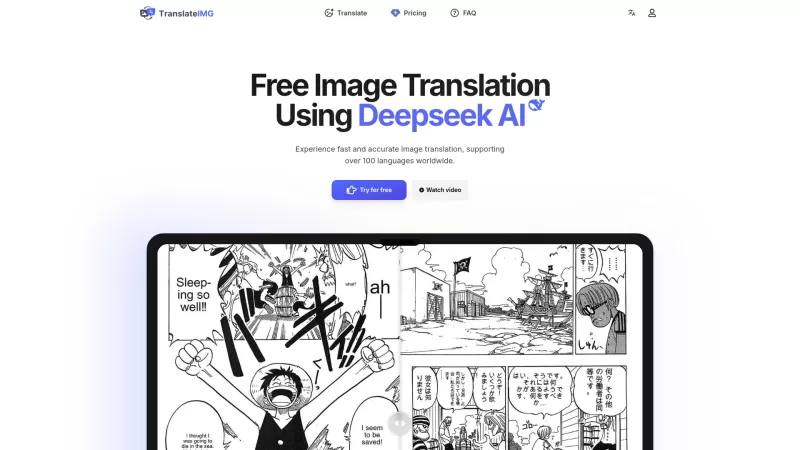
Ever stumbled upon an image with text in a language you can't understand? That's where Deepseek R1 comes in, a nifty online tool that transforms text within images into over 100 different languages. Whether it's a manga page, an e-commerce product descrip
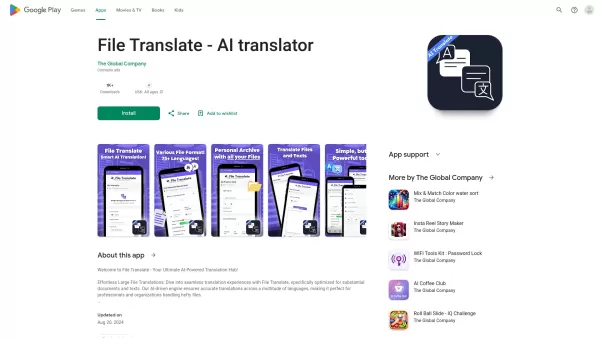
Ever found yourself staring at a mountain of documents, wishing you could magically translate them into another language? Well, that's where File Translator AI comes in—your new best friend for tackling those translation woes. This isn't just any translat
Ever found yourself in a bind needing to translate official documents but dreading the hassle? That's where DocuTranslate swoops in to save the day! It's not just any translation service; it's a powerhouse that turns those pesky PDF images into editable W
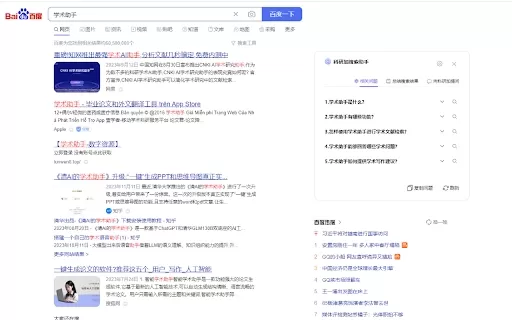
Ever found yourself knee-deep in research, wishing you had a trusty sidekick to help sift through the endless sea of academic resources? Well, let me introduce you to the Research and Academic Assistant AI Chrome Extension—your new best friend in the worl
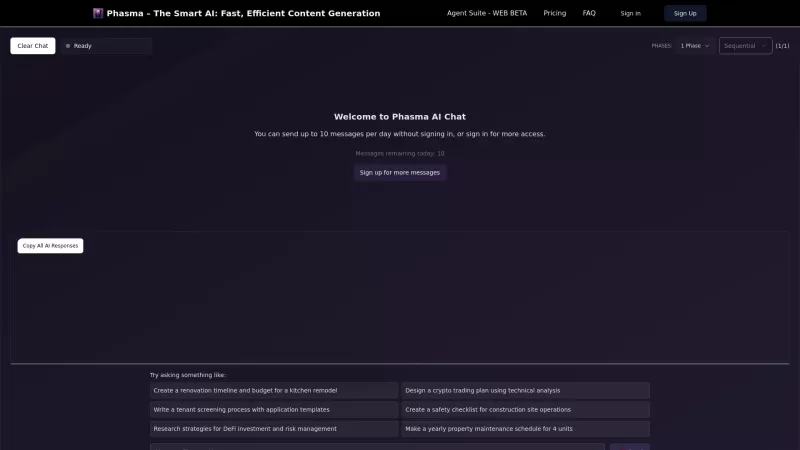
Ever stumbled upon Phasma.ai and wondered what the buzz is all about? Well, let me break it down for you. Phasma.ai isn't just another tool; it's an AI-powered dynamo that's revolutionizing the way we handle writing and coding. Whether you're a writer, ed
Doclingo Product Information
What is Doclingo?
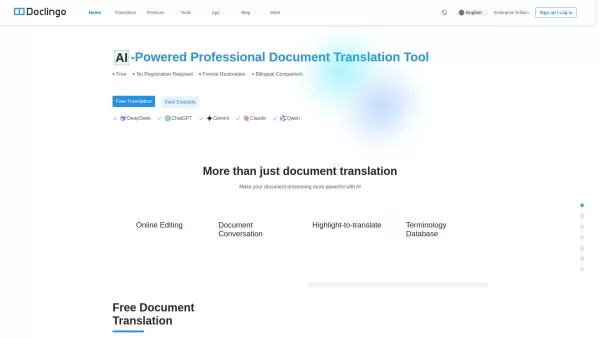
Doclingo AI merges advanced OCR technology with multi-engine translation to produce high-fidelity translations for complex documents. It accommodates various file types—including PDF, Word, Excel, PowerPoint, and images—while preserving original layouts, tables, and graphics. Built-in AI editing and highlight-to-translate capabilities let you refine translations online and manage terminology. The platform supports over 90 languages and provides a free tier as well as PDF PRO for advanced layout replication and OCR-powered translation. With more than 500,000 users across 60+ countries, Doclingo guarantees secure and efficient document translation that meets privacy and compliance standards.
How to use Doclingo?
1. Go to Doclingo.ai and log in or start a free session. 2. Upload your file (PDF, Word, Excel, PPT, or image) or drag and drop it directly into the web interface. 3. Choose the source and target languages (automatic language detection is available). 4. Click “Translate” to begin; Doclingo AI will handle the document while maintaining its original layout and format. 5. Use the online editing tools or the highlight-to-translate feature to polish the translation and control terminology. 6. Download the translated document or copy the translated text for your needs.
Doclingo's Core Features
- Multi‑format support (PDF, Word, Excel, PowerPoint, images)
- Translate into over 90 languages
- Replicate the original layout, tables and images
- OCR translation for scanned documents and images
- Online editing, highlight‑to‑translate and terminology management
- Multi‑AI engines for translation accuracy
- Free tier, PDF PRO and Enterprise/API plans
Doclingo's Use Cases
Researchers and students can quickly translate academic papers and technical documents from foreign languages.
Businesses translate multi‑page documents with complex formatting—such as contracts, manuals, and marketing materials—into multiple languages while retaining layout integrity.
Professional translators and content creators maintain consistent terminology and style using AI editing tools, highlight‑to‑translate, and a shared terminology database.
FAQ from Doclingo
What is Doclingo?
Doclingo is an AI‑driven document translation tool that supports multiple file formats (PDF, Word, Excel, PowerPoint, images) and more than 90 languages. It maintains the original layout, tables, and structure of your documents—making it ideal for business, academic, or professional applications.
Can I translate scanned PDFs or images?
Yes. Doclingo includes an OCR (Optical Character Recognition) engine that pulls text from images or scanned PDFs before translating. It reproduces your original formatting as accurately as possible.
How is Doclingo different from other translation tools?
Unlike simple “copy‑and‑paste” translators, Doclingo focuses on full‑document translation. Key benefits include: maintaining layout and structure, supporting 90+ languages, offering a built‑in terminology library and online editor, handling large files and batch translation, and providing team and enterprise plans for collaboration.
How does Doclingo keep my data safe?
Doclingo employs SSL encryption, secure storage, and auto‑deletion policies (files are removed within 12–24 hours). All documents are processed confidentially and can be deleted manually at any time. Enterprise clients may request private servers and custom SLAs for compliance‑sensitive data.
Does Doclingo support team or enterprise collaboration?
Yes. Doclingo’s enterprise edition offers multi‑user roles (admin, translator, reviewer), shared glossaries and project tracking, API access and SSO integration, plus usage analytics and quotas—ideal for translation agencies, multinational corporations, and academic institutions.
What if I’m not satisfied with my translation?
If your translation is incomplete or contains errors, contact support for a review or correction. Premium users may also request post‑editing or apply for service credits depending on the situation.
Doclingo Support Email & Customer service contact & Refund contact etc.
For customer support, email Doclingo at: [email protected] . For additional contact options, visit the contact us page(https://doclingo.ai/contact)
Doclingo Company
Company name: Doclingo .
Company address: .
Learn more about Doclingo by visiting the about us page(https://doclingo.ai/about).
Doclingo Login
Login Link: https://doclingo.ai/login
Doclingo Sign up
Sign up Link: https://doclingo.ai/register
Doclingo Pricing
Pricing Link: https://doclingo.ai/pro
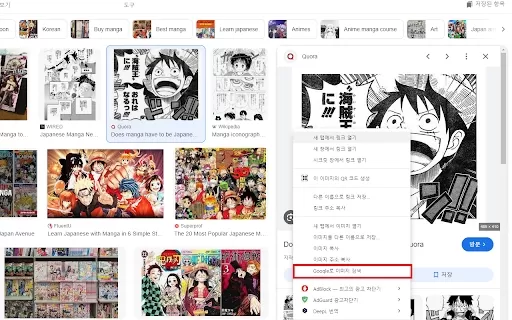
Doclingo Screenshot

2026 Latest Best Manga AI Background Generators Ranked Top-Rated! This curated collection showcases powerful game-changing tools perfect for creating high-quality chapter backgrounds, book covers, and promotional art. Every option has undergone rigorous real-world tests to ensure reliability. Get a free vs paid comparison along with detailed insights. Explore now to discover your perfect tool and unlock your AI edge in manga creation.
 6 tools
 xix.ai

2026 Latest Best Top-rated AI Object Removal Editors for portraits travel product shots! XIX.AI curates a powerful game-changing collection regularly updated with weekly rankings. These tools offer real-world tests to help you quickly remove unwanted elements, boost content quality, and save tons of time without compromising results. Must-try for anyone aiming to unlock their AI creation edge. Explore now!
10 tools
xix.ai

2026 Latest Best Top-rated AI Text to Speech Tools for Online Courses are curated by XIX.AI based on rigorous real-world tests and weekly updated rankings. These powerful tools help creators deliver crystal-clear audio content effortlessly, boosting writing efficiency and streamlining course production. Check out the free vs paid comparison to find your perfect fit. Explore now to unlock your AI edge in online education.
10 tools
xix.ai

2026 Latest Best Top-Rated AI Blog Title Tools for Higher Click Through Rates! XIX.AI has carefully curated a powerful, game-changing collection of top tools that go through rigorous real-world tests. You’ll find a free vs paid comparison, weekly updated rankings, and detailed insights to help you boost your blog’s traffic efficiently. Must-try options are highlighted to help you unlock your AI edge. Explore now!
10 tools
xix.ai

2026 Latest Best Top-rated AI Task Routing Tools for Support Workflows! XIX.AI has curated a highly powerful game-changing collection of must-try solutions, all undergoing rigorous real-world tests and updated weekly. These tools streamline workflows, boost productivity, and help teams deliver faster, more efficient support. Explore now to discover your perfect tool and unlock your AI edge!
17 tools
xix.ai

2026 Latest Best Top-Rated AI Citation and Paper Summary Tools Curated by XIX.AI. Get powerful game-changing solutions for quick content creation, improved writing efficiency, and boosting productivity. We offer a free vs paid comparison along with real-world tests and weekly updated rankings to help you find the must-try tool that fits your needs perfectly. Explore now to Unlock your AI edge.
10 tools
xix.ai


