


 Home
HomeDocGPT
DocGPT: PDF File Reading Assistant



Helps TikTok sellers, brands, MCNs, and TAPs discover winning products and find creators.

HelpLook is an AI-powered all-in-one knowledge base tool that helps businesses quickly build knowledge bases, help centers, and...

Your AI Workspace

302.AI is an enterprise-grade AI resource platform with pay-as-you-go pricing, API access to a full range of AI models, and ready-to-use online applications.

剧火AI — AI Screenwriter + Director, a One-Person Short Drama Studio In one sentence, what is it?
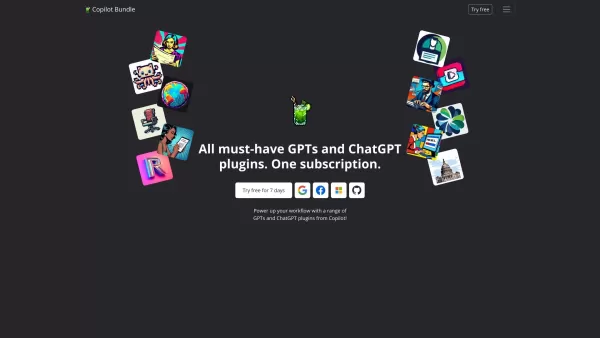
Copilot is an innovative suite of plugins and tools designed to enhance productivity and streamline various tasks within the ChatGPT platform. It's like having a digital assistant that's specialized in boosting your workflow, whether you're summarizing documents, searching the web, or managing job a
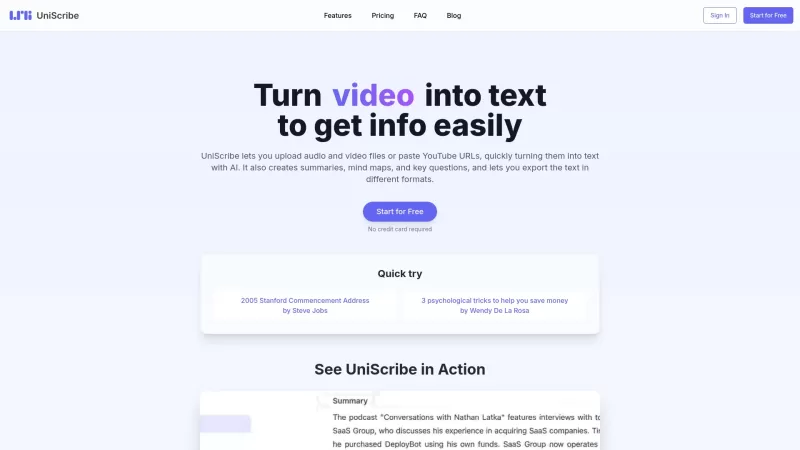
UniScribe is more than just a tool—it's a game-changer for anyone dealing with audio and video content. It's the go-to platform for transforming your spoken words into written text, and it does so with incredible efficiency. Whether you're working with audio files or videos, or even just a YouTube U
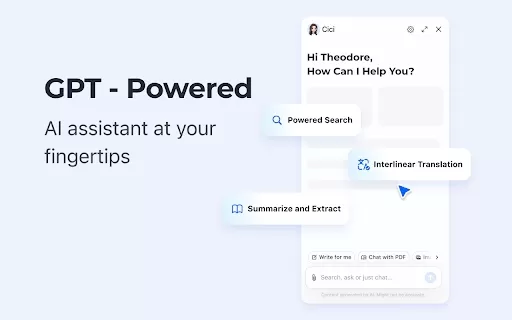
What is the Cici AI Chrome Extension? Cici is your personal browser AI assistant, powered by GPT technology. It can answer any of your questions, summarize complex webpages, provide fast full-text translation, intelligently organize and summarize sea
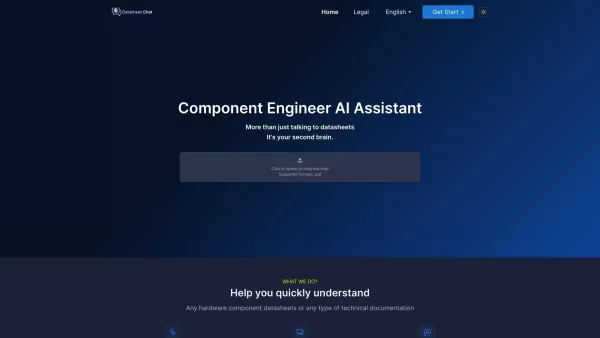
Datasheet.Chat is your go-to AI assistant designed specifically for component engineers. It's like having a super-smart colleague who's always ready to dive into the nitty-gritty of hardware component datasheets and technical documentation. Whether you're
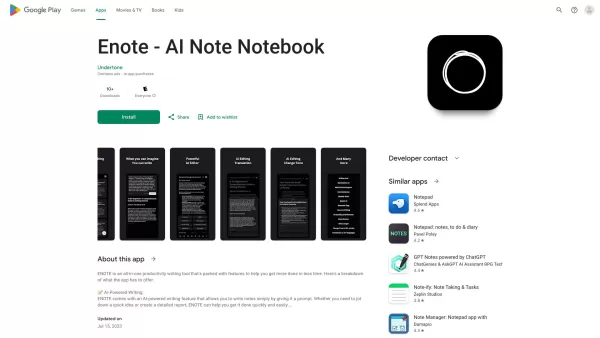
If you've ever found yourself juggling multiple notes and struggling to keep them polished, Enote might just be your new best friend. This isn't your average note-taking app; it's powered by AI to make your life easier. Imagine jotting down notes wit
DocGPT Product Information
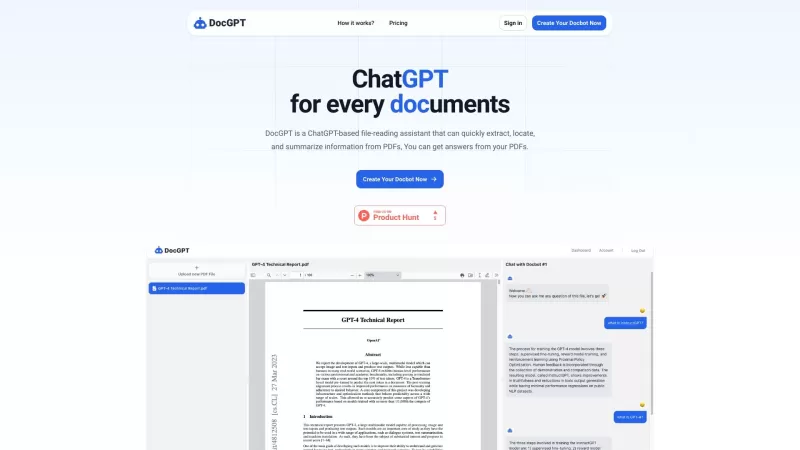
Ever found yourself buried under a mountain of PDFs, wishing you had a magic wand to sift through them? Enter DocGPT, your new best friend in the world of document management. Powered by the genius of ChatGPT, DocGPT isn't just another tool; it's like having a super-smart assistant who can dive into your PDFs, pull out the juicy bits, and even chat with you about them. Whether you need to extract specific information, locate where something is mentioned, or get a quick summary, DocGPT has got you covered.
How to Use DocGPT?
Using DocGPT is as easy as pie. Just head over to the website and upload your PDF file. Once it's up there, you can start chatting with DocGPT. Ask any question or give any prompt related to your document, and watch as DocGPT works its magic. It's like having a conversation with someone who's read your document from cover to cover and remembers every detail.
DocGPT's Core Features
DocGPT isn't just a one-trick pony. Here's what it brings to the table:
- File-Reading Assistant: Think of it as your personal document navigator.
- PDF Extraction: Pulls out the information you need without you having to search for hours.
- Information Location: Finds where that crucial piece of info is hiding.
- Summarization: Turns those long, boring documents into bite-sized summaries.
- Question-Answering: Just ask, and DocGPT will answer based on your document's content.
DocGPT's Use Cases
Wondering how you can put DocGPT to work? Here are some scenarios where it shines:
- Researching Specific Topics: Need to find out about a niche subject within a PDF? DocGPT's on it.
- Extracting Details from Legal Documents: Say goodbye to endless scrolling through legalese.
- Finding Information in Academic Papers: Perfect for students and researchers alike.
- Condensing Large Documents: No more wading through pages of text; get the gist in a snap.
- Quick Access to Information: Get what you need without reading the whole document.
FAQ from DocGPT
- What is DocGPT?
- DocGPT is a file-reading assistant powered by ChatGPT, designed to help you extract, locate, and summarize information from PDFs.
- How do I use DocGPT?
- Upload your PDF to the DocGPT website and start asking questions or providing prompts related to the document.
- What are the core features of DocGPT?
- DocGPT offers file-reading assistance, PDF extraction, information location, summarization, and question-answering capabilities.
- What are the use cases for DocGPT?
- DocGPT is perfect for researching topics, extracting details from legal documents, finding information in academic papers, condensing large documents, and quickly accessing information.
- Is there a pricing plan for DocGPT?
- Yes, DocGPT offers various pricing plans tailored to different needs and usage levels.
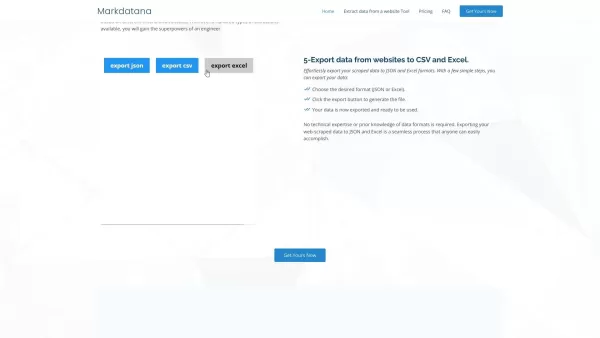
DocGPT Screenshot

2026 Latest Best Top-rated AI Object Removal Editors for portraits travel product shots! XIX.AI curates a powerful game-changing collection regularly updated with weekly rankings. These tools offer real-world tests to help you quickly remove unwanted elements, boost content quality, and save tons of time without compromising results. Must-try for anyone aiming to unlock their AI creation edge. Explore now!
 10 tools
 xix.ai

2026 Latest Best Top-rated AI Text to Speech Tools for Online Courses are curated by XIX.AI based on rigorous real-world tests and weekly updated rankings. These powerful tools help creators deliver crystal-clear audio content effortlessly, boosting writing efficiency and streamlining course production. Check out the free vs paid comparison to find your perfect fit. Explore now to unlock your AI edge in online education.
10 tools
xix.ai

2026 Latest Best Top-Rated AI Blog Title Tools for Higher Click Through Rates! XIX.AI has carefully curated a powerful, game-changing collection of top tools that go through rigorous real-world tests. You’ll find a free vs paid comparison, weekly updated rankings, and detailed insights to help you boost your blog’s traffic efficiently. Must-try options are highlighted to help you unlock your AI edge. Explore now!
10 tools
xix.ai

2026 Latest Best Top-rated AI Task Routing Tools for Support Workflows! XIX.AI has curated a highly powerful game-changing collection of must-try solutions, all undergoing rigorous real-world tests and updated weekly. These tools streamline workflows, boost productivity, and help teams deliver faster, more efficient support. Explore now to discover your perfect tool and unlock your AI edge!
17 tools
xix.ai

2026 Latest Best Top-Rated AI Citation and Paper Summary Tools Curated by XIX.AI. Get powerful game-changing solutions for quick content creation, improved writing efficiency, and boosting productivity. We offer a free vs paid comparison along with real-world tests and weekly updated rankings to help you find the must-try tool that fits your needs perfectly. Explore now to Unlock your AI edge.
10 tools
xix.ai

2026 Latest Best Top-Rated AI Productivity Tools for Daily Work! XIX.AI has curated a powerful, game-changing selection based on rigorous weekly updated rankings and real-world tests. You’ll find must-try options that boost writing efficiency, streamline content creation, and help you overcome daily work challenges. Get a free vs paid comparison to find the perfect fit for your needs. Explore now to unlock your AI edge!
9 tools
xix.ai


DocGPT is a lifesaver! 😍 I was drowning in PDFs for my research project, and this tool just zapped through them, pulling out key info like magic. Super easy to use, though sometimes it misses niche terms. Still, it’s like having a brainy assistant who never sleeps!


