


 Home
HomeDesktop Docs
AI-powered Mac app to search media files



Helps TikTok sellers, brands, MCNs, and TAPs discover winning products and find creators.

HelpLook is an AI-powered all-in-one knowledge base tool that helps businesses quickly build knowledge bases, help centers, and...

Your AI Workspace

302.AI is an enterprise-grade AI resource platform with pay-as-you-go pricing, API access to a full range of AI models, and ready-to-use online applications.

剧火AI — AI Screenwriter + Director, a One-Person Short Drama Studio In one sentence, what is it?
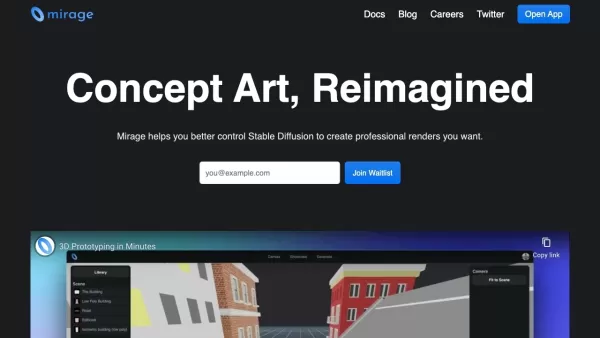
Mirage: The AI-Powered Asset Search RevolutionEver wasted hours digging through cluttered asset libraries, frustrated by endless scrolling and useless tags? Meet Mirage—the game-changing AI tool that understands what you're actually looking for. What Exactly Is Mirage?Mirage isn’t just another sear
Diving into the world of Brazilian Jiu-Jitsu can be exhilarating, and if you're looking to up your game, the Outlier Database is your go-to tool. It's not just another database; it's an analytics powerhouse crafted specifically for BJJ enthusiasts like yo

Ever found yourself lost in the maze of company data and apps, struggling to find that one piece of crucial information? Enter Glean, your new best friend in the world of enterprise search and knowledge discovery. Designed for today's dynamic teams, Glean

What is Nolea?Nolea is an innovative AI-powered tool designed specifically for healthcare recruitment. Its mission? To dig deep into the web and uncover hidden talent that traditional methods often overlook. Whether you're looking for a skilled nurse
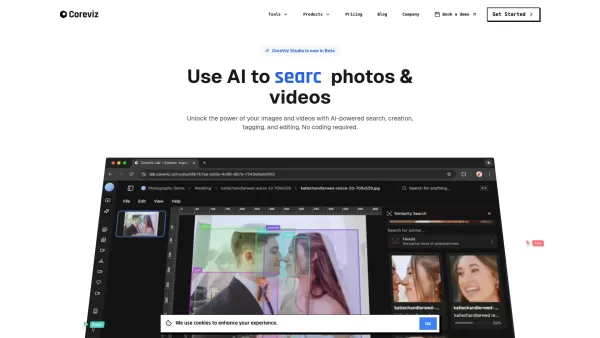
What is CoreViz?CoreViz represents the next generation of visual intelligence platforms, serving as a smart visual assistant for businesses and teams. This powerful system transforms how organizations interact with visual content by enabling users to
Desktop Docs Product Information
Ever found yourself lost in a sea of media files, desperately trying to find that one perfect clip or image? Enter Desktop Docs, a game-changer for Mac users. This desktop application harnesses the power of AI to delve deep into your media library, allowing you to search your files simply by describing what's in them. It's like having a super-smart assistant that knows exactly where everything is. And the best part? Once you've found what you're looking for, Desktop Docs makes it a breeze to export those files straight into Adobe Premiere Pro for some seamless editing. Say goodbye to the days of losing files forever!
How to Use Desktop Docs?
Getting started with Desktop Docs is as easy as pie. Just download the application onto your Mac, and you're ready to roll. Start describing what you're looking for, and let the AI do the heavy lifting. Once you've got your files in sight, a simple export to Adobe Premiere Pro, and you're all set to edit like a pro.
Desktop Docs's Core Features
AI-powered Search for Media Files
Imagine being able to find any file in your library by simply telling the application what's in it. Desktop Docs makes this dream a reality with its AI-powered search, making your media library more accessible than ever.
Export to Adobe Premiere Pro
Once you've found your media gems, Desktop Docs streamlines the process by letting you export them directly into Adobe Premiere Pro. It's all about efficiency and keeping your creative flow uninterrupted.
Desktop Docs's Use Cases
Search and Organize Images and Videos Using AI
Whether you're a professional photographer or a hobbyist videographer, Desktop Docs helps you keep your digital assets organized. The AI does the hard work, so you can focus on creating.
Export Files to Adobe Premiere Pro for Editing
For those who live in the world of video editing, Desktop Docs is a godsend. Quickly find your files and get them into Adobe Premiere Pro for editing without breaking a sweat.
FAQ from Desktop Docs
- What's included when you purchase?
- When you purchase Desktop Docs, you get the full application with all its features, including AI-powered search and direct export to Adobe Premiere Pro.
- Does Desktop Docs collect my data?
- No, Desktop Docs is designed to respect your privacy. It does not collect or store your personal data.
- Can I get a refund?
- Yes, if you're not satisfied with Desktop Docs, you can request a refund within 30 days of purchase.
Need help or have questions? The Desktop Docs support team is just an email away at [email protected].
Desktop Docs Pricing
Ready to streamline your media management? Check out the pricing for Desktop Docs at this link.
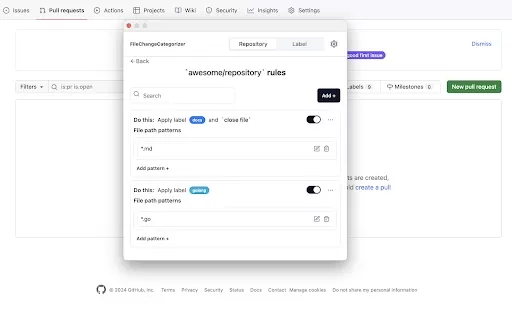
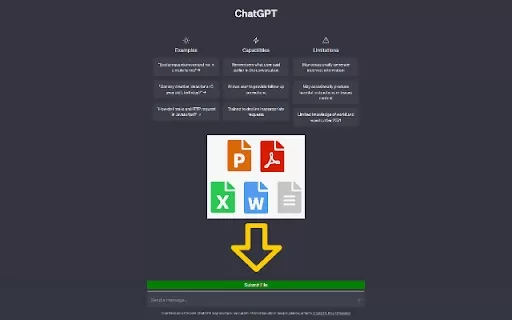
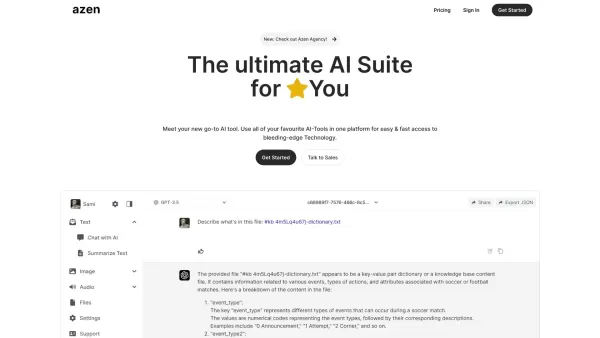
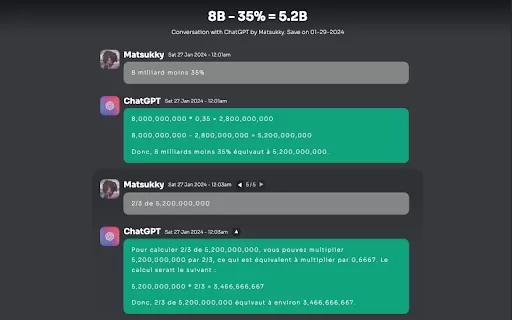
Desktop Docs Screenshot

2026 Latest Best Top-rated AI Text to Speech Tools for Natural Voiceovers are here on XIX.AI! This curated list features powerful, game-changing options that deliver crystal-clear voices for every use case, backed by real-world tests and weekly updated rankings. Get a free vs paid comparison to find the must-try solution that boosts your productivity instantly. Explore now to Unlock your AI edge!
 11 tools
 xix.ai

2026 Latest Best Manga AI Background Generators Ranked Top-Rated! This curated collection showcases powerful game-changing tools perfect for creating high-quality chapter backgrounds, book covers, and promotional art. Every option has undergone rigorous real-world tests to ensure reliability. Get a free vs paid comparison along with detailed insights. Explore now to discover your perfect tool and unlock your AI edge in manga creation.
6 tools
xix.ai

2026 Latest Best Top-rated AI Object Removal Editors for portraits travel product shots! XIX.AI curates a powerful game-changing collection regularly updated with weekly rankings. These tools offer real-world tests to help you quickly remove unwanted elements, boost content quality, and save tons of time without compromising results. Must-try for anyone aiming to unlock their AI creation edge. Explore now!
10 tools
xix.ai

2026 Latest Best Top-rated AI Text to Speech Tools for Online Courses are curated by XIX.AI based on rigorous real-world tests and weekly updated rankings. These powerful tools help creators deliver crystal-clear audio content effortlessly, boosting writing efficiency and streamlining course production. Check out the free vs paid comparison to find your perfect fit. Explore now to unlock your AI edge in online education.
10 tools
xix.ai

2026 Latest Best Top-Rated AI Blog Title Tools for Higher Click Through Rates! XIX.AI has carefully curated a powerful, game-changing collection of top tools that go through rigorous real-world tests. You’ll find a free vs paid comparison, weekly updated rankings, and detailed insights to help you boost your blog’s traffic efficiently. Must-try options are highlighted to help you unlock your AI edge. Explore now!
10 tools
xix.ai

2026 Latest Best Top-rated AI Task Routing Tools for Support Workflows! XIX.AI has curated a highly powerful game-changing collection of must-try solutions, all undergoing rigorous real-world tests and updated weekly. These tools streamline workflows, boost productivity, and help teams deliver faster, more efficient support. Explore now to discover your perfect tool and unlock your AI edge!
17 tools
xix.ai


