


 Home
HomeDesignStaff (Beta)
Generative AI Image Creation & Editing | DesignStaff



Helps TikTok sellers, brands, MCNs, and TAPs discover winning products and find creators.

HelpLook is an AI-powered all-in-one knowledge base tool that helps businesses quickly build knowledge bases, help centers, and...

Your AI Workspace

302.AI is an enterprise-grade AI resource platform with pay-as-you-go pricing, API access to a full range of AI models, and ready-to-use online applications.

剧火AI — AI Screenwriter + Director, a One-Person Short Drama Studio In one sentence, what is it?
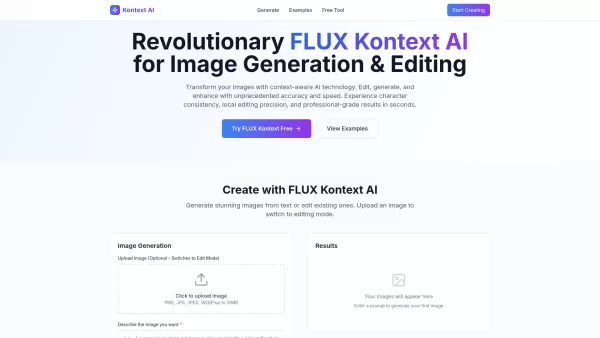
What is Kontext AI? Kontext AI is a cutting-edge, free image generation and editing tool powered by FLUX Kontext technology. It uses context-aware artificial intelligence to produce, alter, and improve images with remarkable speed and precision. The
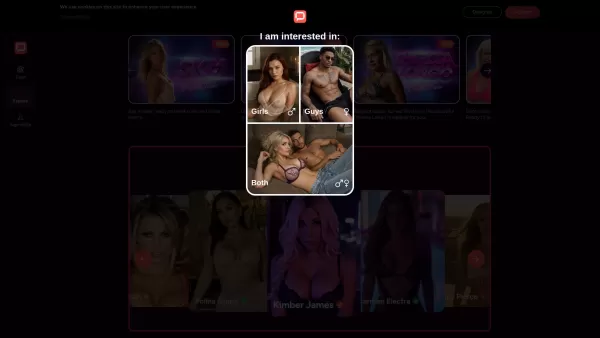
Discover OhChat - The Next-Gen AI Companion PlatformWhat Makes OhChat Special?OhChat revolutionizes digital interaction as a premier platform offering unfiltered conversations through advanced AI technology. It boasts an impressive collection of 'sup
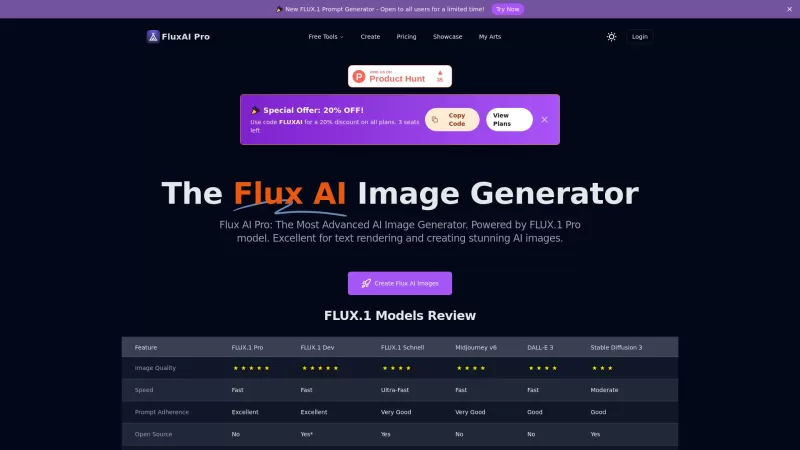
Flux AI Pro is an exciting platform that brings the magic of AI image generation right to your fingertips. It's powered by the innovative Flux.1 series of models, which are specifically crafted to transform your text prompts into stunning, high-quality im
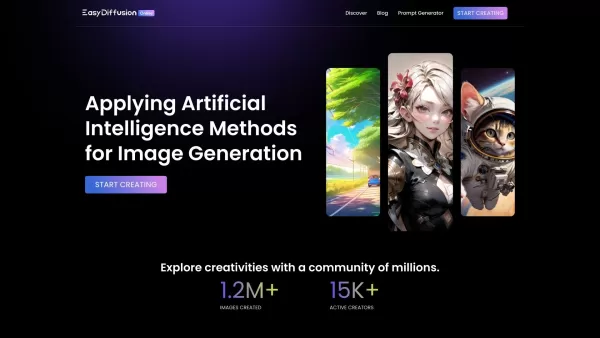
Unleash Your Creativity with EasyDiffusion Ever wondered what it would be like to turn your wildest ideas into jaw-dropping visuals? Enter EasyDiffusion—a game-changing tool that lets you do just that. It’s a free, user-friendly image generator powered by
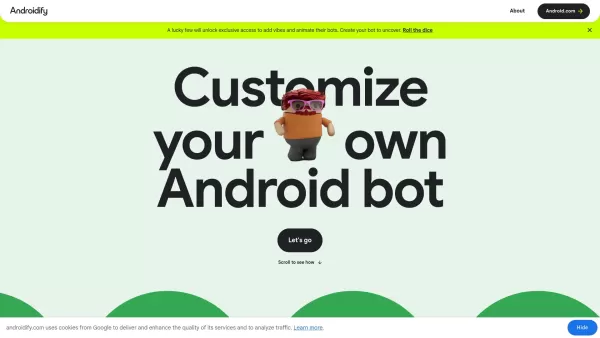
What is Androidify? Androidify is an online, AI-powered platform that lets you design your own unique Android character. You can create a bot from a selfie or a text description, using Google AI models like Gemini Flash, Gemma, and Imagen. A limited
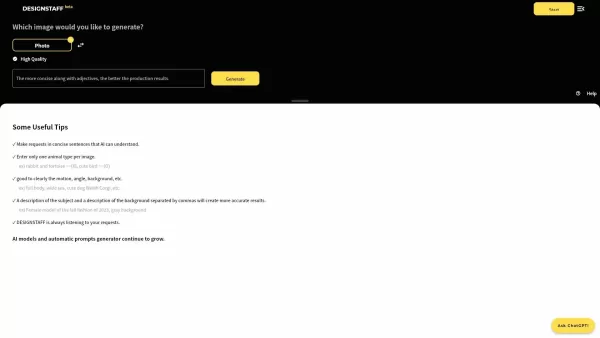
DesignStaff (Beta) Product Information
What is DesignStaff (Beta)?
DesignStaff is a user-friendly AI tool focused on image generation and editing. It leverages advanced generative AI to help users create high-quality images efficiently, regardless of their design skills. The platform provides text-to-image generation and editing tools to streamline the creative process and boost productivity for both personal and professional projects.
Who is DesignStaff (Beta) for?
- Graphic Designers
- Content Creators
- Marketing Professionals
- Small Business Owners
- Social Media Managers
How to Get Started with DesignStaff (Beta)
- Step 1: Create a DesignStaff account
- Step 2: Log in to the platform
- Step 3: Select your desired image generation or editing feature
- Step 4: Enter text prompts or upload existing images
- Step 5: Enhance your images with built-in editing tools
- Step 6: Save or export your final images to your device
Platform
- Web
DesignStaff (Beta)'s Core Features & Benefits
Key Features
- Text-to-Image Generation
- Image Editing Tools
- High-Quality Output
- User-Friendly Interface
Major Benefits
- Effortless Image Creation
- Time-Saving
- Accessible for Non-Designers
- Versatile for Various Projects
Primary Use Cases & Applications
- Social Media Content Creation
- Marketing Material Design
- Brand Visual Identity
- Personal Projects
- Advertising Campaigns
Frequently Asked Questions
How do I sign up for DesignStaff?
Go to the DesignStaff website and click 'Sign Up.' Complete the registration process as guided.
Is a free trial available?
Yes, new users can access a free trial to explore all features.
Can I edit my uploaded images?
Absolutely, upload your images and customize them with our editing tools.
Which export formats are supported?
PNG, JPEG, and TIFF are among the supported formats.
Is DesignStaff beginner-friendly?
Yes, its interface is intuitive and suitable for all experience levels.
What types of images can I create?
Create illustrations, social media graphics, marketing materials, and more.
Is my work saved on the platform?
Yes, you can save your projects and access them whenever needed.
Can I collaborate with others?
Collaboration features are in development and not yet available.
Is customer support provided?
Yes, support is available through the official website.
Which payment methods are accepted?
We accept major credit cards and PayPal for subscription payments.
About DesignStaff (Beta)
Website:
https://www.designstaff.aiCompany Name:
DesignStaffSupport Email:
Facebook:
NAX(Twitter):
NAYouTube:
NAInstagram:
NATikTok:
NALinkedIn:
NA
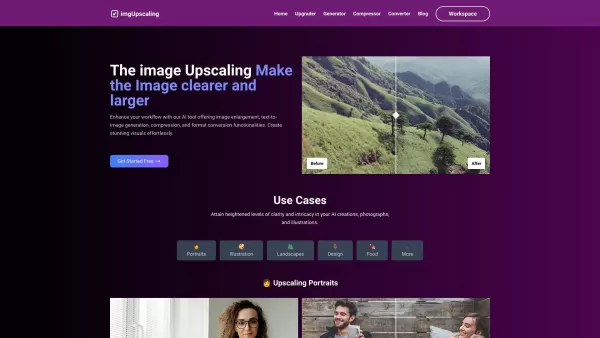
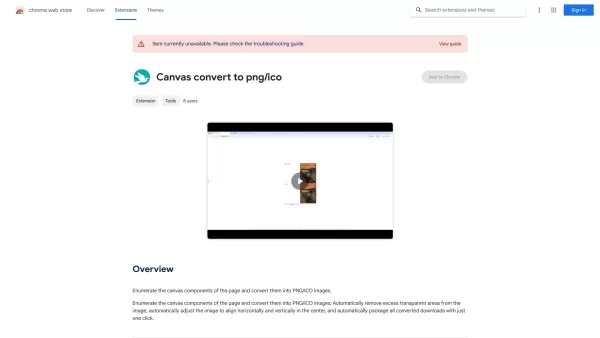
DesignStaff (Beta) Screenshot
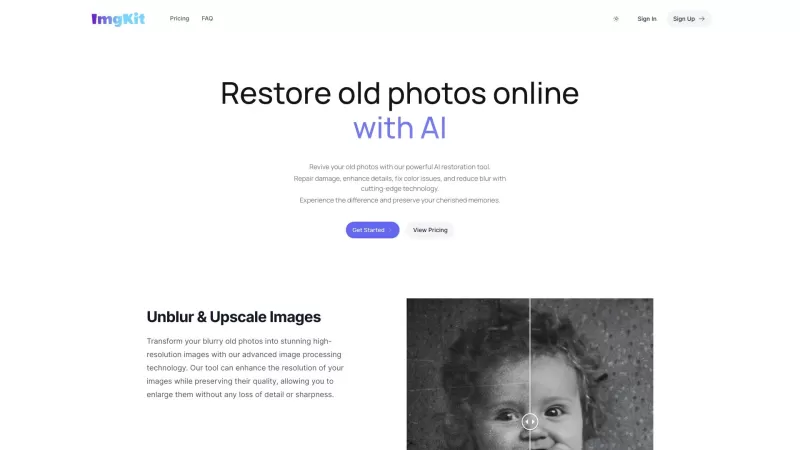
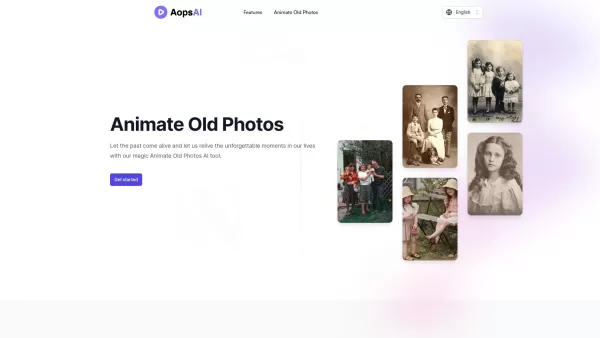
Discover the 2026 best AI generative fill tools to replace image elements and backgrounds using text prompts. XIX.AI's curated list features top-rated, powerful tools for effortless photo editing, object removal, and creative background replacement. Compare free vs paid options with real-world tests and weekly updated rankings. Unlock your creative potential and transform your images today.
 10 tools
 xix.ai
2026 Latest: Discover our expert-curated top 10 best AI image generators. Compare the most powerful, game-changing tools for artists, designers, and creators. Get weekly updated rankings, free vs paid insights, and find your perfect match. Explore the ultimate rankings on XIX.AI
10 tools
xix.ai


