


 Home
Homecutlabs.ai
AI-Generated Viral Video Clips in 10 Minutes



Helps TikTok sellers, brands, MCNs, and TAPs discover winning products and find creators.

HelpLook is an AI-powered all-in-one knowledge base tool that helps businesses quickly build knowledge bases, help centers, and...

Your AI Workspace

302.AI is an enterprise-grade AI resource platform with pay-as-you-go pricing, API access to a full range of AI models, and ready-to-use online applications.

剧火AI — AI Screenwriter + Director, a One-Person Short Drama Studio In one sentence, what is it?
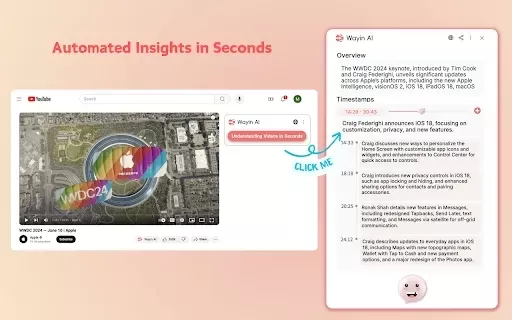
What is Wayin AI?Wayin AI is a robust tool that helps you understand videos quickly and effectively. Using advanced AI, it generates summaries of YouTube content so you can grasp the key points without watching the full video. This solution is ideal
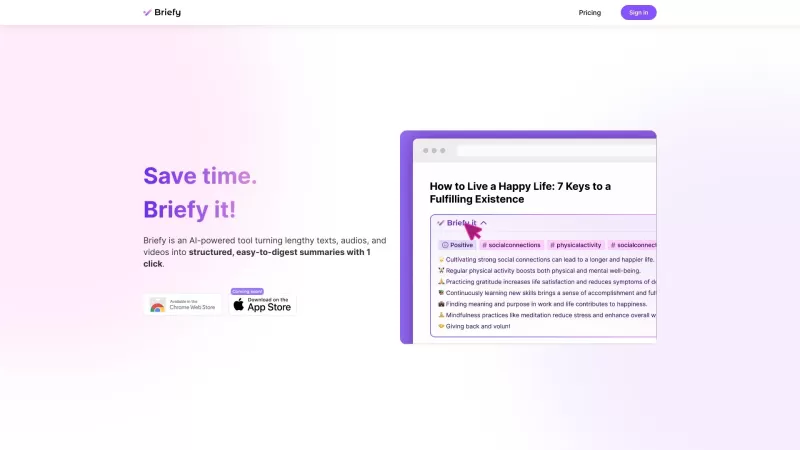
Ever found yourself drowning in a sea of text, audio, or video content, wishing there was a way to just get to the point? Enter Briefy, your new best friend in the world of content consumption. This AI-powered tool is like a magic wand that transforms tho
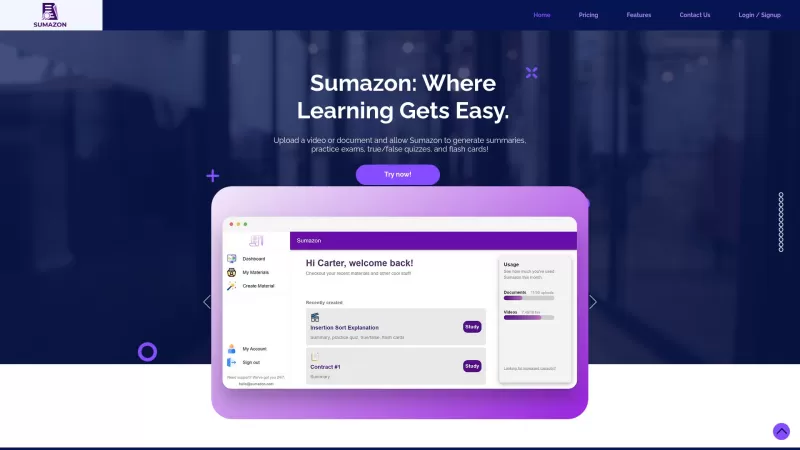
Ever heard of Sumazon? It's this cool AI-powered platform that's all about making your study life easier. Imagine being able to upload your lecture notes or those long, boring videos and getting back a neat summary, complete with practice exams, flash car
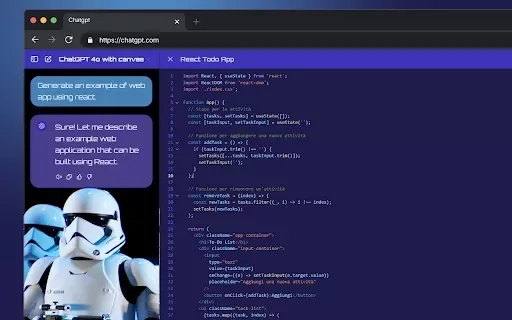
What is StylerGPT: ChatGPT Customization?StylerGPT is a Chrome extension that reimagines your ChatGPT interface as a fully customizable digital workspace. Choose from diverse color palettes, upload custom backgrounds, adjust fonts, and more to create
Ever stumbled upon a video and wished you could just magically pull out all the key insights without having to sit through the entire thing? Well, that's where the InstMind AI Chrome extension comes into play. It's like having a personal assistant that di
cutlabs.ai Product Information
What is cutlabs.ai?
Cut Labs leverages cutting-edge AI models and computer vision to perform deep analysis of your video content. This platform comprehends the context within videos, allowing it to produce compelling highlight clips. Designed for creators aiming to boost their reach and engagement without labor-intensive editing, it makes the entire process efficient and straightforward.
Who will use cutlabs.ai?
- Content Creators
- Social Media Influencers
- Video Marketers
- Streamers
- Videographers
How to use cutlabs.ai?
- Step 1: Sign up or log into your Cut Labs account.
- Step 2: Upload your video.
- Step 3: Select the segments to highlight or let the AI choose for you.
- Step 4: Preview the AI-generated highlight clips.
- Step 5: Make any final edits and save your project.
- Step 6: Download and share your highlights, ready to go viral.
Platform
- Web
cutlabs.ai's Core Features & Benefits
The Core Features
- AI-powered video analysis
- Automated highlight generation
- Contextual video understanding
The Benefits
- Significantly reduces editing time
- Boosts audience engagement
- Effortlessly creates shareable highlights
cutlabs.ai's Main Use Cases & Applications
- Video content editing
- Social media post creation
- Marketing campaign materials
- Streaming highlights
- Video portfolio enhancement
FAQs of cutlabs.ai
What is Cut Labs?
Cut Labs is an AI-powered platform that automatically generates engaging highlight clips from your long-form videos.
How does Cut Labs work?
It utilizes advanced artificial intelligence and computer vision to analyze your videos and automatically create highlight reels.
Who can use Cut Labs?
It's built for content creators, social media influencers, video marketers, streamers, and professional videographers.
Is there a free version of Cut Labs?
For detailed pricing, plans, and information on any free offerings, please visit the official Cut Labs website.
What kind of videos can I upload?
You can upload any video content suitable for highlights, as long as it adheres to the platform's supported formats and size limits.
How long does it take to create highlight clips?
The process is fast, typically completing in just a few minutes, depending on the video's length and detail.
Can I edit the highlight clips?
Absolutely. You have the ability to review, adjust, and fine-tune all generated highlight clips before downloading.
Does Cut Labs support multiple video formats?
Yes, it supports a wide range of common video formats. Check the platform for the complete list of compatible file types.
What are the benefits of using Cut Labs?
The key benefits include saving valuable time, increasing content engagement, and simplifying the creation of shareable video highlights.
Is customer support available for Cut Labs?
Yes, customer support is provided. Visit the official website for contact information and available support channels.
cutlabs.ai Company Information
Website:
https://cutlabs.aiCompany Name:
Cut LabsSupport Email:
Facebook:
NAX(Twitter):
NAYouTube:
NAInstagram:
NATiktok:
NALinkedIn:
NA
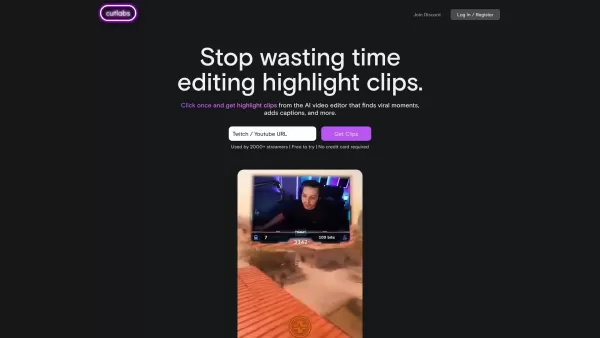
cutlabs.ai Screenshot
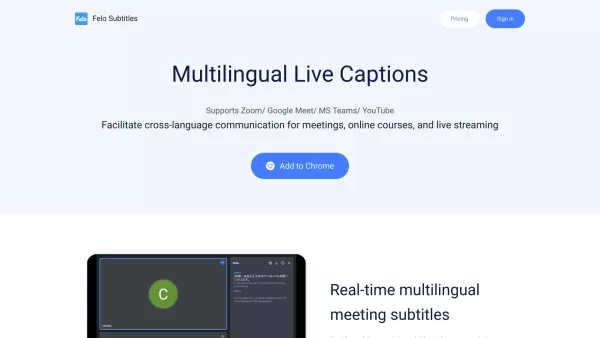
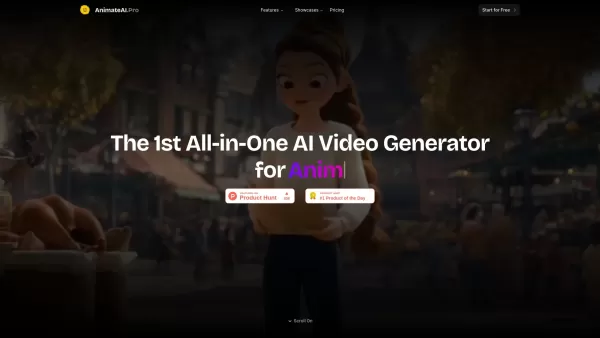
Discover 2026's best AI video scene generation tools curated by XIX.AI. Explore our top-rated picks for short drama production – from powerful script-to-visual engines to game-changing scene builders. Compare free and paid options based on real-world tests. Find your perfect tool to streamline creation. Unlock your AI edge now.
 10 tools
 xix.ai


このAI動画分析ツール、すごく便利だね!ハイライトを自動で作ってくれるなんて、編集の手間が大幅に減りそう。でも、本当に文脈を正確に理解できるのかな?ちょっと心配😅 でも試してみる価値はありそう!


