


 Home
HomeContextQA 2.0



Helps TikTok sellers, brands, MCNs, and TAPs discover winning products and find creators.

HelpLook is an AI-powered all-in-one knowledge base tool that helps businesses quickly build knowledge bases, help centers, and...

Your AI Workspace

302.AI is an enterprise-grade AI resource platform with pay-as-you-go pricing, API access to a full range of AI models, and ready-to-use online applications.

剧火AI — AI Screenwriter + Director, a One-Person Short Drama Studio In one sentence, what is it?
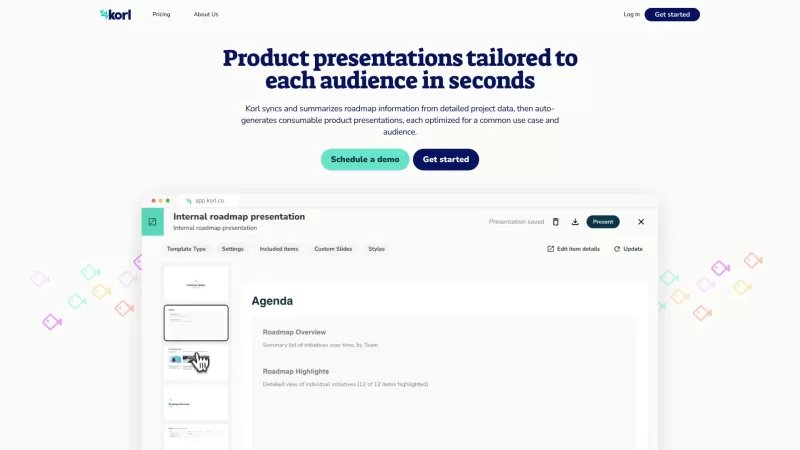
Ever found yourself drowning in a sea of product roadmap data, struggling to keep everyone on the same page? Enter Korl, your new best friend in the world of product management. Korl isn't just another tool; it's a game-changer that syncs and summarizes y
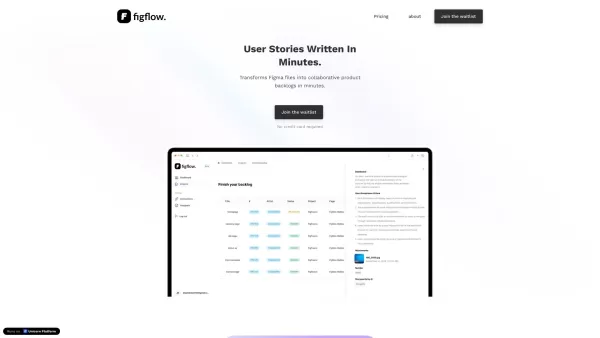
Ever found yourself staring at a design file and wondering how to turn those visuals into something your team can actually work on? Enter Figflow, a tool designed to transform your design files into actionable user stories in mere seconds. It's like
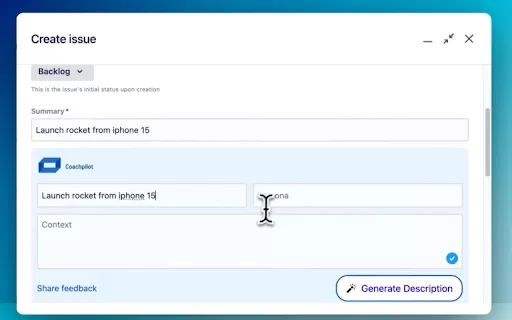
What is the Coachpilot AI Chrome Extension? Coachpilot is an innovative tool designed to streamline user story creation. It enables you to effortlessly combine a story's goal, the broader product context, and the target user persona. By transforming
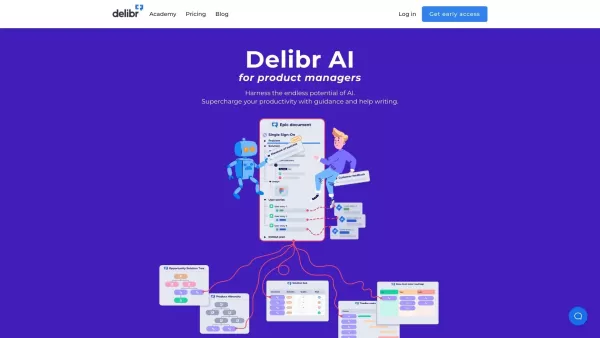
What is Delibr AI?Delibr is a specialized platform that helps Product Managers and their teams streamline the feature refinement process. It enables users to manage product requirements, track questions, and capture decisions efficiently through real
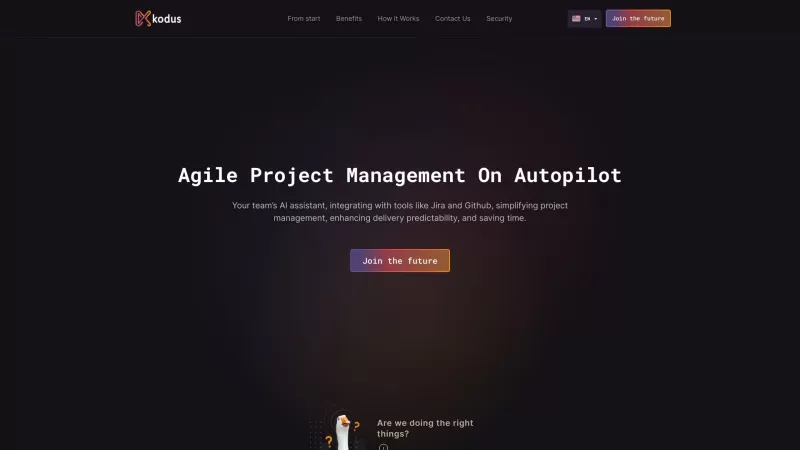
Ever wondered how to streamline your project management without losing your sanity? Enter Kodus, your new best friend in the world of agile project management. This isn't just another tool; it's like having an AI assistant that automates your workflow, ma
ContextQA 2.0 Product Information
What Is ContextQA 2.0?
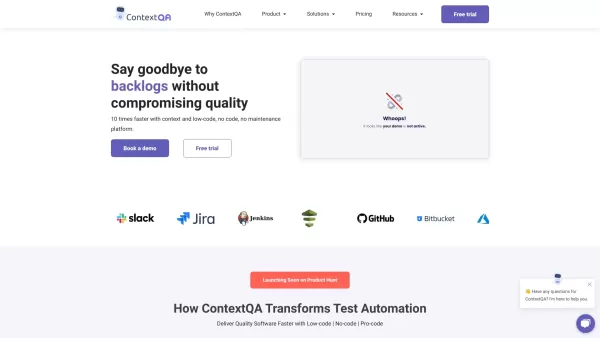
ContextQA is an AI-powered testing platform built to automate and simplify software testing. By using advanced AI capabilities, it automates test case creation, execution, and maintenance, helping organizations release high-quality software faster. Its low-code/no-code approach makes it accessible to users with different technical backgrounds, while smooth integration with popular tools like JIRA and Jenkins ensures compatibility with existing workflows. Features like auto-healing and comprehensive test coverage greatly reduce the time and effort needed for effective software testing.
Who Will Use ContextQA 2.0?
- QA testers
- Software developers
- DevOps teams
- Project managers
How to Use ContextQA 2.0?
- Step 1: Sign up at https://contextqa.com.
- Step 2: Set up your project by integrating with relevant tools like JIRA and Jenkins.
- Step 3: Create automated test cases using the platform's low-code/no-code features.
- Step 4: Execute test cases and review results generated by AI-driven analytics.
- Step 5: Use the auto-healing feature to fix test failures with minimal effort.
- Step 6: Monitor overall test performance and quality metrics through the dashboard.
- Step 7: Continuously update test cases based on software changes and new requirements.
Platform
- Web
ContextQA 2.0's Core Features and Benefits
The Core Features
- AI-driven test automation
- Low-code/no-code interface
- Auto-healing test cases
- Integration with JIRA and Jenkins
- Comprehensive reporting
The Benefits
- Faster test execution
- Reduced manual effort
- Improved software quality
- Seamless integration
- User-friendly interface
ContextQA 2.0's Main Use Cases and Applications
- Automated regression testing
- Continuous integration testing
- Performance and load testing
- Cross-browser testing
ContextQA 2.0's Pros and Cons
The Pros
No coding required with low-code/no-code automation, making it accessible to testers of all skill levels.
AI-powered root cause analysis speeds up defect detection and resolution.
Comprehensive integration with popular tools like Jira and Jenkins improves workflow compatibility.
Full code export provides flexibility and avoids vendor lock-in.
Significant time and cost savings are demonstrated through case studies and user statistics.
The Cons
There is no explicit information on pricing tiers or costs beyond the main pricing page link.
No mention of open-source availability or community contributions.
Limited information on potential limitations or constraints in specific testing environments.
ContextQA 2.0's Pricing
Has Free Plan | Yes |
|---|---|
Free Trial Details | 7-day free trial, full feature access, no credit card required |
Pricing Model | Freemium |
Is Credit Card Required | No |
Paid From | $0 |
Has Lifetime Plan | No |
Billing Frequency | Monthly |
Details of Pricing Plan
Free
$0
- Full feature access
- No credit card required
- Free trial for 7 days
Automation Pro
Custom pricing
- Unlimited test runs per day
- Unlimited test cases
- Unlimited proofs
- Test case management
- Release management
- Cross-browser testing
- Cross-device testing
- Tests powered by AI auto-heal
- API testing
- Visual regression testing
- 24/7 email and chat support
- Integration with CI/CD tools
- Built-in element inspector
- Mobile test automation
- Logs, traces, and video recordings
- Parallel test executions
Enterprise
Custom pricing
- Unlimited users and minutes
- Real device cloud
- Real browsers
- Unlimited test cases
- Unlimited releases
- Unlimited proofs
- Cross-browser testing
- Cross-device testing
- Tests powered by AI auto-heal
- API testing
- Scriptless automation (web and mobile)
- Visual regression testing
- 24/7 email support
- Integration with CI/CD tools
- Built-in element inspector
- Local logs and video recordings
- Device performance metrics
- API access
- AI test case generation
- Test data parametrization
- Integrations
- Test queuing for build execution
- Built-in performance metrics for apps
For the latest prices, please visit: https://contextqa.com
FAQs of ContextQA 2.0
What Is ContextQA?
ContextQA is an AI-driven test automation platform designed to simplify and improve software testing processes.
How Does ContextQA Integrate With Other Tools?
ContextQA integrates smoothly with popular tools like JIRA and Jenkins to enhance your existing workflows.
Does ContextQA Require Coding Skills?
ContextQA offers a low-code/no-code approach, making it accessible to users with different technical skills.
What Are the Main Features of ContextQA?
Main features include AI-driven test automation, auto-healing test cases, comprehensive reporting, and integration with JIRA and Jenkins.
Can ContextQA Handle Regression Testing?
Yes, ContextQA efficiently handles automated regression testing to ensure continuous quality assurance.
Is ContextQA Suitable for Performance Testing?
Yes, ContextQA supports performance and load testing to evaluate your software's efficiency under various conditions.
What Platforms Does ContextQA Support?
ContextQA supports web-based platforms.
How Does ContextQA Improve Software Delivery Times?
By automating test case creation, execution, and maintenance, ContextQA significantly reduces manual effort and accelerates software delivery.
What Kind of Support Is Available for ContextQA Users?
ContextQA offers comprehensive support through its documentation, tutorials, and customer support services.
How Can I Get Started With ContextQA?
Sign up at https://contextqa.com, set up your project, and start creating automated test cases to begin your testing journey.
ContextQA 2.0 Company Information
- ContextQA
- https://contextqa.com
- https://www.youtube.com/@contextqa
- https://www.instagram.com/contextqa2022
- https://www.linkedin.com/company/contextqa
ContextQA 2.0 Screenshot


2026 Latest Best Manga AI Background Generators Ranked Top-Rated! This curated collection showcases powerful game-changing tools perfect for creating high-quality chapter backgrounds, book covers, and promotional art. Every option has undergone rigorous real-world tests to ensure reliability. Get a free vs paid comparison along with detailed insights. Explore now to discover your perfect tool and unlock your AI edge in manga creation.
 6 tools
 xix.ai

2026 Latest Best Top-rated AI Object Removal Editors for portraits travel product shots! XIX.AI curates a powerful game-changing collection regularly updated with weekly rankings. These tools offer real-world tests to help you quickly remove unwanted elements, boost content quality, and save tons of time without compromising results. Must-try for anyone aiming to unlock their AI creation edge. Explore now!
10 tools
xix.ai

2026 Latest Best Top-rated AI Text to Speech Tools for Online Courses are curated by XIX.AI based on rigorous real-world tests and weekly updated rankings. These powerful tools help creators deliver crystal-clear audio content effortlessly, boosting writing efficiency and streamlining course production. Check out the free vs paid comparison to find your perfect fit. Explore now to unlock your AI edge in online education.
10 tools
xix.ai

2026 Latest Best Top-Rated AI Blog Title Tools for Higher Click Through Rates! XIX.AI has carefully curated a powerful, game-changing collection of top tools that go through rigorous real-world tests. You’ll find a free vs paid comparison, weekly updated rankings, and detailed insights to help you boost your blog’s traffic efficiently. Must-try options are highlighted to help you unlock your AI edge. Explore now!
10 tools
xix.ai

2026 Latest Best Top-rated AI Task Routing Tools for Support Workflows! XIX.AI has curated a highly powerful game-changing collection of must-try solutions, all undergoing rigorous real-world tests and updated weekly. These tools streamline workflows, boost productivity, and help teams deliver faster, more efficient support. Explore now to discover your perfect tool and unlock your AI edge!
17 tools
xix.ai

2026 Latest Best Top-Rated AI Citation and Paper Summary Tools Curated by XIX.AI. Get powerful game-changing solutions for quick content creation, improved writing efficiency, and boosting productivity. We offer a free vs paid comparison along with real-world tests and weekly updated rankings to help you find the must-try tool that fits your needs perfectly. Explore now to Unlock your AI edge.
10 tools
xix.ai


