


 Home
HomeContent Swarm



Helps TikTok sellers, brands, MCNs, and TAPs discover winning products and find creators.

HelpLook is an AI-powered all-in-one knowledge base tool that helps businesses quickly build knowledge bases, help centers, and...

Your AI Workspace

302.AI is an enterprise-grade AI resource platform with pay-as-you-go pricing, API access to a full range of AI models, and ready-to-use online applications.

剧火AI — AI Screenwriter + Director, a One-Person Short Drama Studio In one sentence, what is it?

Ever wondered how you can turn your words into captivating videos? That's where Text2Video comes in—a cool tool that transforms your written text into stunning video presentations. It's like magic, but better because it's real!How to Use Text2Video?Using
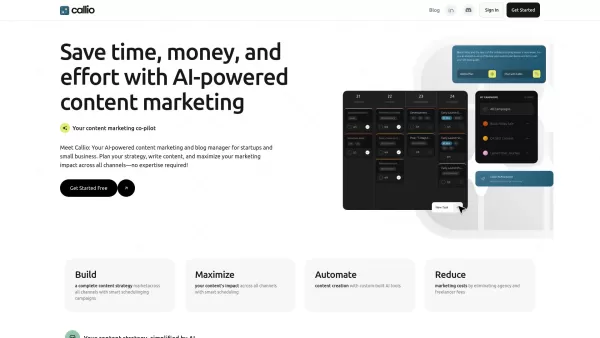
Ever wondered how startups and small businesses manage to churn out effective content marketing without breaking a sweat? Enter Callio, your new best friend in the world of content automation. This nifty tool takes the guesswork out of content planning, creation, and publishing, making it a breeze f

Ever found yourself staring at a blank screen, struggling to come up with that perfect headline that'll make your content pop? Enter Great Headlines, a game-changer in the world of content marketing and copywriting. This isn't just another tool; it's a powerhouse that blends marketing savvy with the
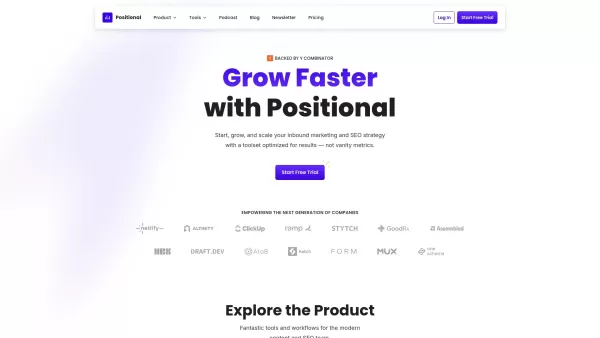
Ever wondered how to take your website's SEO to the next level? Enter Positional, your all-in-one SEO toolkit designed to supercharge your inbound marketing and SEO strategies. It's like having a Swiss Army knife for your digital marketing needs, packed with everything from analysis to optimization
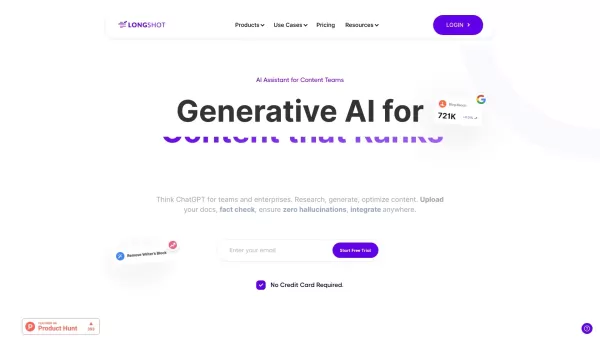
What is LongShot AI — 2.0?LongShot AI is a full-featured, AI-powered platform that streamlines the entire process of researching, creating, and optimizing long-form content. It empowers users with built-in fact-checking, plagiarism detection, and aut
Content Swarm Product Information
What is Content Swarm?
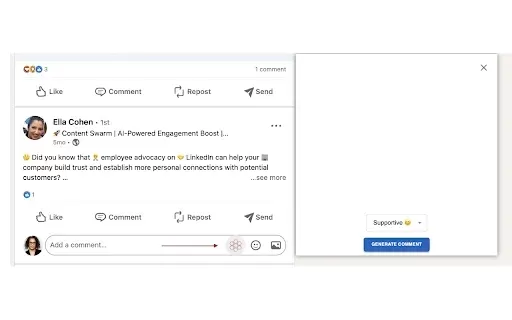
Content Swarm is your AI-powered ally for LinkedIn growth. It automates commenting and liking on posts, ensuring your content gains maximum visibility and fosters a more active professional community.
Who will use Content Swarm?
- LinkedIn professionals
- Small business owners
- Content creators
- Marketing strategists
- Social media managers
How to use Content Swarm?
- Step 1: Install the Content Swarm extension from the Chrome Web Store.
- Step 2: Create an account and log in.
- Step 3: Choose the LinkedIn posts you want to promote.
- Step 4: Use AI-generated suggestions or write your own custom comments.
- Step 5: Set your preferences for how often to engage.
- Step 6: Activate the swarm to enhance your LinkedIn interactions.
Platform
- Web
- Android
- Chrome
Content Swarm's Core Features & Benefits
The Core Features
- Automated comments and likes
- Generative AI for smart engagement
- User-friendly interface
The Benefits
- Greater visibility for your LinkedIn posts
- More effective professional networking
- Streamlined engagement processes
Content Swarm's Main Use Cases & Applications
- Building a stronger personal brand on LinkedIn
- Increasing visibility for new product launches
- Effectively engaging with your network and followers
FAQs of Content Swarm
How does Content Swarm work?
Content Swarm uses generative AI to automate likes and comments on your LinkedIn posts.
Is it easy to set up?
Yes, the setup is quick and straightforward.
Can I customize my comments?
Absolutely! You can use AI suggestions or create your own personalized comments.
Is there a mobile app available?
Yes, Content Swarm is available on Android.
Does it really help with engagement?
Yes, users consistently report higher engagement rates on their posts.
Can I target specific posts?
Yes, you can select specific posts for the swarm to engage with.
What are the costs involved?
Please visit our website for detailed pricing information.
Is my data safe?
Yes, we prioritize user privacy and data security.
Do I need a LinkedIn account?
Yes, a LinkedIn account is required to use Content Swarm.
What if I have more questions?
You can contact our support team through our website.
Content Swarm Company Information
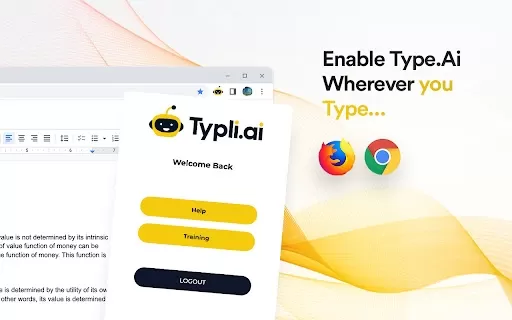
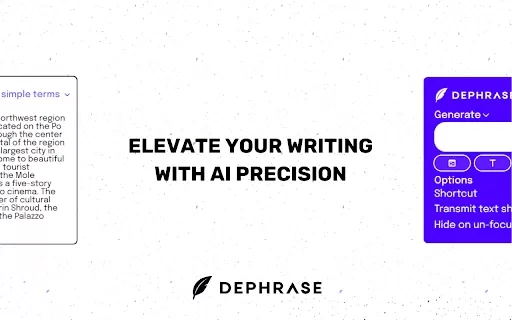
Content Swarm Screenshot

2026 Latest Best Manga AI Background Generators Ranked Top-Rated! This curated collection showcases powerful game-changing tools perfect for creating high-quality chapter backgrounds, book covers, and promotional art. Every option has undergone rigorous real-world tests to ensure reliability. Get a free vs paid comparison along with detailed insights. Explore now to discover your perfect tool and unlock your AI edge in manga creation.
 6 tools
 xix.ai

2026 Latest Best Top-rated AI Object Removal Editors for portraits travel product shots! XIX.AI curates a powerful game-changing collection regularly updated with weekly rankings. These tools offer real-world tests to help you quickly remove unwanted elements, boost content quality, and save tons of time without compromising results. Must-try for anyone aiming to unlock their AI creation edge. Explore now!
10 tools
xix.ai

2026 Latest Best Top-rated AI Text to Speech Tools for Online Courses are curated by XIX.AI based on rigorous real-world tests and weekly updated rankings. These powerful tools help creators deliver crystal-clear audio content effortlessly, boosting writing efficiency and streamlining course production. Check out the free vs paid comparison to find your perfect fit. Explore now to unlock your AI edge in online education.
10 tools
xix.ai

2026 Latest Best Top-Rated AI Blog Title Tools for Higher Click Through Rates! XIX.AI has carefully curated a powerful, game-changing collection of top tools that go through rigorous real-world tests. You’ll find a free vs paid comparison, weekly updated rankings, and detailed insights to help you boost your blog’s traffic efficiently. Must-try options are highlighted to help you unlock your AI edge. Explore now!
10 tools
xix.ai

2026 Latest Best Top-rated AI Task Routing Tools for Support Workflows! XIX.AI has curated a highly powerful game-changing collection of must-try solutions, all undergoing rigorous real-world tests and updated weekly. These tools streamline workflows, boost productivity, and help teams deliver faster, more efficient support. Explore now to discover your perfect tool and unlock your AI edge!
17 tools
xix.ai

2026 Latest Best Top-Rated AI Citation and Paper Summary Tools Curated by XIX.AI. Get powerful game-changing solutions for quick content creation, improved writing efficiency, and boosting productivity. We offer a free vs paid comparison along with real-world tests and weekly updated rankings to help you find the must-try tool that fits your needs perfectly. Explore now to Unlock your AI edge.
10 tools
xix.ai


I've been using Content Swarm for a week now and it's seriously boosted my LinkedIn engagement. The auto-commenting feature is a bit creepy but effective 😅. Just wish it had more customization options for comments.


