


 Home
HomeComfyUI



Helps TikTok sellers, brands, MCNs, and TAPs discover winning products and find creators.

HelpLook is an AI-powered all-in-one knowledge base tool that helps businesses quickly build knowledge bases, help centers, and...

Your AI Workspace

302.AI is an enterprise-grade AI resource platform with pay-as-you-go pricing, API access to a full range of AI models, and ready-to-use online applications.

剧火AI — AI Screenwriter + Director, a One-Person Short Drama Studio In one sentence, what is it?
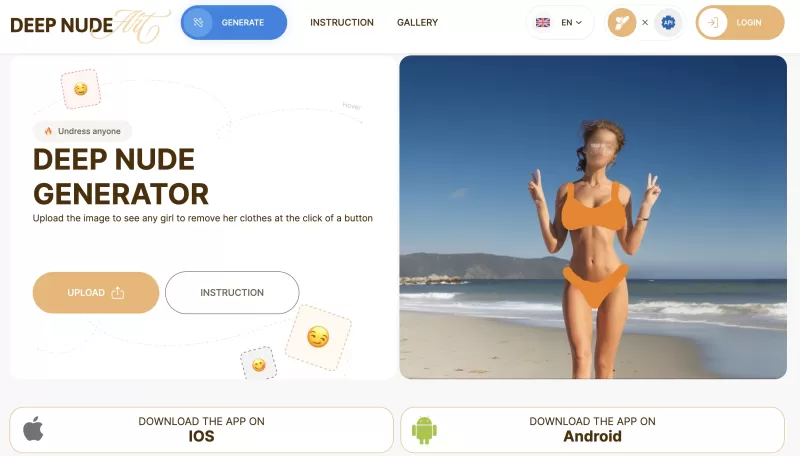
Ever stumbled upon the intriguing world of AI-powered image manipulation? If so, you might have heard about the DeepNude generator. This tool lets you upload a photo and, with just a few clicks, it can create a realistic nude image from it. It's like magi

Ever wondered about diving into a world tailored just for your fantasies? Well, let me introduce you to Smutfinder—a platform where your wildest dreams come to life through the magic of AI. It's like having a personal storyteller who knows exactly wh

Ever wondered what lies beneath the fabric? Well, Undress AI promises to give you a peek with its deepnude technology. It's like having a digital artist at your fingertips, ready to create those "what if" scenarios without any of the hassle. This tool isn
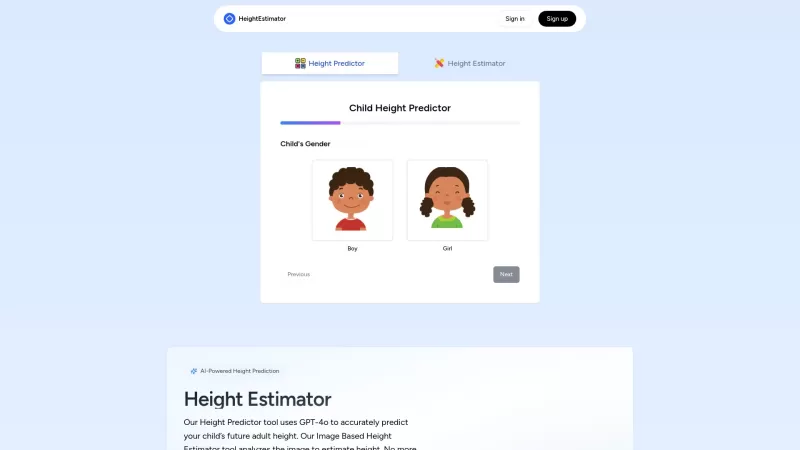
Ever wondered how tall your little one might grow up to be? Or maybe you're curious about your own height potential? Enter the Height Estimator, a nifty AI tool that's here to help you out. It's not just any tool; it uses the cutting-edge GPT-4 Vision API

Undress AI Pro, often referred to as DeepNude, is a highly controversial tool that has stirred up quite the debate. It uses sophisticated machine learning algorithms to digitally remove clothing from images of people. It's a wild concept, isn't it? But le
ComfyUI Product Information
What is ComfyUI?
ComfyUI is a powerful and modular visual AI application and engine, functioning as an open-source node-based platform for generative AI. It allows users to create videos, images, 3D models, and audio using artificial intelligence. The platform provides complete control over AI workflows through a visual node-based canvas, enabling branching, remixing, and real-time adjustments. Workflows are reusable, with exported files carrying metadata for easy reconstruction. Comfy Cloud, a companion product, delivers instant, hardware-free creative tools and custom solutions for design studios and production houses, offering on-demand access to powerful creation with ready-to-use models and high-performance server GPUs.
How to use ComfyUI?
Users build AI workflows visually by connecting nodes on a canvas, gaining full control to branch, remix, and adjust every part of their pipeline. Workflows can be saved, shared, and reused, with exported files containing metadata to instantly rebuild the entire workflow. Live preview provides real-time results. Users can also extend ComfyUI by building custom nodes. For teams, Comfy Cloud offers a hardware-free platform to instantly access powerful AI models and server GPUs.
ComfyUI's Core Features
Node-based visual workflow for generative AI
Full control over AI workflow adjustments
Reusable workflows with metadata export
Live preview of results
100% free and open source (ComfyUI application)
Custom node extensibility
Runs locally for performance and control
Comfy Cloud for hardware-free, instant team access to powerful AI models
ComfyUI's Use Cases
Generating video, images, 3D, and audio content with AI
Building and customizing complex generative AI workflows
Creating professional content for design studios and production houses
Developing and integrating new AI functionalities through custom nodes
Experimenting with AI models and workflows in real-time
FAQ from ComfyUI
What is ComfyUI?
ComfyUI is a powerful, modular, open-source visual AI application and engine that enables users to generate video, images, 3D models, and audio via a node-based workflow system.
How does ComfyUI allow for control and creativity?
ComfyUI uses a node-based canvas where users visually connect nodes to build AI workflows, providing full control to branch, remix, and adjust any part of the workflow at any time, unlike traditional linear UIs.
Can I share my ComfyUI workflows?
Yes, entire workflows can be saved, shared, and reused effortlessly. Exported images, videos, and 3D files include metadata, enabling anyone to drag and drop them into ComfyUI to instantly reconstruct the full workflow.
ComfyUI Reddit
Visit the ComfyUI subreddit: https://reddit.com/r/comfyui
ComfyUI Support Email & Customer service contact & Refund contact etc.
For customer service, email ComfyUI at: [email protected] . For more contact options, visit the contact us page
ComfyUI Company
Company Name: Comfy Org.
Company Address: San Francisco, USA.
Learn more about ComfyUI on the about us page.
ComfyUI Login
ComfyUI Login Link:
ComfyUI Sign up
ComfyUI Sign up Link:
ComfyUI Pricing
ComfyUI Pricing Link: https://www.comfy.org/cloud/enterprise
ComfyUI Youtube
ComfyUI YouTube Link: https://www.youtube.com/@comfyorg
ComfyUI Linkedin
ComfyUI LinkedIn Link: https://www.linkedin.com/company/comfyui
ComfyUI Twitter
ComfyUI Twitter Link: https://x.com/ComfyUI
ComfyUI Reddit
ComfyUI Reddit Link: https://reddit.com/r/comfyui
ComfyUI Github
ComfyUI GitHub Link: https://github.com/comfyanonymous/ComfyUI
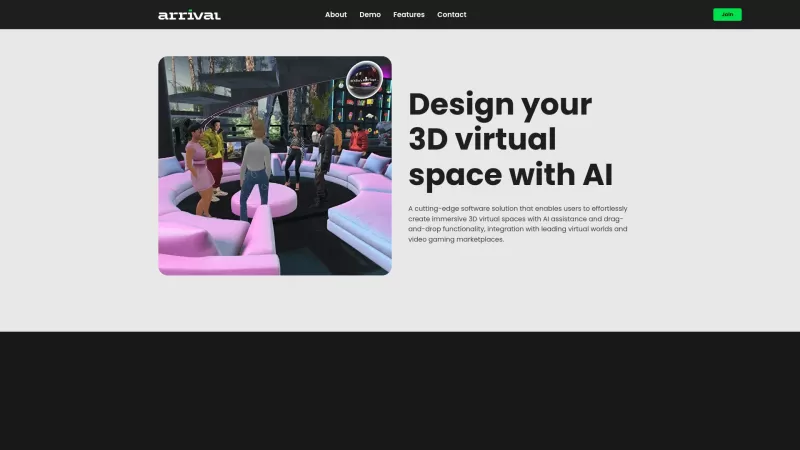
ComfyUI Screenshot


2026 Latest Best AI Study Tools for Homework and Exam Prep! XIX.AI curates a top-rated list of powerful, game-changing tools that help students boost productivity, streamline homework completion, and ace exams through real-world tests. Get a free vs paid comparison, detailed rankings, and must-try options to unlock your AI edge. Explore now!
 10 tools
 xix.ai

2026 Latest Best AI Vocal Demo Tools for Songwriters, Hook Creators, and Multi-Language Content Teams! XIX.AI has curated a top-rated list of powerful game-changing tools that go through rigorous real-world tests. You’ll find detailed free vs paid comparison data, comprehensive rankings, and must-try options to help you boost writing efficiency and unlock your creative potential. Explore now to discover your perfect tool for all your content needs!
9 tools
xix.ai

2026 Latest Best Top-rated AI Competitive Research Tools for Small Businesses! XIX.AI has curated a highly powerful game-changing collection, updated weekly with rigorous real-world tests and detailed rankings. You can find a comprehensive free vs paid comparison to help you identify the must-try tools that boost your productivity and give you a competitive edge. Explore now to discover your perfect tool!
9 tools
xix.ai

2026 Latest Best Photoshop AI retouch tools for ecommerce apparel, skin cleanup, and color consistency! This top-rated curated list features powerful game-changing solutions that help you boost writing efficiency, streamline content creation, and achieve perfect visual results effortlessly. Each tool has undergone real-world tests through weekly updated rankings, complete with free vs paid comparison details. Backed by XIX.AI, it’s the must-try guide for anyone aiming to unlock your AI edge. Explore now!
10 tools
xix.ai

2026 Latest Best Top-Rated AI Prompt Libraries for optimizing all types of ChatGPT workflows. XIX.AI has curated a powerful, game-changing collection that goes through rigorous real-world tests to ensure top performance. You can find detailed free vs paid comparisons and expert rankings to help you choose the must-try tools that boost your productivity and unlock your AI edge. Explore now!
11 tools
xix.ai

2026 Latest Best AI Quiz Builder Platforms for Teachers, Tutors, and Cohort-Based Learning Programs! XIX.AI has curated a top-rated list of powerful game-changing tools that go through real-world tests to deliver accurate rankings. These must-try platforms help boost writing efficiency, streamline content creation, and simplify quiz design across all learning scenarios. Explore now to discover your perfect tool for unlocking your AI edge in teaching!
13 tools
xix.ai


