


 Home
HomeCmd J – ChatGPT for Chrome
ChatGPT for Chrome is a browser extension that adds AI-powered chat capabilities to your Chrome browser.



Helps TikTok sellers, brands, MCNs, and TAPs discover winning products and find creators.

HelpLook is an AI-powered all-in-one knowledge base tool that helps businesses quickly build knowledge bases, help centers, and...

Your AI Workspace

302.AI is an enterprise-grade AI resource platform with pay-as-you-go pricing, API access to a full range of AI models, and ready-to-use online applications.

剧火AI — AI Screenwriter + Director, a One-Person Short Drama Studio In one sentence, what is it?
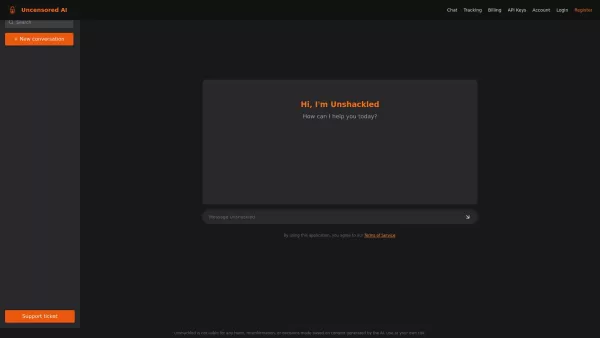
What is Unshackled AI? Unshackled Chat is an AI-driven chatbot enabling free, uncensored conversations. It offers a platform for unrestricted AI interaction, prioritizing open expression. Available mo
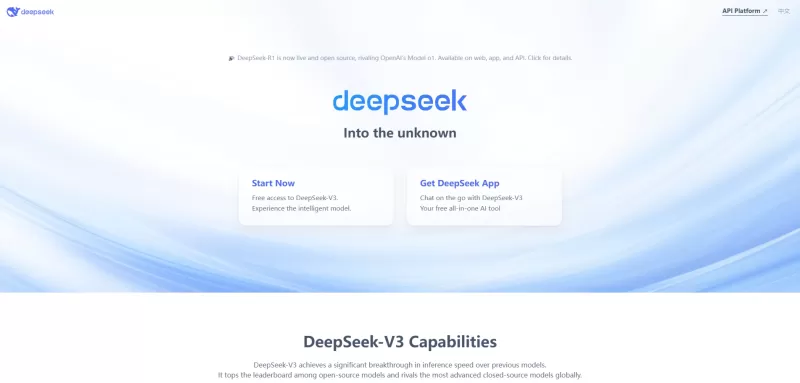
Ever wondered what DeepSeek is all about? Let me break it down for you. DeepSeek is not just another AI platform; it's a powerhouse of tools designed to make your life easier, whether you're coding, chatting, or just looking for answers. With offerings li
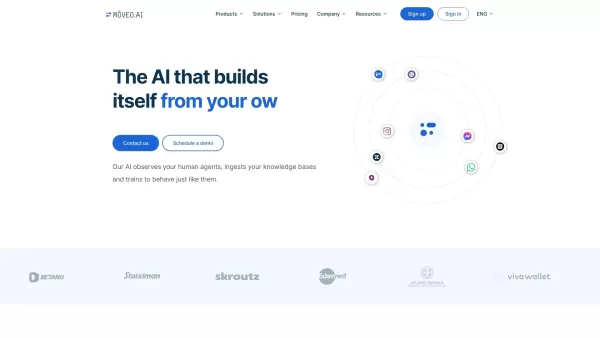
Ever wondered how you could streamline your customer support and make it feel like you've got a team of super-efficient agents working around the clock? Enter Mοveo AI, the game-changer in customer service automation. This isn't just any AI; it's a p

Ever wished for a trusty sidekick to help you navigate the digital world with ease? Enter Sider, your personal AI companion designed to seamlessly blend into your daily routine. Starting off as a handy Chrome/Edge extension, Sider transforms your browsing
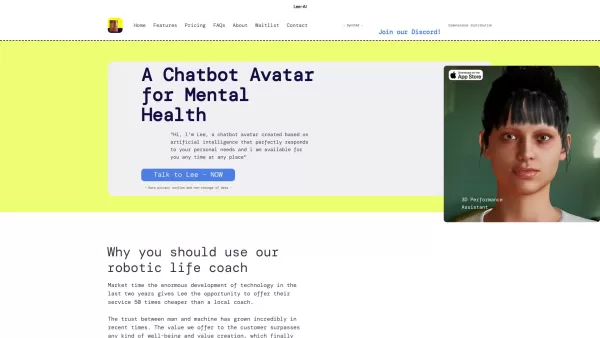
Ever wondered what Lee-AI is all about? Let me tell you, it's not just another chatbot. Lee-AI is your personal AI avatar, designed to cater to your unique needs with responses that feel like they're made just for you. And the best part? It's always there
Cmd J – ChatGPT for Chrome Product Information
Ever wished you had a smart sidekick while browsing the web? Enter Cmd J – ChatGPT for Chrome, a nifty browser extension that brings the prowess of ChatGPT right into your Chrome browser. It's like having a conversation with a super-smart AI pal, ready to help you out with whatever you need, making your online adventures smoother and more enjoyable.
Getting Started with Cmd J – ChatGPT for Chrome
Ready to give it a whirl? Here's how to get started:
- Head over to the Chrome Web Store and snag the Cmd J – ChatGPT for Chrome extension. It's a breeze to install.
- Once installed, you'll spot the extension icon in your browser's toolbar. Give it a click to open up the ChatGPT chat window.
- Start typing away! Ask a question, share a thought, or just say hi. ChatGPT will respond with its AI-generated magic.
- Now, enjoy having an AI assistant at your fingertips, ready to enhance your browsing experience.
What Makes Cmd J – ChatGPT for Chrome Stand Out?
Here's what you can expect from this handy tool:
- Seamless Integration: It fits right into your Chrome browser, making it feel like it's always been there.
- Conversational AI: Get instant, helpful responses to your queries, making your browsing more interactive.
- Powerful Language Model: Thanks to ChatGPT, you're tapping into one of the most advanced AI models out there.
- Enhanced Browsing: It's like having a personal assistant that makes your online time more productive and fun.
- Quick Access: Need info or help? Just a click away, and you're chatting with AI.
How Can Cmd J – ChatGPT for Chrome Make Your Life Easier?
Here are some ways you can put this extension to good use:
- Instant Answers: Got a question while browsing? Ask away and get answers on the spot.
- Information Hub: Whether it's history, science, or the latest trends, find out more with ease.
- Personal Recommendations: Need suggestions for movies, books, or restaurants? Your AI buddy's got you covered.
- Entertainment and Assistance: Chat for fun or get help with tasks; it's versatile!
- Boost Productivity: With an AI companion in your browser, you'll get more done, faster.
Frequently Asked Questions
- What exactly is Cmd J – ChatGPT for Chrome?
- It's a Chrome extension that integrates ChatGPT, allowing you to chat with an AI directly in your browser.
- How do I start using Cmd J – ChatGPT for Chrome?
- Install it from the Chrome Web Store, click the extension icon, and start chatting with ChatGPT.
- What are the standout features of Cmd J – ChatGPT for Chrome?
- Seamless integration, conversational AI, access to ChatGPT's powerful language model, and an enhanced browsing experience.
- How can I benefit from using Cmd J – ChatGPT for Chrome?
- It offers instant answers, information on various topics, recommendations, entertainment, and boosts productivity.
- What are some practical uses for Cmd J – ChatGPT for Chrome?
- Use it for getting quick answers, finding information, getting suggestions, chatting for fun or help, and enhancing your productivity.
Need support or have questions? Drop an email to [email protected] or check out more contact options on their support page.
Cmd J – ChatGPT for Chrome is brought to you by Yurii Rebryk. If you need to log in, head over to this link.
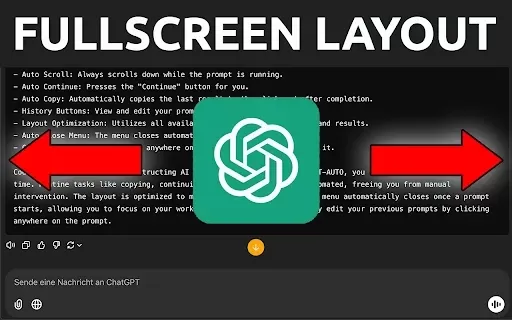
Cmd J – ChatGPT for Chrome Screenshot



Discover the 2026 best AI Chrome extension generators on XIX.AI. Our curated list features top-rated, must-try tools that let you create custom browser add-ons with zero coding. Compare free vs paid options, see real-world tests, and unlock your productivity. Explore the latest rankings and find your perfect tool today!
 10 tools
 xix.ai


This extension is a game-changer! Having ChatGPT right in Chrome makes research and writing so much easier. Sometimes it feels a little slow to respond, but overall it's incredibly useful. 🚀 Definitely a must-have for power users!


