


 Home
HomeClodura - Chrome Extension
Clodura Chrome Extension for Contact Management



Helps TikTok sellers, brands, MCNs, and TAPs discover winning products and find creators.

HelpLook is an AI-powered all-in-one knowledge base tool that helps businesses quickly build knowledge bases, help centers, and...

Your AI Workspace

302.AI is an enterprise-grade AI resource platform with pay-as-you-go pricing, API access to a full range of AI models, and ready-to-use online applications.

剧火AI — AI Screenwriter + Director, a One-Person Short Drama Studio In one sentence, what is it?
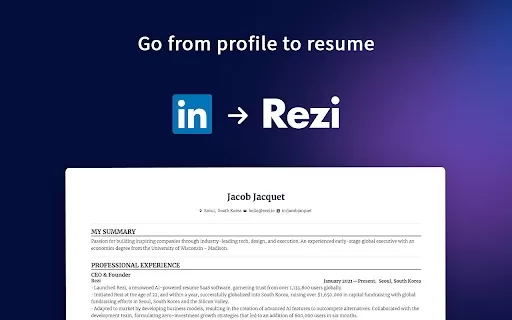
If you're on the hunt for a seamless way to transform your LinkedIn profile into a polished resume, the LinkedIn to Resume AI Chrome extension is your golden ticket. Imagine whipping up an ATS-optimized resume without breaking a sweat—and yes, it's comple
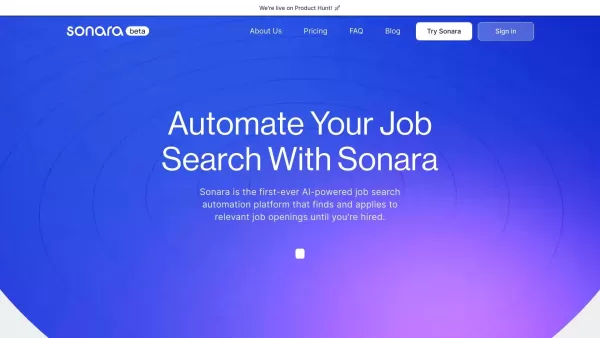
What is Sonara?Sonara is an innovative AI-driven platform that automates the job search and application process. By analyzing your resume and LinkedIn profile, it identifies and applies to the most suitable job openings for you. With flexible and bud
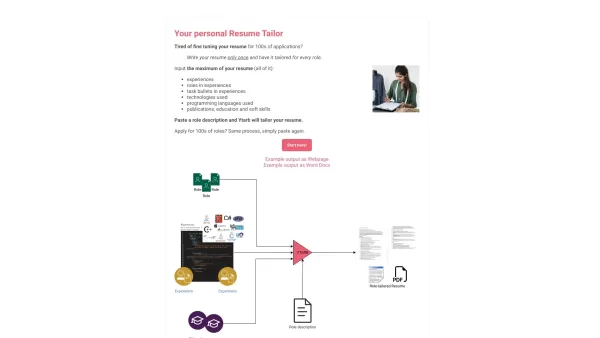
What is Ytarb? Create one resume, adapt it effortlessly for any jobHow to use Ytarb? 1. Enter your resume details2. Add a job description3. Ytarb customizes your resume4. Apply to multiple rolesYtarb'
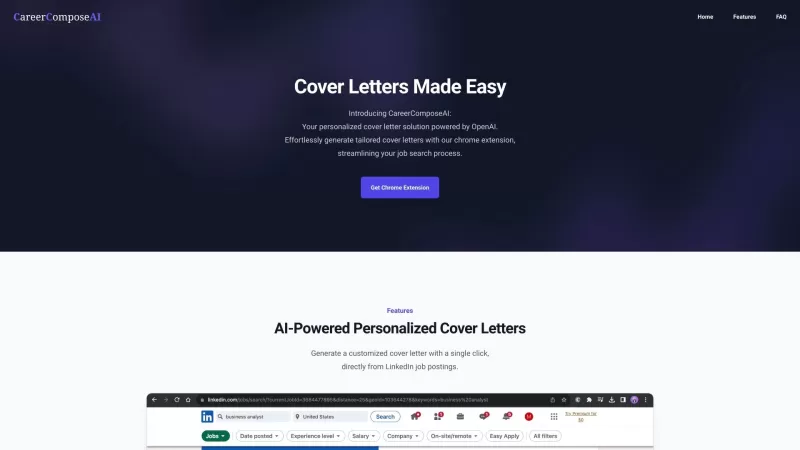
CareerComposeAI isn't just another tool in the job-hunting arsenal; it's like having a personal career assistant right at your fingertips. Ever wished you could whip up a compelling cover letter in a snap? Well, with CareerComposeAI, that wish is your rea
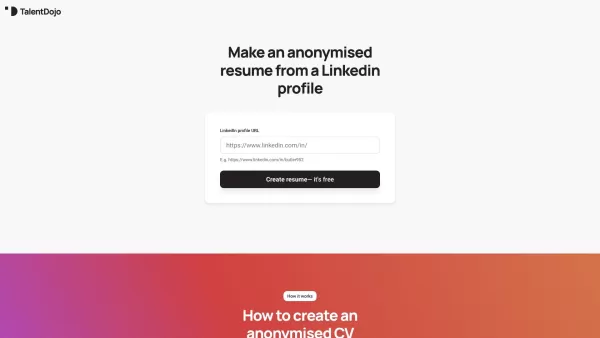
What is Talent Dojo? Talent Dojo is your secret weapon for creating professional yet anonymous resumes directly from LinkedIn profiles. Ever needed to share a candidate's qualifications without revealing personal details? This tool strips away ident
Clodura - Chrome Extension Product Information
Ever found yourself scrolling through LinkedIn, wishing you had a quicker way to manage all those contacts and companies? Enter the Clodura.AI Chrome extension—your new best friend for seamless contact management. This nifty tool lets you scoop up companies and contacts directly from LinkedIn or the web and funnel them straight into Clodura.AI. It's like having a personal assistant who's always on the job, making sure you never miss out on a valuable connection.
How to Use the Clodura AI Chrome Extension?
Getting started is a breeze. First, install the Clodura Chrome extension. Once it's up and running, all you have to do is browse to LinkedIn or any other website, select the companies or contacts you're interested in, and with a click, add them to Clodura.AI. It's that simple! Now, you'll have all those juicy details and insights at your fingertips, ready to help you make those all-important connections.
Core Features of the Clodura AI Chrome Extension
- Direct Email Address Finding: No more guessing games—get straight to the point with direct email addresses.
- Direct Dial Number Retrieval: Need to make a call? Clodura's got your back with direct dial numbers.
- Access to Other Internal Contacts: Dive deeper into organizations with access to other key players.
- Company's Technology Landscape Overview: Get a clear picture of the tech stack any company is using.
- Project Requirements Details: Stay ahead by knowing exactly what projects are on the table.
- Hiring Areas Information: Discover where companies are looking to expand their teams.
- Verified Email Addresses: Say goodbye to bounced emails with verified addresses.
Use Cases for the Clodura AI Chrome Extension
- Add Companies or Contacts from LinkedIn for Detailed Insights: Use LinkedIn as your hunting ground and Clodura.AI as your arsenal of insights.
- Push Single or Multiple Contacts to Clodura.AI for Better Connection: Whether it's one contact or a whole list, streamline your process and get better connected.
- Unlock Hidden Info for Effective Decision-Making: Dig into the hidden gems of information that can help you make smarter decisions.
FAQ from Clodura
- How to add contacts using the Chrome extension?
- It's easy! Just install the Clodura Chrome extension, navigate to LinkedIn or any website, select the contacts you want, and click to add them to Clodura.AI. It's like magic, but better because it's real!
Clodura - Chrome Extension Screenshot


2026 Latest Best Top-rated AI Competitive Research Tools for Small Businesses! XIX.AI has curated a highly powerful game-changing collection, updated weekly with rigorous real-world tests and detailed rankings. You can find a comprehensive free vs paid comparison to help you identify the must-try tools that boost your productivity and give you a competitive edge. Explore now to discover your perfect tool!
 9 tools
 xix.ai

2026 Latest Best Photoshop AI retouch tools for ecommerce apparel, skin cleanup, and color consistency! This top-rated curated list features powerful game-changing solutions that help you boost writing efficiency, streamline content creation, and achieve perfect visual results effortlessly. Each tool has undergone real-world tests through weekly updated rankings, complete with free vs paid comparison details. Backed by XIX.AI, it’s the must-try guide for anyone aiming to unlock your AI edge. Explore now!
10 tools
xix.ai

2026 Latest Best Top-Rated AI Prompt Libraries for optimizing all types of ChatGPT workflows. XIX.AI has curated a powerful, game-changing collection that goes through rigorous real-world tests to ensure top performance. You can find detailed free vs paid comparisons and expert rankings to help you choose the must-try tools that boost your productivity and unlock your AI edge. Explore now!
11 tools
xix.ai

2026 Latest Best AI Quiz Builder Platforms for Teachers, Tutors, and Cohort-Based Learning Programs! XIX.AI has curated a top-rated list of powerful game-changing tools that go through real-world tests to deliver accurate rankings. These must-try platforms help boost writing efficiency, streamline content creation, and simplify quiz design across all learning scenarios. Explore now to discover your perfect tool for unlocking your AI edge in teaching!
13 tools
xix.ai

2026 Latest Best AI Pull Request Review Tools for GitHub Teams are here on XIX.AI! This top-rated curated list showcases powerful game-changing solutions that streamline refactoring, bug fixing, and security gap detection across all team workflows. Enjoy a free vs paid comparison along with real-world tests and detailed rankings to help you find the perfect tool that boosts productivity significantly. Explore now to unlock your AI edge!
12 tools
xix.ai

2026 Latest Best Top-rated AI Text to Speech Tools for Natural Voiceovers are here on XIX.AI! This curated list features powerful, game-changing options that deliver crystal-clear voices for every use case, backed by real-world tests and weekly updated rankings. Get a free vs paid comparison to find the must-try solution that boosts your productivity instantly. Explore now to Unlock your AI edge!
11 tools
xix.ai


