


 Home
HomeChromesthesia



Helps TikTok sellers, brands, MCNs, and TAPs discover winning products and find creators.

HelpLook is an AI-powered all-in-one knowledge base tool that helps businesses quickly build knowledge bases, help centers, and...

Your AI Workspace

302.AI is an enterprise-grade AI resource platform with pay-as-you-go pricing, API access to a full range of AI models, and ready-to-use online applications.

剧火AI — AI Screenwriter + Director, a One-Person Short Drama Studio In one sentence, what is it?
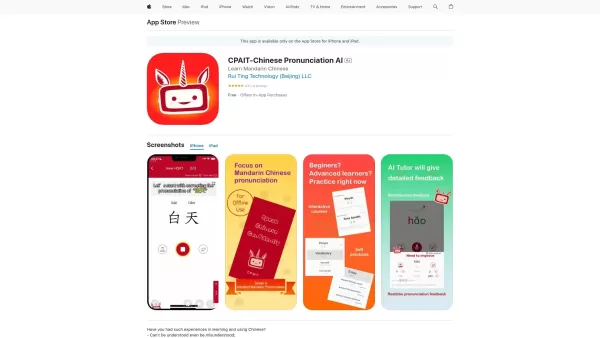
What is the CPAIT app?CPAIT is a comprehensive mobile application crafted to elevate your Mandarin Chinese pronunciation. It leverages artificial intelligence as your personal tutor, delivering instant feedback on your initials, finals, and tones. Th
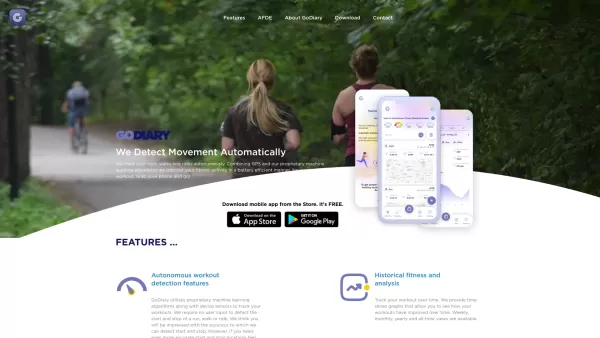
What is GoDiary: Running Tracker?GoDiary is a sophisticated fitness tracker that automatically detects and logs your workouts, such as runs, walks, and cycling sessions. Using advanced machine learning and GPS, it lets you effortlessly monitor your p
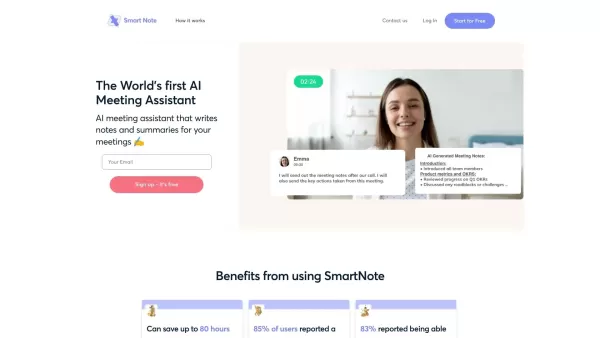
What is SmartNote AI?SmartNote AI is a powerful artificial intelligence tool that automatically transcribes and summarizes meeting discussions. It captures every important detail by generating clear summaries, key decision points, action items, and m
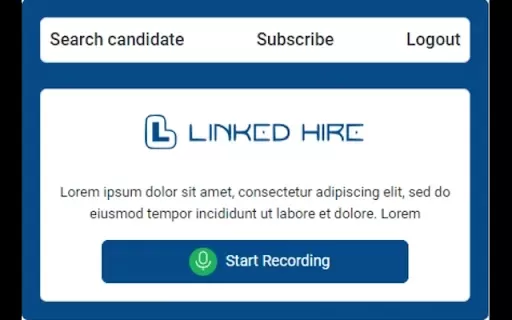
What is Linked Hire?Linked Hire streamlines the job application process on LinkedIn by allowing users to apply to many positions at once. This robust Chrome extension automates routine tasks and facilitates smooth navigation through job postings. Use
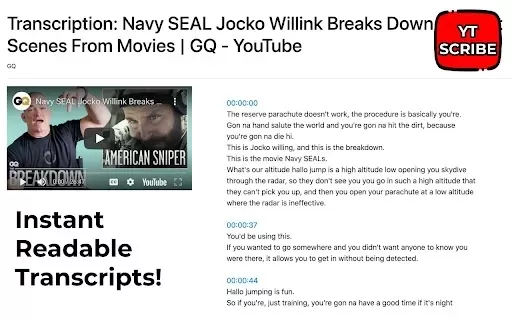
What is YTScribe - Transcribe YouTube Videos?YTScribe is a browser extension that enhances how you engage with video content. Just click the 'Get Transcript' button it adds, and you can instantly generate and view the transcript for any YouTube video
Chromesthesia Product Information
What Is Chromesthesia?
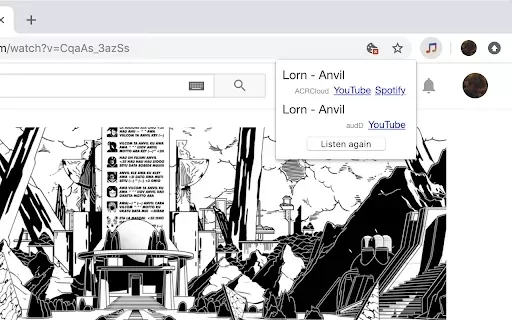
Chromesthesia is a Chrome extension that helps users identify music playing in their browser tabs. It captures audio from the active tab and sends it to audio recognition services like audD and ACRCloud, enabling instant song discovery without interrupting your browsing. Whether you are watching a video, listening to a playlist, or exploring new music, Chromesthesia makes it easy to find the name of any song playing in the background.
Who Uses Chromesthesia?
- Music enthusiasts
- Content creators
- Video watchers
- Streaming service users
- Students
How to Use Chromesthesia
- Step 1: Install the Chromesthesia extension from the Chrome Web Store.
- Step 2: Open a browser tab where a song is playing.
- Step 3: Click the Chromesthesia extension icon.
- Step 4: Wait for the audio to be captured and recognized.
- Step 5: View the identified song information.
Platform
- Chrome
Chromesthesia's Core Features & Benefits
Core Features
- Audio capture from browser tabs
- Song identification
- Integration with recognition services
- Customizable notifications
Benefits
- Instant song detection
- Enhanced music discovery
- Automatic playlist creation
Main Use Cases and Applications
- Identifying songs while browsing
- Discovering background music in videos
- Creating playlists from recognized songs
FAQs About Chromesthesia
How does Chromesthesia work?
It captures audio from the active tab and sends it to audio recognition services.
Is Chromesthesia free to use?
Yes, Chromesthesia is free to install and use.
Can it identify music from any website?
Yes, it can identify music from most streaming platforms.
Do I need to sign up to use Chromesthesia?
No, you can start using it right after installation.
Can I get notifications for identified songs?
Yes, you can enable customizable notifications.
What audio recognition services does it use?
It uses services like audD and ACRCloud.
Is it available on other platforms?
Currently, Chromesthesia is only available for Chrome.
How accurate is the song identification?
It is generally highly accurate, depending on the audio quality.
Can I use it on my mobile device?
No, Chromesthesia is designed specifically for desktop use.
How do I uninstall Chromesthesia?
You can uninstall it from the Chrome extensions page in your browser settings.
Chromesthesia Company Information
Website:
https://chrome.google.com/webstore/detail/chromesthesia/gocpionhjoififoliaelkfheedcafginCompany Name:
Mattias WadmanSupport Email:
NAFacebook:
NAX (Twitter):
NAYouTube:
NAInstagram:
NATikTok:
NALinkedIn:
NA
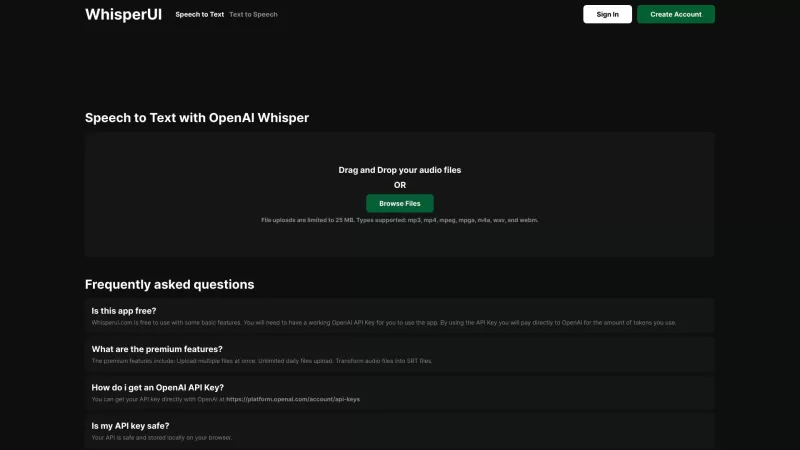
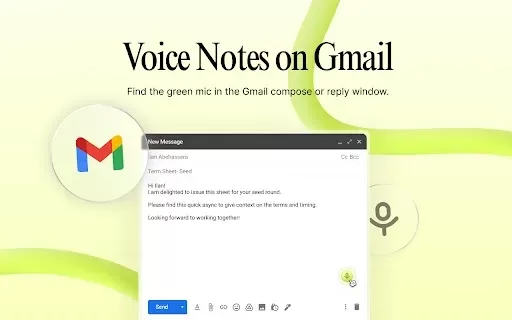
Chromesthesia Screenshot

2026 Latest Best Top-rated AI Object Removal Editors for portraits travel product shots! XIX.AI curates a powerful game-changing collection regularly updated with weekly rankings. These tools offer real-world tests to help you quickly remove unwanted elements, boost content quality, and save tons of time without compromising results. Must-try for anyone aiming to unlock their AI creation edge. Explore now!
 10 tools
 xix.ai

2026 Latest Best Top-rated AI Text to Speech Tools for Online Courses are curated by XIX.AI based on rigorous real-world tests and weekly updated rankings. These powerful tools help creators deliver crystal-clear audio content effortlessly, boosting writing efficiency and streamlining course production. Check out the free vs paid comparison to find your perfect fit. Explore now to unlock your AI edge in online education.
10 tools
xix.ai

2026 Latest Best Top-Rated AI Blog Title Tools for Higher Click Through Rates! XIX.AI has carefully curated a powerful, game-changing collection of top tools that go through rigorous real-world tests. You’ll find a free vs paid comparison, weekly updated rankings, and detailed insights to help you boost your blog’s traffic efficiently. Must-try options are highlighted to help you unlock your AI edge. Explore now!
10 tools
xix.ai

2026 Latest Best Top-rated AI Task Routing Tools for Support Workflows! XIX.AI has curated a highly powerful game-changing collection of must-try solutions, all undergoing rigorous real-world tests and updated weekly. These tools streamline workflows, boost productivity, and help teams deliver faster, more efficient support. Explore now to discover your perfect tool and unlock your AI edge!
17 tools
xix.ai

2026 Latest Best Top-Rated AI Citation and Paper Summary Tools Curated by XIX.AI. Get powerful game-changing solutions for quick content creation, improved writing efficiency, and boosting productivity. We offer a free vs paid comparison along with real-world tests and weekly updated rankings to help you find the must-try tool that fits your needs perfectly. Explore now to Unlock your AI edge.
10 tools
xix.ai

2026 Latest Best Top-Rated AI Productivity Tools for Daily Work! XIX.AI has curated a powerful, game-changing selection based on rigorous weekly updated rankings and real-world tests. You’ll find must-try options that boost writing efficiency, streamline content creation, and help you overcome daily work challenges. Get a free vs paid comparison to find the perfect fit for your needs. Explore now to unlock your AI edge!
9 tools
xix.ai


