


 Home
HomeCheckget AI - Chrome Extension
Effortless Task Execution



Helps TikTok sellers, brands, MCNs, and TAPs discover winning products and find creators.

HelpLook is an AI-powered all-in-one knowledge base tool that helps businesses quickly build knowledge bases, help centers, and...

Your AI Workspace

302.AI is an enterprise-grade AI resource platform with pay-as-you-go pricing, API access to a full range of AI models, and ready-to-use online applications.

剧火AI — AI Screenwriter + Director, a One-Person Short Drama Studio In one sentence, what is it?
Copilot is an innovative suite of plugins and tools designed to enhance productivity and streamline various tasks within the ChatGPT platform. It's like having a digital assistant that's specialized in boosting your workflow, whether you're summarizing documents, searching the web, or managing job a
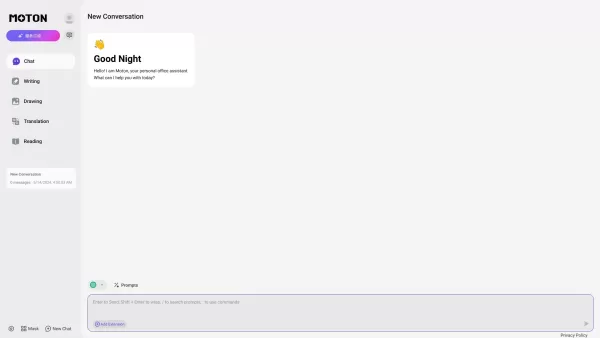
Ever wondered what happens when two of the most advanced language models meet under one roof? That’s where Moton AI comes into play. For a single subscription fee, you get access to both Claude and GPT-4. Think of it as having two of the smartest brains w

UniScribe is more than just a tool—it's a game-changer for anyone dealing with audio and video content. It's the go-to platform for transforming your spoken words into written text, and it does so with incredible efficiency. Whether you're working with audio files or videos, or even just a YouTube U
Discover the magic of Happy Scribe, your go-to service for turning audio into text with stunning accuracy across multiple languages and formats. Whether you're dealing with podcasts, interviews, or video content, Happy Scribe has got you covered with both automatic and human transcription options.Ho
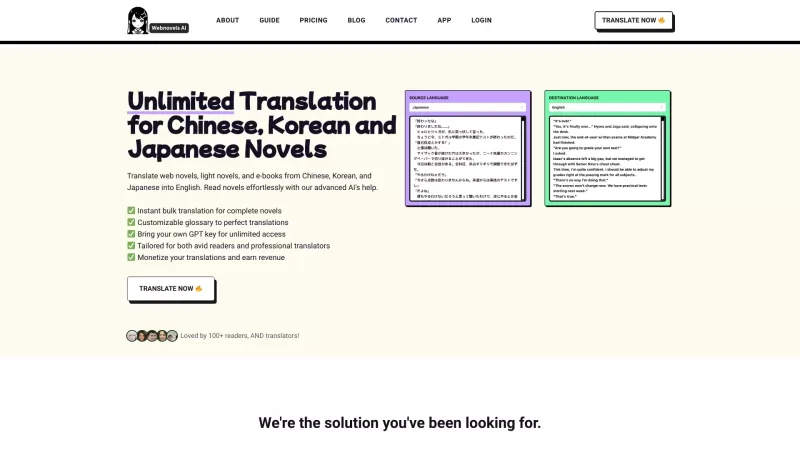
Ever stumbled upon a fascinating web novel, light novel, or e-book from China, Korea, or Japan but found yourself stuck because of the language barrier? That's where Webnovels AI comes in, acting as your personal translator to bring these stories to life in English. With its nifty glossary support,
Checkget AI - Chrome Extension Product Information
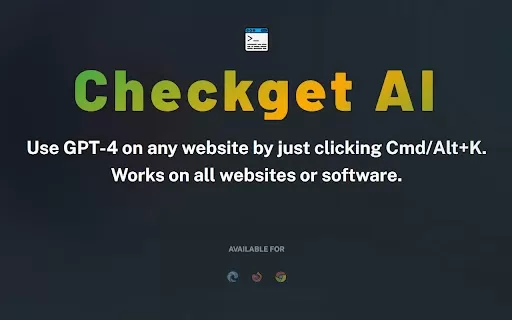
Ever find yourself juggling multiple tasks online and wishing for a magic wand to streamline your digital life? Well, Checkget AI might just be that wand, thanks to its nifty Chrome extension powered by the powerhouse that is GPT-4. No more tedious copy-pasting; this tool is designed to make your online activities smoother and more efficient.
How to Use Checkget AI Chrome Extension?
Getting started with Checkget AI is a breeze. Just install the extension from the Chrome Web Store, and you're halfway there. Once it's up and running, simply hold down Cmd (on Mac) or Alt (on Windows) and press K. Boom! A world of possibilities opens up right at your fingertips.
Checkget AI Chrome Extension's Core Features
This tool is packed with features that cater to a variety of needs. Need to translate something on the fly? Checkget AI's got you covered. Struggling with crafting the perfect email reply? It can whip one up in seconds. Want to tweet something clever but lack the time? The extension can help you compose tweets that'll have your followers hitting the like button. And for the coders out there, generating code snippets is as easy as pie. From these core functionalities to more, Checkget AI aims to be your all-in-one text assistant.
Checkget AI Chrome Extension's Use Cases
Imagine you're swamped with work and need to translate a document quickly. Checkget AI can do that in a snap. Or maybe you're staring at your inbox, overwhelmed by the number of emails needing replies. With this extension, you can zip through them, crafting professional responses without breaking a sweat. And for those spontaneous social media moments, generating a witty tweet is as simple as hitting a few keys. Plus, if you're a developer looking to streamline your workflow, generating code snippets becomes a task you can check off your list in no time. Essentially, Checkget AI is your go-to for making text-related tasks a whole lot easier.
FAQ from Checkget AI
- What is the key benefit of using Checkget AI?
- The main advantage is the ability to perform multiple tasks efficiently without the hassle of copy-pasting, saving you time and effort.
- Is Checkget AI compatible with all browsers?
- Currently, Checkget AI is designed specifically for Google Chrome, but future updates might expand compatibility to other browsers.
- How accurate is the translation feature of Checkget AI?
- The translation feature leverages GPT-4's capabilities, providing high accuracy across various languages, though results can vary depending on the complexity of the text.
- Can Checkget AI generate code for multiple programming languages?
- Yes, Checkget AI supports code generation for a wide range of programming languages, catering to different coding needs.
- Is there a limit to the number of emails that can be replied to using Checkget AI?
- There is no specific limit mentioned, but usage may be subject to fair use policies to ensure optimal performance for all users.
Checkget AI - Chrome Extension Screenshot


2026 Latest Best Top-rated AI Automation Tools for Repetitive Tasks! XIX.AI has curated a powerful game-changing collection of must-try tools, all going through rigorous real-world tests and updated weekly. These top solutions significantly boost productivity by handling dull repetitive tasks swiftly, helping you save time and free up energy for more creative work. Explore now to Discover your perfect tool and Unlock your AI edge!
 8 tools
 xix.ai
2026 Latest Best AI Robotics & Function Calling Prompt Tools: Map text instructions to live API actions. Discover top-rated, powerful tools curated by XIX.AI. Compare free vs paid options with real-world tests. Unlock automation, streamline workflows, and execute tasks seamlessly. Explore our weekly updated rankings to find your perfect automation ally. Start integrating today!
10 tools
xix.ai


Chrome拡張機能のCheckget AIを試してみたけど、GPT-4搭載で確かに便利!コピペの手間が減って快適になった😊でも操作画面が若干ごちゃついてるかも?改善されたらもっと使いやすくなりそう


