


 Home
HomeCartoonize AI: Photo To Cartoon



Helps TikTok sellers, brands, MCNs, and TAPs discover winning products and find creators.

HelpLook is an AI-powered all-in-one knowledge base tool that helps businesses quickly build knowledge bases, help centers, and...

Your AI Workspace

302.AI is an enterprise-grade AI resource platform with pay-as-you-go pricing, API access to a full range of AI models, and ready-to-use online applications.

剧火AI — AI Screenwriter + Director, a One-Person Short Drama Studio In one sentence, what is it?
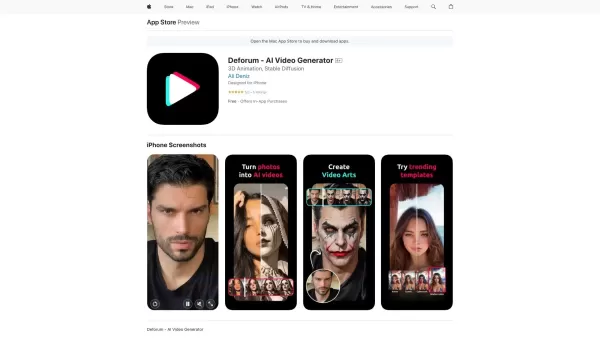
What is Deforum - AI Video Generator?Deforum AI Video Generator is an innovative application that leverages artificial intelligence to convert your static photos into captivating animated videos. It offers a suite of tools including AI filters, artis
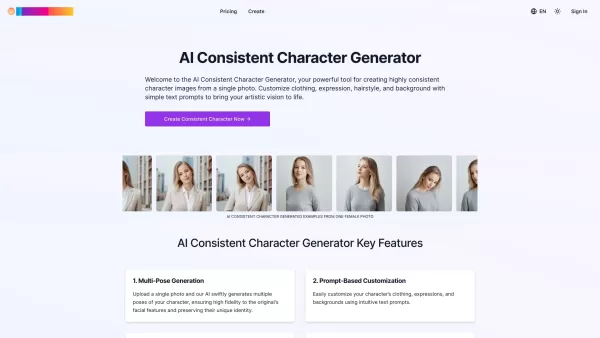
What is the Consistent Character Generator?The AI Consistent Character Generator is a tool that creates highly uniform character images from a single reference photo. It enables artists, storytellers, and designers to maintain consistency in characte
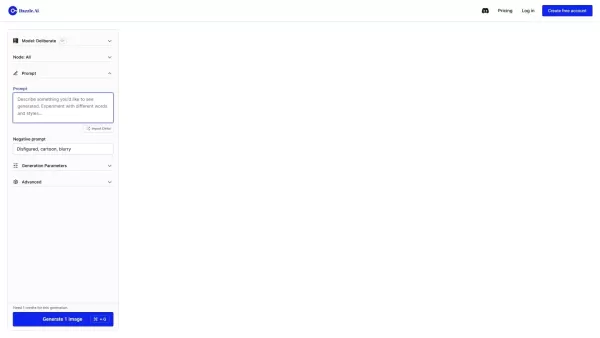
What is Dazzle AI?Dazzle AI is a modern text-to-image generator built for ease and speed. Users can generate unique artwork simply by typing a description; powerful deep learning models, trained on extensive data, then bring these ideas to life as st
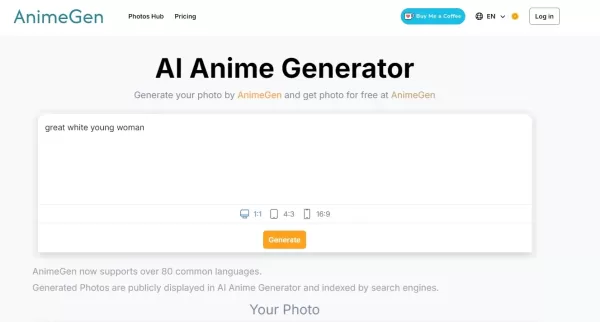
What is AnimeGen - AI Anime Image Generator?AnimeGen is a cutting-edge AI platform designed to create high-quality anime images directly from text descriptions. It leverages advanced algorithms and models to provide a simple, efficient way to produce
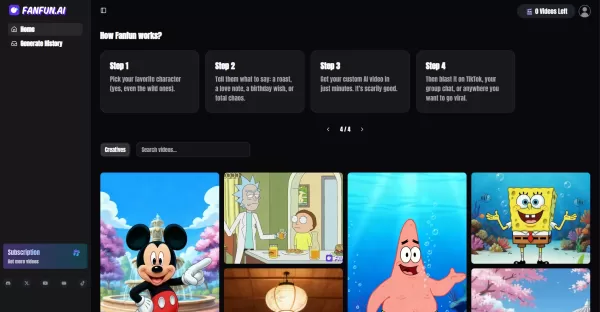
What is Fanfun AI?Fanfun.ai is an AI-powered platform that allows users to select from a variety of famous characters or celebrities, input custom text, and generate personalized videos featuring cloned voices. It enables the creation of creative, hu
Cartoonize AI: Photo To Cartoon Product Information
What is Cartoonize AI: Photo To Cartoon?
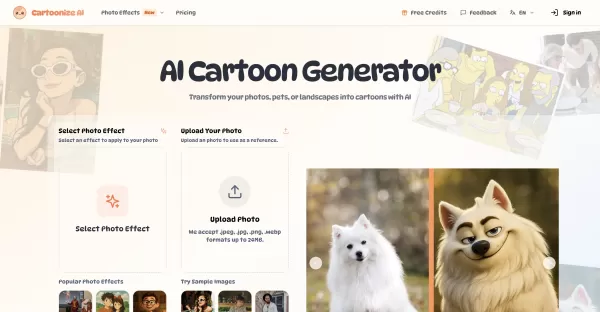
Cartoonize AI leverages advanced artificial intelligence to analyze your photos and transform them into various cartoon styles. It maintains the original image's key features and structure while allowing you to customize the look by selecting styles and adjusting parameters. You can generate high-quality cartoon images for personal or professional projects in under 30 seconds, with a wide range of effects from classic cartoons to modern digital art.
Who will use Cartoonize AI: Photo To Cartoon?
- Anyone looking to create fun cartoon avatars
- Photographers and digital artists seeking creative tools
- Social media creators wanting unique visual content
- Pet owners wishing to cartoonize their furry friends
- Marketing and advertising professionals needing eye-catching visuals
How to use the Cartoonize AI: Photo To Cartoon?
- Step 1: Upload a photo (supports JPEG, PNG, WEBP up to 24MB).
- Step 2: Optionally, add a text prompt to describe your desired style or changes.
- Step 3: Fine-tune settings like aspect ratio and the number of outputs.
- Step 4: Generate your cartoon and download the high-resolution result.
Platform
- Web Browser
Cartoonize AI: Photo To Cartoon's Core Features & Benefits
The Core Features
- AI-powered photo-to-cartoon conversion
- Multiple artistic styles and cartoon effects
- Fast processing (typically under 30 seconds)
- High-resolution 4K image output
- Customizable transformation parameters
The Benefits
- No prior design skills required
- Preserves the original photo's structure and defining features
- Offers a broad spectrum of styles, from classic to contemporary art
- Commercial usage rights included with premium plans
- Instant creative tool with unlimited style possibilities
Cartoonize AI: Photo To Cartoon's Main Use Cases & Applications
- Creating personalized cartoon avatars and profile pictures
- Enhancing social media profiles with unique cartoon visuals
- Transforming landscape and travel photos into artistic scenes
- Making charming cartoon portraits of pets
- Producing commercial-quality images for marketing and advertising
Cartoonize AI: Photo To Cartoon's Pros & Cons
The Pros
User-friendly interface with an intuitive, step-by-step process
Extensive library of diverse cartoon styles
Fast and reliable AI-powered transformation
Generates high-quality, downloadable images
The Cons
No dedicated desktop or mobile apps; web-only platform
Free usage is limited by monthly credits
Advanced features and full commercial rights require a premium subscription
Cartoonize AI: Photo To Cartoon's Pricing
Has free plan | No |
|---|---|
Free trial details | |
Pricing model | Paid |
Is credit card required | YES |
Paid from | 7.99 USD |
Has lifetime plan | No |
Billing frequency | Monthly |
Details of Pricing Plan
Hobby
7.99 USD per month
- 100 Credits, reset monthly
- 30-day generation history
- 4 concurrent jobs
- Priority generation queue
- No Watermark
- Commercial License
Basic
15.99 USD per month
- 300 Credits, reset monthly
- 60-day generation history
- 4 concurrent jobs
- Priority generation queue
- No Watermark
- Commercial License
Pro
31.99 USD per month
- 600 Credits, reset monthly
- 100-day generation history
- 4 concurrent jobs
- Priority generation queue
- No Watermark
- Commercial License
Discount:
Save 20% with annual billing
For the latest prices, please visit: https://cartoonize.ai/pricing
FAQs of Cartoonize AI: Photo To Cartoon
How does Cartoonize AI work?
The AI analyzes your image's structure and applies artistic transformations to create a cartoon version, carefully preserving key features.
What types of photos work best?
Clear, well-lit photos with distinct subjects—such as portraits, landscapes, or product shots—produce the best results.
Can I control transformation intensity?
Yes, you can adjust the transformation strength and use text prompts to guide the style, colors, and effects.
How long does processing take?
Most transformations finish in 15-30 seconds, though more complex styles may take up to 60 seconds.
What are the file requirements?
Supported formats are JPEG, PNG, and WEBP, with a maximum file size of 24MB and resolution of 4096×4096 pixels.
Do I have commercial usage rights?
Yes, premium subscribers are granted full commercial rights to use the generated images.
How to improve unsatisfactory results?
Try using more detailed style prompts, adjusting the transformation strength, or generating multiple variations.
What are the usage limits?
Free users receive a set number of monthly credits. Premium plans offer higher limits and additional credits.
Is there a mobile app available?
Cartoonize AI is currently available only as a web application.
Can I upload multiple photos at once?
Yes, you can adjust the output count setting to process multiple images in one go.
Cartoonize AI: Photo To Cartoon Company Information
- Cartoonize AI
- https://cartoonize.ai
Cartoonize AI: Photo To Cartoon Screenshot

2026 Latest Best Top-rated AI Object Removal Editors for portraits travel product shots! XIX.AI curates a powerful game-changing collection regularly updated with weekly rankings. These tools offer real-world tests to help you quickly remove unwanted elements, boost content quality, and save tons of time without compromising results. Must-try for anyone aiming to unlock their AI creation edge. Explore now!
 10 tools
 xix.ai

2026 Latest Best Top-rated AI Text to Speech Tools for Online Courses are curated by XIX.AI based on rigorous real-world tests and weekly updated rankings. These powerful tools help creators deliver crystal-clear audio content effortlessly, boosting writing efficiency and streamlining course production. Check out the free vs paid comparison to find your perfect fit. Explore now to unlock your AI edge in online education.
10 tools
xix.ai

2026 Latest Best Top-Rated AI Blog Title Tools for Higher Click Through Rates! XIX.AI has carefully curated a powerful, game-changing collection of top tools that go through rigorous real-world tests. You’ll find a free vs paid comparison, weekly updated rankings, and detailed insights to help you boost your blog’s traffic efficiently. Must-try options are highlighted to help you unlock your AI edge. Explore now!
10 tools
xix.ai

2026 Latest Best Top-rated AI Task Routing Tools for Support Workflows! XIX.AI has curated a highly powerful game-changing collection of must-try solutions, all undergoing rigorous real-world tests and updated weekly. These tools streamline workflows, boost productivity, and help teams deliver faster, more efficient support. Explore now to discover your perfect tool and unlock your AI edge!
17 tools
xix.ai

2026 Latest Best Top-Rated AI Citation and Paper Summary Tools Curated by XIX.AI. Get powerful game-changing solutions for quick content creation, improved writing efficiency, and boosting productivity. We offer a free vs paid comparison along with real-world tests and weekly updated rankings to help you find the must-try tool that fits your needs perfectly. Explore now to Unlock your AI edge.
10 tools
xix.ai

2026 Latest Best Top-Rated AI Productivity Tools for Daily Work! XIX.AI has curated a powerful, game-changing selection based on rigorous weekly updated rankings and real-world tests. You’ll find must-try options that boost writing efficiency, streamline content creation, and help you overcome daily work challenges. Get a free vs paid comparison to find the perfect fit for your needs. Explore now to unlock your AI edge!
9 tools
xix.ai


