


 Home
HomeBrowse AI
Browse AI: Web Automation for Data Scraping & Monitoring



Helps TikTok sellers, brands, MCNs, and TAPs discover winning products and find creators.

HelpLook is an AI-powered all-in-one knowledge base tool that helps businesses quickly build knowledge bases, help centers, and...

Your AI Workspace

302.AI is an enterprise-grade AI resource platform with pay-as-you-go pricing, API access to a full range of AI models, and ready-to-use online applications.

剧火AI — AI Screenwriter + Director, a One-Person Short Drama Studio In one sentence, what is it?
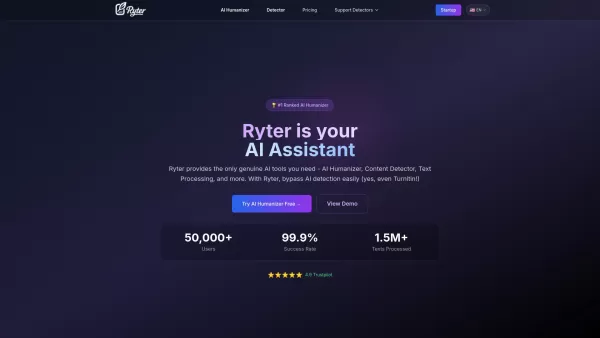
What is Ryter Pro? Ryter Pro is an AI Humanizer tool that transforms AI-generated text from platforms like ChatGPT and GPT-4 into natural, human-like content. This makes it undetectable by major AI detectors including Turnitin, GPTZero, Originality.a
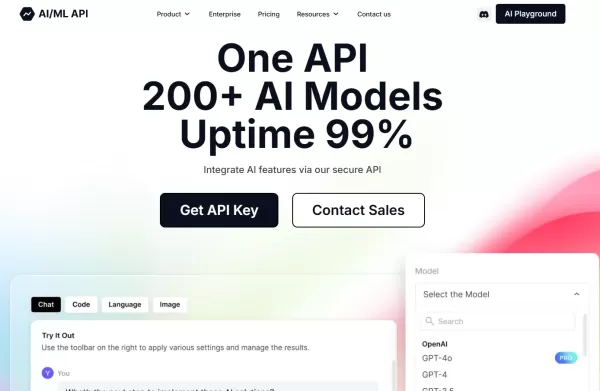
What is the AIML API?AIMLAPI delivers access to more than 200 AI models through a single, unified API, designed for low latency and effortless scaling. It's an ideal tool for developers and businesses aiming to add sophisticated AI features to their
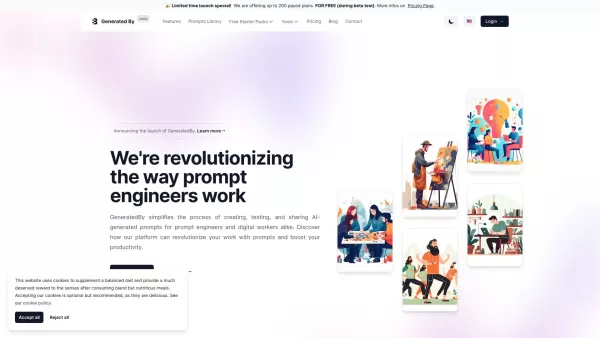
Ever wondered how to streamline your work as a prompt engineer or digital worker? Enter GeneratedBy, a game-changing platform designed to revolutionize how you create, test, and share AI-generated prompts. It's like having a personal assistant for your AI needs, making the whole process not just eas

ENIX isn't just another AI assistant; it's a game-changer for businesses looking to boost their marketing, analytics, and creative output. Think of it as your personal toolkit, where you can craft and tailor AI agents to meet your specific needs. It's all
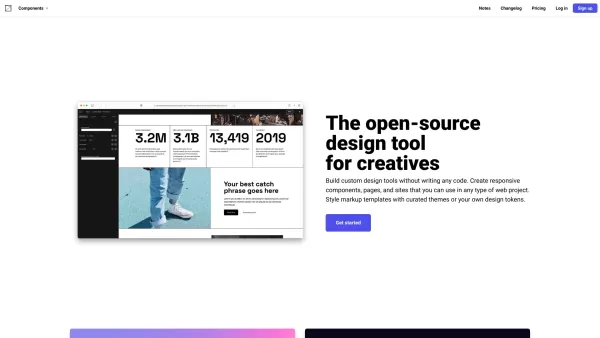
What is Components AI?Components AI is a suite of generative and parametric design tools that help you customize, organize, and publish designs. It enables the creation of responsive components, pages, and websites with no coding required. The platfo
Browse AI Product Information
-
Browse AI: Your Web Automation Assistant
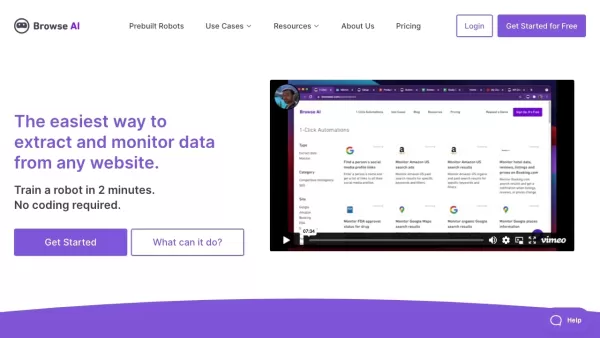
Picture this: you’re on a mission to gather information from a website but dreading the endless hours of manual clicking and copying. Enter Browse AI—a game-changer in web scraping and monitoring. No coding required, just point, click, and let Browse AI handle the heavy lifting. Need to extract data from a webpage, keep tabs on updates, or even turn a website into an API? Browse AI has got you covered.
-
Getting Started with Browse AI
Ready to dive in? Using Browse AI is easier than you think. In just two minutes, you can train a bot without writing a single line of code. The platform even comes equipped with prebuilt robots for common tasks, so you don’t have to start from scratch. You can export data straight to spreadsheets, set up automated extraction schedules, and stay updated with real-time change notifications. Plus, it plays nice with over 7,000 applications, giving you endless possibilities for integration.
-
Key Features That Make Browse AI Stand Out
- Data Extraction: Pull specific data points from any website directly into a self-filling spreadsheet.
- Monitoring: Keep tabs on changes over time and get instant alerts when something shifts.
- Prebuilt Robots: Browse through a library of premade bots designed for popular use cases.
- Bulk Run: Run up to 50,000 robots simultaneously for massive-scale operations.
- User Interaction: Simulate human actions like clicks and scrolls to extract more complex data.
- Pagination Handling: Seamlessly navigate through multiple pages of content.
- Captcha Solver: Let Browse AI tackle those pesky CAPTCHAs so you don’t have to.
- Global Reach: Extract location-specific data from across the globe.
- Seamless Integration: Connect Browse AI to thousands of tools and services.
- Custom Workflows: Build intricate processes by orchestrating multiple robots.
- Layout Adaptation: Automatically adjust to changes in website structure for uninterrupted data flow.
- Pay-as-you-go: Start free and scale up as your needs grow.
-
Real-World Applications of Browse AI
From LinkedIn to Google Maps, Browse AI handles it all. Want to track changes in company profiles or monitor job listings? No problem. Need to scrape app directories or review sites like Yelp? Piece of cake. Whether you’re after hotel reviews, social media posts, or even YouTube video transcripts, Browse AI makes it happen.
Here’s a taste of what you can do:
- Monitor LinkedIn company pages for updates.
- Extract job postings from platforms like Upwork or Indeed.
- Scrape Google Maps for business information.
- Get detailed insights from Amazon search results.
- Track trending topics on Google Trends.
- Even pull data from academic journals via Google Scholar.
-
Frequently Asked Questions
- Q: How do I begin?
- A: It’s simple—just sign up, train a bot, and start extracting data immediately.
- Q: Do I need coding skills?
- A: Absolutely not! Browse AI is designed for everyone, regardless of technical expertise.
- Q: What’s a Credit?
- A: Think of Credits as fuel for your robots. They determine how much data you can extract.
- Q: What’s a Robot (or Task)?
- A: A Robot is essentially a task assigned to automate data extraction or monitoring.
- Q: Which sites does Browse AI support?
- A: Browse AI works with countless websites, big and small, across industries.
- Q: Is my data safe?
- A: Yes! Browse AI takes security seriously, ensuring your data remains protected.
- Q: Can I pay in my local currency?
- A: Of course! We support multiple currencies to make billing hassle-free.
- Q: Any discounts available?
- A: Definitely! Check out our plans and see if there’s a better fit for your budget.
- Q: What’s the refund policy?
- A: We offer refunds within 30 days of purchase if you’re not satisfied.
- Q: Still have questions?
- A: Drop us an email or reach out via live chat—we’re here to help!
- Q: Interested in professional plans?
- A: Feel free to ask—we’d love to guide you through the options.
-
Contact and Support
Need assistance? Reach out via email at [email protected], or connect with us on social media:
Browse AI Screenshot
Discover the 2026 best AI automation bot writers for web scraping & RPA. Explore our top-rated, curated list at XIX.AI. Compare free vs paid tools, see real-world tests, and find your perfect game-changing solution to automate tasks with simple prompts. Start building today!
 10 tools
 xix.ai

Discover 2026's top-rated AI tools for building Python scrapers. Compare powerful solutions for e-commerce & APIs that boost efficiency and data accuracy. Get weekly updated rankings & expert picks. Find your perfect match at XIX.AI. Start automating today!
10 tools
xix.ai
2026 Latest: Discover the top-rated AI tools for real-time data extraction and automation. Our curated roundup compares powerful, game-changing solutions for automated workflows. Find your perfect match with weekly updated rankings and real-world tests on XIX.AI. Unlock your automation edge now!
9 tools
xix.ai
2026 Latest: Explore our top-rated AI web scraping tools at XIX.AI. Get powerful, automated data collection and extraction with our curated rankings. Compare free vs paid options, see real-world test results, and unlock efficient data gathering. Discover your perfect tool today!
10 tools
xix.ai

Discover the best AI tools for structured data extraction and web parsing in our 2026 curated ranking. At XIX.AI, we provide detailed comparisons, real-world performance tests, and weekly updated top-rated selections. Explore now to find the perfect tool and unlock your AI edge for automated data workflows.
10 tools
xix.ai
2026 Latest Best AI Tools for Web Scraping Without Coding: Explore top-ranked, must-try no-code data extraction solutions. Enjoy easy setup, powerful automation, and game-changing efficiency for your projects. Discover weekly updated rankings and a perfect free vs paid comparison on XIX.AI.
10 tools
xix.ai


