


 Home
HomeBright Eye
AI App: Art, Code, Essay, Poem, Text Tools



Helps TikTok sellers, brands, MCNs, and TAPs discover winning products and find creators.

HelpLook is an AI-powered all-in-one knowledge base tool that helps businesses quickly build knowledge bases, help centers, and...

Your AI Workspace

302.AI is an enterprise-grade AI resource platform with pay-as-you-go pricing, API access to a full range of AI models, and ready-to-use online applications.

剧火AI — AI Screenwriter + Director, a One-Person Short Drama Studio In one sentence, what is it?
What is OCR Markdown? OCR Markdown is a powerful tool that transforms scanned images and PDF documents into editable Markdown text. It provides a free, client-side OCR solution for basic conversions and a Premium upgrade featuring AI-enhanced recogni
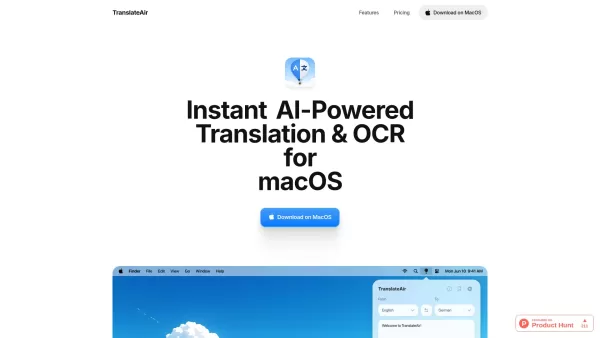
What is TranslateAir? Picture this: you’re juggling documents, emails, and websites while trying to communicate across language barriers. Enter TranslateAir—a nifty little tool powered by AI that makes translation and text extraction a breeze, especially for macOS users. It’s like having a personal
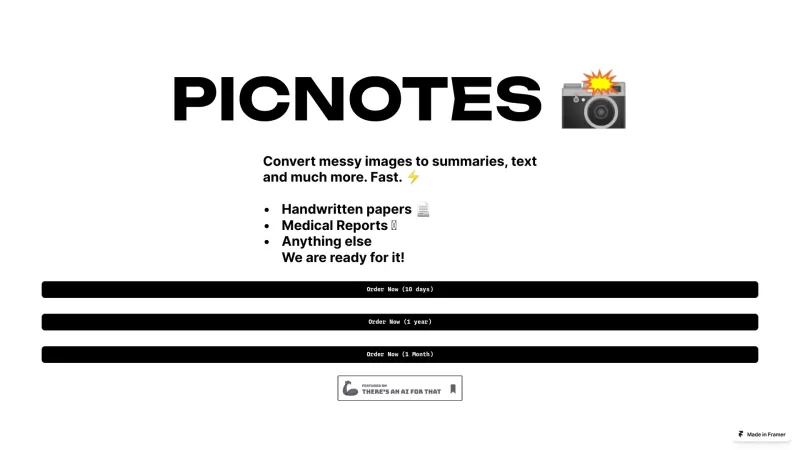
PicNotes is a revolutionary tool that turns your messy images into neat summaries, text, and more. Imagine snapping a photo of a cluttered page and having it transformed into an organized, readable format—now that's what PicNotes does!Using PicNotes is as
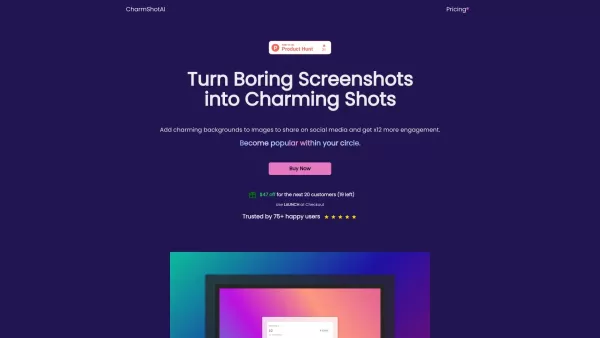
Ever wondered how to make your screenshots pop on social media? Enter Charm Shot AI, the tool that transforms those dull screenshots into eye-catching masterpieces. With the ability to add charming backgrounds, your posts will not only look better bu
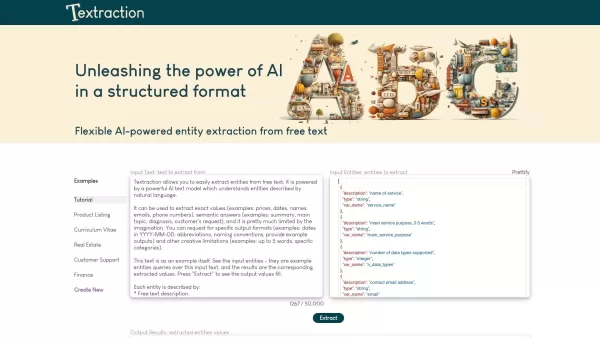
Ever found yourself sifting through heaps of text, trying to pull out just the key details? That's where Textraction comes in, and trust me, it's a game-changer. This nifty API is like having a super-smart assistant that dives into your documents, real es
Bright Eye Product Information
Have you ever wondered what it would be like to have a Swiss Army knife of AI tools right in your pocket? Well, that's exactly what Bright Eye is—a versatile AI app designed for mobile users who are eager to dive into the world of artificial intelligence. Whether you're an artist, a coder, or just someone who loves to play around with words, Bright Eye has got you covered.
How to Get Started with Bright Eye?
Getting started with Bright Eye is as easy as pie. Just head over to the App Store or Google Play, download the app, and install it on your device. Once you've got it up and running, open the app and let your creativity soar. From whipping up stunning art and images to coding like a pro, writing essays and poems, extracting text from images, or even crafting the perfect caption for your latest photo, Bright Eye is your go-to tool.
Exploring Bright Eye's Core Features
Art and Image Generation
Unleash your inner artist with Bright Eye's art and image generation tool. Whether you're looking to create abstract masterpieces or realistic portraits, this feature lets you experiment and create without limits.
Code Generation
Need a quick code snippet for your latest project? Bright Eye's code generation feature is here to help. It's like having a coding buddy right in your pocket, ready to assist whenever inspiration strikes.
Essay and Poem Generation
Stuck on that essay or struggling to find the right words for a poem? Bright Eye can generate content to help get your creative juices flowing. It's a great way to overcome writer's block and explore new ideas.
Text Extraction
Ever snapped a photo of a document or a sign and wished you could just pull the text right out of it? Bright Eye's text extraction feature does exactly that, making it easier than ever to convert images into editable text.
Image Captioning
Want to add a witty or informative caption to your latest photo? Bright Eye's image captioning tool can help you craft the perfect words to go with your images, making your social media posts stand out.
Bright Eye in Action: Real-World Use Cases
Bright Eye isn't just for tech enthusiasts; it's for anyone curious about AI. Imagine you're a graphic designer looking for inspiration—Bright Eye can generate unique art pieces to spark your creativity. Or maybe you're a student needing help with an essay—Bright Eye can provide a starting point. If you're a developer, you can use it to quickly generate code snippets. And for those who love to share photos, Bright Eye can help you create engaging captions. It's all about making AI accessible and fun for everyone.
Frequently Asked Questions About Bright Eye
- Can I use Bright Eye on both iOS and Android devices?
- Absolutely! Bright Eye is available on both platforms, so no matter what device you're using, you can enjoy its features.
- Do I need an internet connection to use Bright Eye?
- Yes, you'll need an internet connection to access Bright Eye's full range of AI-powered tools. But hey, who isn't connected these days, right?
- Can Bright Eye generate realistic art/images?
- Yes, it can! While it depends on the input and settings you use, Bright Eye is capable of creating some pretty impressive and realistic art and images.
- How accurate is the text extraction feature of Bright Eye?
- Bright Eye's text extraction is quite reliable, but like any AI tool, its accuracy can vary based on the quality of the image and the clarity of the text.
- Is Bright Eye suitable for professional developers?
- While Bright Eye is more geared towards casual users and learners, professional developers can certainly use it for quick code generation or as a creative aid. Just don't expect it to replace your full-fledged IDE!
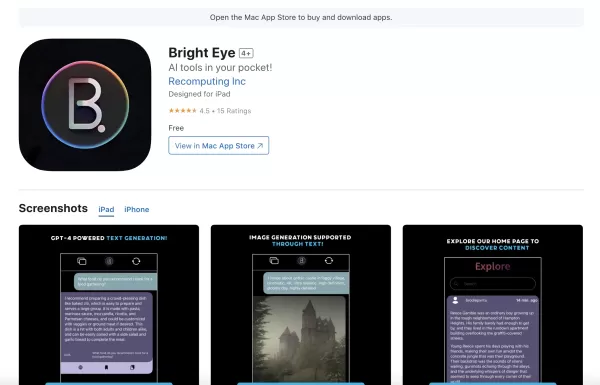
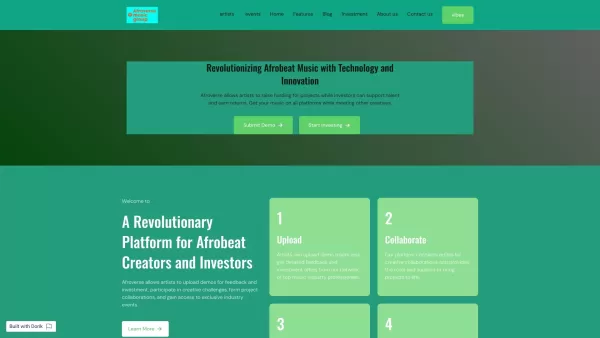
Bright Eye Screenshot

Discover the 2026 best AI text expanders and summarizers on XIX.AI. Our curated list features top-rated, powerful tools to effortlessly lengthen or shorten essays with high quality. Compare free vs paid options with real-world tests and weekly updated rankings. Unlock your writing potential today.
 10 tools
 xix.ai


Bright Eye is genuinely impressive for a mobile AI toolkit! It feels like having ChatGPT, a translator, and a scanner all in one app. I used it to identify a plant in my backyard and then translate a menu—both worked surprisingly well. The only downside is that it occasionally lags on older phones, but for a free app, it’s a steal. Definitely worth a download if you’re curious about AI on the go! 📱✨


