


 Home
HomeBrain Mimic
Brain Mimic: AI Email & Slack Reply Tool



Helps TikTok sellers, brands, MCNs, and TAPs discover winning products and find creators.

HelpLook is an AI-powered all-in-one knowledge base tool that helps businesses quickly build knowledge bases, help centers, and...

Your AI Workspace

302.AI is an enterprise-grade AI resource platform with pay-as-you-go pricing, API access to a full range of AI models, and ready-to-use online applications.

剧火AI — AI Screenwriter + Director, a One-Person Short Drama Studio In one sentence, what is it?

Ever wondered how to get a leg up in *Call of Duty: Mobile*? Well, redeem codes are your golden ticket to a whole bunch of in-game goodies. These codes can give you a sweet boost to your Weapon XP or Battle Pass XP, making it a breeze to level up your arsenal and unlock those coveted new weapons, at
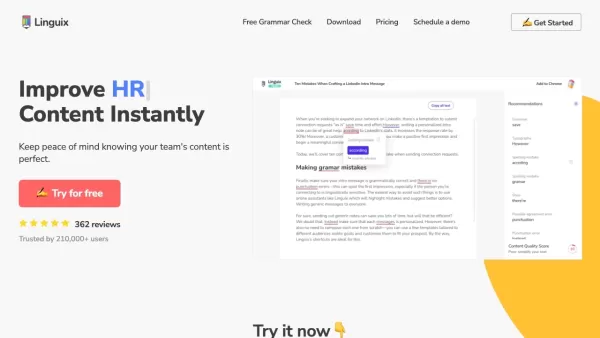
Ever find yourself staring at a blank screen, trying to craft the perfect email or nail that final paper? Enter Linguix, your new best friend in the world of writing. This free writing assistant isn't just another tool; it's like having a personal ed
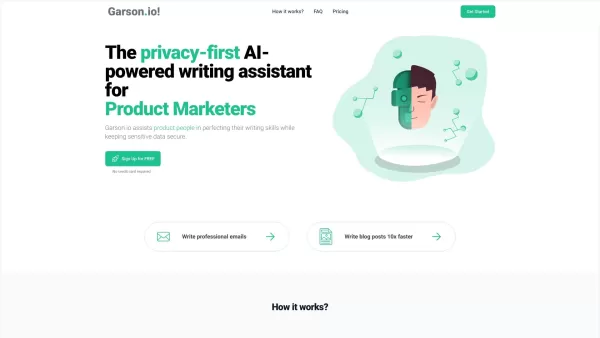
What is Garson.io? Garson.io offers a secure AI writing assistant specifically crafted for professionals who prioritize data privacy. This intelligent tool enhances your writing quality while maintaining strict confidentiality over sensitive informat
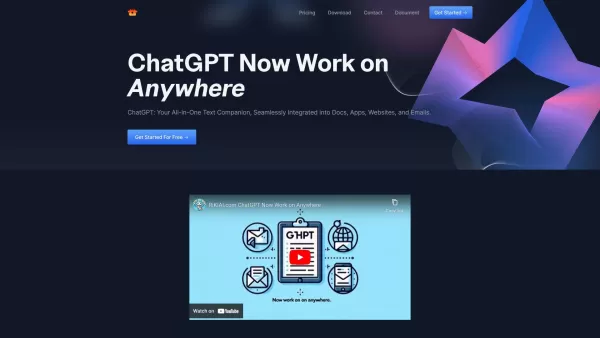
Riki AI is a game-changing tool designed to bring the power of ChatGPT directly into your workflow, no matter where you are or what you’re doing. Imagine having a personal assistant that helps you write, edit, summarize, translate, and even debug—all at t
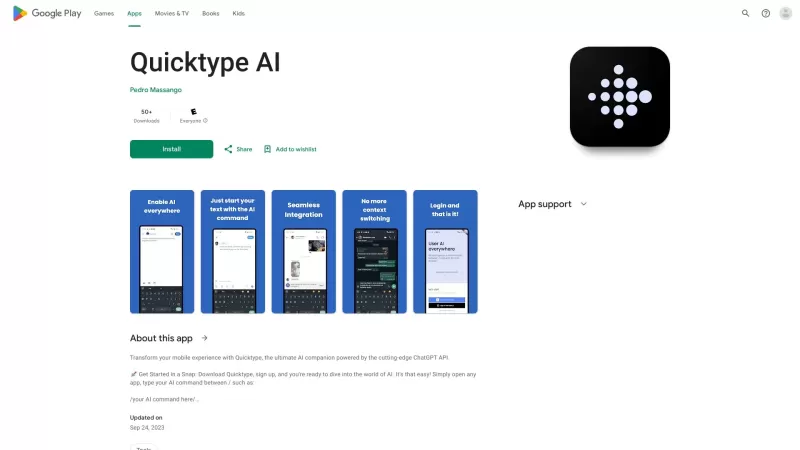
Ever found yourself juggling between different apps and tabs while trying to type something out? It's a real hassle, right? Well, let me introduce you to Elevate—an AI-powered tool designed to revolutionize your typing experience by cutting down on that annoying context switching. Imagine a world wh
Brain Mimic Product Information
What is Brain Mimic?
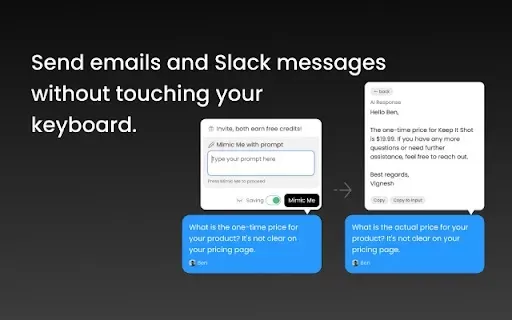
Brain Mimic is an innovative browser extension that simplifies online communication. It saves the context of your past conversations, enabling you to create fitting replies for emails and Slack messages instantly. The tool intelligently examines your input and adapts to your unique writing tone, delivering personalized interactions. Perfect for busy professionals, it boosts efficiency by reducing the effort needed to compose responses from scratch, enhancing your overall workflow and output.
Who is Brain Mimic for?
- Busy professionals
- Remote and hybrid employees
- Students and academics
- Team leaders and managers
How do I use Brain Mimic?
- Step 1: Add the Brain Mimic extension from the Chrome Web Store.
- Step 2: Navigate to your email or Slack where a reply is needed.
- Step 3: Enter your message or reference the conversation you're replying to.
- Step 4: Select the Brain Mimic icon to create a suggested response.
- Step 5: Review and tailor the generated reply before sending it.
Platform
- Google Chrome
Brain Mimic's Core Features & Benefits
Key Features
- AI-powered reply generation
- Context-aware analysis
- Personalized style imitation
Key Advantages
- Significant time savings
- Improved work efficiency
- Customized, relevant responses
Brain Mimic's Primary Applications
- Streamlining email replies
- Managing Slack conversations
- Handling professional communications
Brain Mimic FAQs
How does Brain Mimic work?
Brain Mimic works by examining the context of your earlier messages to produce relevant, coherent replies.
Is Brain Mimic free to use?
The extension is free to install, with advanced features potentially available through a paid plan.
Can I customize the responses generated?
Absolutely, you can review and modify any generated response before sending it.
What browsers does Brain Mimic support?
Brain Mimic is currently compatible exclusively with the Google Chrome browser.
Does it work with third-party apps?
Yes, it functions on any website or platform that allows text input.
Is my data secure with Brain Mimic?
Yes, the extension follows stringent data privacy protocols to safeguard your information.
Can I use it offline?
No, an active internet connection is required for Brain Mimic to operate.
What types of responses can it generate?
It can craft responses for emails, Slack messages, and other forms of text-based communication.
Does it learn my writing style?
Yes, it studies your previous writing to convincingly mimic your personal style.
Where can I get support for the extension?
Support is available via the official help page or by contacting the customer service team.
Brain Mimic Company Information
Brain Mimic Screenshot

2026 Latest Best Manga AI Background Generators Ranked Top-Rated! This curated collection showcases powerful game-changing tools perfect for creating high-quality chapter backgrounds, book covers, and promotional art. Every option has undergone rigorous real-world tests to ensure reliability. Get a free vs paid comparison along with detailed insights. Explore now to discover your perfect tool and unlock your AI edge in manga creation.
 6 tools
 xix.ai

2026 Latest Best Top-rated AI Object Removal Editors for portraits travel product shots! XIX.AI curates a powerful game-changing collection regularly updated with weekly rankings. These tools offer real-world tests to help you quickly remove unwanted elements, boost content quality, and save tons of time without compromising results. Must-try for anyone aiming to unlock their AI creation edge. Explore now!
10 tools
xix.ai

2026 Latest Best Top-rated AI Text to Speech Tools for Online Courses are curated by XIX.AI based on rigorous real-world tests and weekly updated rankings. These powerful tools help creators deliver crystal-clear audio content effortlessly, boosting writing efficiency and streamlining course production. Check out the free vs paid comparison to find your perfect fit. Explore now to unlock your AI edge in online education.
10 tools
xix.ai

2026 Latest Best Top-Rated AI Blog Title Tools for Higher Click Through Rates! XIX.AI has carefully curated a powerful, game-changing collection of top tools that go through rigorous real-world tests. You’ll find a free vs paid comparison, weekly updated rankings, and detailed insights to help you boost your blog’s traffic efficiently. Must-try options are highlighted to help you unlock your AI edge. Explore now!
10 tools
xix.ai

2026 Latest Best Top-rated AI Task Routing Tools for Support Workflows! XIX.AI has curated a highly powerful game-changing collection of must-try solutions, all undergoing rigorous real-world tests and updated weekly. These tools streamline workflows, boost productivity, and help teams deliver faster, more efficient support. Explore now to discover your perfect tool and unlock your AI edge!
17 tools
xix.ai

2026 Latest Best Top-Rated AI Citation and Paper Summary Tools Curated by XIX.AI. Get powerful game-changing solutions for quick content creation, improved writing efficiency, and boosting productivity. We offer a free vs paid comparison along with real-world tests and weekly updated rankings to help you find the must-try tool that fits your needs perfectly. Explore now to Unlock your AI edge.
10 tools
xix.ai


