


 Home
HomeBookmarks Manager
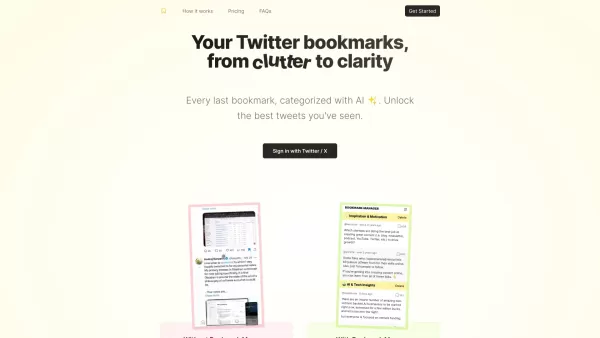
Transform Twitter bookmark clutter into clarity.



Helps TikTok sellers, brands, MCNs, and TAPs discover winning products and find creators.

HelpLook is an AI-powered all-in-one knowledge base tool that helps businesses quickly build knowledge bases, help centers, and...

Your AI Workspace

302.AI is an enterprise-grade AI resource platform with pay-as-you-go pricing, API access to a full range of AI models, and ready-to-use online applications.

剧火AI — AI Screenwriter + Director, a One-Person Short Drama Studio In one sentence, what is it?
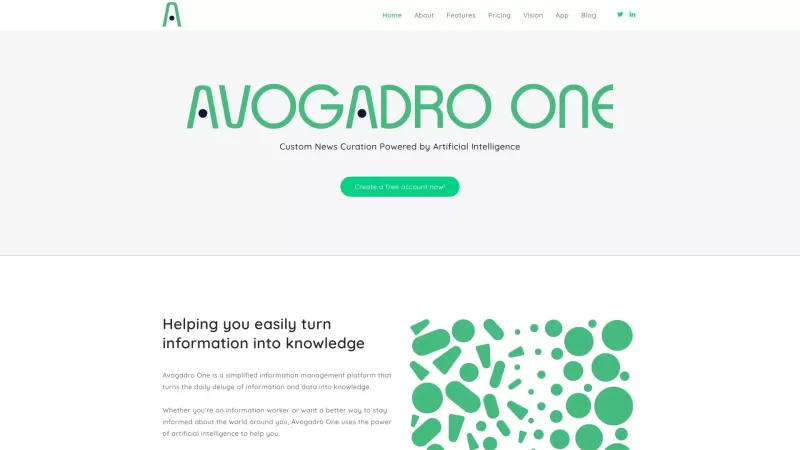
Ever felt overwhelmed by the constant flood of information? Enter Avogadro One, your personal guide through the chaos. It's not just another tool; it's a game-changer that transforms the overwhelming tide of data into a stream of useful knowledge. Imagine having a smart assistant that sifts through
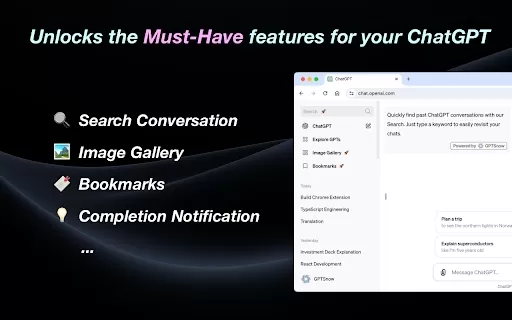
What is the GPTSnow AI Chrome Extension? GPTSnow is an essential Chrome extension crafted to dramatically improve your ChatGPT interactions. It packs a suite of powerful core features, delivering a more streamlined and organized way to work with Chat
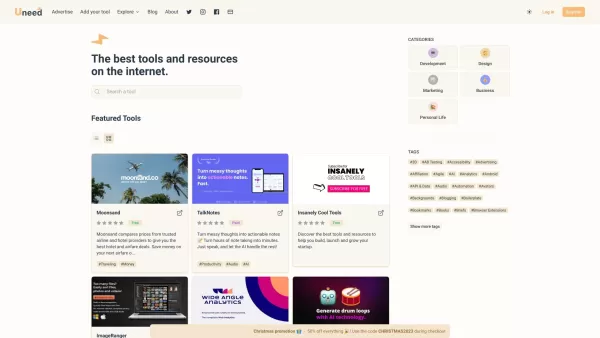
Ever stumbled upon a gem of a tool or startup online and wished there was a place to keep all those discoveries in one spot? Well, that's exactly what Uneed is all about. It's your go-to curated list, handpicked and updated daily, to showcase the internet

What is the YunTab AI Chrome Extension? YunTab is a new tab page extension that integrates free AI conversation models like ChatGPT and other major language models. It is designed with a focus on delivering a superior interface and interactive experi
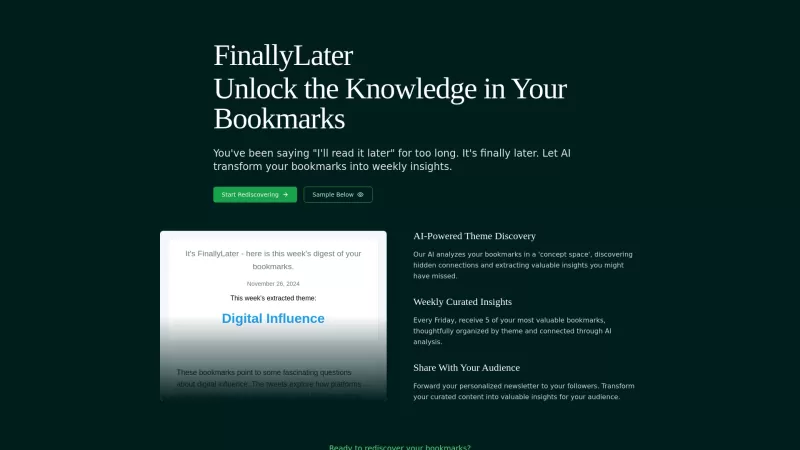
FinallyLater is a nifty tool that transforms your Twitter bookmarks into a personalized weekly newsletter, using AI to dive deep into your saved tweets. It's like having your own personal news curator, sifting through the noise to bring you what really ma
Bookmarks Manager Product Information
Ever feel like your Twitter bookmarks are a chaotic mess? Enter the Bookmarks Manager, your new best friend for turning that clutter into clear, actionable insights. It's like having a personal assistant for your social media bookmarks, making sure you can find what you need when you need it.
How to Use Bookmarks Manager?
Getting started with Bookmarks Manager is a breeze. Here's what you do:
- Import Your Twitter Bookmarks: Start by bringing all your Twitter bookmarks into the Bookmarks Manager. It's like moving into a new, organized home for your saved tweets.
- Categorize Your Bookmarks: Use tags to sort your bookmarks into categories that make sense for you. Whether it's by topic, relevance, or any other criteria, this step helps you keep everything in order.
- Search and Filter: Now, find what you're looking for with ease. Use the tags or keywords you've set to search through your bookmarks and filter them down to exactly what you need.
- Act on Your Insights: With your bookmarks neatly categorized, you can now dive in and use the insights you've gathered to inform your next steps, whether it's for work, research, or just staying updated.
Bookmarks Manager's Core Features
Import Twitter Bookmarks
Seamlessly bring your Twitter bookmarks into the manager, ensuring you don't lose any of those valuable tweets you've saved.
Categorize Bookmarks
Organize your bookmarks with tags, creating a system that works for you and makes everything easy to find later.
Search and Filter Bookmarks
Quickly find what you need with powerful search and filtering options, so you can focus on the insights that matter most.
Bookmarks Manager's Use Cases
Stay Updated with Industry Trends
Bookmark tweets related to your industry and categorize them. This way, you'll have a go-to resource for staying on top of the latest trends.
Track Competitors
Keep an eye on your competitors by saving their tweets and organizing them into categories. It's like having a spy in their camp, but totally above board!
Gather Insights for Content Creation
Save and categorize tweets that spark your creativity. These can become a goldmine of inspiration for your next blog post, social media update, or project.
FAQ from Bookmarks Manager
- Can I import bookmarks from other platforms?
- Is Bookmarks Manager free?
- Can I access Bookmarks Manager on mobile devices?
Bookmarks Manager Pricing
Interested in the pricing? Check out the details here: Bookmarks Manager Pricing.
Bookmarks Manager on Twitter
Follow us on Twitter for updates and more: Bookmarks Manager Twitter.
Bookmarks Manager Screenshot

2026 Latest Best Top-rated AI Text to Speech Tools for Natural Voiceovers are here on XIX.AI! This curated list features powerful, game-changing options that deliver crystal-clear voices for every use case, backed by real-world tests and weekly updated rankings. Get a free vs paid comparison to find the must-try solution that boosts your productivity instantly. Explore now to Unlock your AI edge!
 11 tools
 xix.ai

2026 Latest Best Manga AI Background Generators Ranked Top-Rated! This curated collection showcases powerful game-changing tools perfect for creating high-quality chapter backgrounds, book covers, and promotional art. Every option has undergone rigorous real-world tests to ensure reliability. Get a free vs paid comparison along with detailed insights. Explore now to discover your perfect tool and unlock your AI edge in manga creation.
6 tools
xix.ai

2026 Latest Best Top-rated AI Object Removal Editors for portraits travel product shots! XIX.AI curates a powerful game-changing collection regularly updated with weekly rankings. These tools offer real-world tests to help you quickly remove unwanted elements, boost content quality, and save tons of time without compromising results. Must-try for anyone aiming to unlock their AI creation edge. Explore now!
10 tools
xix.ai

2026 Latest Best Top-rated AI Text to Speech Tools for Online Courses are curated by XIX.AI based on rigorous real-world tests and weekly updated rankings. These powerful tools help creators deliver crystal-clear audio content effortlessly, boosting writing efficiency and streamlining course production. Check out the free vs paid comparison to find your perfect fit. Explore now to unlock your AI edge in online education.
10 tools
xix.ai

2026 Latest Best Top-Rated AI Blog Title Tools for Higher Click Through Rates! XIX.AI has carefully curated a powerful, game-changing collection of top tools that go through rigorous real-world tests. You’ll find a free vs paid comparison, weekly updated rankings, and detailed insights to help you boost your blog’s traffic efficiently. Must-try options are highlighted to help you unlock your AI edge. Explore now!
10 tools
xix.ai

2026 Latest Best Top-rated AI Task Routing Tools for Support Workflows! XIX.AI has curated a highly powerful game-changing collection of must-try solutions, all undergoing rigorous real-world tests and updated weekly. These tools streamline workflows, boost productivity, and help teams deliver faster, more efficient support. Explore now to discover your perfect tool and unlock your AI edge!
17 tools
xix.ai


Bookmarks Manager is a game-changer! 😎 My Twitter bookmarks were a total mess, but this tool sorted them out like magic. Now I can find what I need in seconds. Super intuitive and saves so much time! 🙌
¡Bookmarks Manager es genial! Es como tener un asistente personal para mis marcadores de Twitter. Ya no tengo que buscar en un desastre para encontrar lo que guardé. Ojalá pudiera categorizar automáticamente. ¡Es súper útil! 🌟
O Bookmarks Manager é incrível! É como ter um assistente pessoal para meus bookmarks do Twitter. Não preciso mais rolar por uma bagunça para encontrar o que salvei. Só queria que ele pudesse categorizar automaticamente! 🌟
북마크 매니저 덕분에 트위터 북마크가 정리돼서 너무 좋아요! 찾기 쉬워지고, 사용하기도 편해요. 다만 자동으로 카테고리 분류해주는 기능이 있으면 더 좋겠어요. 😊
ブックマークマネージャーは本当に便利!Twitterのブックマークが整理され、見つけやすくなったよ。使い方も簡単で、めっちゃ助かる。ただ、自動でカテゴリ分けしてくれる機能が欲しいな~😅


